1. تعارف
The ELEGOO Mars Mate Air Purifier is specifically designed for 3D printing environments, particularly for resin-based 3D printers. It effectively purifies the air by absorbing formaldehyde and reducing odors associated with 3D printing, ensuring a cleaner workspace. This manual provides essential information for the safe and efficient use of your Mars Mate Air Purifier.
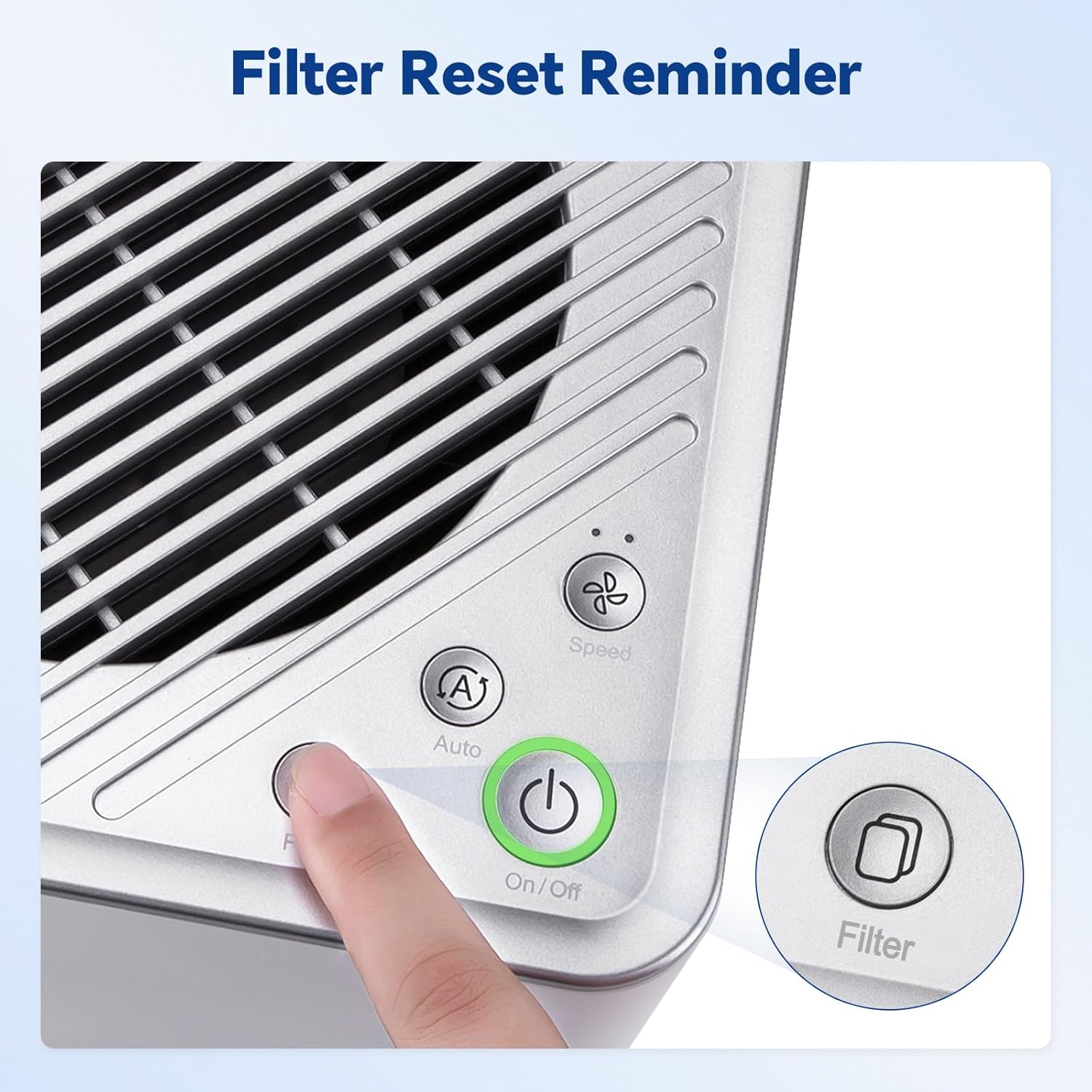
Image 1.1: The Mars Mate Air Purifier is compatible with a wide range of 3D printers, including the Saturn 3 Ultra and Mars 4 Ultra.
2. حفاظت جي ڄاڻ
Please read all safety instructions before operating the device to prevent injury or damage.
- صاف ڪندڙ کي خراب ٿيل پاور ڪنڊ يا پلگ سان نه هلايو.
- Keep the device away from water or other liquids. Do not immerse the unit.
- يونٽ جي چوڌاري مناسب وينٽيليشن کي يقيني بڻايو؛ هوا جي داخل ٿيڻ يا آئوٽليٽ کي بلاڪ نه ڪريو.
- ڪنهن به سوراخ ۾ شيون داخل نه ڪريو.
- صفائي ڪرڻ يا ڪا به سار سنڀال ڪرڻ کان اڳ ڊوائيس کي ان پلگ ڪريو.
- هي اوزار استعمال ڪرڻ جو ارادو نه ڪيو ويو آهي ماڻهن (بشمول ٻارن سميت) گھٽ جسماني، حسي يا ذهني صلاحيتن سان، يا تجربو ۽ ڄاڻ جي کوٽ، جيستائين انهن جي حفاظت لاء ذميوار شخص طرفان اوزار جي استعمال بابت نگراني يا هدايت نه ڏني وئي آهي.
3. سيٽ اپ
- صاف ڪندڙ کي کوليو: Carefully remove the Mars Mate Air Purifier from its packaging. Retain packaging for future transport or storage.
- لڳائڻ: Place the purifier on a stable, flat surface near your 3D printer. Ensure there is adequate space around the unit for proper airflow. The purifier is designed to integrate seamlessly into your 3D printing setup.
- پاور ڪنيڪشن: Connect the power adapter to the purifier and then plug it into a suitable power outlet.
- فلٽر چڪاس: Ensure the activated carbon filter is correctly installed inside the unit. Refer to the Maintenance section for filter installation details if needed.

Image 3.1: The Mars Mate Air Purifier is designed for integration with 3D printers, such as the ELEGOO Saturn 3.
4. آپريٽنگ هدايتون
The Mars Mate Air Purifier features a simple control panel for easy operation.
- پاور آن / آف: کي دٻايو آن/بند button to turn the purifier on or off. The indicator light will illuminate when the unit is active.
- موڊ جي چونڊ: کي دٻايو Auto/Speed button to cycle through different operating modes. The purifier may offer an automatic mode that adjusts fan speed based on air quality, and manual speed settings.
- فلٽر ٻيھر ڪريو: After replacing the filter, press and hold the فلٽر button for a few seconds to reset the filter life indicator. This ensures accurate tracking of filter usage.

Image 4.1: Control panel of the Mars Mate Air Purifier, highlighting the filter reset button.
5. سار سنڀال
Regular maintenance ensures optimal performance and longevity of your Mars Mate Air Purifier.
- فلٽر متبادل: The activated carbon filter should be replaced approximately every 2 months, depending on usage and air quality. To replace the filter:
- Unplug the purifier from the power outlet.
- Locate the filter compartment, typically at the base or side of the unit.
- Open the compartment and carefully remove the used filter.
- Insert a new ELEGOO Mars Mate activated carbon filter, ensuring it is seated correctly.
- Close the filter compartment and plug the purifier back in.
- Perform a filter reset as described in the Operating Instructions.
- يونٽ جي صفائي: Wipe the exterior of the purifier with a soft, dry cloth. Do not use abrasive cleaners or solvents. Ensure the unit is unplugged before cleaning.

Image 5.1: The internal activated carbon filter is crucial for efficient purification.
6. مسئلا حل ڪرڻ
If you encounter issues with your Mars Mate Air Purifier, refer to the following common problems and solutions:
| مسئلو | ممڪن سبب | حل |
|---|---|---|
| Purifier does not turn on | بجلي جي فراهمي ناهي؛ بجلي جي تار صحيح طرح سان ڳنڍيل نه آهي. | پاور آئوٽليٽ چيڪ ڪريو؛ پڪ ڪريو ته پاور ڪنڊ محفوظ طور تي پلگ ان ٿيل آهي. |
| Poor odor reduction | Filter is old or clogged; Incorrect filter installation | Replace the activated carbon filter; Ensure filter is installed correctly. |
| آپريشن دوران غير معمولي شور | فين ۾ رڪاوٽ؛ يونٽ مستحڪم مٿاڇري تي نه آهي. | Unplug and check for obstructions; Place on a stable, flat surface. |
7. وضاحتون
| خاصيت | تفصيل |
|---|---|
| برانڊ | ايليگو |
| ماڊل نمبر | US-SO-3D-CP1 |
| پيداوار جي ماپ | 33 x 29 x 48 سينٽي |
| شيءِ جو وزن | 6.35 ڪلوگرام |
| پاور / واٽtage | 6 واٽ |
| شور جي سطح | 35 ڊيسيبل |
| فلٽر جو قسم | چالو ڪاربن |
| صفائي جي شرح | Up to 95% (for formaldehyde and odors) |
| مواد | Anti-oxidation ABS |
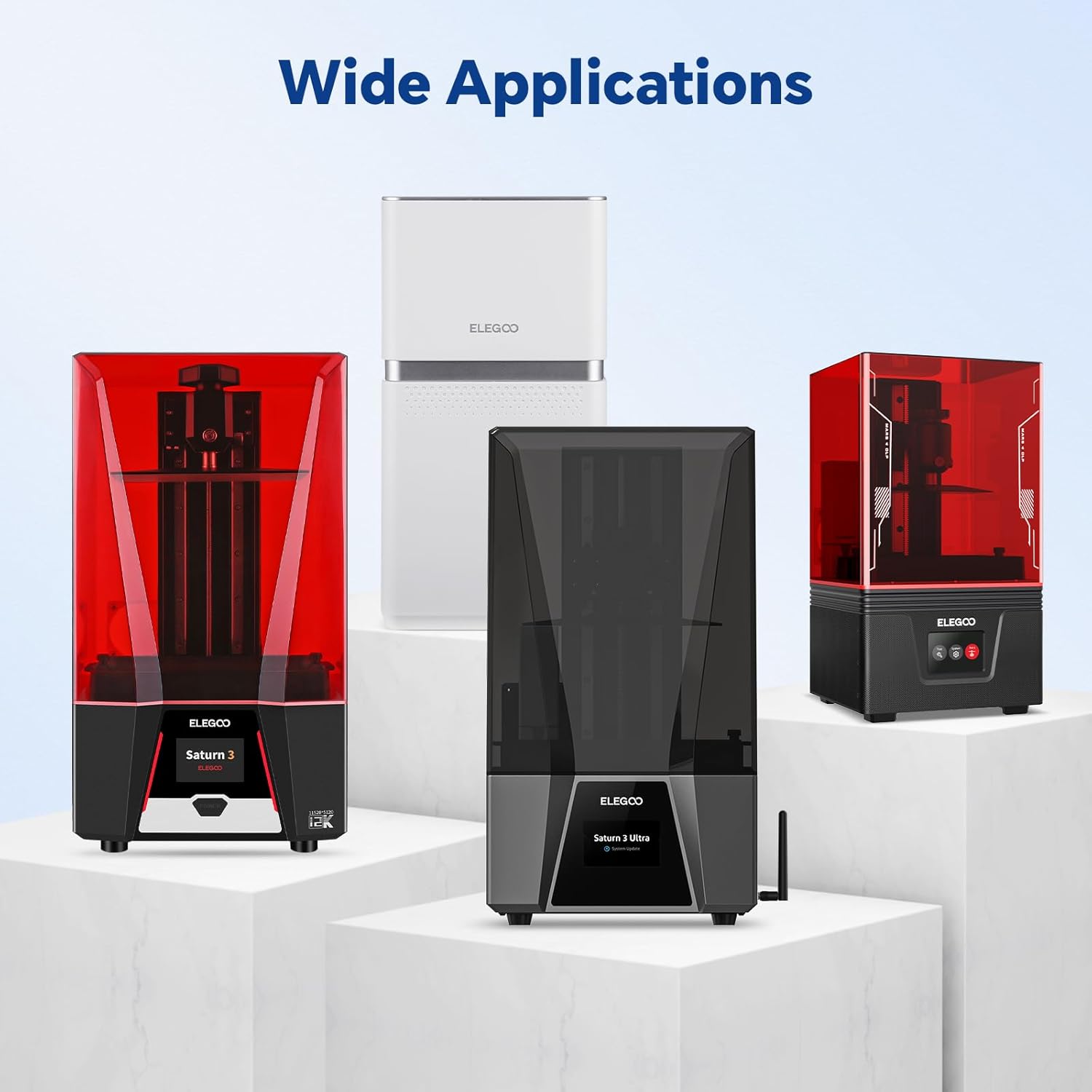
Image 7.1: Physical dimensions of the Mars Mate Air Purifier.
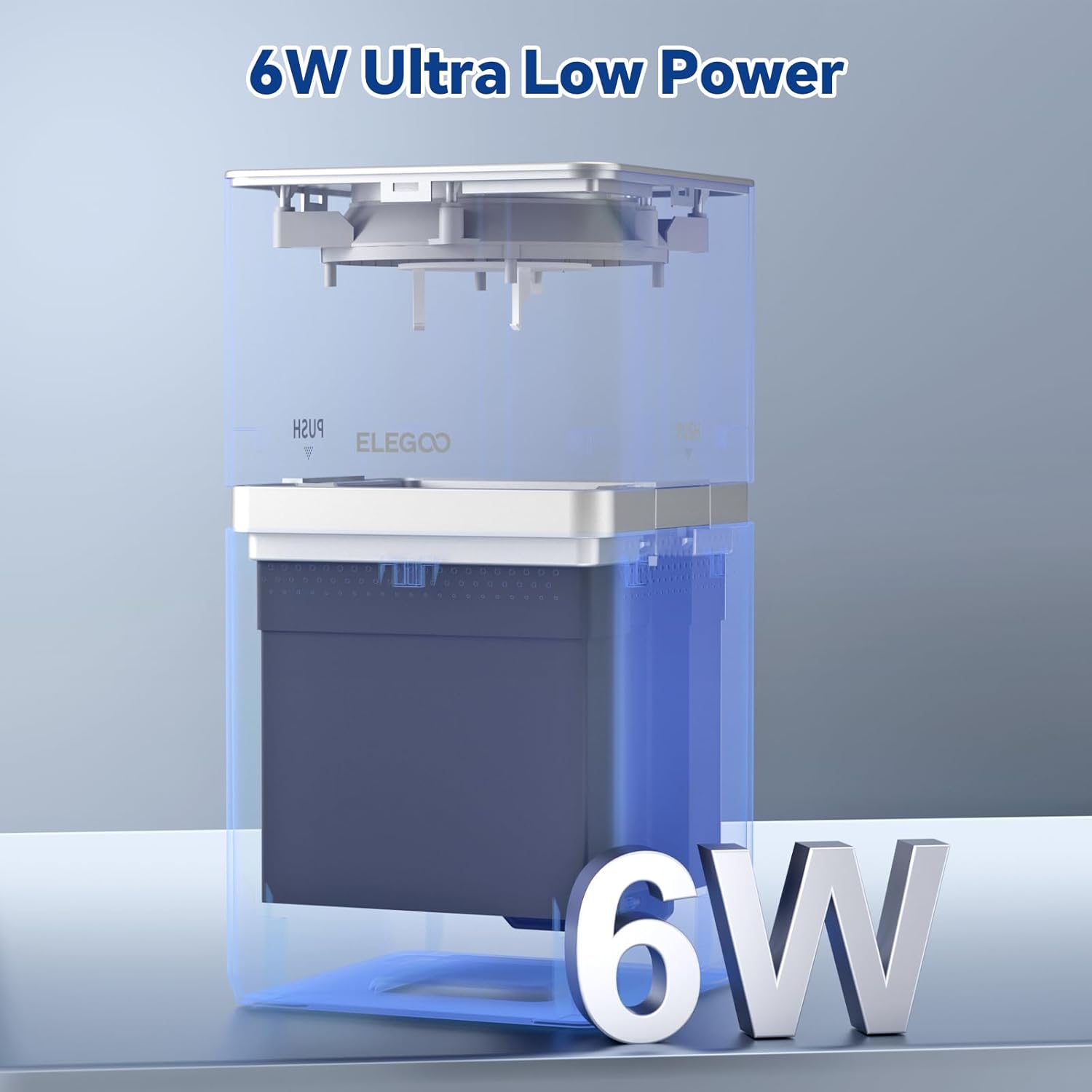
Image 7.2: The Mars Mate Air Purifier operates with ultra-low power consumption of 6 watts.
8. وارنٽي ۽ سپورٽ
وارنٽي جي معلومات ۽ ٽيڪنيڪل سپورٽ لاءِ، مھرباني ڪري سرڪاري ELEGOO جو حوالو ڏيو. website or contact ELEGOO customer service directly. Keep your purchase receipt as proof of purchase for any warranty claims.


