1. تعارف ۽ اوورview
This manual provides essential information for the proper use and maintenance of your Fastrack Reflex Beat Pro Smart Watch. Please read it carefully to ensure optimal performance and longevity of your device.
The Fastrack Reflex Beat Pro Smart Watch features a large 1.75-inch Super UltraVU Display with a 320x390 pixel resolution, SingleSync Bluetooth Calling, over 110 sports modes, NitroFast Charging, and comprehensive health monitoring capabilities.
دٻي ۾ ڇا آهي:
- Fastrack Reflex Beat Pro Smart Watch
- مقناطيسي چارجنگ ڪيبل
- تڪڙو شروع ھدايت
- وارنٽي ڪارڊ
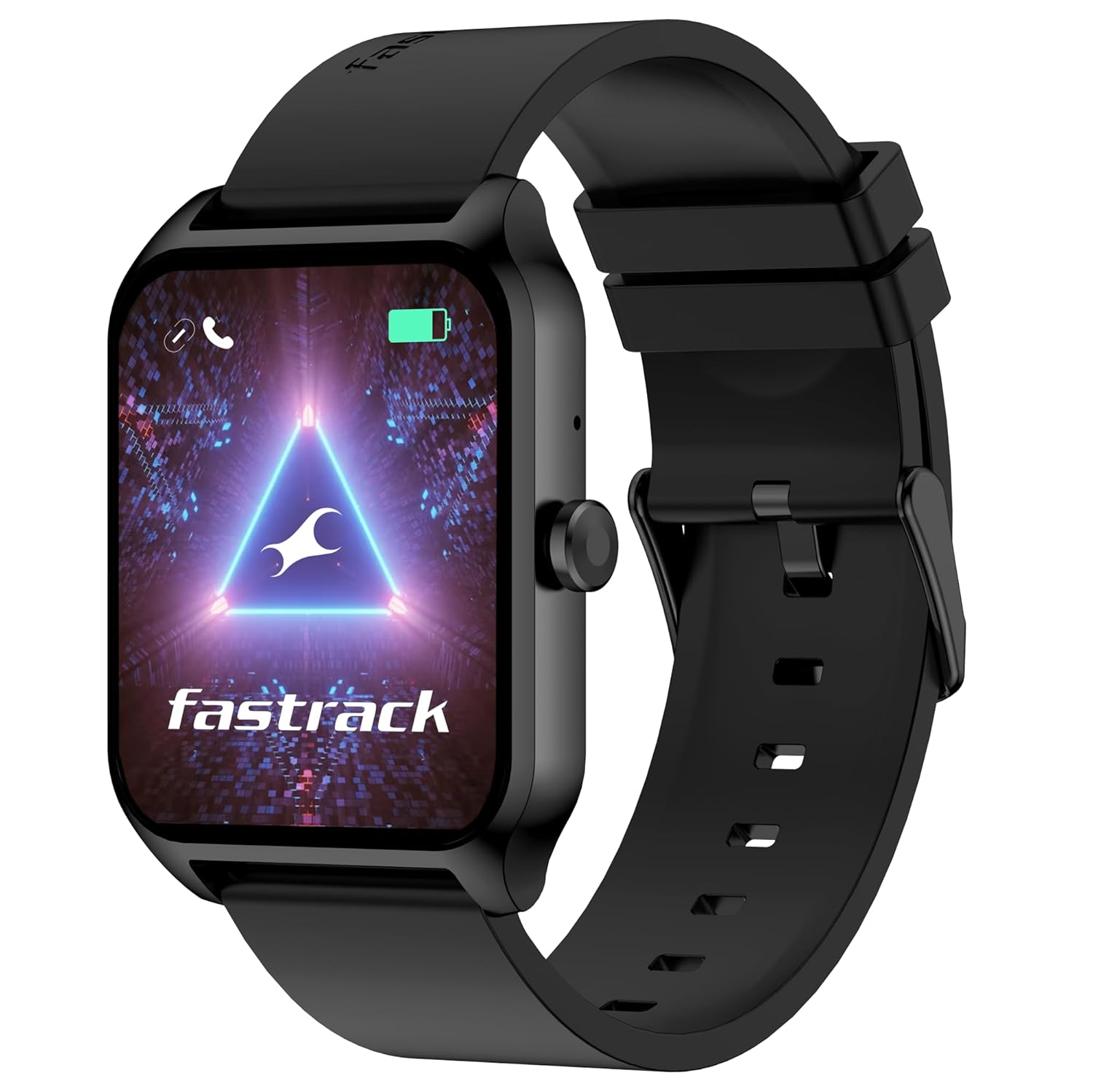
Image 1.1: Fastrack Reflex Beat Pro Smart Watch (Black variant)
2. سيٽ اپ
2.1 سمارٽ واچ کي چارج ڪرڻ
Before initial use, fully charge your Fastrack Reflex Beat Pro Smart Watch. Use the provided magnetic charging cable.
- مقناطيسي چارجنگ ڪيبل جي USB پڇاڙي کي معياري USB پاور اڊاپٽر (شامل نه آهي) يا ڪمپيوٽر جي USB پورٽ سان ڳنڍيو.
- Align the magnetic end of the cable with the charging contacts on the back of your watch. The magnets will snap it into place.
- The watch display will indicate charging status. NitroFast Charging allows for approximately one day of battery life with just 10 minutes of charging. A full charge typically takes longer.
2.2 توهان جي اسمارٽ فون سان جوڙڻ
To unlock all features, pair your watch with the Fastrack Reflex World App.
- Download the 'Fastrack Reflex World' app from your smartphone's app store (Google Play Store for Android, Apple App Store for iOS).
- پڪ ڪريو ته توهان جي اسمارٽ فون تي بلوٽوت فعال آهي.
- Open the Fastrack Reflex World app and follow the on-screen instructions to create an account or log in.
- ايپ اندر 'ڊيوائس شامل ڪريو' يا 'نئون ڊيوائس جوڙيو' چونڊيو.
- The app will search for your Fastrack Reflex Beat Pro. Select your watch from the list of available devices.
- پنهنجي واچ ۽ اسمارٽ فون ٻنهي تي جوڙي جي درخواست جي تصديق ڪريو.
2.3 شروعاتي ترتيب
After successful pairing, the app will guide you through setting up personal information, time format, and notification preferences.
3. ڊوائيس کي هلائڻ
3.1 ڊسپلي نيويگيشن
The 1.75-inch Super UltraVU Display is touch-sensitive. Navigate by swiping and tapping.

Image 3.1: The 1.75-inch Super UltraVU Display with 320x390 pixel resolution.
- مٿي / هيٺ سوائپ ڪريو: Scroll through menus, notifications, or widgets.
- کاٻي/ساڄي سوائپ ڪريو: Access quick settings, health data, or other frequently used features.
- ٽيپ ڪريو: ڪا شيءِ چونڊيو يا ايپليڪيشن کوليو.
- پاسي وارو بٽڻ دٻايو: Return to the home screen or access the app menu.
3.2 SingleSync Bluetooth Calling
Make and receive calls directly from your watch after pairing.
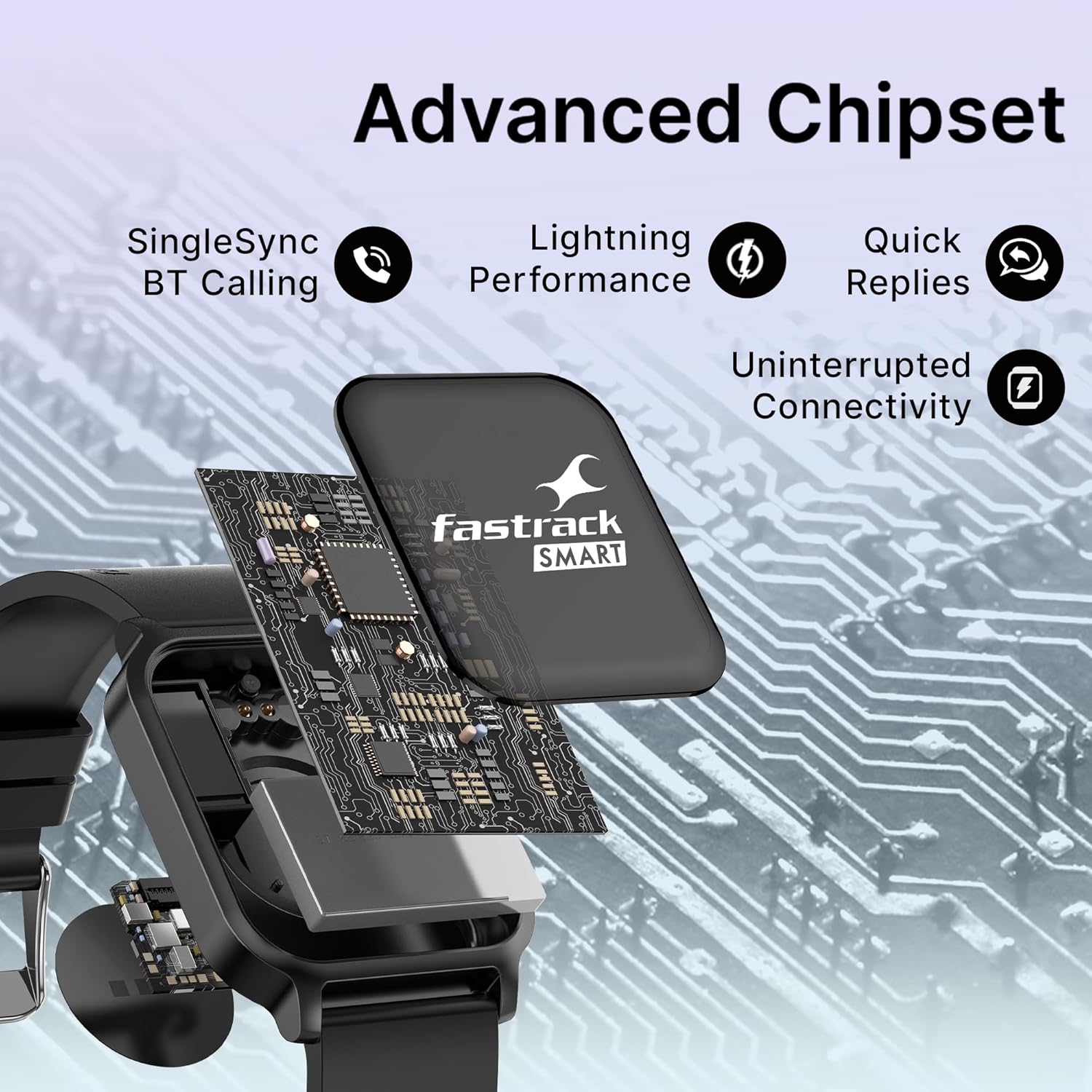
Image 3.2: Advanced chipset enabling SingleSync BT Calling and quick replies.
- ڪال ڪرڻ: Access the dialer or contact list on your watch. Tap to initiate a call.
- ڪال وصول ڪرڻ: When a call comes in, you can answer or reject it from your watch.
- پسنديده رابطا: Store frequently called contacts in the watch for quick access via the Fastrack Reflex World App.
3.3 راندين جا طريقا ۽ سرگرمي ٽريڪنگ
The watch supports over 110 sports modes to track various physical activities.
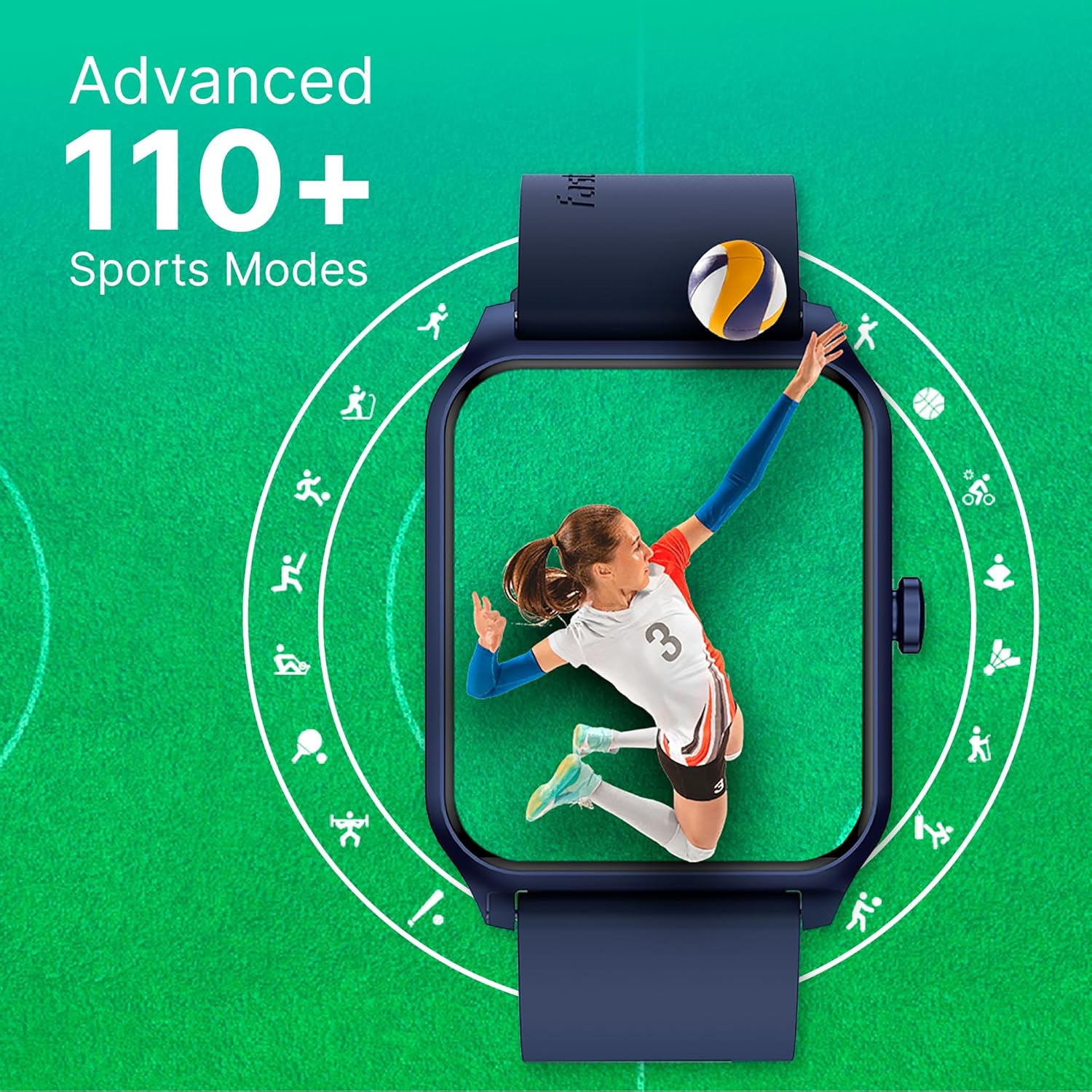
Image 3.3: Visual representation of the 110+ sports modes available on the watch.
- Navigate to the 'Sports' or 'Workout' section on your watch.
- Select your desired activity from the list (e.g., running, cycling, yoga).
- Tap 'Start' to begin tracking. The watch will record duration, calories burned, heart rate, and other relevant metrics.
- Tap 'End' or 'Pause' to stop or temporarily halt tracking.
3.4 صحت جي نگراني
Monitor your health metrics with the integrated sensors.
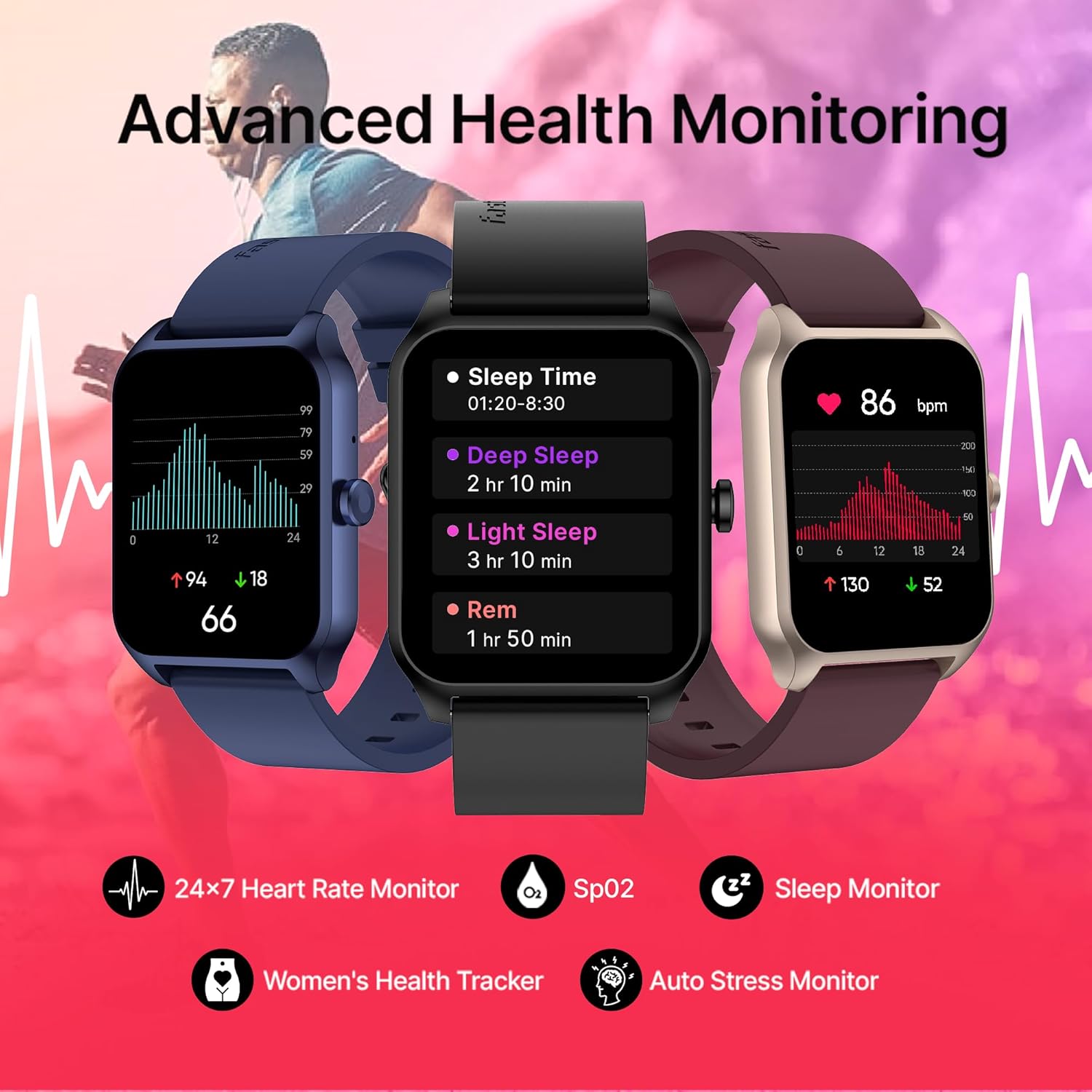
Image 3.4: Displaying various health monitoring features including Heart Rate, SpO2, Sleep Monitor, Women's Health Tracker, and Auto Stress Monitor.
- دل جي شرح: Access the heart rate monitor app on your watch for real-time readings and 24x7 tracking.
- SpO2 (بلڊ آڪسيجن): ضرورت مطابق پنهنجي رت جي آڪسيجن جي سطح کي ماپيو.
- سمهڻ وارو ٽريڪٽر: ننڊ جي نگراني لاءِ بستري تي پنهنجي گھڙي پائي رکوtages ۽ معيار.
- Auto Stress Monitor: The watch can automatically track your stress levels throughout the day.
- عورتن جي صحت: Track menstrual cycles and receive relevant insights (configured via the app).
3.5 اضافي خاصيتون
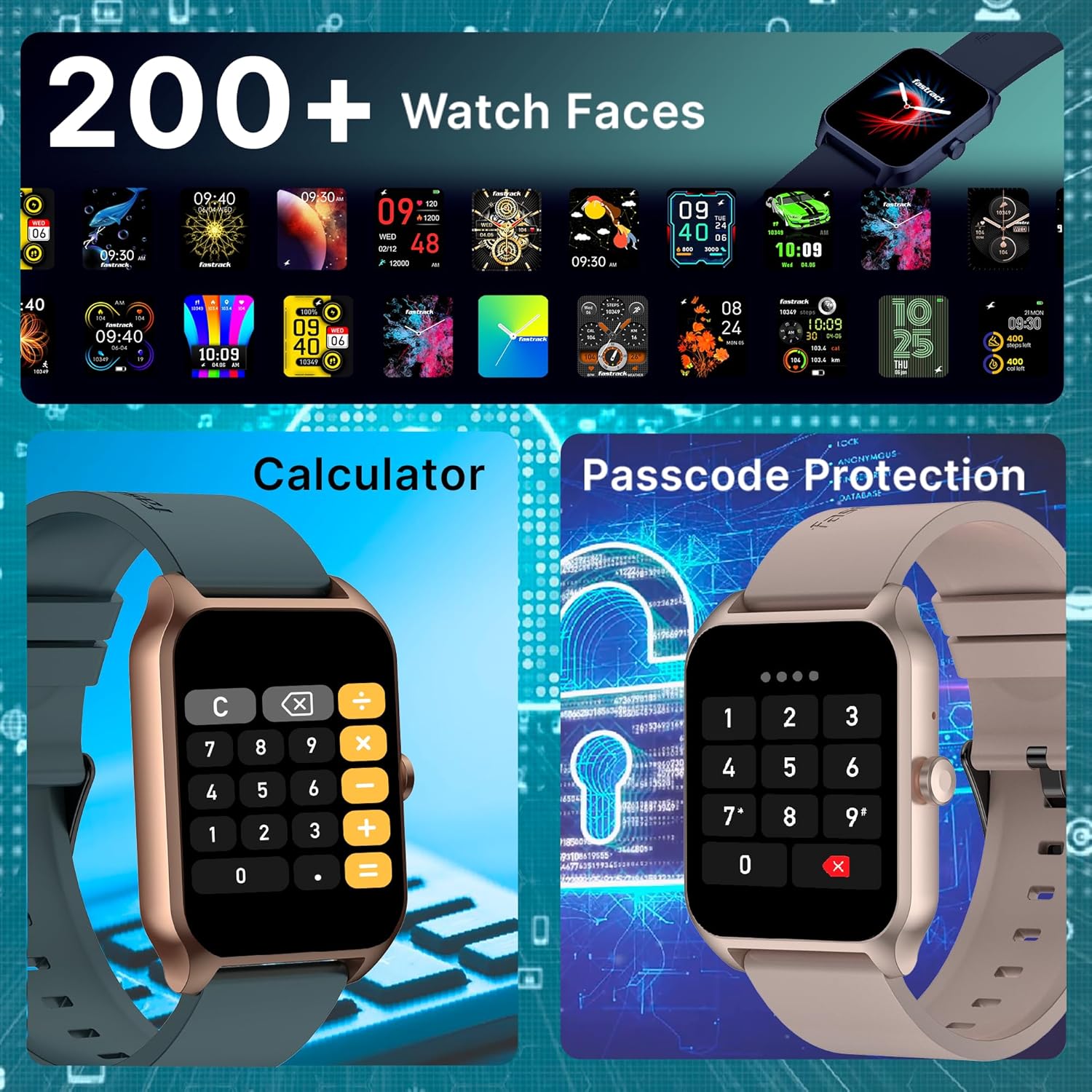
Image 3.5: Illustrating the variety of 200+ watch faces, the built-in calculator, and the passcode protection feature.
- منهن ڏسو Choose from over 200 watch faces via the app to personalize your device.
- In-Built Games: Access simple games for entertainment.
- ڪليڪٽر Use the integrated calculator for quick computations.
- Passcode Protection: Set a passcode to secure your watch and personal data.
- اي آءِ وائيس اسسٽنٽ: Interact with your watch using voice commands (requires smartphone connection).
- سمارٽ اطلاعن: پنهنجي جوڙيل اسمارٽ فون مان ڪالن، پيغامن ۽ ايپ جي اطلاعن لاءِ الرٽ حاصل ڪريو.
- موسيقي ۽ ڪئميرا ڪنٽرول: Control music playback and your smartphone camera remotely.
- موسم جو ڏيک: حقيقي وقت ۾ موسم جون تازه ڪاريون حاصل ڪريو.
4. سار سنڀال
4.1 پنهنجي واچ کي صاف ڪرڻ
Regular cleaning helps maintain the watch's appearance and sensor accuracy.
- واچ اسڪرين ۽ پٽي کي نرم، لِنٽ فري ڪپڙي سان صاف ڪريو.
- ضدي مٽيءَ لاءِ، ٿورو ڊيampپاڻي سان ڪپڙو. سخت ڪيميڪلز يا رگڙيندڙ مواد کان پاسو ڪريو.
- چارج ڪرڻ کان اڳ پڪ ڪريو ته چارجنگ رابطا صاف ۽ سڪل آهن.
4.2 پاڻي جي مزاحمت
While the watch is designed for daily wear, avoid prolonged submersion in water or exposure to high-pressure water jets. Refer to the product specifications for specific water resistance ratings.
4.3 سافٽ ويئر اپڊيٽ
Periodically check the Fastrack Reflex World App for available software updates. Updates can improve performance, add new features, and fix bugs. Follow the app's instructions for installation.
5. مسئلا حل ڪرڻ
5.1 عام مسئلا ۽ حل
- واچ آن نه ٿي رهي آهي:
- Ensure the watch is fully charged. Connect it to the charger for at least 30 minutes.
- Press and hold the side button for 10-15 seconds to attempt a force restart. - چارج ڪرڻ جا مسئلا:
- Verify the magnetic charging cable is correctly aligned with the watch's charging contacts.
- Try a different USB power adapter or USB port.
- Ensure the charging contacts on both the watch and cable are clean and free of debris. - بلوٽوٿ ڪنيڪشن جا مسئلا:
- Ensure Bluetooth is enabled on both your watch and smartphone.
- Make sure the watch is within the Bluetooth range of your smartphone.
- Restart both your watch and smartphone.
- Unpair the watch from the Fastrack Reflex World App and your phone's Bluetooth settings, then re-pair it. - غلط صحت جي پڙهائي:
- Ensure the watch is worn snugly on your wrist, one finger-width above the wrist bone.
- Clean the sensors on the back of the watch.
- Avoid excessive movement during measurements. - نوٽيفڪيشن ظاهر نه ٿي رهيا آهن:
- Check notification settings in the Fastrack Reflex World App.
- Ensure app notifications are enabled in your smartphone's system settings for the Fastrack Reflex World App.
- Verify the watch is connected to your smartphone via Bluetooth.
5.2 فيڪٽري ري سيٽ
If issues persist, a factory reset may resolve them. This will erase all data on your watch and restore it to its original settings.
- Navigate to 'Settings' on your watch.
- Look for 'System', 'Reset', or 'Factory Reset' option.
- ري سيٽ جي تصديق ڪريو جڏهن اشارو ڪيو ويو.
- You will need to re-pair the watch with your smartphone after a factory reset.
6. وضاحتون
| خاصيت | تفصيل |
|---|---|
| برانڊ | فاسٽرڪ |
| ماڊل نمبر | 38096PP01 |
| ڊسپلي سائيز | 1.75 Inches Super UltraVU |
| ڊسپلي قرارداد | 320 x 390 پکسلز |
| رابطي | Bluetooth (SingleSync BT Calling) |
| بيٽري جو قسم | ليتيم پوليمر |
| سراسري بيٽري جي زندگي | 7 ڏينهن تائين |
| بيٽري چارج وقت | 10 Minutes for 1 Day battery life |
| شيءِ جو وزن | 41 جي |
| پيداوار جي ماپ | 6.2 x 9.3 x 11.7 سينٽي |
| شامل اجزاء | Watch, Magnetic Charging Cable, Quick Start Guide, Warranty Card |
7. وارنٽي ۽ سپورٽ
7.1 وارنٽي ڄاڻ
Your Fastrack Reflex Beat Pro Smart Watch comes with a warranty. Please refer to the included Warranty Card for detailed terms, conditions, and duration of the warranty period. Keep your proof of purchase for warranty claims.
7.2 ڪسٽمر سپورٽ
For any queries, technical assistance, or service requests, please contact Fastrack customer support:
- ڪسٽمر ڪيئر نمبر: 1800-266-0123
- اي ميل: customercare@titan.co.in
Please have your product model number (38096PP01) and purchase details ready when contacting support.


