تعارف
Thank you for choosing the RG N35 TWS Gaming Headset. This manual provides essential information for setting up, operating, and maintaining your new wireless earbuds. Please read this manual thoroughly before use to ensure optimal performance and longevity of your device.
پيڪيج مواد
- RG N35 TWS Gaming Earbuds (Left and Right)
- چارج ڪيس
- چارج ڪيبل
- استعمال ڪندڙ دستي
پيداوار ختمview
The RG N35 TWS Gaming Headset features a low-latency design optimized for gaming, true wireless stereo audio, and touch controls. The earbuds are housed in a distinctive charging case with LED indicators.

RG N35 TWS Gaming Earbuds in their charging case, with the lid open, showcasing the earbuds and the case's internal design.
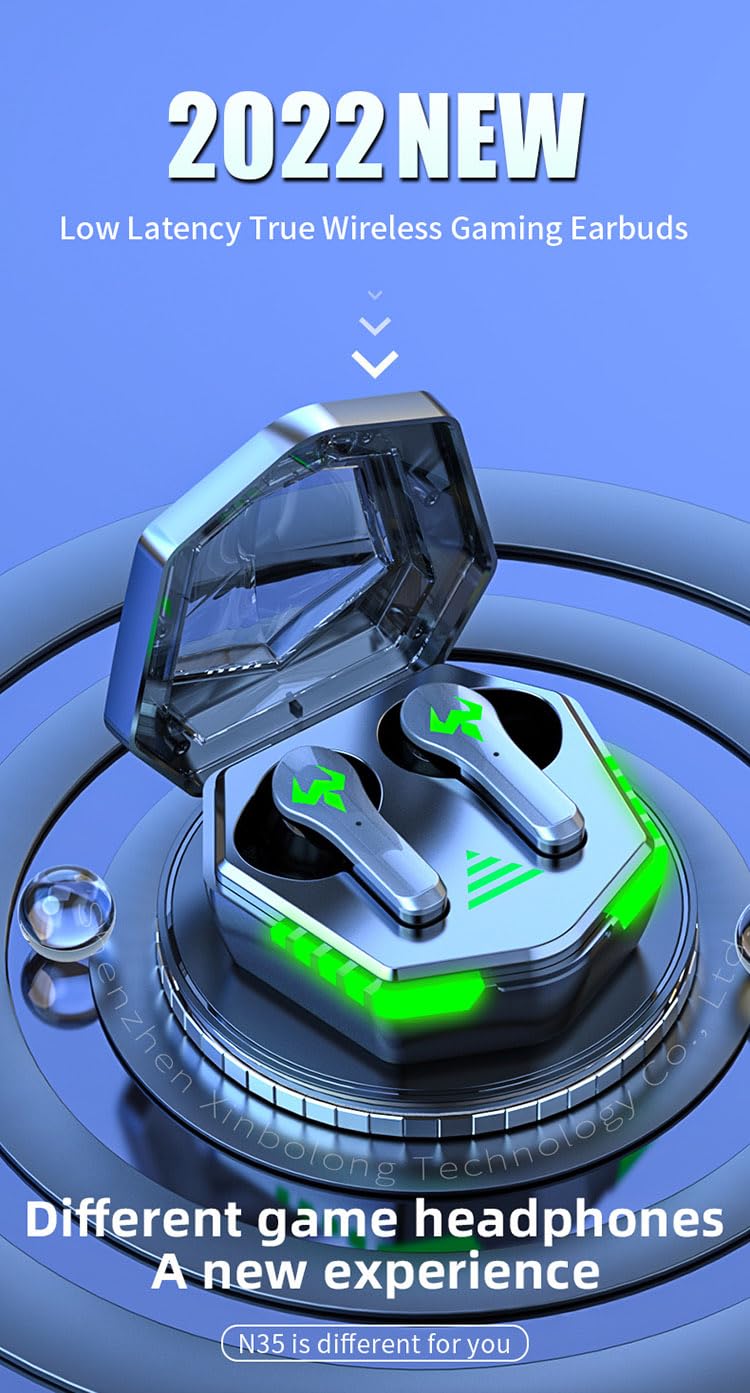
A visual representation of the RG N35 TWS Gaming Earbuds and charging case, emphasizing their low latency and gaming-specific design.
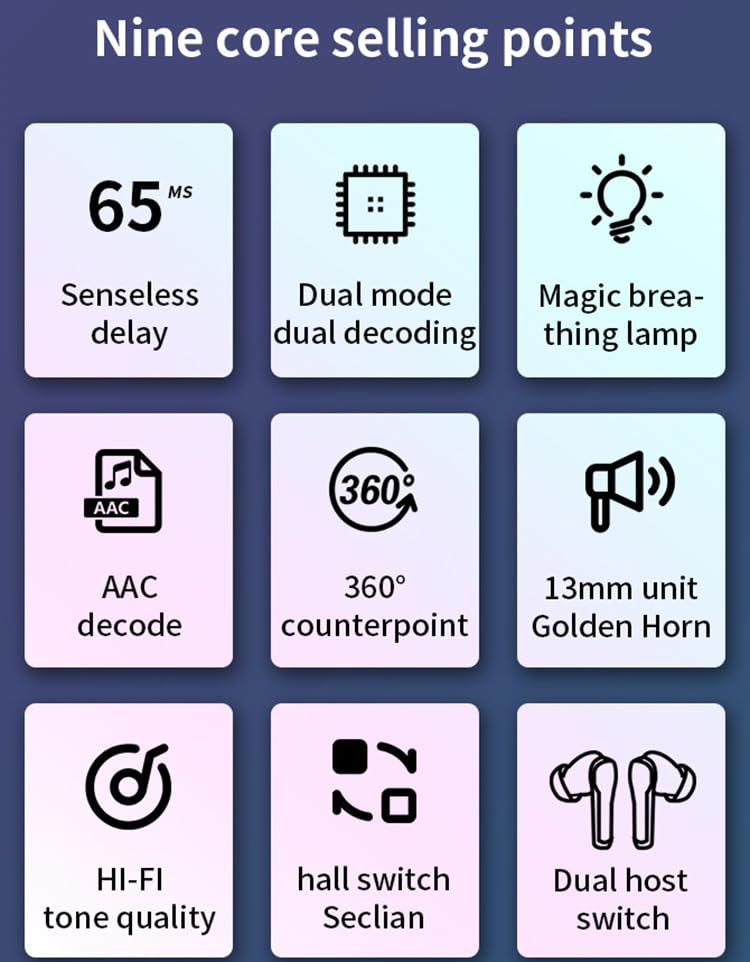
An infographic detailing key features of the RG N35 earbuds, including 65ms low latency, dual mode decoding, breathing lamp, AAC decode, 360-degree sound, 13mm driver, Hi-Fi audio, hall switch, and dual host switch.
سيٽ اپ ڪريو
1. ڊوائيس کي چارج ڪرڻ
Before first use, fully charge the earbuds and the charging case. Connect the provided charging cable to the charging port on the case and a compatible USB power source. The LED indicators on the case will show the charging status. A full charge typically takes approximately 1.5 hours.
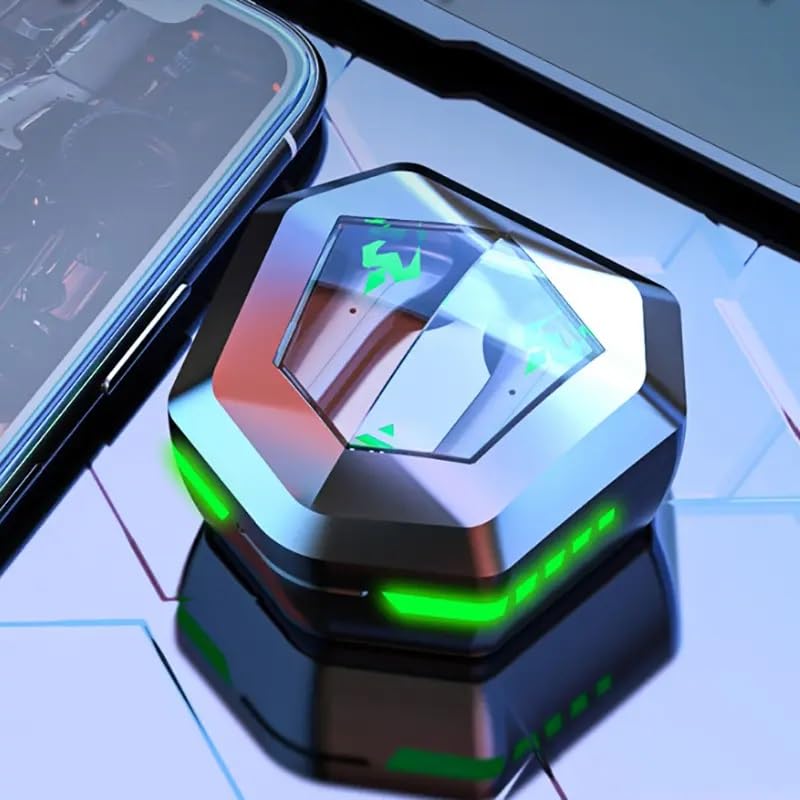
The RG N35 TWS Gaming Earbuds charging case, closed, displaying its hexagonal shape and illuminated green LED accents, indicating charging or power status.
2. شروعاتي جوڙو
- پڪ ڪريو ته earbuds چارج ٿيل آهن.
- چارجنگ ڪيس کوليو. ائربڊس پاڻمرادو آن ٿيندا ۽ پيئرنگ موڊ ۾ داخل ٿيندا.
- On your device (smartphone, computer, etc.), enable Bluetooth.
- ڳولھيو available Bluetooth devices and select "N35" from the list.
- هڪ دفعو ڳنڍيل، هڪ وائس پرامپٽ ڪامياب جوڙڻ جي تصديق ڪندو.
The earbuds support synchronous transmission, meaning either earbud can function independently after initial pairing, allowing for single-ear use.
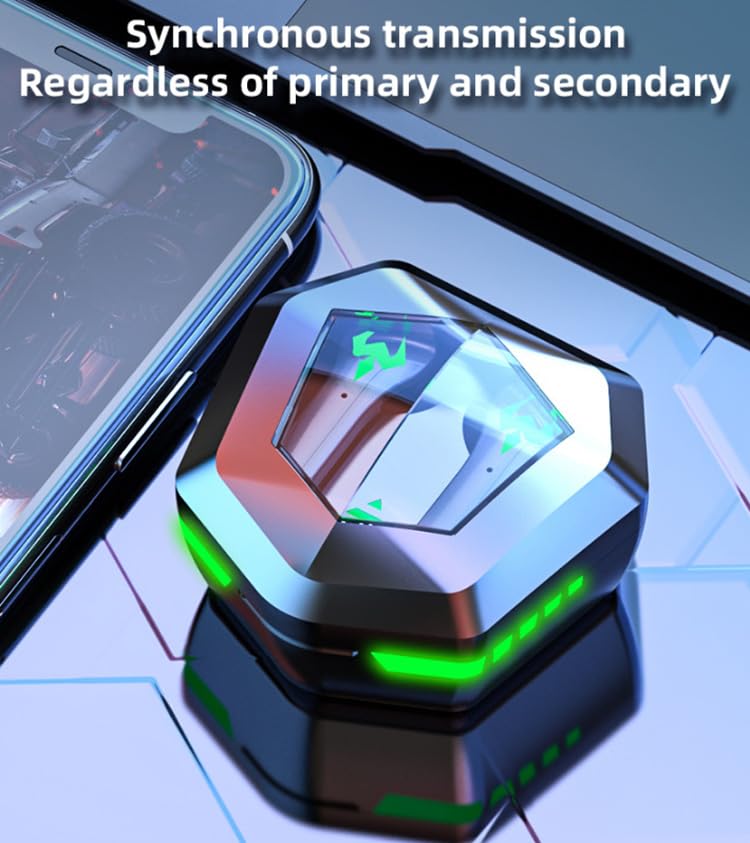
An image depicting the synchronous transmission capability of the earbuds, indicating that either earbud can function independently as primary or secondary.
آپريٽنگ هدايتون
پاور آن / آف
- پاور آن: Open the charging case, or long-press the touch area on both earbuds for 3 seconds.
- بجلي بند: ائربڊس کي واپس چارجنگ ڪيس ۾ رکو ۽ لڪ بند ڪريو، يا ٻنهي ائربڊس تي ٽچ ايريا کي 5 سيڪنڊن لاءِ ڊگھو دٻايو.
ميوزڪ / گيم موڊ سوئچنگ
The RG N35 features a dual mode for music and gaming. In gaming mode, the earbuds provide ultra-low latency (approximately 45-65ms) for a synchronized audio-visual experience.
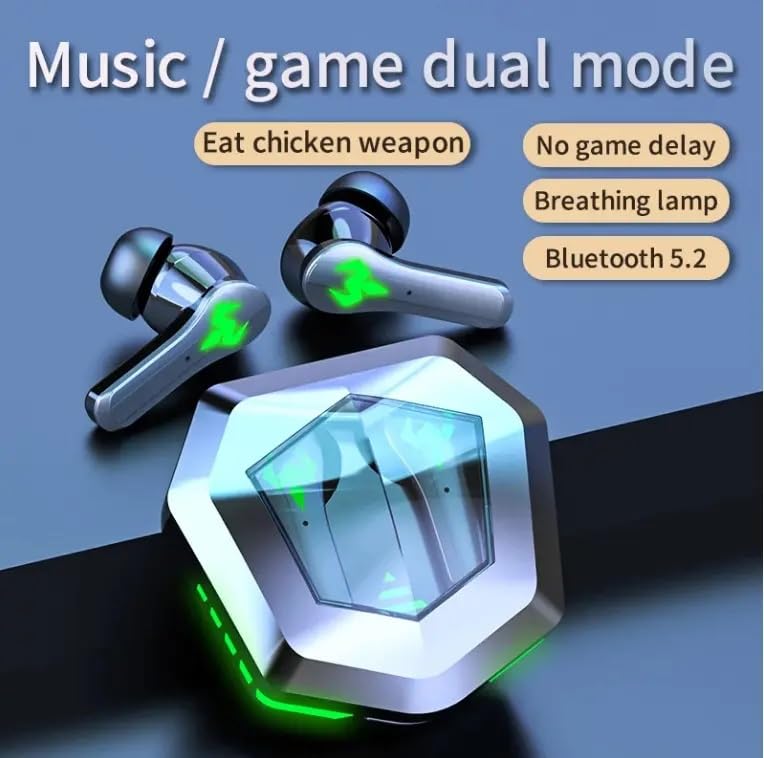
An illustration highlighting the dual mode functionality (music/game) of the RG N35 earbuds, emphasizing low latency for gaming and Bluetooth 5.2 connectivity.
To switch between modes, triple-tap the touch area on either earbud. A voice prompt will indicate the current mode.
ٽچ ڪنٽرول
The earbuds are equipped with touch-sensitive controls for various functions:
- راند/روڪ: Single-tap either earbud.
- اڳيون ٽريڪ: ساڄي ائربڊ کي ڊبل ٽيپ ڪريو.
- پويون ٽريڪ: کاٻي ائربڊ کي ٻه ڀيرا ٽيپ ڪريو.
- حجم مٿي Long-press the right earbud.
- حجم ھيٺ Long-press the left earbud.
- Activate Voice Assistant (Siri, Google Assistant, Alexa): Triple-tap either earbud (when not in game mode).
ڪالون ڪرڻ
- جواب/آخر ڪال: Single-tap either earbud.
- ڪال رد ڪريو: ڪنهن به ائربڊ کي 2 سيڪنڊن لاءِ ڊگھو دٻايو.
سار سنڀال
صفائي
Regularly clean your earbuds and charging case to ensure optimal performance and hygiene. Use a soft, dry, lint-free cloth. For stubborn dirt, a slightly damp cloth can be used, but ensure no moisture enters the charging ports or speaker grilles. Do not use harsh chemicals or abrasive materials.
ذخيرو
When not in use, store the earbuds in their charging case to protect them from dust and damage. Store the device in a cool, dry place away from direct sunlight and extreme temperatures.
پاڻي جي مزاحمت
The RG N35 earbuds are rated IPX-5 water resistant and sweatproof. This means they can withstand splashes of water and sweat, making them suitable for workouts and light rain. They are not designed for submersion in water or exposure to heavy rain. Ensure the earbuds are dry before placing them back in the charging case to prevent damage.
مشڪلاتون
| مسئلو | ممڪن حل |
|---|---|
| ائربڊس آن نه پيا ٿين | Ensure the earbuds and charging case are fully charged. Place earbuds in the case, close, then reopen. |
| ڊوائيس سان جوڙڻ جي قابل ناهي | Make sure Bluetooth is enabled on your device. Ensure earbuds are in pairing mode (open case). Forget "N35" from your device's Bluetooth list and try pairing again. Move closer to your device. |
| ڪابه آواز يا وقفي وقفي سان آڊيو ناهي | Check volume levels on both earbuds and your connected device. Ensure earbuds are properly seated in your ears. Reconnect the earbuds to your device. |
| ٽچ ڪنٽرول جواب نه ڏئي رهيا آهن | پڪ ڪريو ته توهان جون آڱريون صاف ۽ سڪل آهن. ائربڊس کي ڪيس ۾ رکي ۽ ٻيهر ڪڍي ٻيهر شروع ڪرڻ جي ڪوشش ڪريو. |
| Low latency not active in game mode | Ensure you have successfully switched to game mode (triple-tap either earbud). Verify your device's settings are not interfering with Bluetooth performance. |
وضاحتون
| خاصيت | تفصيل |
|---|---|
| ماڊل نالو | N35 |
| رابطي ٽيڪنالاجي | وائرليس (بلوٽوت) |
| وائرليس ڪميونيڪيشن ٽيڪنالاجي | بلوٽوٿ 5.2 |
| بلوٽوٿ رينج | 10 ميٽر - 15 ميٽر |
| آواز جو اصول | متوازن آرميچر ڊرائيور |
| آڊيو ڊرائيور جي ماپ | 13mm يونٽ |
| ڊيڊنگنگ فارميٽ | AAC |
| Wireless Delay Time | 45-65 ms (Gaming Mode) |
| Earbud بيٽري جي ظرفيت | 35mAh |
| چارج باڪس جي گنجائش | 300mAh |
| چارج ڪرڻ وقت | لڳ ڀڳ. 1.5 ڪلاڪ |
| ميوزڪ پلے بیک وقت | لڳ ڀڳ. 5 ڪلاڪ |
| ڳالهائڻ وقت | لڳ ڀڳ. 5 ڪلاڪ |
| پنروڪ معيار | IPX-5 (Water Resistant, Sweatproof) |
| ڪنٽرول قسم | ٽچ ڪنٽرول، واليوم ڪنٽرول |
| مائڪروفون | تعمير ٿيل |
| راند جي ماحول جي روشني | Single Color (LED Display) |
| مطابقت رکندڙ ڊوائيسز | Mobile Phone, Computer, MP3 Player, Smartphone |
| پيداوار جي ماپ | 5 x 5 x 5 سينٽي |
| شيءِ جو وزن | 200 جي |
وارنٽي ۽ سپورٽ
For warranty information or technical support, please refer to the documentation provided at the time of purchase or contact your seller directly. Keep your proof of purchase for any warranty claims.