تعارف
This manual provides essential information for the proper use, setup, and maintenance of your XREAL H-C Cable. This high-speed HDMI to USB-C cable is designed to connect various devices, including gaming consoles and PCs, to compatible AR glasses like the XREAL Beam and Air AR glasses, supporting 4K/60Hz video transmission.
حفاظت جي ڄاڻ
Please read and follow these safety guidelines to ensure safe operation and prolong the life of your cable:
- Do not expose the cable to extreme temperatures, direct sunlight, or high humidity.
- Avoid bending or twisting the cable excessively, especially near the connectors, as this can damage internal wires.
- Keep the cable away from water and other liquids. If it gets wet, disconnect it immediately and allow it to dry completely before reuse.
- Do not attempt to disassemble or modify the cable. This will void the warranty and may cause damage.
- ٻارن ۽ پالتو جانورن جي پهچ کان پري رکو.
- صرف مطابقت رکندڙ ڊوائيسز سان استعمال ڪريو جيئن هن دستور ۾ بيان ڪيو ويو آهي.
پيڪيج مواد
پيڪيج ۾ ھيٺ ڏنل شيون شامل آھن:
- 1 x XREAL H-C Cable (HDMI to USB-C)
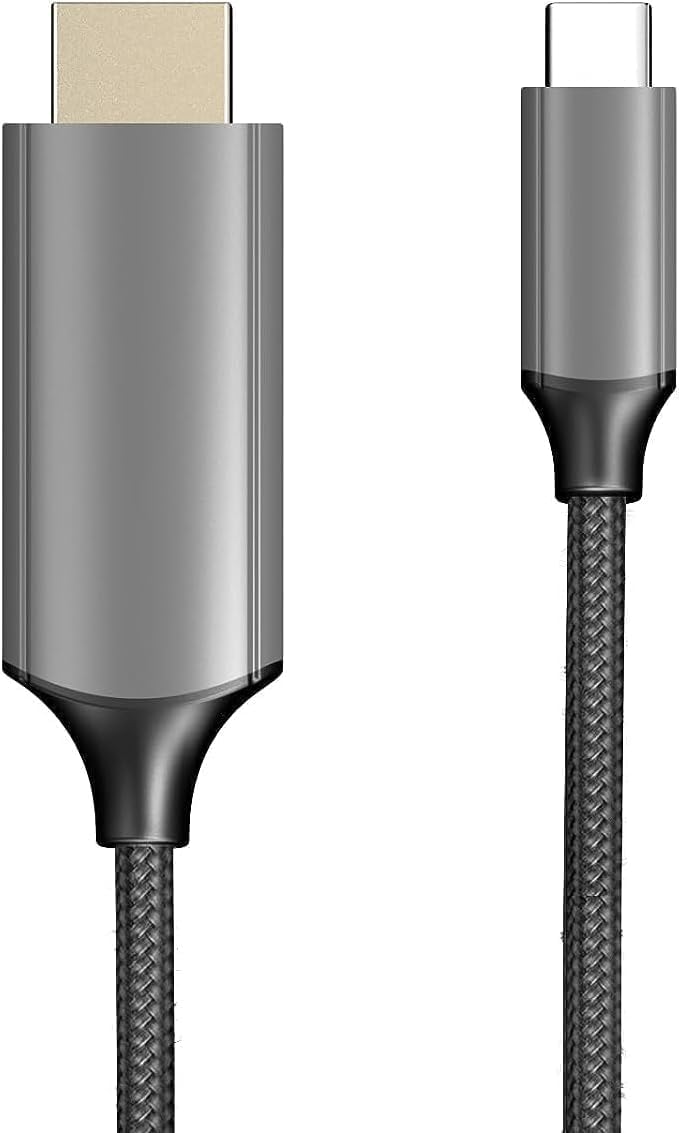
Image: The XREAL H-C Cable showing both the HDMI and USB-C connectors. The cable features a durable, woven design.
پيداوار ختمview
The XREAL H-C Cable is engineered for high-fidelity video and audio transmission. It features a robust, woven design for enhanced durability and tangle-free use. The cable facilitates connection from an HDMI source to a USB-C display, supporting resolutions up to 4K at 60Hz.
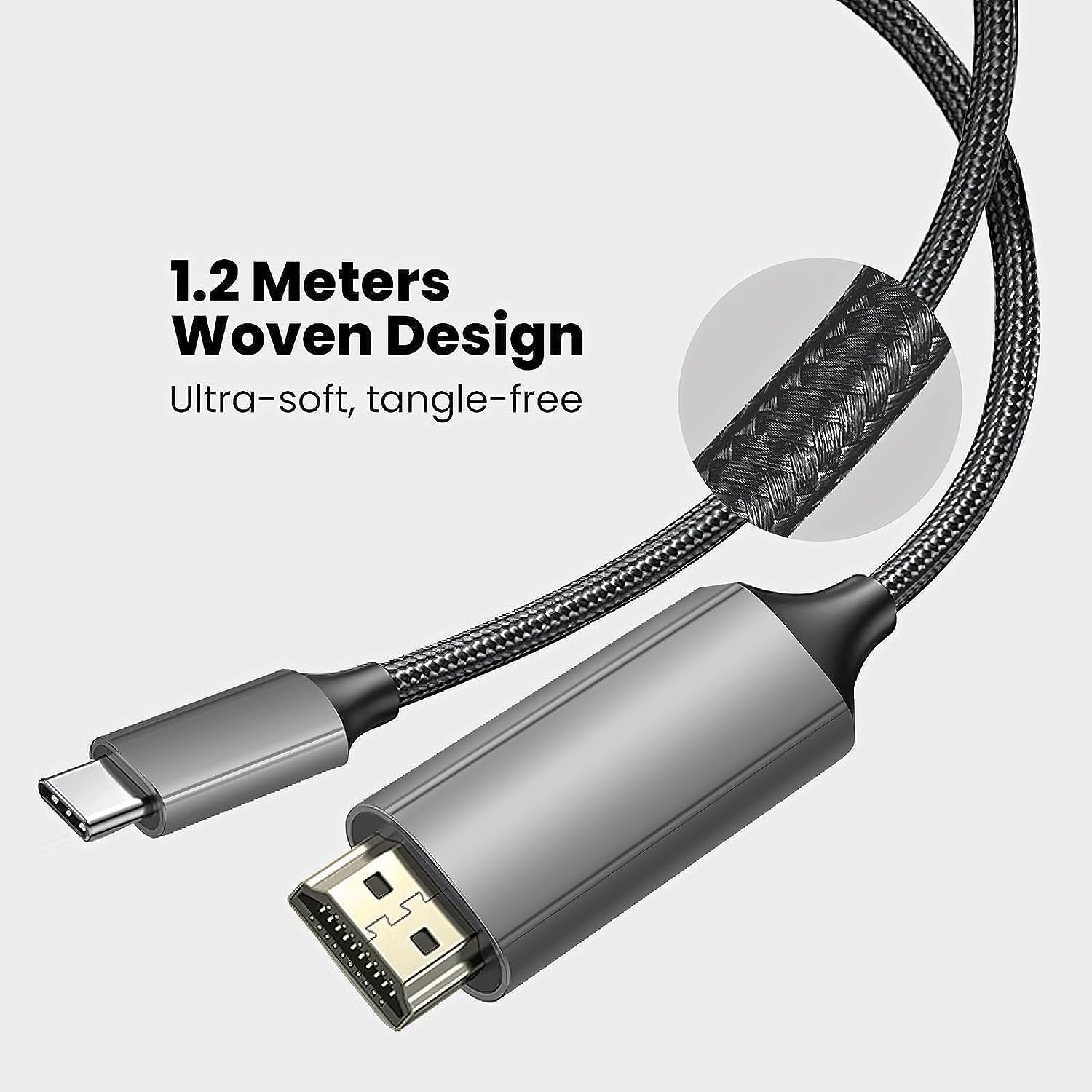
Image: Close-up of the XREAL H-C Cable highlighting its 1.2-meter length and ultra-soft, tangle-free woven design.
سيٽ اپ ڪريو
Follow these steps to connect your XREAL H-C Cable:
- رابطن جي سڃاڻپ Locate the HDMI "In" connector and the USB-C "Out" connector on the cable.
- ماخذ سان ڳنڍيو: پلگ ان HDMI "In" end of the cable into the HDMI output port of your source device (e.g., PlayStation, Xbox, Nintendo Switch, PC graphics card).
- ڊسپلي سان ڳنڍيو: پلگ ان USB-C "Out" end of the cable into the USB-C input port of your compatible display device (e.g., XREAL Beam, XREAL Air AR glasses).
- پاور آن ڊوائيسز: پڪ ڪريو ته توهان جو سورس ڊيوائس ۽ ڊسپلي ڊيوائس ٻئي آن آهن.
- ڪنيڪشن جي تصديق ڪريو: The display should automatically detect the input signal. If not, you may need to manually select the input source on your display device.

Image: The XREAL H-C Cable clearly labeled with "HDMI In" and "USB-C Out" to indicate connection direction.
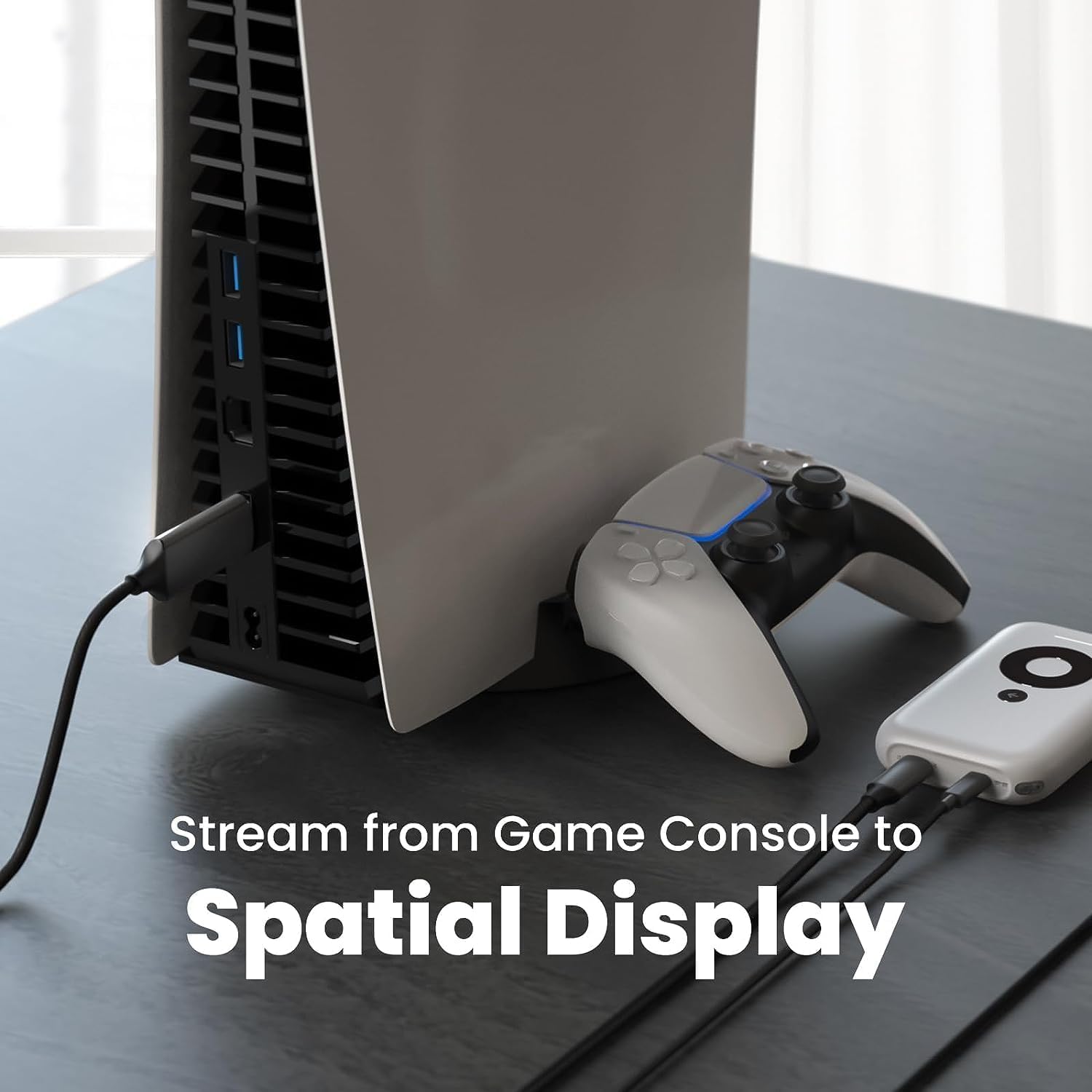
تصوير: هڪ سابقample setup showing the XREAL H-C Cable connecting a PlayStation 5 console to an XREAL Beam device, enabling streaming to a spatial display.
آپريٽنگ
Once connected, the XREAL H-C Cable operates as a plug-and-play device. No additional drivers or software are typically required.
- ريزوليوشن ۽ ريفريش ريٽ: The cable supports up to 4K resolution at 60Hz. Ensure your source device and display device are configured to output and receive these resolutions and refresh rates for optimal performance.
- آڊيو ٽرانسميشن: The cable transmits both video and audio signals. Verify audio settings on your source device if no sound is heard.
- مطابقت: This cable is designed for specific applications, primarily connecting HDMI output devices to USB-C input displays, such as XREAL AR glasses. It is not a bidirectional cable and will not function if connected in reverse.
سار سنڀال
Proper care will extend the life of your XREAL H-C Cable:
- صفائي: Use a soft, dry, lint-free cloth to gently wipe the cable and connectors. Do not use liquid cleaners or abrasive materials.
- اسٽوريج: When not in use, coil the cable loosely. Avoid tight coiling or sharp bends. Store in a cool, dry place away from direct sunlight.
- سنڀالڻ: Always grasp the connector housing when plugging or unplugging the cable. Do not pull on the cable itself.
مشڪلاتون
If you encounter issues with your XREAL H-C Cable, try the following solutions:
| مسئلو | ممڪن سبب | حل |
|---|---|---|
| ڊسپلي تي ڪوبه سگنل |
|
|
| چمڪندڙ يا بگڙيل تصوير |
|
|
| نه آڊيو |
|
|
وضاحتون
| برانڊ | XREAL |
| ماڊل نمبر | 6976143800071 |
| ڪنيڪٽر جو قسم | HDMI (Input), USB Type-C (Output) |
| ڊيٽا جي منتقلي جي شرح | 5 Gigabits per second (for compatible data streams) |
| مطابقت رکندڙ ڊوائيسز | Gaming Consoles (PlayStation, Xbox, Switch), Windows Desktop, XREAL Beam, XREAL Air AR Glasses |
| وڌ ۾ وڌ ريزوليوشن سپورٽ | 4K @ 60Hz |
| ڪيبل ڊگھائي | 1.2 ميٽر (تقريبن 3.9 فوٽ) |
وارنٽي ۽ سپورٽ
XREAL products are manufactured to high quality standards. For information regarding warranty coverage and customer support, please refer to the official XREAL webسائيٽ تي وڃو يا سڌو سنئون انهن جي ڪسٽمر سروس سان رابطو ڪريو. ڪنهن به وارنٽي دعوائن لاءِ خريداري جي ثبوت طور پنهنجي خريداري جي رسيد رکو.
وڌيڪ مدد لاءِ، دورو ڪريو: www.xreal.com/support


