تعارف
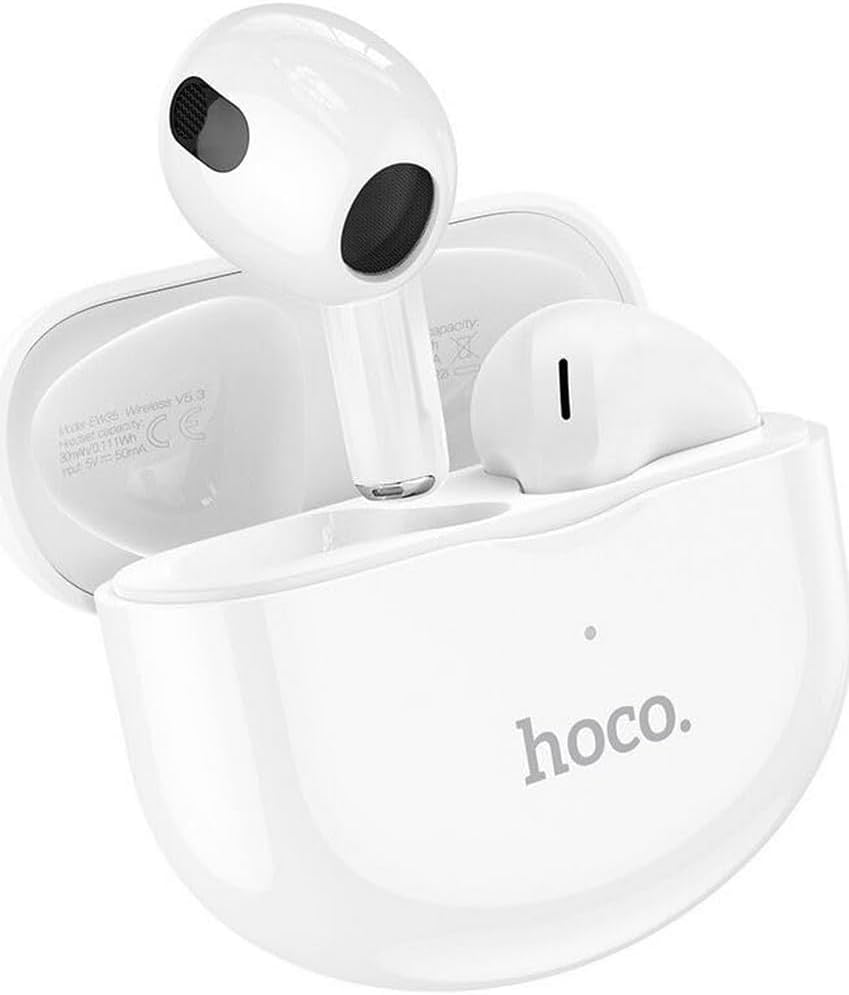
Thank you for choosing the Hoco EW35 Wireless Bluetooth Earphones. These earphones are designed to provide a high-quality audio experience with the convenience of wireless connectivity. Featuring Bluetooth 5.3, touch controls, and an integrated voice assistant, the EW35 offers seamless interaction with your compatible devices. This manual will guide you through the setup, operation, and maintenance of your earphones.
پيڪيج مواد
مھرباني ڪري ھيٺ ڏنل شين لاءِ پيڪيج چيڪ ڪريو:
- Hoco EW35 Wireless Bluetooth Earphones (Left and Right)
- چارج ڪيس
- استعمال ڪندڙ دستي
- حفاظتي ڪيس

سيٽ اپ ڪريو
1. ائرفون ۽ ڪيس کي چارج ڪرڻ
Before first use, ensure both the earphones and the charging case are fully charged. The charging case holds multiple charges for the earphones, extending their usage time.
- Place the earphones into the charging case. Ensure they are correctly seated in their respective slots.
- هڪ مطابقت رکندڙ USB ڪيبل استعمال ڪندي چارجنگ ڪيس کي پاور سورس سان ڳنڍيو.
- The indicator light on the charging case will show the charging status. Refer to the product's specific LED indicators for full charge notification.

2. بلوٽوٿ ڊيوائس سان جوڙڻ
The Hoco EW35 earphones use Bluetooth 5.3 for a stable and efficient connection.
- Open the charging case. The earphones will automatically enter pairing mode (indicated by a flashing LED on the earphones).
- توهان جي ڊوائيس (اسمارٽ فون، ٽيبليٽ، ليپ ٽاپ، وغيره) تي، بلوٽوٿ سيٽنگز ڏانهن وڃو.
- ڳولھيو available devices and select "Hoco EW35" from the list.
- Once connected, the earphones will indicate a successful pairing (e.g., a voice prompt or solid LED light).
- جيڪڏهن ڊوائيس تي بلوٽوٿ فعال هجي ته ڪيس مان ڪڍڻ تي ائرفون پاڻمرادو آخري جوڙيل ڊوائيس سان ٻيهر ڳنڍجي ويندا.
آپريٽنگ هدايتون
ٽچ ڪنٽرول
The Hoco EW35 earphones feature intuitive touch controls on each earbud. The specific functions may vary slightly depending on your device and application.
- راند/روڪ: ٻنهي ائربڊ تي هڪ ڀيرو ٽيپ ڪريو.
- اڳيون ٽريڪ: ساڄي ائربڊ تي ٻٽي ٽيپ ڪريو.
- پويون ٽريڪ: کاٻي ائربڊ تي ٻٽي ٽيپ ڪريو.
- جواب/آخر ڪال: ايندڙ ڪال يا فعال ڪال دوران ٻنهي ائربڊ تي هڪ ڀيرو ٽيپ ڪريو.
- ڪال رد ڪريو: ايندڙ ڪال دوران ڪنهن به ائربڊ کي 2 سيڪنڊن لاءِ دٻايو ۽ رکو.
- وائس اسسٽنٽ کي فعال ڪريو. ٻنهي مان ڪنهن به ائربڊ تي ٽي ڀيرا ٽيپ ڪريو.
وائس اسسٽنٽ
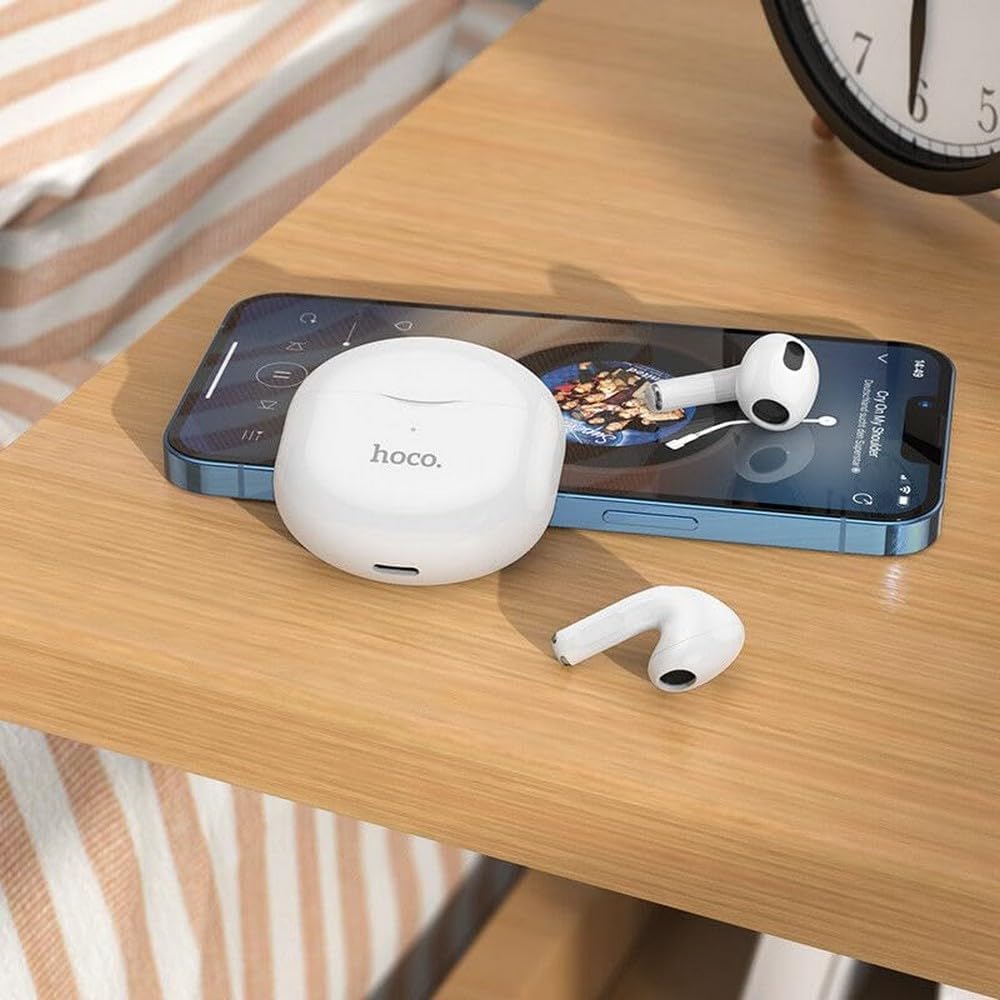
The integrated voice assistant allows you to control your device using voice commands. Triple tap either earbud to activate your device's voice assistant (e.g., Siri, Google Assistant).
سار سنڀال
صفائي
باقاعده صفائي آواز جي معيار ۽ صفائي کي برقرار رکڻ ۾ مدد ڪري ٿي.
- ائرفون ۽ چارجنگ ڪيس کي صاف ڪرڻ لاءِ نرم، سڪل، لِنٽ فري ڪپڙو استعمال ڪريو.
- ضدي مٽيءَ لاءِ، ٿورو ڊيampen the cloth with water or a mild, non-abrasive cleaner. Avoid getting liquid into openings.
- سخت ڪيميڪل، الڪوحل، يا رگڙيندڙ مواد استعمال نه ڪريو.
- ڪنن جي موم يا ملبي کي هٽائڻ لاءِ ڪنن جي چوٽين ۽ اسپيڪر ميش کي نرميءَ سان صاف ڪريو.
ذخيرو
جڏهن استعمال ۾ نه هجي، ته ائرفون کي انهن جي چارجنگ ڪيس ۾ محفوظ ڪريو ته جيئن انهن جي حفاظت ٿئي ۽ انهن کي چارج رکيو وڃي.
- هڪ ٿڌي، سڪل جڳهه ۾ ذخيرو ڪريو، سڌو سورج جي روشني ۽ انتهائي گرمي کان پري.
- Avoid exposing the earphones or case to excessive moisture. While the earphones are rated as waterproof, prolonged exposure or submersion is not recommended.
مشڪلاتون
If you encounter issues with your Hoco EW35 earphones, try the following solutions:
- ائرفون جوڙو نه پيا لڳن:
- پڪ ڪريو ته ٻئي ائرفون چارج ٿيل آهن.
- پنهنجي ڊوائيس تي بلوٽوٿ بند ڪريو ۽ ان کي واپس آن ڪريو.
- Forget "Hoco EW35" from your device's Bluetooth list and attempt to pair again.
- Place earphones back in the case, close it, wait a few seconds, then open it again to re-enter pairing mode.
- No sound from one or both earphones:
- پنهنجي ڳنڍيل ڊوائس تي حجم جي سطح چيڪ ڪريو.
- Ensure earphones are properly seated in your ears.
- ائرفون کي پنهنجي ڊوائيس سان ٻيهر ڳنڍيو.
- اسپيڪر ميش مان ڪنهن به ملبي کي صاف ڪريو.
- چارج ڪرڻ جا مسئلا:
- پڪ ڪريو ته چارجنگ ڪيبل ڪيس ۽ پاور سورس ٻنهي سان محفوظ طور تي ڳنڍيل آهي.
- ڪا ٻي چارجنگ ڪيبل يا پاور اڊاپٽر آزمايو.
- ائرفون ۽ ڪيس ٻنهي تي چارجنگ ڪانٽيڪٽس کي صاف ڪريو.
- ٽچ ڪنٽرول جواب نه ڏئي رهيا آهن:
- پڪ ڪريو ته توهان جون آڱريون صاف ۽ سڪل آهن.
- ائرفون کي ڪيس ۾ رکي ۽ ٻيهر ڪڍي ٻيهر شروع ڪرڻ جي ڪوشش ڪريو.
وضاحتون
| خاصيت | تفصيل |
|---|---|
| ماڊل نالو | ايڪسڪسينڪس |
| برانڊ | Hoco |
| رابطي ٽيڪنالاجي | وائرليس (بلوٽوٿ 5.3) |
| ڪن جي جڳهه | ڪن ۾ |
| فارم فيڪٽر | ڪن ۾ |
| مواد | پلاسٽڪ |
| پلے بیک وقت | 4 ڪلاڪن تائين (في ائربڊ) |
| ڪنٽرول جو طريقو | ٽچ، وائس ڪنٽرول |
| خاص خاصيتون | Integrated Voice Assistant, Touch Control |
| پاڻي جي مزاحمت جي سطح | پنروڪ |
| شور جي منسوخي | ڪو به |
| مطابقت رکندڙ ڊوائيسز | Smartphones, Tablets, Laptops, Desktops, Smart Speakers, Game Consoles |
| بيٽري | 1 ليٿيم آئن (شامل) |
| Rechargeable بيٽري | ها |

حفاظت جي ڄاڻ
مهرباني ڪري پنهنجي ڊوائيس کي نقصان پهچائڻ يا پاڻ کي زخمي ٿيڻ کان بچائڻ لاءِ انهن حفاظتي هدايتن کي پڙهو ۽ ان تي عمل ڪريو:
- ٻڌڻ کان پاسو ڪريو بلند آواز جي سطح تي وڌايل عرصي تائين ٻڌڻ جي نقصان کي روڪڻ لاءِ.
- Do not use the earphones in situations where inability to hear ambient sounds could be dangerous (e.g., driving, cycling, walking in traffic).
- ائرفون ۽ چارجنگ ڪيس کي انتهائي گرمي پد، سڌي سج جي روشني ۽ کليل باهه کان پري رکو.
- Do not attempt to disassemble, repair, or modify the product. This may void the warranty and cause damage.
- ٻارن ۽ پالتو جانورن جي پهچ کان پري رکو. ننڍا حصا دم گھڙڻ جو خطرو پيدا ڪري سگھن ٿا.
- Dispose of the product and its battery responsibly, following local regulations.
وارنٽي ۽ سپورٽ
For detailed warranty information, please refer to the warranty card included in your product packaging. If you require further assistance or have questions not covered in this manual, please visit the official Hoco webسائيٽ تي وڃو يا سڌو سنئون انهن جي گراهڪ سپورٽ سان رابطو ڪريو.
توهان وڌيڪ معلومات ۽ سپورٽ وسيلا هتي ڳولي سگهو ٿا: www.hoco.com


