1. تعارف
Welcome to the user manual for your new DOOGEE U9 Kid Tablet. This guide provides essential information to help you set up, operate, maintain, and troubleshoot your device, ensuring a safe and enriching experience for your child. The DOOGEE U9 Kid Tablet is designed with a focus on eye protection, robust parental controls, and a durable build, making it an ideal companion for learning and entertainment.

The DOOGEE U9 Kid Tablet, featuring a durable purple protective case and a vibrant display showing animated characters, designed for children's entertainment and learning.
2. دٻي ۾ ڇا آهي
Your DOOGEE U9 Kid Tablet package includes the following items:
- U9 Kids Tablet x1
- Kids Tablet Charger x1
- Silicone sleeve for kids x1
- Kids tablet Manual x1
This video demonstrates the unboxing process of the DOOGEE U9 Kid Tablet, showcasing all included accessories such as the tablet, charger, silicone sleeve, and manual.
3. شروعاتي سيٽ اپ
3.1 پاور آن
To power on your tablet, press and hold the power button located on the side until the DOOGEE logo appears on the screen. Follow the on-screen prompts to complete the initial setup, including language selection and basic Android configurations.
3.2 وائي فائي سان ڳنڍڻ
Navigate to Settings > Network & internet > Wi-Fi. Turn on Wi-Fi, select your desired network from the list, and enter the password if prompted. The tablet supports Wi-Fi 6 for faster and more stable connections.
3.3 والدين سنڀال
The DOOGEE U9 Kid Tablet comes preloaded with Google Kids Space and offers robust parental controls. You can filter content, set educational goals, and manage time limits to create a safe online environment for children aged 3 and above. Access these controls through the dedicated parental control settings on the tablet.

The image illustrates the easy-to-use parental control interface on the DOOGEE U9 Kid Tablet, allowing parents to manage content, screen time, and app access for a safe digital environment.
4. توهان جي ٽيبليٽ کي هلائڻ
4.1 انٽرفيس کي نيويگيٽ ڪرڻ
The tablet runs on Android 13.0 OS, providing a user-friendly interface. Swipe left or right to navigate between home screens, tap icons to open apps, and swipe down from the top for quick settings and notifications.
4.2 اکين جي حفاظت جون خاصيتون
The 10.1-inch IPS HD display is TÜV SÜD blue light certified, featuring low blue light technology and an eye protection mode. This, combined with automatic brightness adjustment, helps protect children's eyes and provides a comfortable viewتجربو.

A child is shown using the DOOGEE U9 Kid Tablet, emphasizing its TÜV SÜD blue light certification and eye protection mode, designed to reduce eye strain during extended use.
4.3 ميڊيا جو استعمال
With Widevine L1 support, the tablet allows for high-quality streaming from popular platforms. Enjoy movies and shows with clear visuals and immersive audio from the dual smart PA stereo speakers.
This video highlights the visual and audio capabilities of the DOOGEE U9 Kid Tablet, demonstrating its suitability for media consumption with its 10.1-inch HD display and dual stereo speakers.
4.4 ڪئميرا جو استعمال
The tablet features dual cameras for capturing photos and videos. The 2MP front camera is suitable for video calls, while the rear camera can be used for general photography.
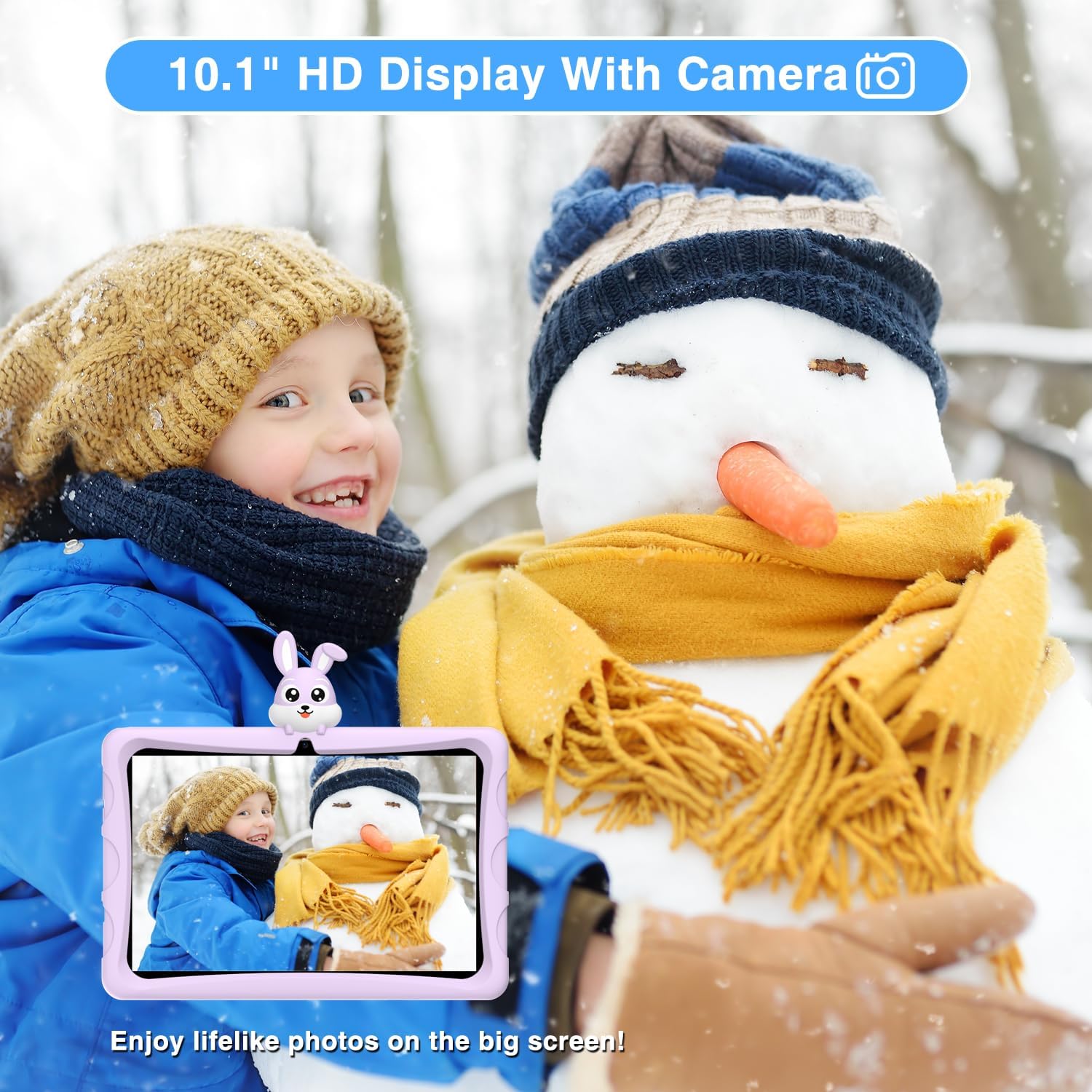
The DOOGEE U9 Kid Tablet's camera is demonstrated by a child capturing a moment in a snowy environment, highlighting its functionality for taking photos.
5. سنڀال ۽ سار سنڀال
5.1 صفائي
ٽيبليٽ اسڪرين کي صاف ڪرڻ لاءِ، نرم، لِنٽ فري ڪپڙو استعمال ڪريو. ضدي داغن لاءِ، ٿورو ڊيampڪپڙي کي پاڻي يا اسڪرين ڪلينر سان صاف ڪريو. سخت ڪيميڪلز يا رگڙيندڙ مواد کان پاسو ڪريو.
5.2 بيٽري جي زندگي
The tablet is equipped with a 5060mAh battery. To optimize battery life, reduce screen brightness, close unused applications, and disable Wi-Fi or Bluetooth when not in use. Regular charging with the provided charger is recommended.

This image provides a visual summary of the DOOGEE U9 Kid Tablet's key features, including its 5060mAh battery, Android 13 OS, 10.1-inch IPS HD display, and connectivity options.
5.3 حفاظتي ڪيس
The tablet comes with an environmentally friendly EVA material protective case, designed to prevent screen cracking from falls. This durable case is odorless and resistant to deformation, providing excellent protection for active children.
The durable EVA protective case of the DOOGEE U9 Kid Tablet is shown in use by three children taking a selfie, demonstrating its child-friendly design and robust protection.
6. عام مسئلن کي حل ڪرڻ
If you encounter any issues with your DOOGEE U9 Kid Tablet, refer to the following common solutions:
Tablet Freezing/Unresponsive: Press and hold the power button for about 10 seconds to force a restart. If the issue persists, consider a factory reset (note: this will erase all data).
وائي فائي رابطي جا مسئلا: Ensure Wi-Fi is enabled in settings. Try restarting your Wi-Fi router. On the tablet, forget the network and reconnect.
ايپ ڪم نه ڪري رهي آهي: Go to Settings > Apps > [App Name] > Storage & cache, then clear cache and data. If the problem continues, uninstall and reinstall the app.
سست ڪارڪردگي: Close background applications. Regularly clear unnecessary files and apps to free up storage space. A factory reset can also improve performance.

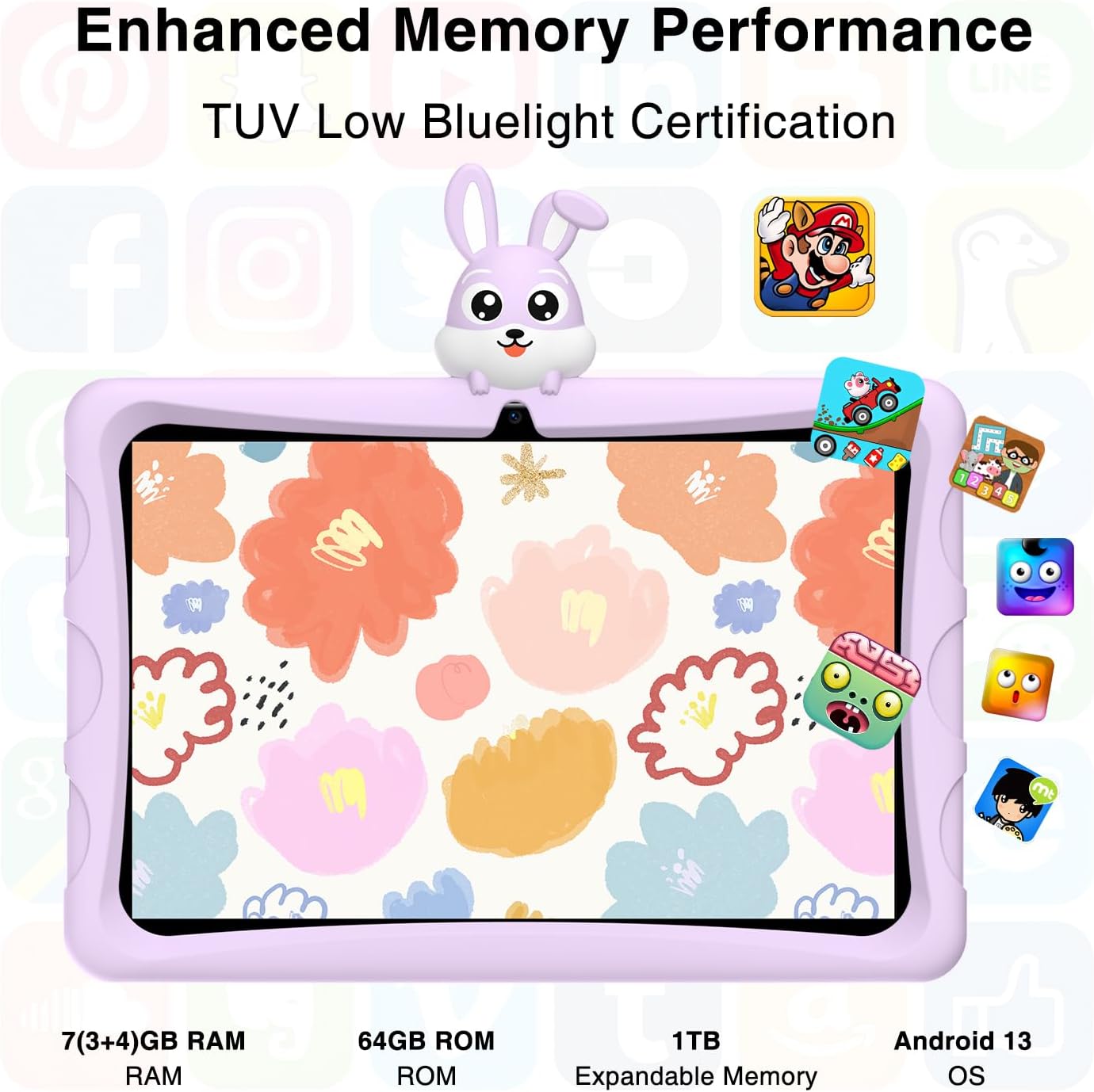
This image highlights the range of preloaded and available apps on the DOOGEE U9 Kid Tablet, designed to provide a rich learning and entertainment experience for children.
7. ٽيڪنيڪل وضاحتون
| خاصيت | تفصيل |
|---|---|
| اسٽينڊنگ اسڪرين ڊسپلي سائيز | 25.65 سينٽي ميٽر (10.1 انچ) |
| اسڪرين جي قرارداد | 1280*800 پکسلز |
| آپريٽنگ سسٽم | Android 13 |
| شيءِ جو وزن | 1.6 پائونڊ |
| پيداوار جي ماپ | 9 x 5 x 1 انچ |
| رنگ | واڱڻائي |
| ريڙهه Webڪئميرا جي قرارداد | 2 ايم پي |
| پروسيسر برانڊ | Qualcomm or MediaTek or Unisoc |
| ڪمپيوٽر جي ميموري جو قسم | DDR3 SDRAM |
| فليش ميموري سائيز | 64 جي بي |
| بيٽريون | 1 Lithium ڌاتو بيٽرين جي ضرورت آهي. (شامل) |
| وائرليس جو قسم | 802.11ax (وائي فائي 6) |
8. وارنٽي ۽ سپورٽ
DOOGEE is committed to providing excellent customer service. Your U9 Kid Tablet comes with comprehensive support:
وارنٽي: Enjoy a 2-year warranty on your product.
آن لائن خدمتون: Benefit from 7 days / 24 hours online service for any queries or assistance.
واپسي: A 30-day free return service is available through Amazon.
ٽيڪنيڪل سپورٽ: Lifetime technical support is provided for your device.
مدد ڪيئن حاصل ڪجي: For support, log in to your Amazon account, navigate to 'Your Orders', and select 'Ask Product Question' for direct assistance.


