1. تعارف
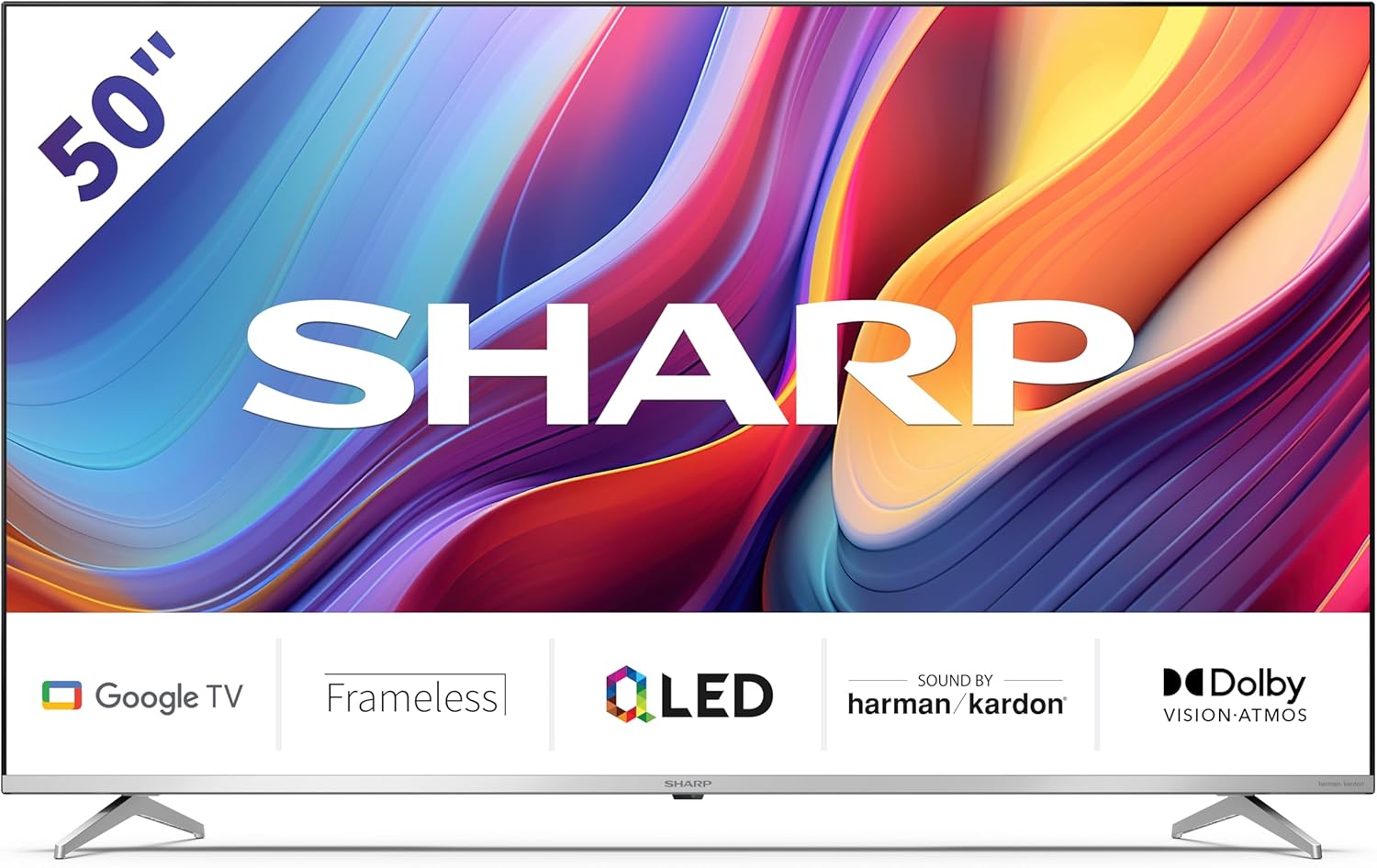
Welcome to the user manual for your new Sharp 50GP6265E 50-inch QLED 4K Ultra HD Google TV. This manual provides essential information for the safe and efficient use of your television. Please read it thoroughly before operating the device and retain it for future reference.
اهم حفاظتي ڄاڻ
- پڪ ڪريو ته ٽيليويزن کي هڪ مستحڪم مٿاڇري تي رکيو ويو آهي ته جيئن ان کي ڪري نه پوي.
- وينٽيليشن جي سوراخن کي نه روڪيو. وڌيڪ گرم ٿيڻ کان بچڻ لاءِ مناسب هوا جي وهڪري تمام ضروري آهي.
- بجلي جي تار کي هلڻ يا پنچ ٿيڻ کان بچايو.
- Do not expose the TV to rain or moisture to reduce the risk of fire or electric shock.
- سڀني خدمتن جو حوالو ڏيو قابل خدمت اهلڪارن ڏانهن.
2. دٻي ۾ ڇا آهي
پيڪنگ ڪرڻ تي، مھرباني ڪري تصديق ڪريو ته ھيٺ ڏنل سڀ جزا شامل آھن:
- Sharp 50GP6265E 50-inch QLED 4K Ultra HD Google TV
- ريموٽ ڪنٽرول
- 2 x AAA batteries (for remote control)
- تڪڙو شروع ھدايت
- TV stands (if not wall-mounted)
- پاور ڪيبل
3. سيٽ اپ
3.1 کولڻ
Carefully remove the television from its packaging. It is recommended to keep the original packaging for potential future transport or servicing.
3.2 اسٽينڊ تنصيب
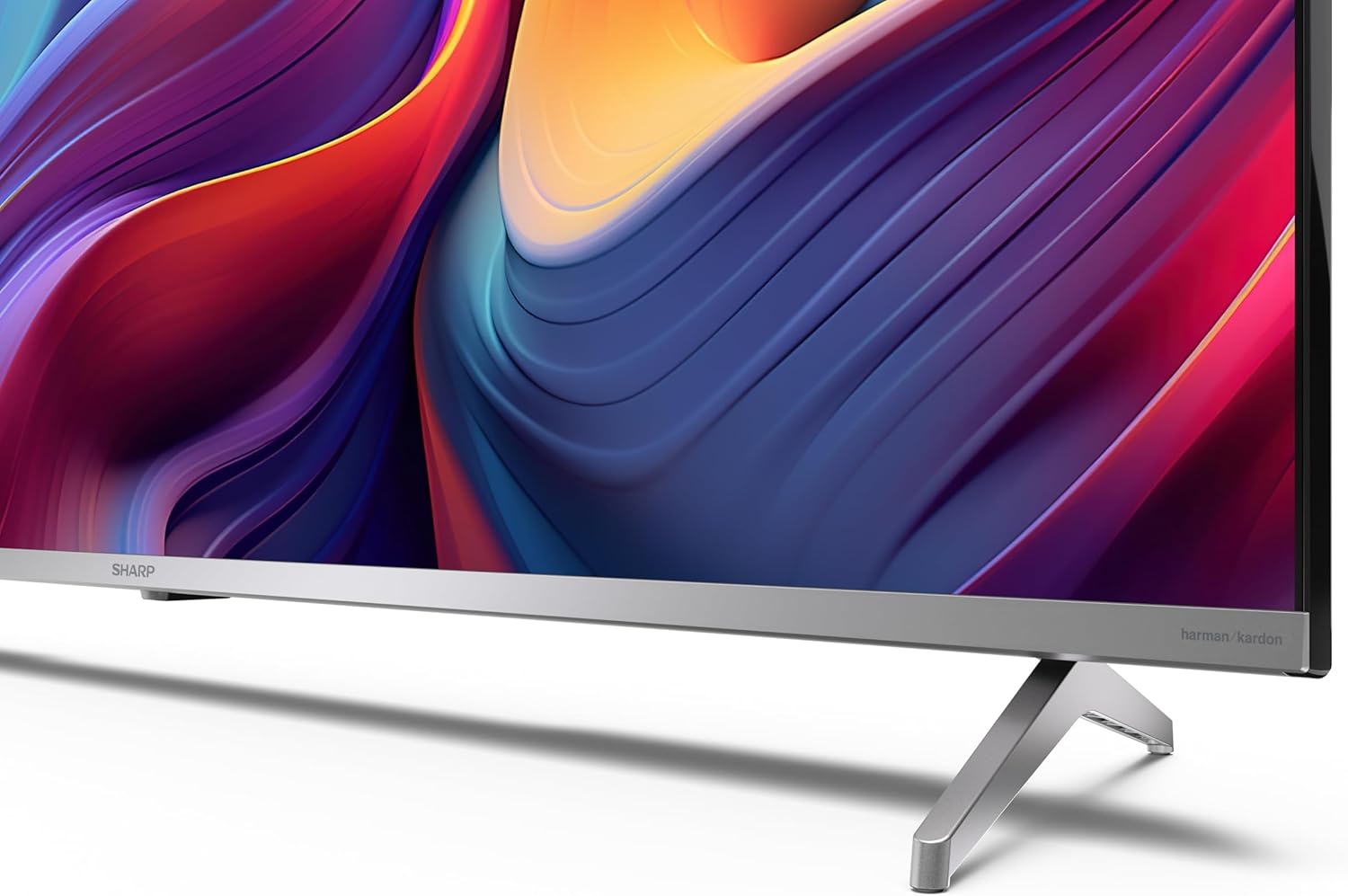
If you are not wall-mounting the television, attach the included stands to the bottom of the TV. Ensure the screws are securely fastened. Refer to the quick start guide for detailed diagrams.
3.3 ڀت لڳائڻ
For wall mounting, the VESA dimensions required are 400 x 300 mm. Use a compatible wall mount bracket (sold separately) and follow the instructions provided with the bracket. Ensure the wall can support the weight of the television (9.7 kg net weight).

3.4 پردي کي ڳنڍڻ
Your Sharp TV offers various connectivity options:
- HDMI: Connect external devices such as Blu-ray players, gaming consoles, or set-top boxes using the 4 HDMI 2.1 ports. One port supports eARC for enhanced audio return channel functionality.
- USB: Use the 2 USB ports for connecting external storage devices to play media or for service updates.
- Ethernet: هڪ مستحڪم وائرڊ انٽرنيٽ ڪنيڪشن لاءِ.
- وائي فائي: وائرليس انٽرنيٽ ڪنيڪشن لاءِ.
- بلوٽوٿ: وائرليس هيڊفون، سائونڊ بار، يا ٻيون بلوٽوٿ-فعال لوازمات ڳنڍيو.

3.5 پهريون ڀيرو سيٽ اپ
After connecting the power cable and turning on the TV, follow the on-screen instructions to complete the initial setup. This typically includes language selection, network connection, and Google account sign-in for Google TV features.
4. پنهنجو ٽي وي هلائڻ
4.1 ريموٽ ڪنٽرول
The included remote control allows you to navigate the TV's interface, adjust volume, change channels, and access smart features. Insert the 2 AAA batteries into the remote control, ensuring correct polarity.
4.2 گوگل ٽي وي انٽرفيس
Your Sharp TV runs on Google TV, which organizes movies, shows, and live TV from all your apps and subscriptions. The home screen provides personalized recommendations and quick access to your favorite content.

Supported internet services include Netflix, Amazon Prime Video, HBO, Disney+, Movistar+, DAZN, Atresmedia, KODI, IPTV, Steamlink, Twitch, VLC, YouTube, Puffin TV Browser, Spotify, Deezer, TuneIn Radio, and many more available on Google Play for Google TV.
4.3 تصويري سيٽنگون
Experience stunning visuals with 4K Ultra HD resolution and Quantum Dot technology for vibrant colors. The TV supports Dolby Vision and HDR10 for enhanced contrast and brightness. Access picture settings through the TV menu to customize brightness, contrast, color, and sharpness to your preference. AQUOS Smooth Motion technology provides image interpolation for smoother motion.
4.4 آواز سيٽنگون
The integrated Harman/Kardon speaker system (2 x 12 W) delivers immersive audio. With Dolby Atmos support, you can enjoy a rich, multi-dimensional sound experience. Adjust sound modes and equalizer settings in the audio menu.
4.5 سمارٽ خاصيتون
- گوگل اسسٽنٽ: مواد ڳولڻ، سمارٽ گهر ڊوائيسز کي ڪنٽرول ڪرڻ، ۽ معلومات حاصل ڪرڻ لاءِ وائس ڪمانڊ استعمال ڪريو.
- Chromecast بلٽ ان: Cast content from your smartphone, tablet, or computer directly to your TV screen.
5. سار سنڀال
5.1 ٽي وي صاف ڪرڻ
- صفائي ڪرڻ کان اڳ هميشه ٽي وي کي ان پلگ ڪريو.
- اسڪرين ۽ ڪيبينيٽ کي صاف ڪرڻ لاءِ نرم، سڪل ڪپڙو استعمال ڪريو. ضدي نشانن لاءِ، هلڪو ڊيampپاڻي يا خاص اسڪرين ڪلينر سان ڪپڙو.
- گھڙڻ وارا صاف ڪندڙ، موم، يا محلول استعمال ڪرڻ کان پاسو ڪريو.
5.2 سافٽ ويئر اپڊيٽ
توهان جي ٽي وي کي ڪارڪردگي بهتر ڪرڻ ۽ نوان فيچر شامل ڪرڻ لاءِ سافٽ ويئر اپڊيٽ ملي سگهن ٿا. پڪ ڪريو ته توهان جو ٽي وي انٽرنيٽ سان ڳنڍيل آهي ته جيئن اهي اپڊيٽ پاڻمرادو حاصل ڪري سگهن يا سيٽنگون مينيو ۾ دستي طور تي انهن جي جانچ ڪريو.
6. مسئلا حل ڪرڻ
جيڪڏهن توهان کي پنهنجي ٽي وي سان مسئلا درپيش اچن ٿا، ته هيٺ ڏنل عام مسئلن ۽ حلن جو حوالو ڏيو:
| مسئلو | ممڪن حل |
|---|---|
| طاقت نه آهي | Check if the power cable is securely connected to the TV and the power outlet. Ensure the outlet is functional. |
| تصوير ناهي، پر آواز موجود آهي. | تصديق ڪريو ته صحيح ان پٽ سورس چونڊيو ويو آهي. ٻاهرين ڊوائيس ڪنيڪشن چيڪ ڪريو. |
| آواز ڪونهي، پر تصوير موجود آهي. | آواز جي سطح ۽ خاموشي جي حالت چيڪ ڪريو. پڪ ڪريو ته آڊيو ڪيبل ٻاهرين ڊوائيسز لاءِ صحيح طرح سان ڳنڍيل آهن. |
| ريموٽ ڪنٽرول ڪم نه ڪري رهيو آهي | AAA بيٽريون تبديل ڪريو. پڪ ڪريو ته ريموٽ ۽ ٽي وي جي IR سينسر جي وچ ۾ ڪا به رڪاوٽ نه آهي. |
| وائي فائي ڪنيڪشن جا مسئلا | Restart your router and the TV. Re-enter the Wi-Fi password. Ensure the TV is within range of your Wi-Fi network. |
7. وضاحتون
| خاصيت | تفصيل |
|---|---|
| برانڊ | تيز |
| ماڊل نمبر | 50GP6265E |
| اسڪرين جي ماپ | 50 انچ |
| ڊسپلي ٽيڪنالاجي | QLED, Quantum Dot |
| قرارداد | 4K الٽرا HD (3840 x 2160 پکسلز) |
| ريفريش جي شرح | 60 هز |
| آپريٽنگ سسٽم | گوگل ٽي وي |
| HDR سپورٽ | ڊولبي ويزن، HDR10 |
| آڊيو سسٽم | Harman/Kardon (2 x 12 W), Dolby Atmos |
| رابطي | 4x HDMI 2.1 (with eARC), 2x USB, Wi-Fi, Bluetooth, Ethernet |
| خاص خاصيتون | Google Assistant, Chromecast built-in, AQUOS Smooth Motion |
| VESA وال جبل | 400 x 300 ملي ميٽر |
| طول و عرض (اسٽينڊ سان) | 111.6P x 26.5l x 69.3H cm (1116.4 x 692.9 x 264.7 mm) |
| طول و عرض (بغير موقف) | 111.6P x 9.2l x 65.1H cm (1116.4 x 651.3 x 91.5 mm) |
| خالص وزن | 9.7 ڪلو |
| توانائي جي ڪارڪردگي ڪلاس (SDR) | جي (69 ڪلوواٽ / 1000 ڪلاڪ) |
| توانائي جي ڪارڪردگي ڪلاس (HDR) | جي (98 ڪلوواٽ / 1000 ڪلاڪ) |

تفصيلي پراڊڪٽ جي معلومات ۽ توانائي جي ڪارڪردگي جي ڊيٽا لاءِ، مھرباني ڪري EPREL ڊيٽابيس جو حوالو ڏيو: https://eprel.ec.europa.eu/qr/1942440
8. وارنٽي ۽ سپورٽ
Information regarding spare parts availability and software updates is not explicitly provided for a guaranteed period. Please refer to the manufacturer's official webسڀ کان وڌيڪ جديد وارنٽي شرطن ۽ سپورٽ جي معلومات لاءِ سائيٽ.
ٺاھيندڙ: SHARP
سرڪاري Webسائيٽ: www.sharpconsumer.com
For customer service inquiries, please visit the Sharp consumer website or contact their support channels as listed on their official site.


