
تعارف
This manual provides comprehensive instructions for the EarFun Air Life Wireless Earbuds. Please read thoroughly to ensure proper use, maintenance, and optimal performance of your device.
دٻي ۾ ڇا آهي؟
- EarFun Air Life Wireless Earbuds
- چارج ڪيس
- S/M/L ڪن جا ٽوٽڪا
- استعمال ڪندڙ دستي

This video provides an unboxing experience for the EarFun Air Life Wireless Earbuds, showing all included components.
سيٽ اپ ڪريو
1. شروعاتي سيٽ اپ
- Before first use, remove the insulating films from the charging contacts on both earbuds. This ensures proper charging and connection.
- Place both earbuds back into the charging case and close the lid. This will activate them and prepare for pairing.
2. ائربڊس پائڻ
- Choose the suitable ear tip size (S, M, or L) for the best sound quality and a secure fit. Experiment with different sizes to find the most comfortable and effective seal.
- کاٻي يا ساڄي ائربڊ چونڊيو ۽ ان کي لاڳاپيل ڪن ۾ داخل ڪريو.
- Rotate the earbud back and forth gently to ensure the ear tip creates a comfortable and secure seal within your ear canal.
Watch this video segment for detailed instructions on getting a better wearing experience with your EarFun Air Life earbuds.
3. پهريون ڀيرو ملائڻ
- چارجنگ ڪيس کوليو ۽ ٻئي ائربڊ ڪڍو. اهي خودڪار طريقي سان پيئرنگ موڊ ۾ داخل ٿيندا.
- Activate Bluetooth on your Bluetooth-enabled device (e.g., smartphone, tablet).
- From the list of available Bluetooth devices, select "EarFun Air Life" to connect. A voice prompt will confirm successful pairing.
This video segment provides detailed instructions on connecting your EarFun Air Life earbuds to a device for the first time.
آپريٽنگ هدايتون
1. Connecting to a New Device (Option A: Unpairing from Old Device)
- On the previously connected device, go to its Bluetooth settings and unpair or "forget" "EarFun Air Life".
- چارجنگ ڪيس کوليو ۽ ٻئي ائربڊ ڪڍو. اهي خودڪار طريقي سان پيئرنگ موڊ ۾ داخل ٿيندا.
- On your new device, activate Bluetooth and select "EarFun Air Life" from the available devices to connect.
This video segment demonstrates how to connect your EarFun Air Life earbuds to a new device by first unpairing from an old one.
2. Connecting to a New Device (Option B: Manual Pairing)
- Power on and put on both earbuds.
- Simultaneously press and hold both earbuds for 3 seconds until the indicator lights flash rapidly, indicating pairing mode.
- On your new device, activate Bluetooth and select "EarFun Air Life" from the available devices to connect.
This video segment illustrates the manual pairing process for connecting your EarFun Air Life earbuds to a new device.
3. Using the EarFun Audio App
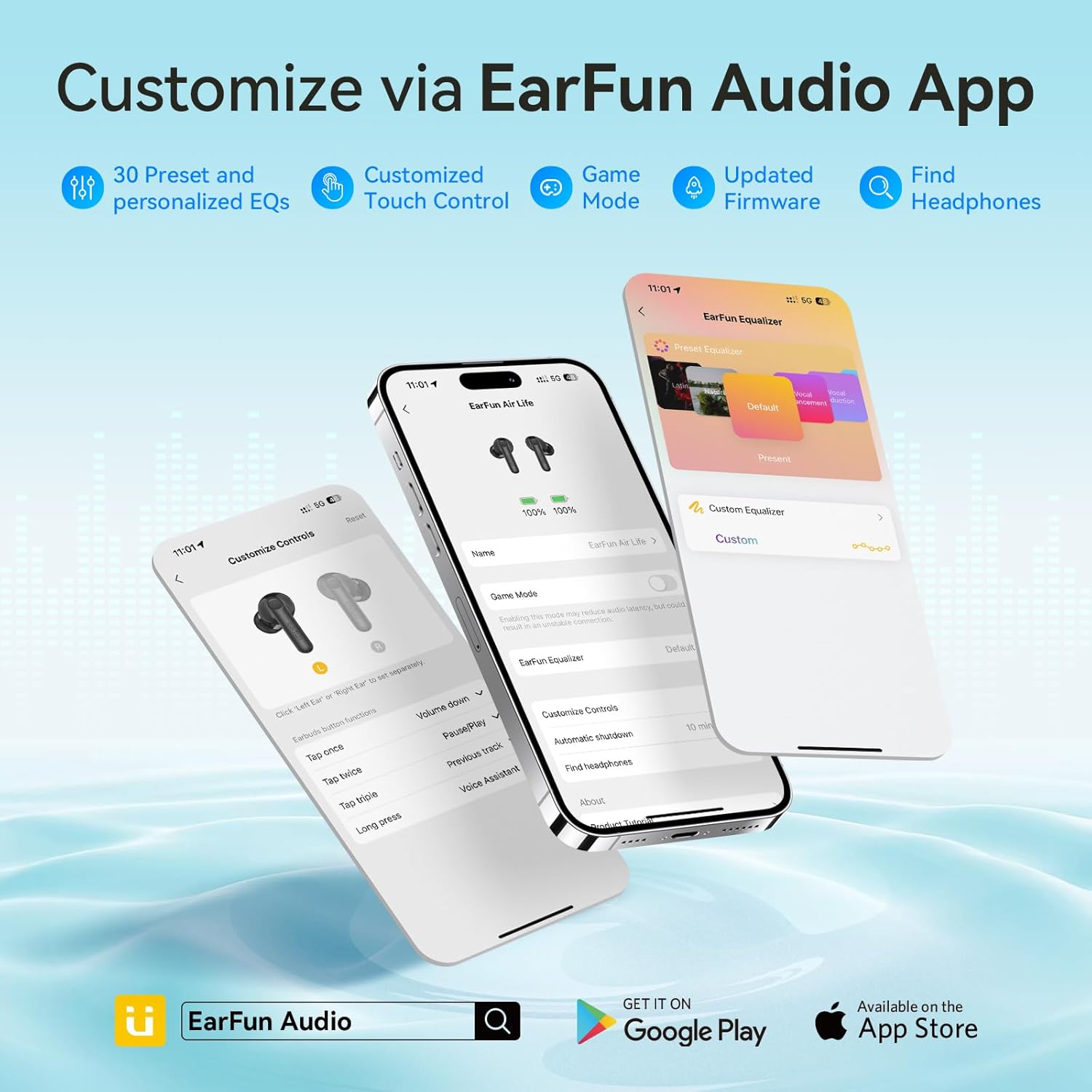
Enhance your listening experience by customizing settings via the EarFun Audio App.
- Ensure your EarFun Air Life earbuds are successfully paired to your Bluetooth-enabled device.
- Download and open the EarFun Audio App from your device's app store.
- Follow the in-app instructions to connect your earbuds. Once connected, you can access features such as:
- 30 Preset EQs and Custom EQ
- Customized Touch Control
- Game Mode (for reduced audio latency)
- اپڊيٽ ٿيل فرم ويئر
- Find Headphones function

This video segment guides you through connecting your EarFun Air Life earbuds to the EarFun Audio App.
4. ٽچ ڪنٽرول
The EarFun Air Life earbuds feature intuitive touch controls for managing music playback, calls, and voice assistant.
| فنڪشن | عمل | Earbud (R/L) |
|---|---|---|
| حجم مٿي | هڪ ڀيرو ٽيپ ڪريو | ساڄي (R) |
| حجم ھيٺ | هڪ ڀيرو ٽيپ ڪريو | کاٻي (L) |
| راند/روڪ | ٻه ڀيرا ٽيپ ڪريو | ساڄي (ر) يا کاٻي (ل) |
| ايندڙ ٽريڪ | Tap triple | ساڄي (R) |
| اڳيون ٽريڪ | Tap triple | کاٻي (L) |
| جواب ڏيو / ڪال ختم ڪريو | ٻه ڀيرا ٽيپ ڪريو | ساڄي (ر) يا کاٻي (ل) |
| ڪال رد ڪريو | ٽيپ ڪريو ۽ رکو 2s لاء | ساڄي (ر) يا کاٻي (ل) |
| جواب ڏيو ۽ transferه ڪالون منتقل ڪريو | Tap triple | ساڄي (ر) يا کاٻي (ل) |
| وائس اسسٽنٽ | ٽيپ ڪريو ۽ رکو 2s لاء | ساڄي (ر) يا کاٻي (ل) |
This video segment demonstrates how to control music, phone calls, and game mode using the EarFun Air Life earbuds.
سار سنڀال
1. Cleaning the Earbuds and Charging Case
Regular cleaning helps maintain optimal performance and longevity of your EarFun Air Life earbuds.
- The charging contacts on both earbuds and within the charging case may accumulate sweat or dust, which can affect charging or connection. Use a dry cotton swab to gently clean these contacts.
- The protective grille of both earbuds may accumulate earwax and dust, resulting in muffled volume. Use a clean, dry cotton swab to carefully clean the grille.
- For personal hygiene and earbud longevity, it is recommended to clean your ears regularly.
This video segment provides instructions on how to properly clean your EarFun Air Life earbuds and charging case.
مشڪلاتون
1. ائربڊس کي ري سيٽ ڪرڻ
If you experience pairing issues, sound problems, or other malfunctions, resetting the earbuds can often resolve the issue.
- Place both earbuds into the charging case and ensure they are charging.
- On your Bluetooth device, delete the previous "EarFun Air Life" connection from your Bluetooth settings.
- With the earbuds in the charging case and the lid open, simultaneously press and hold the touch control areas on both earbuds for 8 seconds until the indicator lights flash rapidly, then turn off. This indicates a successful reset.
- Close the charging case lid, then open it again. The earbuds will re-enter pairing mode.
- Reactivate Bluetooth on your device and search for "EarFun Air Life" to reconnect.
This video segment demonstrates the steps to reset your EarFun Air Life earbuds.
2. عام مسئلا ۽ حل
- ون ايربڊ مان ڪوبه آواز ناهي: Ensure both earbuds are charged. Try placing them back in the case, closing the lid, and reopening. If the issue persists, perform a reset.
- ائربڊس چارج نه ٿي رهيا آهن: Clean the charging contacts on both earbuds and inside the case with a dry cotton swab. Ensure the charging cable is securely connected and the power source is active.
- Connection Drops Frequently: Ensure you are within the Bluetooth range (typically 10 meters/33 feet) of your device. Avoid obstacles that may interfere with the signal. Try resetting the earbuds and re-pairing.
- Muffled Sound or Low Volume: Ensure ear tips are properly sealed in your ear canal. Clean the protective grilles of the earbuds to remove any earwax or debris. Adjust EQ settings in the EarFun Audio App.
وضاحتون
| خاصيت | تفصيل |
|---|---|
| ماڊل نالو | EarFun Air Life |
| بلوٽوت ورزن | 5.4 |
| ڊرائيور جي ماپ | 12mm Composite Dynamic Driver |
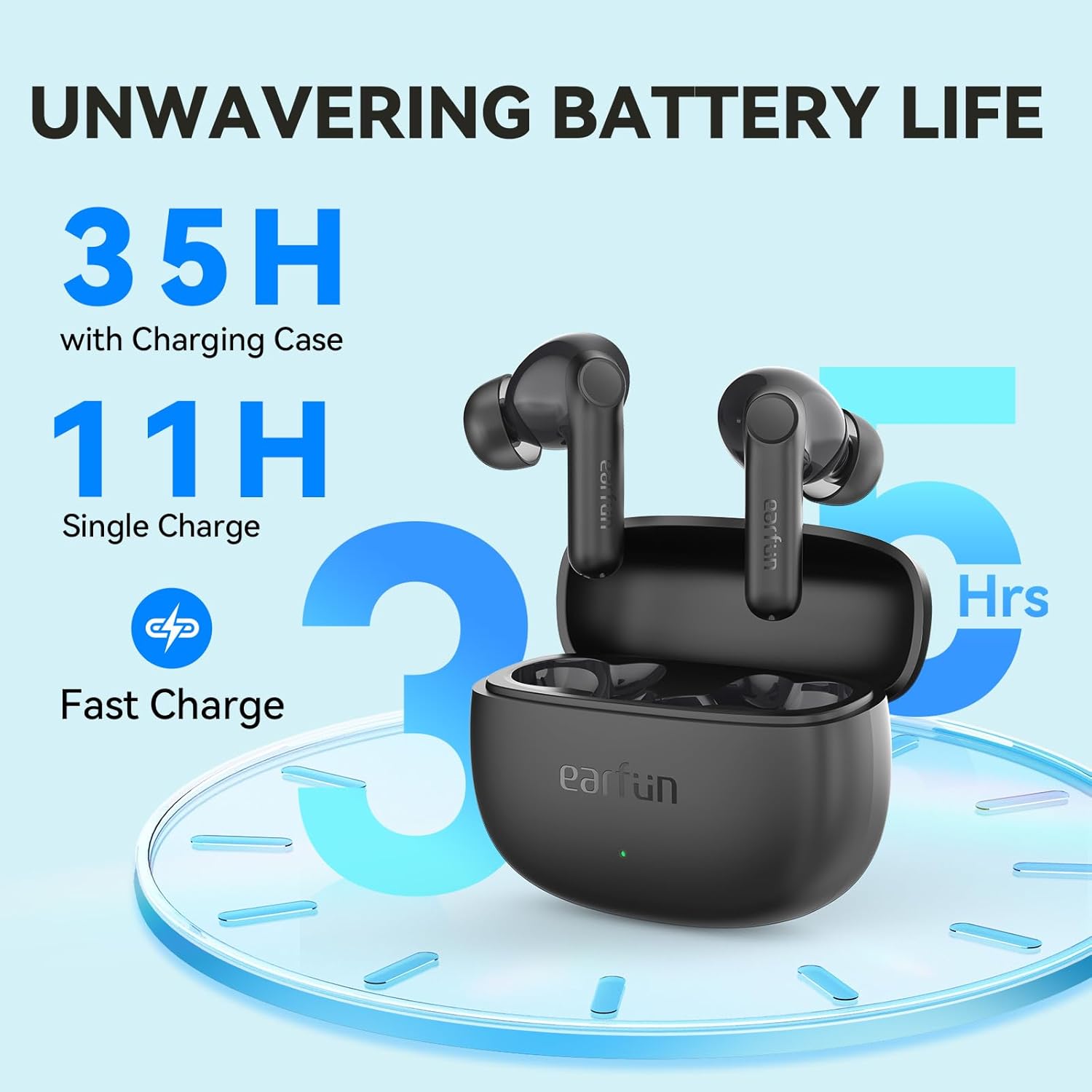
| راند جو وقت (سنگل چارج) | 11 ڪلاڪ تائين |
| راند جو وقت (چارج ڪيس سان) | 35 ڪلاڪ تائين |
| فاسٽ چارجنگ | 10 منٽ چارج ڪرڻ سان 150 منٽ راند جو وقت |
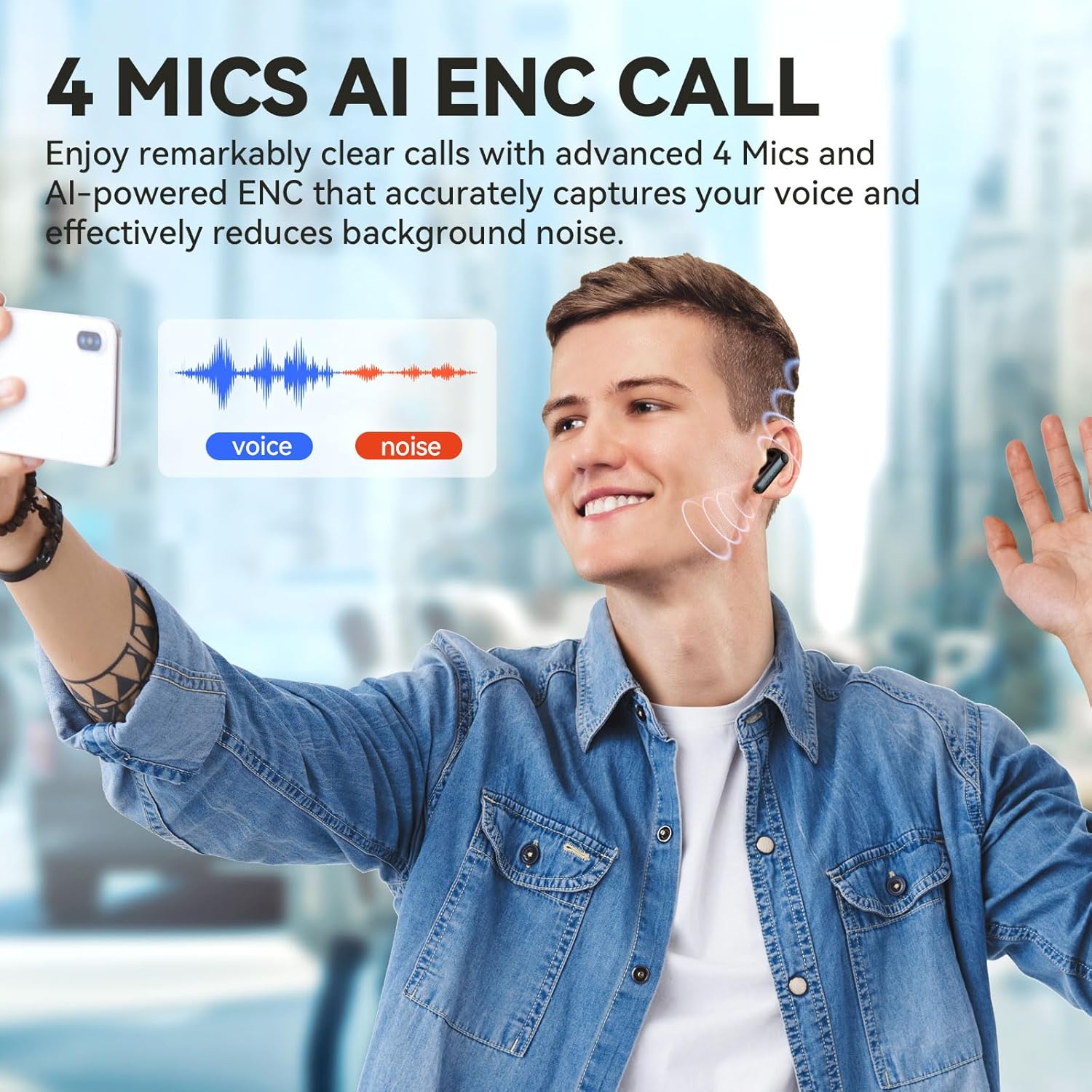
| مائڪروفون | 4 Mics with AI ENC Call Technology |
| پاڻي جي مزاحمت | IPX5 (پگهر ۽ پاڻي جي مزاحمتي) |
| ڪنٽرول جو طريقو | ائپ ، ٽچ |
| تعدد جواب | 20Hz - 20,000Hz |
| رڪاوٽ | 32 اوم |
| شيءِ جو وزن | 38 گرام (1.34 آونس) |
| پيداوار جي ماپ | 2.4 x 0.98 x 1.81 انچ |


وارنٽي ۽ سپورٽ
EarFun products typically come with a standard manufacturer's warranty. For specific warranty details, technical support, or further assistance, please refer to the official EarFun webسائيٽ يا انهن جي ڪسٽمر سروس سان رابطو ڪريو.
- سرڪاري استعمال ڪندڙ دستورالعمل (PDF): PDF ڊائون لوڊ ڪريو
- EarFun Brand Store: اسٽور جو دورو ڪريو