تعارف
The Logitech Zone 305 is a wireless Bluetooth headset designed for business professionals. It offers clear audio and reliable connectivity for calls and video meetings, certified for platforms like Google Meet, Google Voice, and Zoom. This manual provides essential information for setting up, operating, and maintaining your headset.

Image: The Logitech Zone 305 wireless headset shown alongside its retail packaging.
دٻي ۾ ڇا آهي
پڪ ڪريو ته سڀئي جزا پيڪيج ۾ موجود آهن:
- Logitech زون 305 وائرليس هيڊ سيٽ
- USB-C وصول ڪندڙ
- USB-C کان USB-A اڊاپٽر
- USB-C چارجنگ ڪيبل
- سفري بيگ
- استعمال ڪندڙ جو دستياب (ھي دستاويز)
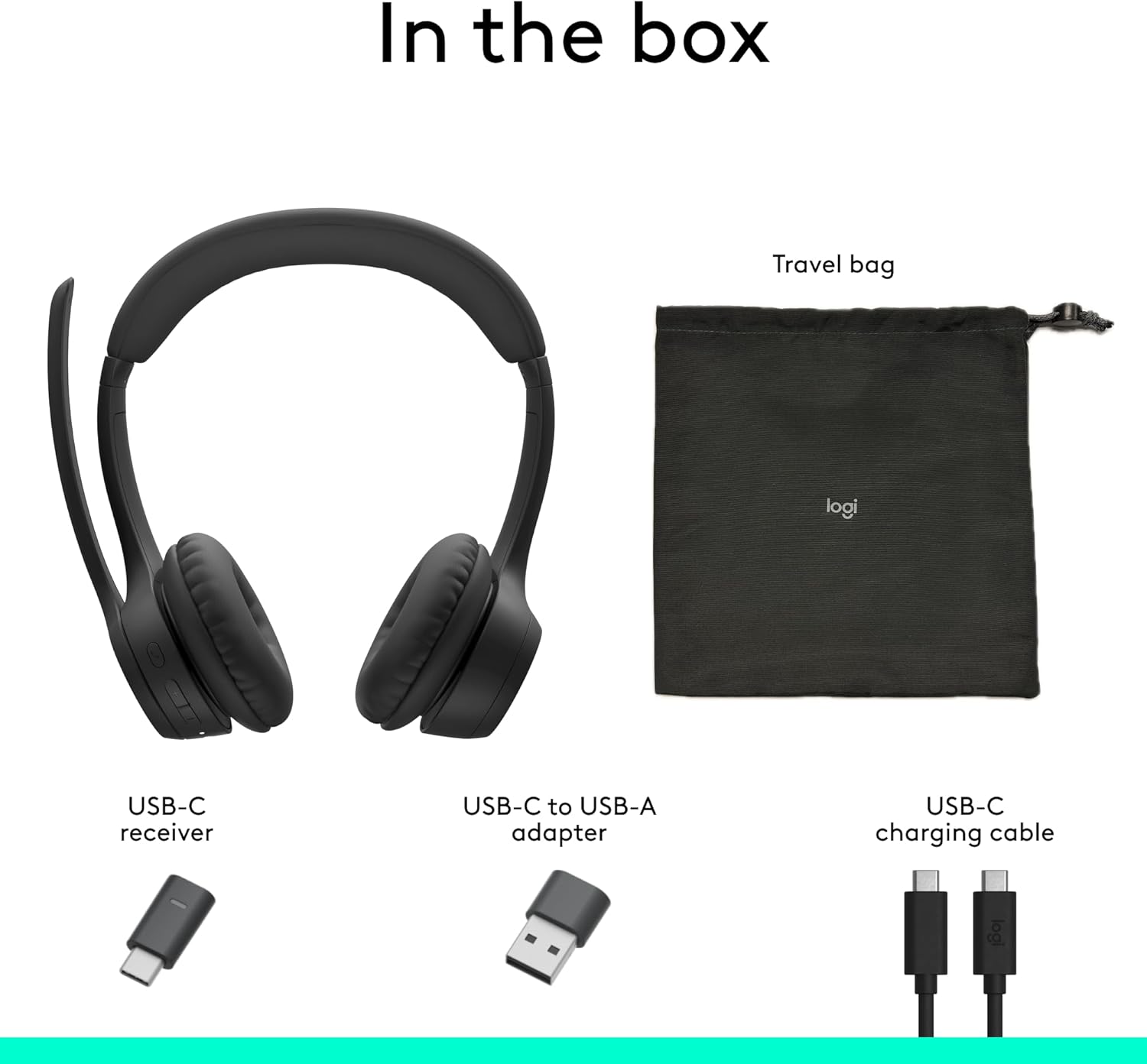
Image: A visual representation of all items included in the Logitech Zone 305 product box, including the headset, cables, and travel bag.
سيٽ اپ ڪريو
هيڊ سيٽ کي چارج ڪرڻ
Before first use, fully charge your Zone 305 headset. Connect the USB-C charging cable to the headset's USB-C port and the other end to a power source (e.g., computer USB port, wall adapter). The LED indicator on the headset will show charging status.

Image: A detailed diagram highlighting various features of the Logitech Zone 305 headset, including the USB-C charging port.
USB رسيور ذريعي ڳنڍڻ
- Insert the USB-C receiver into an available USB-C port on your computer. If your computer only has USB-A ports, use the provided USB-C to USB-A adapter.
- Power on your Zone 305 headset.
- The headset should automatically connect to the receiver. A solid LED indicator on the headset confirms a successful connection.
Bluetooth ذريعي ڳنڍڻ
- Power on your Zone 305 headset.
- Press and hold the Bluetooth pairing button on the headset until the LED indicator flashes rapidly, indicating pairing mode.
- On your device (computer, smartphone, tablet), navigate to Bluetooth settings and select "Logitech Zone 305" from the list of available devices.
- Once connected, the LED indicator on the headset will turn solid.
The headset can maintain a reliable connection to two devices simultaneously with a wireless range of up to 30 meters.
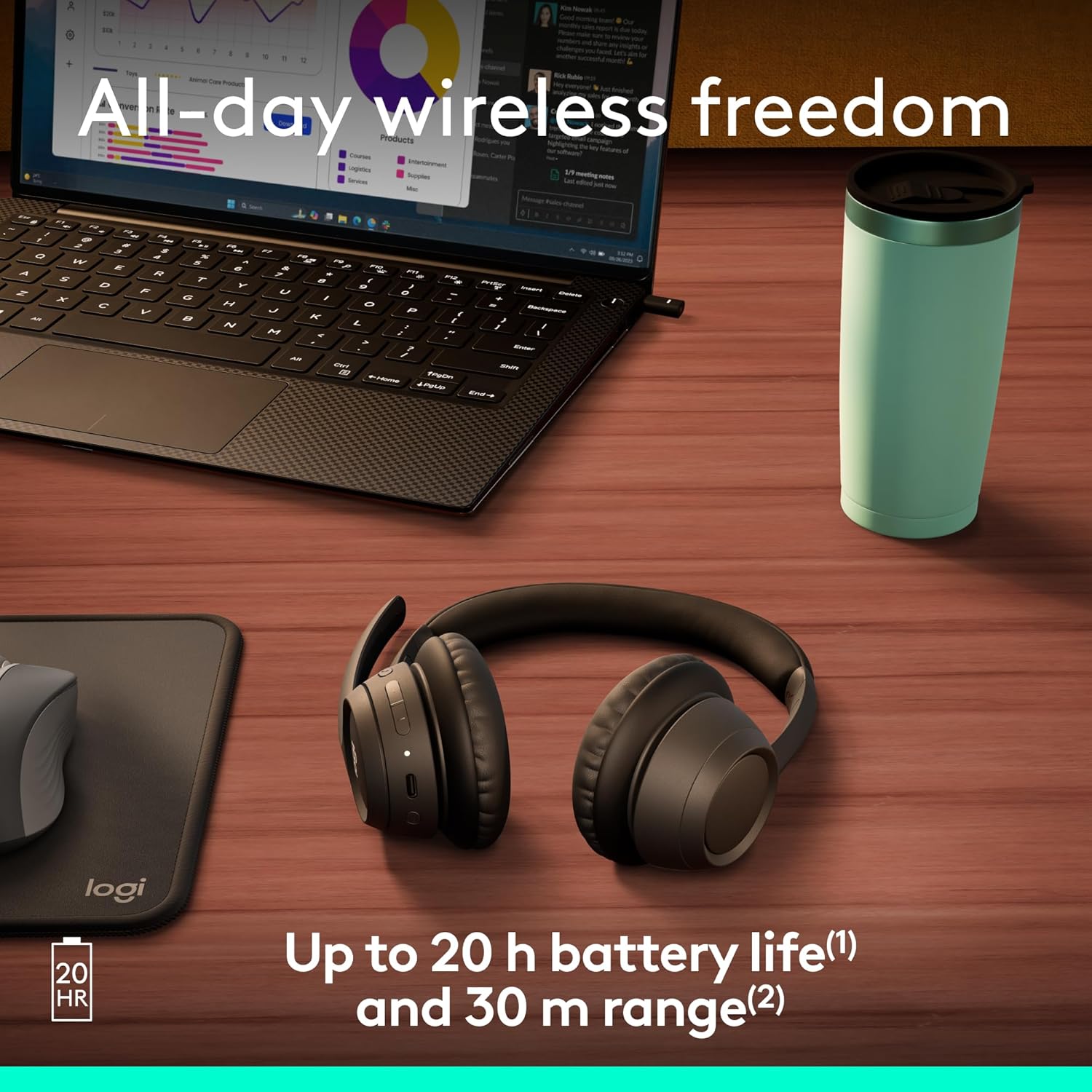
Image: The Logitech Zone 305 headset positioned on a wooden desk, illustrating its wireless capability next to a laptop.
آپريٽنگ هدايتون
بنيادي ڪنٽرول
- پاور آن / آف: پاور بٽڻ کي دٻايو ۽ رکو.
- حجم ڪنٽرول: Use the volume up (+) and volume down (-) buttons located on the earcup.
- راند/روڪ: هڪ multiيرو ملٽي فنڪشن بٽڻ کي دايو.
- جواب/آخر ڪال: ايندڙ ڪال يا فعال ڪال دوران هڪ ڀيرو ملٽي فنڪشن بٽڻ کي دٻايو.
- ڪال رد ڪريو: ايندڙ ڪال دوران ملٽي فنڪشن بٽڻ کي دٻايو ۽ رکو.
مائڪروفون جو استعمال
The Zone 305 features a flip-to-mute boom microphone with dual noise-canceling mics for clear voice capture.
- خاموش / چالو: Flip the microphone boom arm up to mute, and flip it down to unmute.
- پوزيشن: For optimal voice clarity, position the microphone approximately two fingers' width from your mouth.

تصوير: هڪ ويجهو تصوير view of the microphone boom on the Logitech Zone 305 headset, highlighting the dual noise-canceling microphone elements.
Compatibility and Certifications
The Zone 305 is certified for use with Google Meet, Google Voice, and Zoom, ensuring seamless integration and optimal performance with these communication platforms. It is also compatible with Windows, Mac, Chrome, Linux, iOS, iPadOS, and Android operating systems.
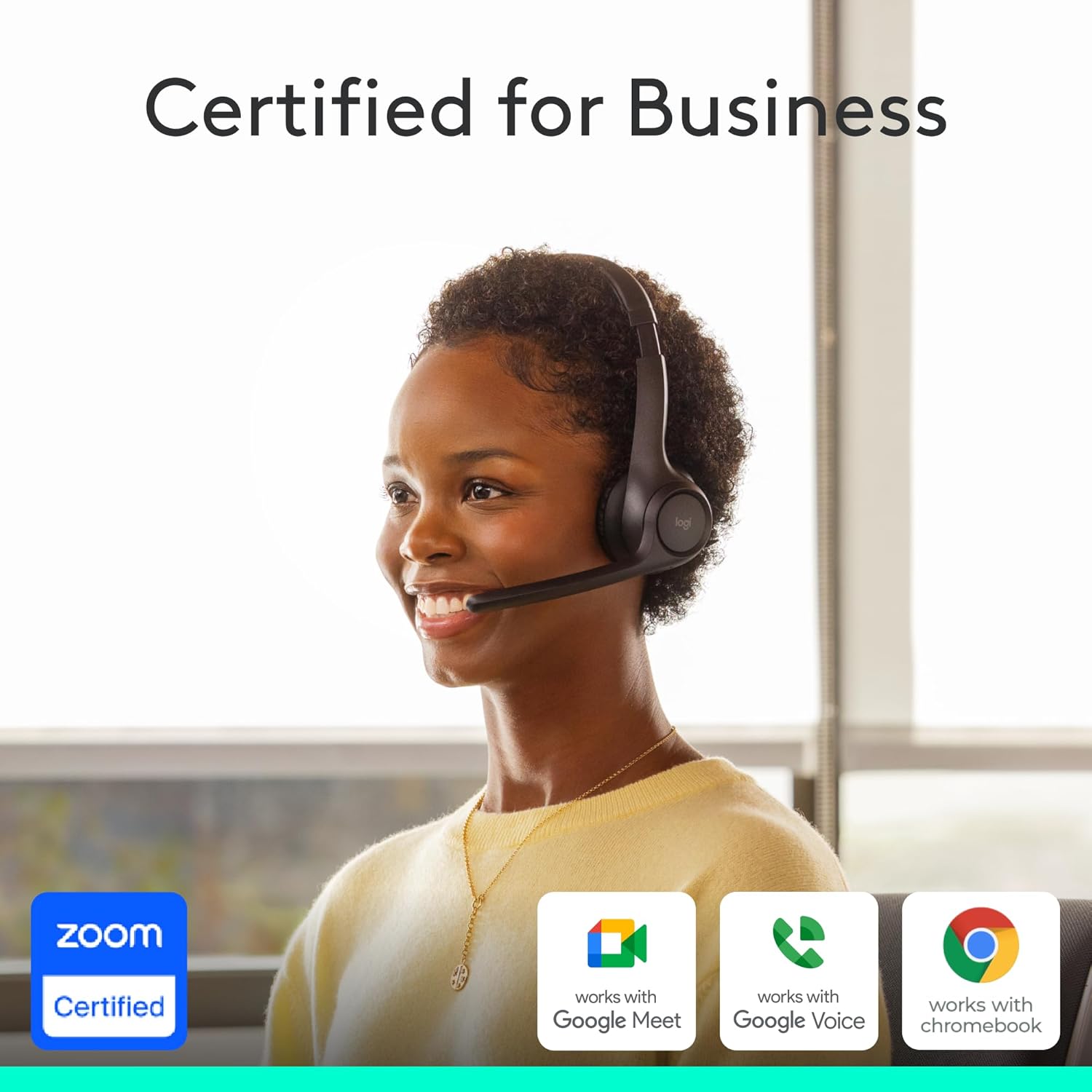
Image: A person wearing the Logitech Zone 305 headset, with logos indicating certification for Zoom, Google Meet, Google Voice, and Works With Chromebook.
سار سنڀال
صفائي
- هيڊ سيٽ کي نرم، ڊي سان صاف ڪريوamp ڪپڙو.
- استعمال نه ڪريو abrasive cleaners يا solvents.
- Ensure the USB-C charging port is free of dust and debris.
Earpad Replacement
The earpads on the Zone 305 are replaceable to extend the product's life. Contact Logitech support for replacement parts and instructions.
ذخيرو
When not in use, store the headset in the provided travel bag to protect it from dust and damage.

Image: The Logitech Zone 305 headset resting on a minimalist white stand, demonstrating its lightweight design.
مشڪلاتون
- نه آڊيو:
- Ensure the headset is powered on and connected to your device.
- Check your device's volume settings and ensure the headset is selected as the audio output.
- Verify the headset is not muted.
- مائڪروفون ڪم نه ڪري رهيو آهي:
- Ensure the microphone boom is flipped down and not muted.
- Check your device's sound settings to ensure the headset microphone is selected as the input device.
- Restart your communication application (e.g., Zoom, Google Meet).
- ڪنيڪشن جا مسئلا:
- Ensure the headset is within the 30-meter wireless range of your device.
- Try re-pairing the headset via Bluetooth or re-inserting the USB receiver.
- Ensure there are no strong interfering signals (e.g., other wireless devices) nearby.
- مختصر بيٽري زندگي:
- Ensure the headset is fully charged before use. Battery life is up to 20 hours listening time and 16 hours talk time.
- A 5-minute quick charge provides up to 1 hour of talk time.
وضاحتون
| خاصيت | تفصيل |
|---|---|
| ماڊل نالو | زون 305 |
| شيون ماڊل نمبر | 981-001452 |
| رابطي ٽيڪنالاجي | وائرليس (بلوٽوت) |
| وائرلیس رينج | 30 ميٽر (100 فوٽ) تائين |
| بيٽري جي زندگي (ٻڌڻ) | 20 ڪلاڪ تائين |
| بيٽري جي زندگي (ڳالهائڻ جو وقت) | 16 ڪلاڪ تائين |
| تڪڙو چارج | 5 minutes charge for 1 hour talk time |
| مائڪروفون جو قسم | Dual noise-canceling mics on flip-to-mute boom |
| وزن | 122 گرام (4.3 اونس) |
| مواد | Plastic (55% Post-Consumer Recycled Plastic) |
| مطابقت | Windows, Mac, Chrome, Linux, iOS, iPadOS, Android |
| سرٽيفڪيشن | Google Meet, Google Voice, Zoom, Works With Chromebook |
وارنٽي ۽ سپورٽ
Logitech products are designed for reliability and performance. For warranty information, please refer to the warranty card included with your product or visit the official Logitech support webسائيٽ.
For technical assistance, frequently asked questions, and driver downloads, please visit the Logitech سپورٽ Webسائيٽ. You can also manage device usage and firmware updates via لاگٽيڪ هم وقت سازي.

Image: Two individuals working in an office setting, one utilizing the Logitech Zone 305 headset, illustrating its use in a business environment and manageability with Logitech Sync.


