1. تعارف
خريد ڪرڻ لاءِ مهربانيasing the AKAI 50 Inch 4K Ultra HD Smart QLED TV, Model AL50GQU-SFWS. This manual provides essential information for the safe and efficient operation of your new television. Please read it thoroughly before using the product and retain it for future reference.
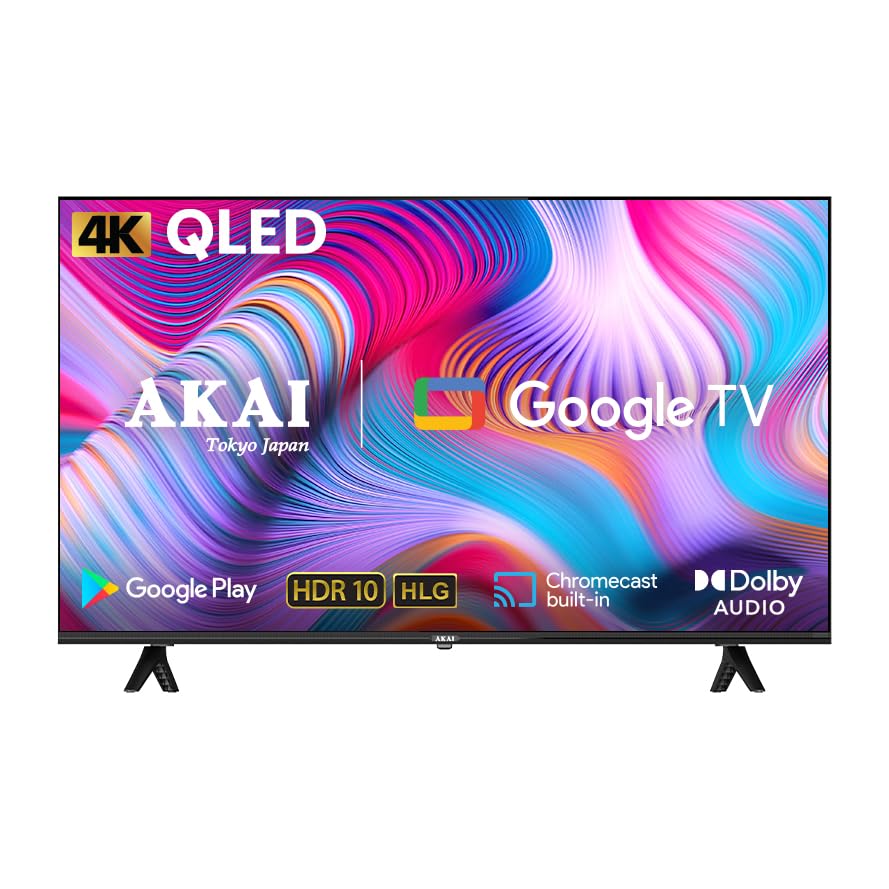
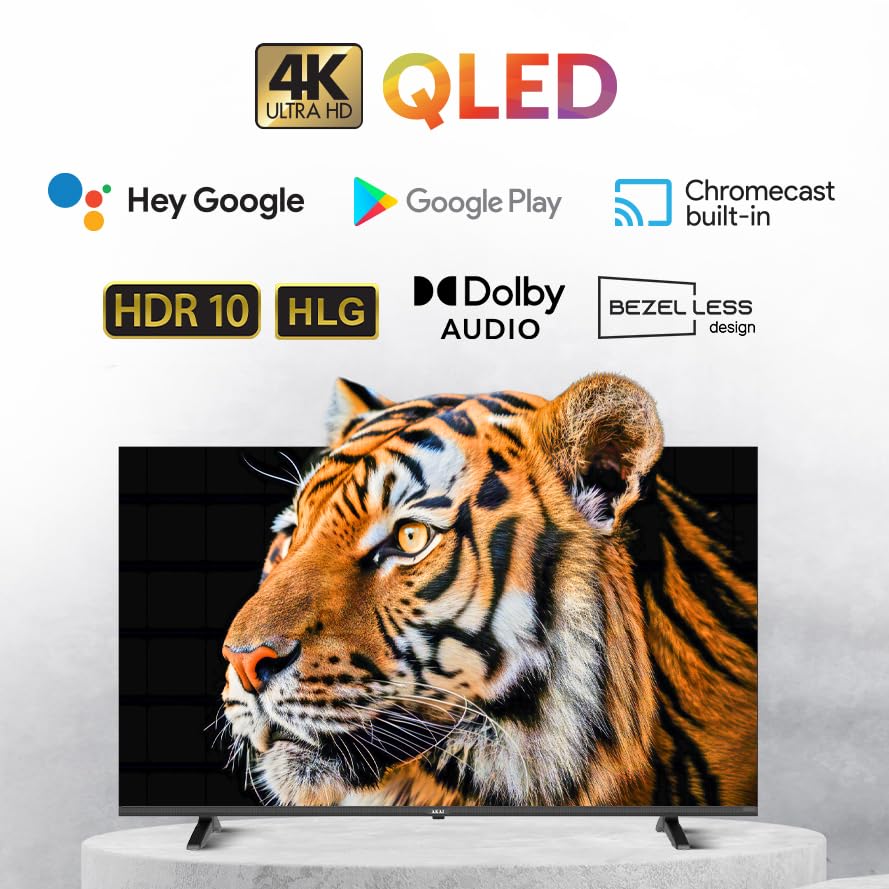
This QLED TV features a 4K Ultra HD display, Google TV operating system, Atmos Sound, 60Hz refresh rate with MEMC technology, HDR 10 support, and a bezelless design, offering an immersive viewتجربو.
2. پيڪيج مواد
سيٽ اپ سان اڳتي وڌڻ کان اڳ، مھرباني ڪري تصديق ڪريو ته ھيٺ ڏنل سڀ شيون توھان جي پيڪيج ۾ شامل آھن:
- AKAI 50 Inch 4K Ultra HD Smart QLED TV
- ريموٽ ڪنٽرول
- پاور ڪيبل
- Wall Mount Bracket (if included in your specific package)
- Table Mount Stands
- استعمال ڪندڙ جو دستياب (ھي دستاويز)
- Batteries for Remote Control (may be included)
3. سيٽ اپ
3.1. Unpacking ۽ لڳائڻ
- Carefully remove the TV from its packaging. It is recommended that two people handle the TV to prevent damage.
- Place the TV on a stable, flat surface or prepare for wall mounting. Ensure adequate ventilation around the TV.
3.2. Attaching the Stands (Table Mount)
If you intend to place the TV on a table or cabinet, follow these steps:
- Lay the TV face down on a soft, clean cloth to protect the screen.
- Align the table stands with the screw holes on the bottom of the TV.
- مهيا ڪيل اسڪرو استعمال ڪندي اسٽينڊ کي محفوظ ڪريو. وڌيڪ تنگ نه ڪريو.
- احتياط سان ٽي وي کي ان جي سڌي پوزيشن تي کڻو.
3.3. ڀت چڙهڻ
If you plan to wall mount your TV, it is strongly recommended to use a professional installer to ensure proper and safe installation. Refer to the wall mount bracket's instructions for specific details.
3.4. ڪنيڪشن جا آلات
توهان جو ٽي وي مختلف ڪنيڪٽيويٽي آپشن پيش ڪري ٿو:
- HDMI پورٽس (x3): Connect Blu-ray players, gaming consoles, set-top boxes, etc.
- USB پورٽ (x1): ميڊيا پلے بیک لاءِ USB اسٽوريج ڊوائيسز ڳنڍيو.
- ايٿنيٽ پورٽ: وائرڊ انٽرنيٽ ڪنيڪشن لاءِ.
- وائي فائي: وائرليس انٽرنيٽ ڪنيڪشن لاءِ.
- بلوٽوٿ: وائرليس لوازمات جهڙوڪ هيڊفون يا سائونڊ بار کي ڳنڍڻ لاءِ.
ٽي وي کي پاور ڏيڻ کان اڳ پڪ ڪريو ته سڀئي ڪنيڪشن محفوظ آهن.
3.5. شروعاتي پاور آن ۽ گوگل ٽي وي سيٽ اپ
- پاور ڪيبل کي ٽي وي سان ڳنڍيو ۽ پوءِ پاور آئوٽليٽ سان.
- ريموٽ ڪنٽرول تي يا ٽي وي تي ئي پاور بٽڻ دٻايو.
- Follow the on-screen instructions to complete the initial setup of Google TV, including language selection, network connection (Wi-Fi or Ethernet), Google account sign-in, and channel scanning.
4. پنهنجو ٽي وي هلائڻ
4.1. ريموٽ ڪنٽرول افعال
The provided remote control allows you to navigate the TV's interface and control various functions. Familiarize yourself with the buttons:
- پاور بٽڻ: ٽي وي کي آن / بند ڪري ٿو.
- نيويگيشن پيڊ (مٿي/هيٺ/کاٻي/ساڄي/ٺيڪ): مينيو نيويگيشن ۽ چونڊ لاءِ.
- پوئتي بٽڻ: پوئين اسڪرين ڏانهن واپسي.
- هوم بٽڻ: گوگل ٽي وي جي هوم اسڪرين تائين رسائي حاصل ڪري ٿو.
- حجم مٿي / ھيٺ: حجم جي سطح کي ترتيب ڏئي ٿو.
- چينل مٿي / هيٺ: ٽي وي چينلز بدلائي ٿو.
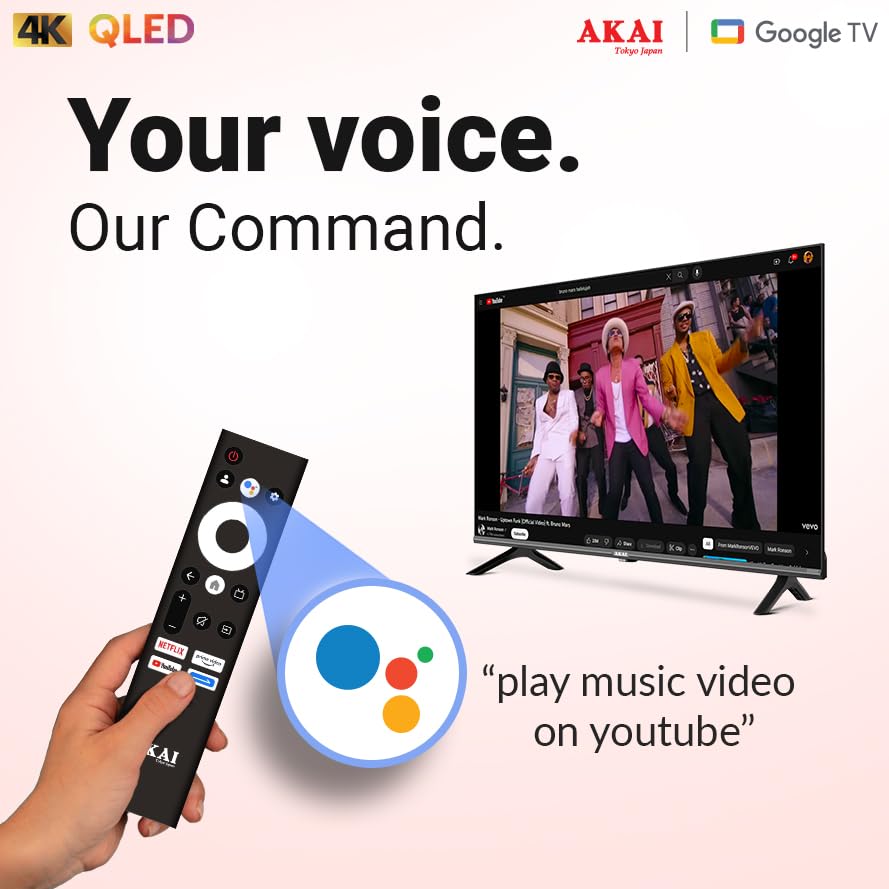
- گوگل اسسٽنٽ بٽڻ: آواز ڪنٽرول کي چالو ڪري ٿو.
- ايپ شارٽ ڪٽ بٽڻ: مشهور اسٽريمنگ سروسز تائين سڌو رسائي.
4.2. گوگل ٽي وي انٽرفيس
Google TV organizes your entertainment from various apps and subscriptions into a single, personalized interface. You can:
- Browse movies and TV shows from your streaming services.
- Discover new content based on your viewعادتون.
- Access the Google Play Store to download additional apps.
- Use Google Assistant for voice commands to search for content, control smart home devices, and more.
4.3. اهم خاصيتون ۽ ٽيڪنالاجيون
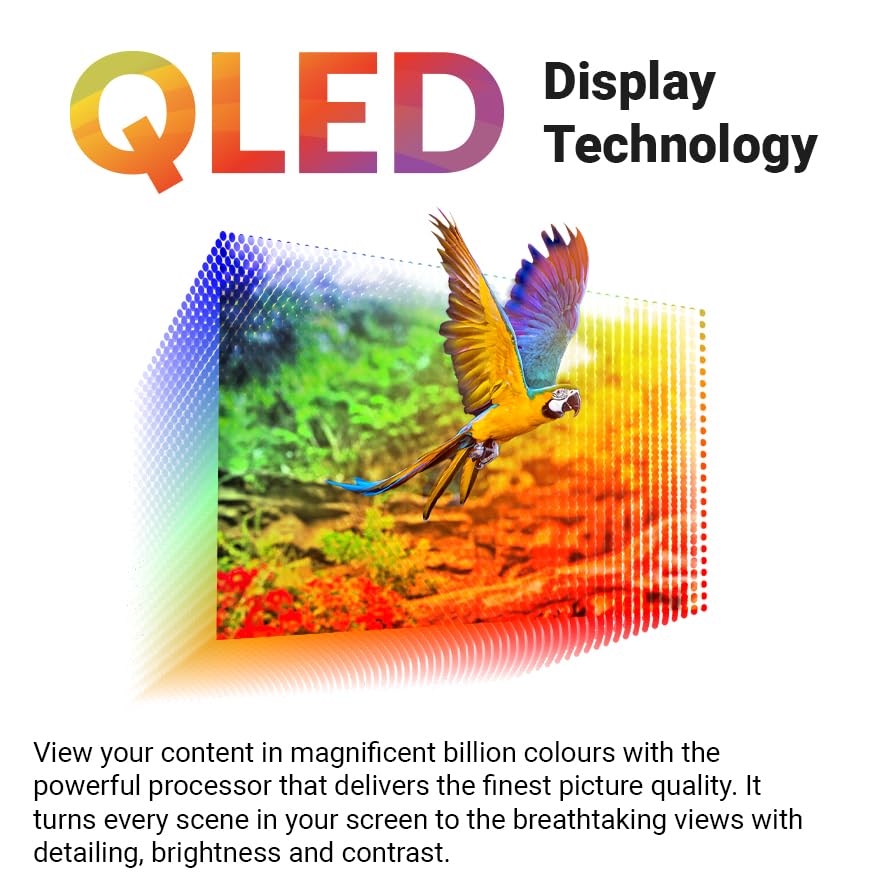
- 4K Ultra HD QLED Display: Experience stunning visuals with 3840 x 2160 resolution and vibrant colors enhanced by Quantum Dot technology.
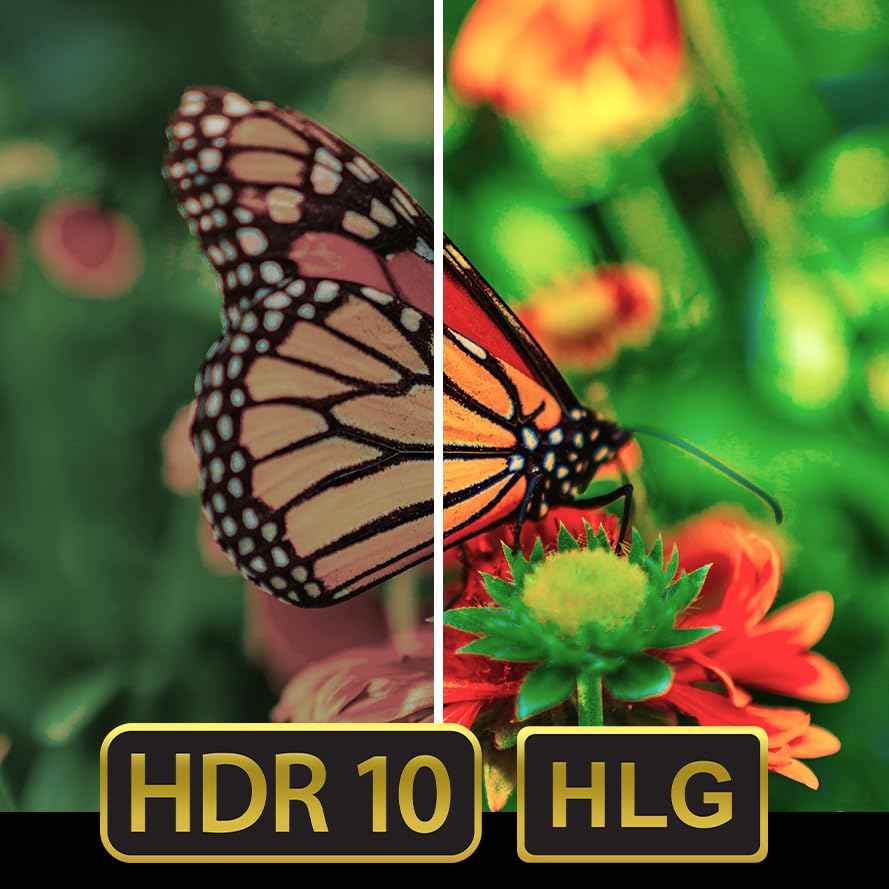
- HDR 10: Enjoy enhanced contrast, deeper blacks, and brighter whites for a more dynamic picture.
- 60Hz Refresh Rate with MEMC: Motion Estimation, Motion Compensation (MEMC) technology ensures smooth, fluid motion, reducing blur in fast-paced scenes.
- Atmos Sound: توهان جي چوڌاري گهمندڙ، گهڻ-جہتي آڊيو پهچائي ٿو.
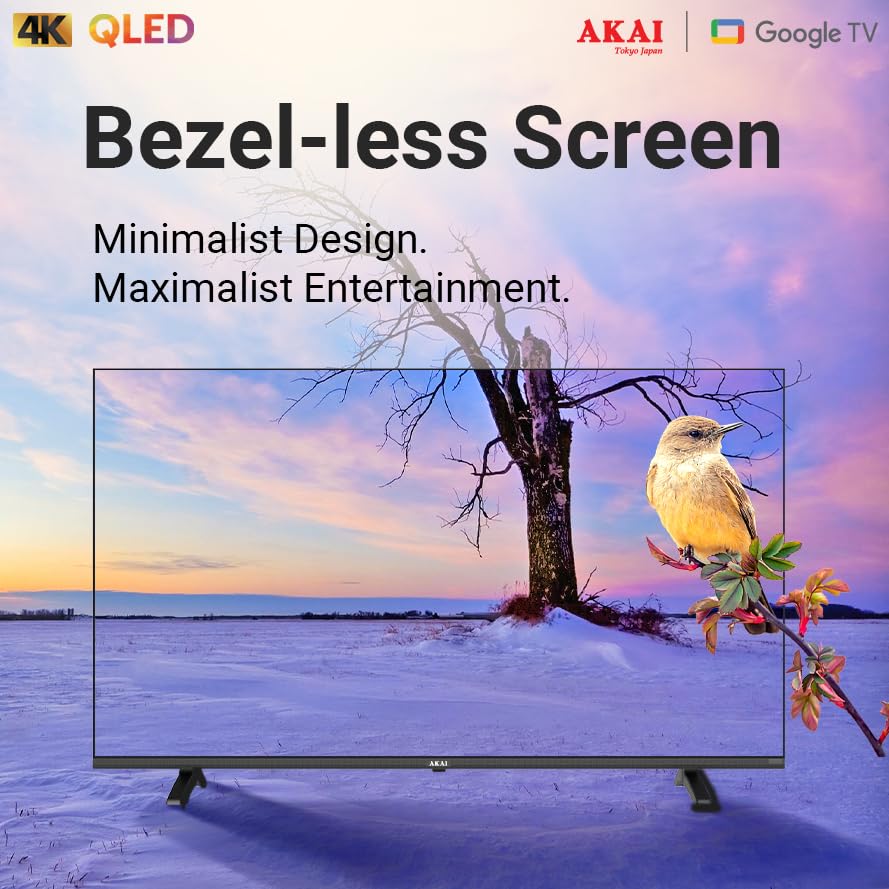
- Bezelless Design: Maximizes screen space for an expansive viewتجربو.
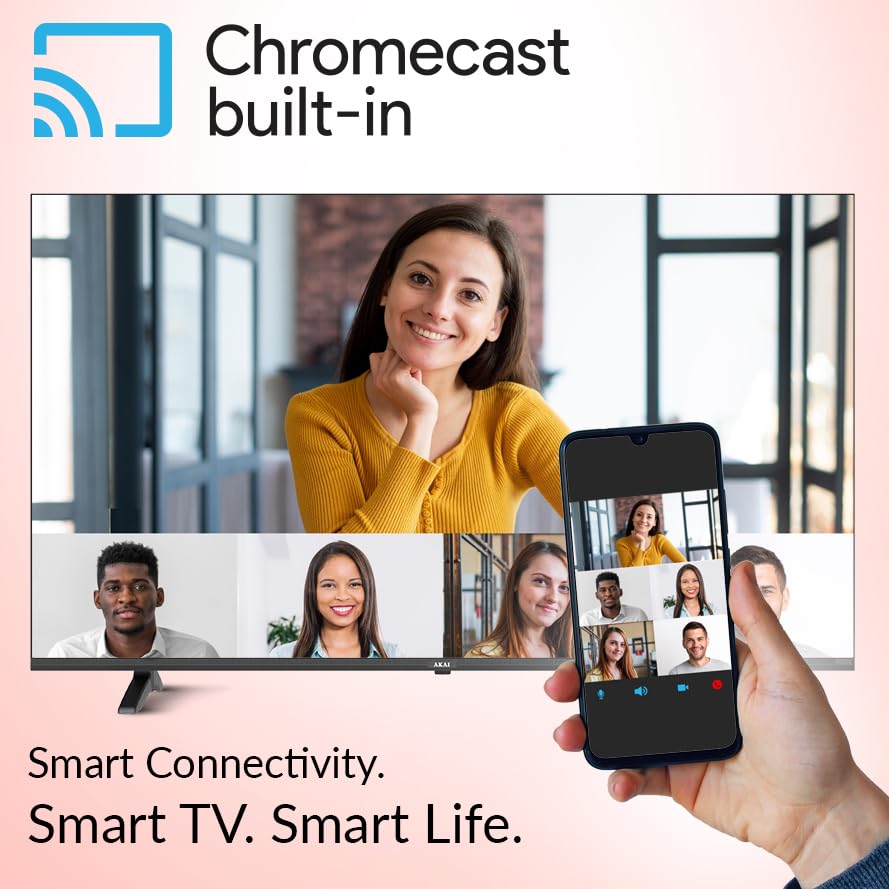
- Chromecast بلٽ ان: پنهنجي مطابقت رکندڙ اسمارٽ فون، ٽيبليٽ، يا ڪمپيوٽر تان سڌو سنئون پنهنجي ٽي وي تي مواد ڪاسٽ ڪريو.


5. سار سنڀال
5.1. پنهنجي ٽي وي کي صاف ڪرڻ
- صفائي ڪرڻ کان اڳ هميشه ٽي وي کي ان پلگ ڪريو.
- اسڪرين ۽ ڪابينا کي نرميءَ سان صاف ڪرڻ لاءِ نرم، سڪل، لِنٽ فري ڪپڙو استعمال ڪريو.
- ضدي نشانن لاءِ، هلڪو ڊيampڪپڙي کي پاڻي يا نرم، غير رگڙندڙ اسڪرين ڪلينر سان ڍڪيو. ڪڏهن به ڪلينر کي سڌو سنئون اسڪرين تي نه اسپري ڪريو.
- سخت ڪيميڪل، رگڙيندڙ پيڊ، يا سالوينٽس استعمال ڪرڻ کان پاسو ڪريو ڇو ته اهي ٽي وي جي مٿاڇري کي نقصان پهچائي سگهن ٿا.
5.2. سافٽ ويئر اپڊيٽ
Your Google TV may receive automatic software updates. Ensure your TV is connected to the internet to receive the latest features and security patches. You can also manually check for updates in the TV's settings menu.
6. مسئلا حل ڪرڻ
جيڪڏهن توهان کي پنهنجي ٽي وي سان مسئلا درپيش اچن ٿا، ته هيٺ ڏنل عام مسئلن ۽ حلن جو حوالو ڏيو:
| مسئلو | ممڪن حل |
|---|---|
| طاقت نه آهي | Check if the power cable is securely connected to both the TV and the power outlet. Ensure the power outlet is working. |
| تصوير ناهي، پر آواز موجود آهي. | Verify the correct input source is selected. Check cable connections (HDMI, etc.). Try restarting the TV. |
| آواز ڪونهي، پر تصوير موجود آهي. | آواز جي سطح چيڪ ڪريو ۽ پڪ ڪريو ته ٽي وي خاموش نه آهي. آڊيو ڪيبل ڪنيڪشن جي تصديق ڪريو. جيڪڏهن ٻاهرين آڊيو استعمال ڪري رهيا آهيو، ته ان جي سيٽنگن کي چيڪ ڪريو. |
| ريموٽ ڪنٽرول ڪم نه ڪري رهيو آهي | بيٽريون تبديل ڪريو. پڪ ڪريو ته ريموٽ ۽ ٽي وي جي IR سينسر جي وچ ۾ ڪا به رڪاوٽ نه آهي. جيڪڏهن ريموٽ بلوٽوٿ ريموٽ آهي ته ان کي ٻيهر جوڙيو. |
| وائي فائي سان ڳنڍجي نٿو سگھي | پڪ ڪريو ته توهان جو وائي فائي روٽر آن آهي ۽ ڪم ڪري رهيو آهي. وائي فائي پاسورڊ ٻيهر داخل ڪريو. ٽي وي ۽ روٽر ٻنهي کي ٻيهر شروع ڪرڻ جي ڪوشش ڪريو. |
If the issue persists after trying these solutions, please contact AKAI customer support for further assistance.
7. وضاحتون
| خاصيت | تفصيل |
|---|---|
| برانڊ | AKAI |
| ماڊل | AL50GQU-SFWS |
| اسڪرين جي ماپ | 50 انچ (126 سينٽي) |
| ڊسپلي ٽيڪنالاجي | QLED |
| قرارداد | 3840 x 2160 (4 ڪلو الٽرا ايڇ ڊي) |
| ريفريش جي شرح | 60 Hz (with MEMC Technology) |
| آپريٽنگ سسٽم | گوگل ٽي وي |
| خاص خاصيتون | Atmos Sound, HDR 10, Bezelless Design, Chromecast Built-in, Google Assistant |
| رام | 2 جي بي |
| روم | 16 جي بي |
| HDMI بندرگاهن | 3 |
| USB بندرگاهن | 1 |
| رابطي | وائي فائي، بلوٽوت، ايٿرنيٽ |
| آڊيو آئوٽ پٽ موڊ | Stereo (5.1 Speaker Surround Sound Channel Configuration) |
| Viewزاويه | 178 درجا |
| تصويري قسطن جو تناسب | 5000:1 |
| طاقت جو ذريعو | تار ٿيل برقي |
| واتtage | 130.00 ڊبليو |
| پيداوار جي ماپ (LxWxH) | 111.2 x 64.8 x 9.2 سينٽي ميٽر (اسٽينڊ کان سواءِ) |
| شيءِ جو وزن | 9.1 ڪلو |
8. وارنٽي ۽ سپورٽ
Your AKAI 50 Inch 4K Ultra HD Smart QLED TV is covered by a manufacturer's warranty. Please refer to the warranty card included in your package for specific terms and conditions, including the warranty period and coverage details.
For technical support, service requests, or any questions not covered in this manual, please contact AKAI customer service. Contact details can typically be found on the AKAI official webسائيٽ تي يا توهان جي وارنٽي دستاويزن تي.
ٺاهيندڙ: Hometech Digital Limited, SCO 363-364, Sector 35B, Chandigarh


