تعارف
This manual provides detailed instructions for the setup, operation, maintenance, and troubleshooting of your DOOGEE U11(2025) Android 15 Tablet. Please read this manual thoroughly before using your device to ensure optimal performance and longevity.
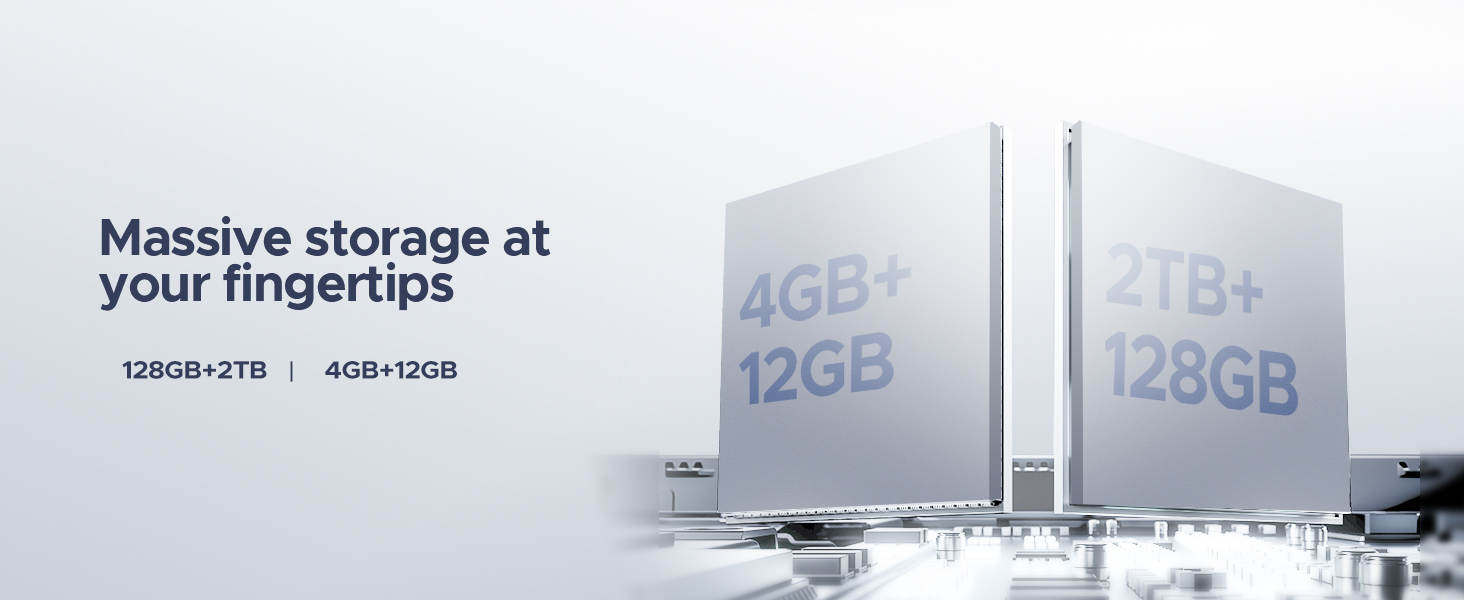
The DOOGEE U11(2025) is an 11-inch tablet featuring the Android 15 operating system, an Octa-Core processor, 16GB RAM (expandable), 128GB ROM (expandable up to 2TB), a 90Hz IPS display, and an 8580mAh battery. It supports Netflix 1080P, Bluetooth 5.0, and 5G WiFi.
پيداوار ختمview
Familiarize yourself with the physical components and key features of your DOOGEE U11(2025) tablet.

شڪل 1: اڳيان ۽ پوئتي view of the DOOGEE U11(2025) Android 15 Tablet, highlighting its sleek design and camera module.

شڪل 2: Diagram illustrating key features such as the Octa-core processor, 8580mAh battery, 128GB storage with 2TB expansion, 11-inch IPS display, 13MP main camera, 5MP front camera, and Smart PA 128 dB Dual Speaker.
جسماني جزا
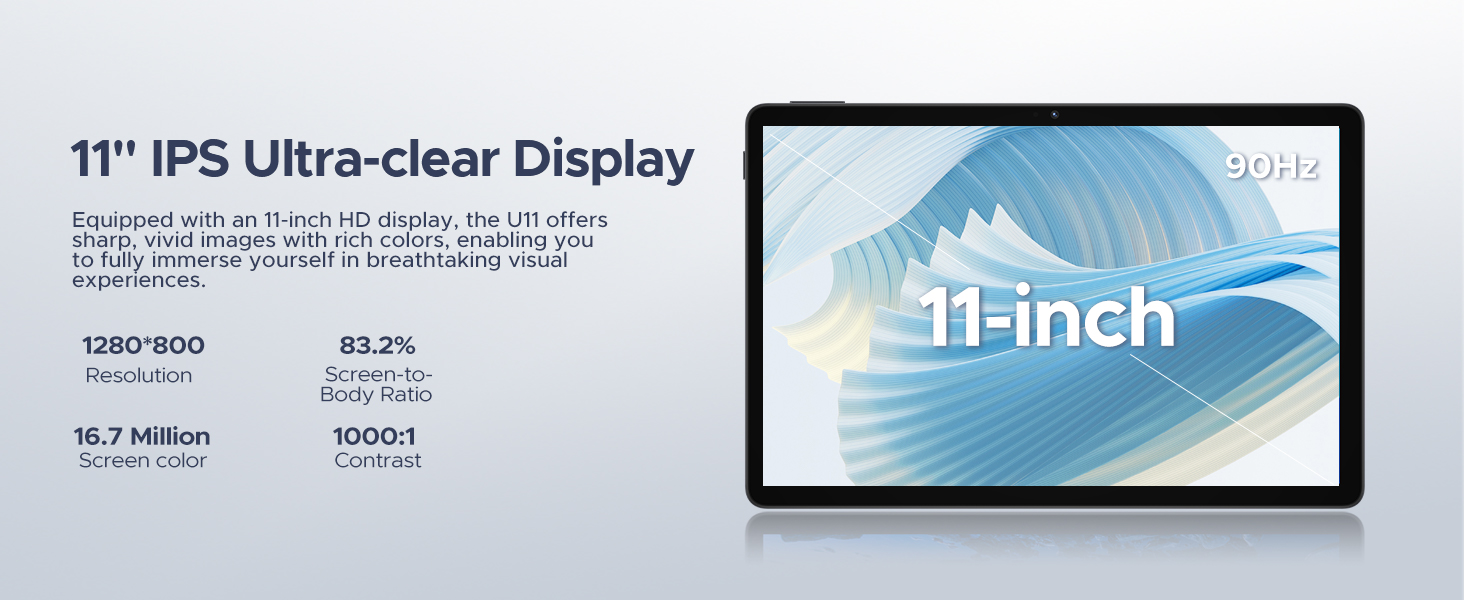
- ڏيکاريو: 11-inch IPS Ultra-clear Display with 90Hz refresh rate.
- ڪئميرا: 13MP Main Camera (rear) and 5MP Front Camera.
- ڳالهائيندڙ: Smart PA 128 dB Dual Speakers for enhanced audio.
- بندرگاهن: 1x Type-C port, 1x 3.5mm AUX headphone jack, 1x SD card port.
- بٽڻ: پاور بٽڻ، واليوم اپ/ڊائون بٽڻ.
سيٽ اپ گائيڊ
1. شروعاتي پاور آن
- کي دٻايو ۽ رکو پاور بٽڻ located on the side of the tablet until the DOOGEE logo appears.
- The tablet will boot up and guide you through the initial setup process.
2. Language and Region Selection
- فهرست مان پنھنجي پسند جي ٻولي چونڊيو.
- Choose your region for accurate time zone and local settings.
3. وائي فائي ڪنيڪشن
- دستياب فهرست مان پنهنجو وائي فائي نيٽ ورڪ چونڊيو.
- Enter the Wi-Fi password if prompted. The tablet supports both 5G and 2.4G Wi-Fi networks.
4. گوگل اڪائونٽ سيٽ اپ
- Sign in with your existing Google account or create a new one. This is necessary to access the Google Play Store and other Google services.
5. Data Transfer (Optional)
- You may choose to transfer data from a previous device during this step. Follow the on-screen instructions.
6. Security Setup
- Set up a screen lock method (PIN, pattern, password, or Face ID). The DOOGEE U11 supports Face Unlock for convenient access.
وڊيو 1: This video demonstrates the unboxing and initial setup process of the DOOGEE U11 tablet, including powering on and navigating the initial settings. It highlights the tablet's lightweight design and responsive display.
توهان جي ٽيبليٽ کي هلائڻ
نيويگيشن ۽ اشارا
- ٽيپ ڪريو: ڪا شيءِ چونڊڻ يا ايپ کولڻ لاءِ هڪ ڀيرو اسڪرين کي ڇهو.
- ڊگهي پريس: Touch and hold an item to reveal more options.
- سوائپ صفحن جي وچ ۾ اسڪرول ڪرڻ يا نيويگيٽ ڪرڻ لاءِ پنهنجي آڱر کي اسڪرين تي ڇڪيو.
- زوم ڪرڻ لاءِ پنچ: تصويرن کي زوم ان يا آئوٽ ڪرڻ لاءِ ٻه آڱريون استعمال ڪريو يا web صفحا.
هوم اسڪرين ڪسٽمائيزيشن
- وجيٽس شامل ڪريو: Long press on an empty area of the home screen, then select "Widgets" to add useful tools like clocks or weather.
- وال پيپر تبديل ڪريو: Long press on an empty area, then select "Wallpaper & style" to customize your background.
وڊيو 2: This video showcases the smooth operation and responsiveness of the DOOGEE U11 tablet, demonstrating app navigation, settings adjustments, and general user interface fluidity.
Multitasking and Productivity
- اسپلٽ اسڪرين موڊ: Open a recent app, tap its icon at the top of the window, and select "Split screen" to use two apps simultaneously.
- ڊبليو پي ايس آفيس: The tablet comes with built-in WPS Office, allowing you to create and edit documents, spreadsheets, and presentations.
شڪل 3: The DOOGEE U11 tablet displaying WPS Office applications, demonstrating its capability for productivity tasks.
وندر ۽ ميڊيا
- وهڪرو: Enjoy 1080P streaming on platforms like Netflix, YouTube, HBO, and Amazon Prime Video with Widevine L1 support.
- راند: The Octa-Core processor and 90Hz display provide a smooth gaming experience.
- ايف ايم ريڊيو: Plug in headphones to use the built-in FM radio function.
بيٽري ۽ چارج
The DOOGEE U11 is equipped with an 8580mAh high-capacity battery designed for extended use.
- چارج ڪرڻ: Use the provided Type-C cable and power adapter to charge the tablet.
- بيٽري جي زندگي: Expect long hours of video watching, music playback, and web برائوزنگ
- ريورس چارج ڪرڻ: The tablet supports reverse charging, allowing you to charge other devices in emergencies.
شڪل 4: Infographic detailing the impressive battery life of the 8580mAh battery, including standby, music playback, video watching, and web browsing hours.
شڪل 5: Image showing the DOOGEE U11 tablet providing reverse charging to another mobile device, illustrating its utility in emergencies.
سار سنڀال ۽ سنڀال
- صفائي: اسڪرين ۽ جسم کي صاف ڪرڻ لاءِ نرم، لِنٽ کان پاڪ ڪپڙو استعمال ڪريو. سخت ڪيميڪلز کان پاسو ڪريو.
- سافٽ ويئر اپڊيٽ: بهترين ڪارڪردگي ۽ سيڪيورٽي کي يقيني بڻائڻ لاءِ باقاعدي طور تي سسٽم اپڊيٽس جي جانچ ڪريو ۽ انسٽال ڪريو.
- اسٽوريج جو انتظام: Utilize the new Memory Manager features to clean junk files, delete duplicates, and manage large files جاء خالي ڪرڻ لاء.
- گرمي پد: Avoid exposing the tablet to extreme temperatures or direct sunlight for prolonged periods.
مشڪلاتون
| مسئلو | ممڪن سبب | حل |
|---|---|---|
| ٽيبليٽ آن نٿو ٿئي | گهٽ بيٽري؛ سسٽم حادثو | Charge the tablet for at least 30 minutes. Press and hold the power button for 10-15 seconds to force restart. |
| وائي فائي ڪنيڪشن جا مسئلا | غلط پاسورڊ؛ روٽر جا مسئلا؛ حد کان ٻاهر | پاسورڊ جي تصديق ڪريو. روٽر ٻيهر شروع ڪريو. وائي فائي ذريعو جي ويجهو وڃو. |
| ايپس جو ڪريش ٿيڻ يا منجمد ٿيڻ | Insufficient RAM; App bug; Too many background apps | Close background apps. Clear app cache/data. Update the app or system software. |
| سست ڪارڪردگي | Too many apps; Low storage; Outdated software | Free up storage using Memory Manager. Uninstall unused apps. Update system software. |
وضاحتون
| خاصيت | تفصيل |
|---|---|
| ماڊل | DOOGEE U11(2025) Android 15 Tablet |
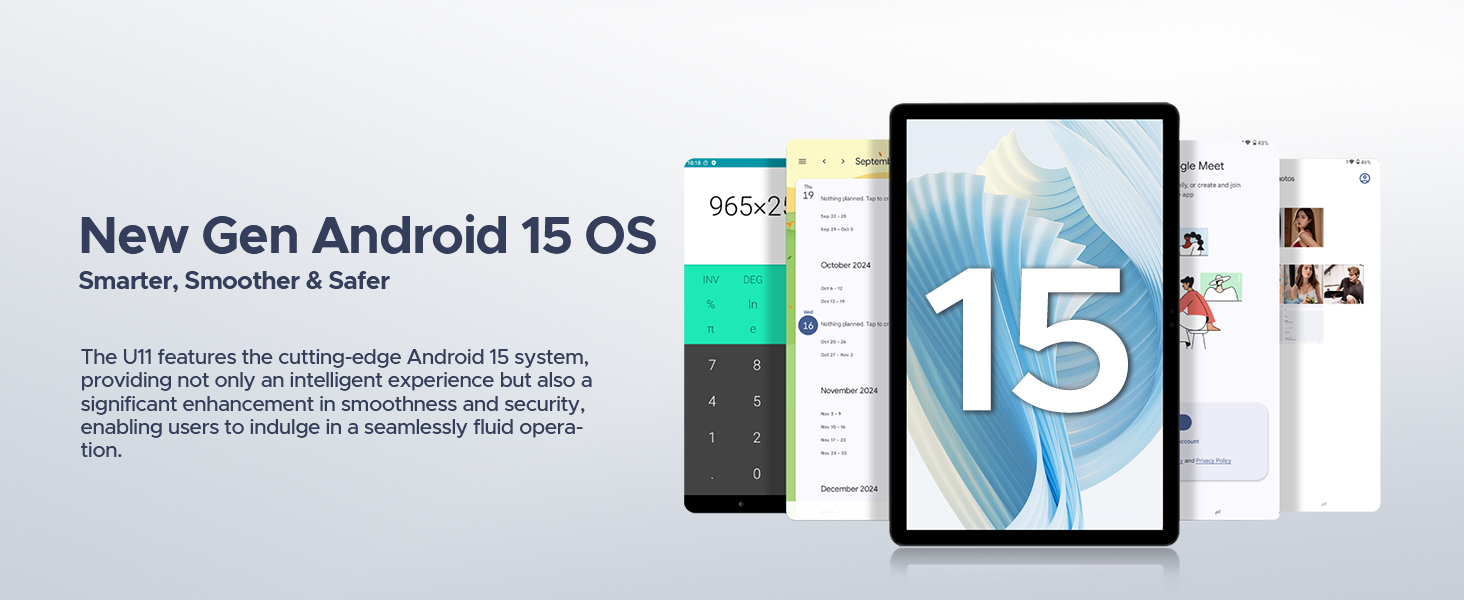
| آپريٽنگ سسٽم | Android 15 |
| پروسيسر | ٽي 606 آڪٽا ڪور |
| ڏيکاريو | 11-inch IPS, 1280*800 Pixels, 90Hz Refresh Rate |
| رام | 16GB (4GB + 12GB ريم ايڪسپينشن) |
| اندروني اسٽوريج | 128GB روم |
| وسعت وارو اسٽوريج | Up to 2TB via MicroSD/TF card |
| بيٽري | 8580mAh ليتيم پوليمر |
| مکيه ڪئميرا | 13MP |
| سامهون ڪئميرا | 5MP |
| رابطي | Wi-Fi 5G & 2.4G, Bluetooth 5.0, AGPS |
| بندرگاهن | Type-C, 3.5mm AUX, SD card slot |
| طول و عرض | 10.12 x 6.68 x 0.31 انچ (26 x 17 x 0.8 سينٽي) |
| وزن | 1.94 پائونڊ (537 گرام) |
وارنٽي ۽ سپورٽ
وارنٽي ڄاڻ
The DOOGEE U11(2025) Android 15 Tablet comes with a 2 سالن جي محدود وارنٽي. This warranty covers manufacturing defects and malfunctions under normal use. Please retain your proof of purchase for warranty claims.
A 30-ڏينهن پئسا واپس جي گارنٽي and free return policy are also available from the seller.
ڪسٽمر سپورٽ
For technical assistance, troubleshooting, or warranty inquiries, please contact DOOGEE customer support. They offer 24/7 one-on-one online support.
- آن لائن سپورٽ: Refer to the official DOOGEE webرابطي جي معلومات ۽ سپورٽ وسيلن لاءِ سائيٽ.
- وڪرو ڪندڙ سپورٽ: For purchase-related issues, contact the seller "yingyuankeji08" through Amazon's messaging system.
شڪل 6: Image detailing DOOGEE's customer service commitments, including 30-day money-back guarantee, 2-year limited warranty, and 24/7 online support.


