Ourlife 5K ايڪشن ڪئميرا يوزر دستياب
Model: AT-M41TR
1. تعارف
This user manual provides comprehensive instructions for the Ourlife 5K Action Camera. It covers product features, setup, operation, maintenance, and troubleshooting. Please read this manual thoroughly before using your camera to ensure proper operation and to maximize its capabilities.
2. حفاظت جي ڄاڻ
- ڪئميرا کي گهڻي وقت تائين انتهائي گرمي پد يا سڌي سج جي روشنيءَ ۾ نه رکو.
- ڪئميرا ۽ لوازمات ٻارن جي پهچ کان پري رکو.
- صرف اصل يا تصديق ٿيل مطابقت رکندڙ لوازمات استعمال ڪريو.
- ڪئميرا کي پاڻي ۾ ٻوڙڻ کان اڳ پڪ ڪريو ته واٽر پروف ڪيس صحيح طرح سان سيل ٿيل آهي.
- ڪئميرا کي ڇڏڻ يا سخت اثرن جي تابع ڪرڻ کان پاسو ڪريو.
- ڪئميرا کي ڌار ڪرڻ يا تبديل ڪرڻ جي ڪوشش نه ڪريو.
3. دٻي ۾ ڇا آهي
اوurlife 5K Action Camera package includes the following items:
- Ourlife 5K Action Camera
- 32GB SD ڪارڊ
- 2 x 1050mAh ريچارجبل بيٽريون
- پنروڪ ڪيس
- ريموٽ ڪنٽرول
- خارجي مائڪروفون
- ڊبل سلاٽ چارجنگ ڊاک
- Various Multifunctional Mounting Kits
- USB ڪيبل
- ڪپڙي جي صفائي
- استعمال ڪندڙ دستي

Image: All accessories included with the Ourlife 5K Action Camera.
4. پراڊڪٽ ختمview
اوurlife 5K Action Camera is designed for capturing high-quality video and photos in various environments. It features dual screens for versatile framing, a wide-angle lens, and robust waterproofing.

Image: The Ourlife 5K Action Camera and its primary components.
اهم خاصيتون:
- High-Resolution Capture: Records video at 5K/30FPS, 4K/30FPS, 4K/60FPS, 1080P, and captures photos from 8MP to 50MP.
- Dual Screen Design: Front and rear screens for easy framing, especially for selfies or vlogging.
- ترتيب ڏيڻ وارو View زاويه: Selectable angles including 170°, 140°, 110°, and 70°.
- وائرليس ريموٽ ڪنٽرول: Conveniently control recording and photo capture from a distance.
- بلٽ ان وائي فائي: Connects to the XDV App for wireless photo/video sharing and remote control.
- ٻاهرين مائڪروفون سپورٽ: Improves audio quality by reducing ambient noise.
- پنروڪ صلاحيت: Submersible up to 140ft (40m) with the included waterproof case.
- Advanced Shooting Modes: Includes time-lapse, loop recording, slow motion, and 5x zoom.
- مخالف شيڪ استحڪام: Built-in template performs vibration correction for smoother footage.

تصوير: مٿانview of the camera's features and touch screen usage.
5. سيٽ اپ
5.1. بيٽري لڳائڻ
- ڪئميرا جي تري ۾ بيٽري جي ڪمپارٽمينٽ جو ڍڪ کوليو.
- Insert one of the two included 1050mAh batteries, ensuring the correct orientation.
- بيٽري جي ڪمري واري ڍڪ کي محفوظ طور تي بند ڪريو.
5.2. ايس ڊي ڪارڊ لڳائڻ
- Locate the SD card slot on the side of the camera.
- Insert the included 32GB SD card with the metal contacts facing the front of the camera until it clicks into place.
- ڪڍڻ لاءِ، ڪارڊ کي نرميءَ سان اندر دٻايو جيستائين اهو ٻاهر نه اچي.
5.3. بيٽرين کي چارج ڪرڻ
Use the provided dual slot charging dock and USB cable to charge the batteries. Connect the USB cable to a power source (e.g., computer USB port or USB wall adapter). The indicator lights on the dock will show charging status.
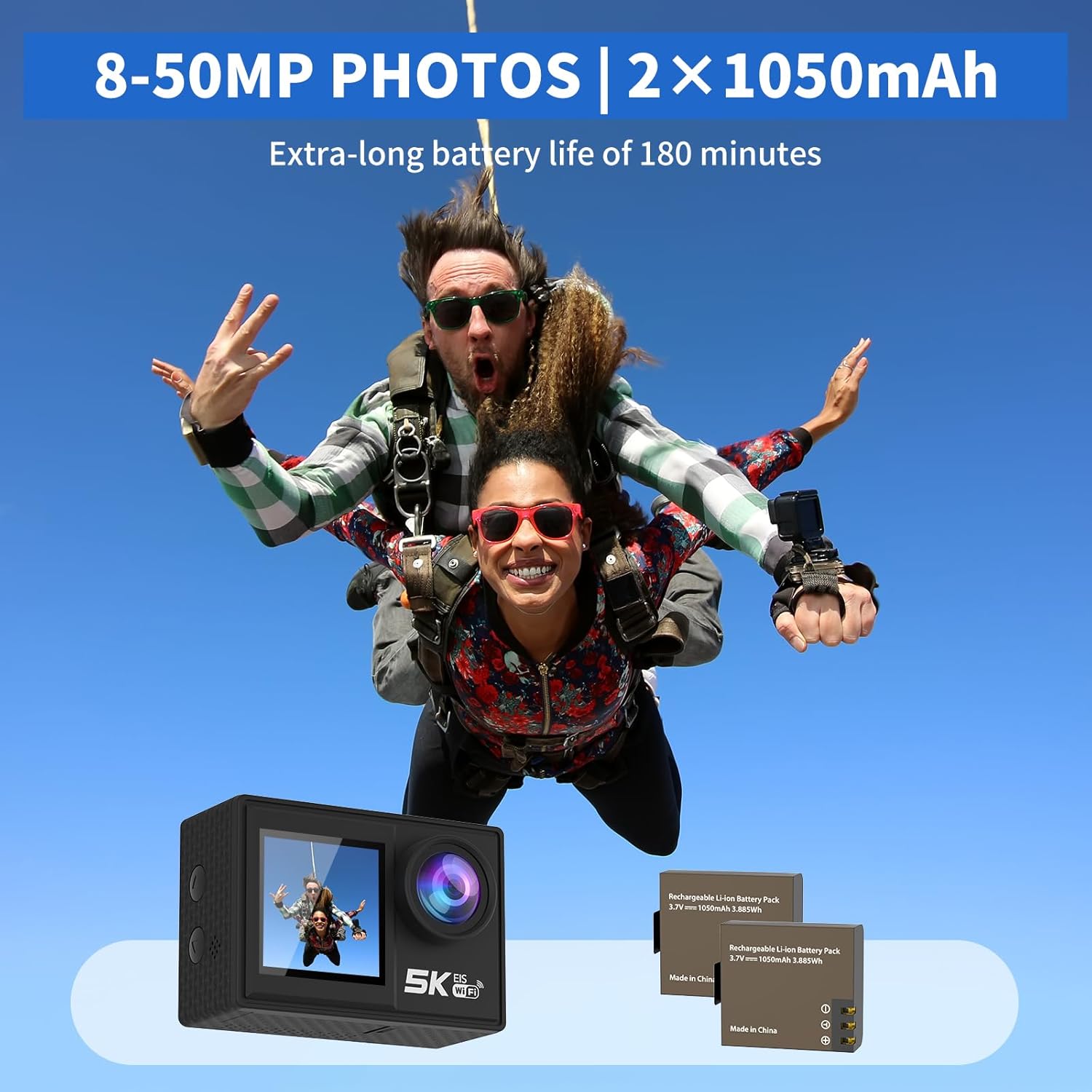
Image: The camera and its two rechargeable batteries.
5.4. Using the Waterproof Case
The waterproof case allows the camera to be used underwater up to a depth of 140 feet (40 meters). Ensure the camera is dry before placing it inside the case. Close the latch securely and perform a dry test before submerging with the camera inside.
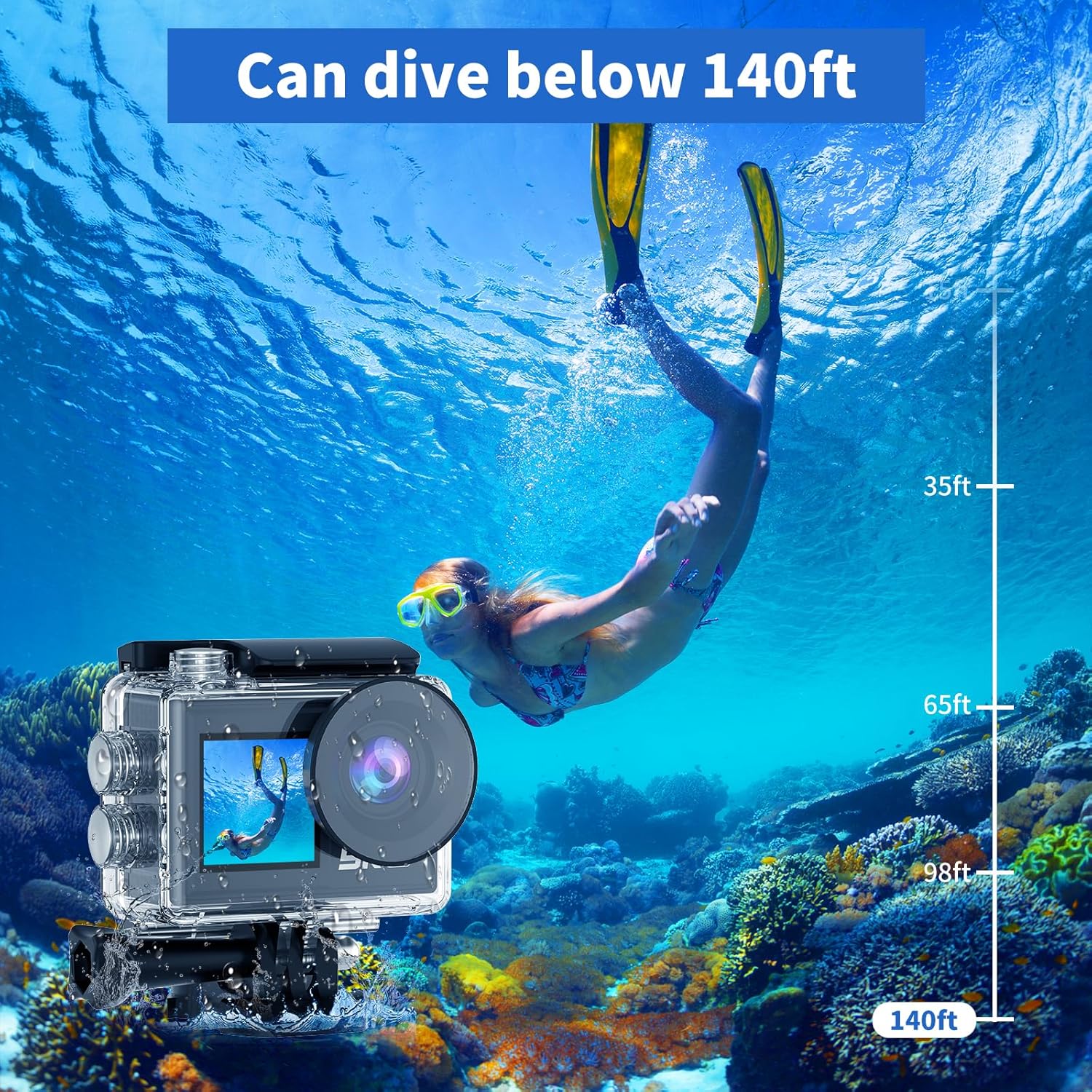
Image: The camera in its waterproof housing, suitable for diving.
6. ڪئميرا کي هلائڻ
6.1. پاور آن/آف
- To power on, press and hold the Power/Mode button until the screen lights up.
- To power off, press and hold the Power/Mode button until the screen turns off.
6.2. موڊ چونڊ
Press the Power/Mode button repeatedly to cycle through different modes: Video Recording, Photo Capture, Playback, and Settings.
6.3. وڊيو رڪارڊنگ
- In Video Recording mode, press the Shutter/OK button to start recording.
- رڪارڊنگ بند ڪرڻ لاءِ ٻيهر شٽر/ٺيڪ بٽڻ دٻايو.
- Supported resolutions include 5K/30FPS, 4K/30FPS, 4K/60FPS, 2.7K/30FPS, and 1080P/30FPS.
6.4. فوٽو ڪيپچر
- In Photo Capture mode, press the Shutter/OK button to take a photo.
- Photo resolutions range from 8MP to 50MP.
6.5. Dual Screen Usage
The camera features both a rear main screen and a front screen. You can switch between screens by pressing a dedicated button (refer to camera diagram for exact button location) or through the settings menu. The front screen is ideal for framing self-portraits or vlogs.
6.6. ترتيب ڏيڻ View زاويه
Navigate to the settings menu to adjust the camera's view angle. Options include 170°, 140°, 110°, and 70°, allowing you to choose between a wide field of view or a narrower perspective.
6.7. ريموٽ ڪنٽرول استعمال ڪندي
The included wireless wrist remote control allows for convenient operation from a distance. Pair the remote with the camera via the settings menu. Once paired, you can start/stop recording or take photos without touching the camera.
6.8. Wi-Fi Connectivity and XDV App
The camera supports Wi-Fi connectivity with a range of up to 10 meters. Download the "XDV" app on your smartphone or tablet. Enable Wi-Fi on the camera and connect your device to the camera's Wi-Fi network. Through the app, you can view زنده فوtage, control the camera, and transfer photos/videos wirelessly.

Image: Wireless sharing of content via the XDV app.
6.9. External Microphone Usage
Connect the external microphone to the camera's designated port to enhance audio recording quality, especially in noisy environments. The external microphone helps to eliminate unwanted background noise.
6.10. Special Shooting Modes
- وقت گذرڻ: Captures a series of photos at set intervals and combines them into a video.
- لوپ رڪارڊنگ: Records video continuously, overwriting the oldest footage جڏهن ميموري ڪارڊ ڀريل آهي.
- سست رفتار: Records video at a higher frame rate to allow for slow-motion playback.
- 5x زوم: Digitally zoom in on your subject during recording or photo capture.
- مخالف ڇڪڻ: Activates electronic image stabilization to reduce blur from camera movement.

Image: Demonstration of the camera's anti-shake feature.
7. سار سنڀال
7.1. ڪئميرا صاف ڪرڻ
- ڪئميرا جي باڊي ۽ لينس کي صاف ڪرڻ لاءِ نرم، لِنٽ فري ڪپڙو استعمال ڪريو.
- ضدي مٽيءَ لاءِ، ٿورو ڊيampڪپڙو پاڻي سان ڍڪيو. سخت ڪيميڪل استعمال نه ڪريو.
- Ensure the camera is dry before storing or using the waterproof case.
7.2. بيٽري جي سنڀال
- بيٽرين کي ٿڌي، سڪل جاءِ تي ذخيرو ڪريو جڏهن استعمال ۾ نه هجي.
- Avoid fully discharging batteries before recharging them.
- جيڪڏهن گهڻي وقت تائين ذخيرو ڪيو وڃي ته، بيٽرين کي تقريباً 50 سيڪڙو گنجائش تائين چارج ڪريو.
7.3. اسٽوريج
When not in use, store the camera in a protective case or bag to prevent scratches and damage. Remove the battery if storing for a long duration.
8. مسئلا حل ڪرڻ
| مسئلو | ممڪن سبب | حل |
|---|---|---|
| ڪئميرا آن نٿو ٿئي. | بيٽري ختم ٿي وئي آهي يا صحيح طرح سان نه لڳائي وئي آهي. | بيٽري چارج ڪريو يا ان کي صحيح طرح سان ٻيهر داخل ڪريو. |
| وڊيو رڪارڊ نه ٿو ڪري سگھجي/فوٽو نه ٿو ڪڍي سگھجي. | SD card is full, corrupted, or not inserted. | Insert SD card, format it, or delete old files. |
| وائي فائي ڪنيڪشن جا مسئلا. | Incorrect password, too far from camera, or app issue. | Ensure correct password, stay within 10m range, restart camera/app. |
| غريب آڊيو معيار. | External microphone not connected, or high ambient noise. | Ensure external microphone is connected properly. Use in quieter environments if possible. |
| ڪئميرا منجمد ٿي وڃي ٿو يا غير جوابده ٿي وڃي ٿو. | سافٽ ويئر جي خرابي يا گهٽ بيٽري. | Remove and reinsert the battery to reset. Ensure battery is charged. |
9. وضاحتون
| خاصيت | تفصيل |
|---|---|
| ماڊل نمبر | AT-M41TR |
| وڊيو قرارداد | 5K/30FPS, 4K/30FPS, 4K/60FPS, 2.7K/30FPS, 1080P/30FPS |
| فوٽو حل | 8MP - 50MP |
| فوٽو سينسر ٽيڪنالاجي | CMOS |
| اسڪرين جي ماپ | 2 Inches (Dual Screen) |
| رابطي | وائي فائي |
| پنروڪ کوٽائي | پنروڪ ڪيس سان 140 فوٽ (40 ميٽر) تائين |
| بيٽري جو قسم | Lithium Ion (2 x 1050mAh included) |
| ذخيرو | Supports SD card (32GB included) |
| شيءِ جو وزن | 2.82 اونس |
| پيداوار جي ماپ | 0.96 x 2.31 x 1.57 انچ |
| وڌ ۾ وڌ فوڪل ڊگھائي | 16 ملي ميٽر |
| وڌ ۾ وڌ ايپرچر | 3.5 ف |
| وڊيو ڪيپچر فارميٽ | ايم پي 4 |
| سپورٽ آڊيو فارميٽ | ايم پي 4 |
10. وارنٽي ۽ سپورٽ
Ourlife products are manufactured to high quality standards. For warranty information, technical support, or service inquiries, please refer to the contact information provided on the product packaging or visit the official Ourlife webسائيٽ. مھرباني ڪري وارنٽي دعوائن لاءِ خريداري جو ثبوت رکو.
وڌيڪ مدد لاءِ، توهان پڻ حوالو ڏئي سگهو ٿا Ourlife Store on Amazon.


