تعارف
The Logitech Zone 300 Wireless Bluetooth Headset is designed to provide a superior audio experience for both work and leisure. Featuring multipoint Bluetooth connectivity, noise-canceling microphones, and a comfortable, lightweight design, this headset ensures clear communication and extended wearability. This manual provides essential information for setting up, operating, maintaining, and troubleshooting your Zone 300 headset.
دٻي ۾ ڇا آهي

The package for your Logitech Zone 300 Wireless Bluetooth Headset includes the following items:
- Logitech Zone 300 Wireless Bluetooth Headset
- USB-C چارجنگ ڪيبل
- حفاظتي پائوچ
سيٽ اپ ڪريو
1. هيڊ سيٽ کي چارج ڪرڻ
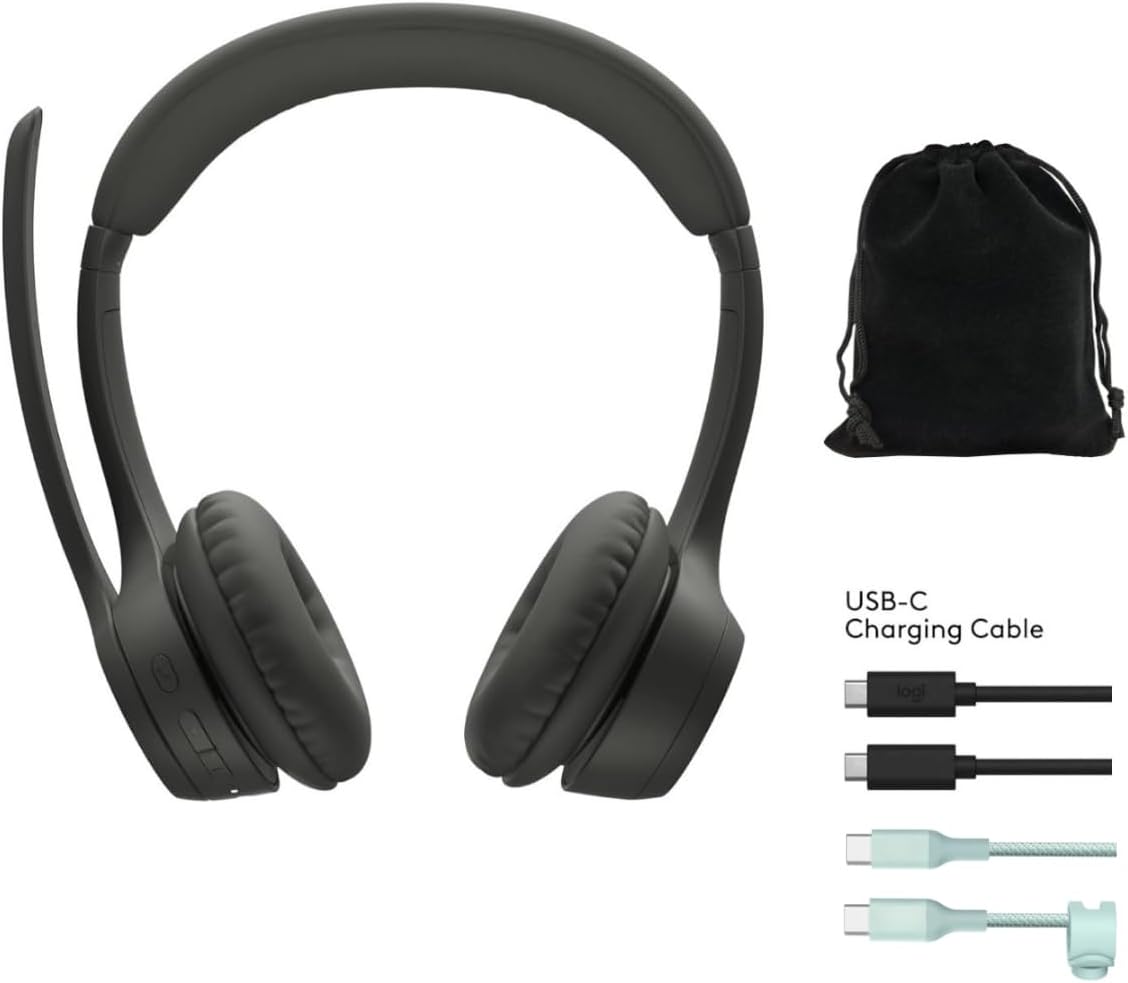
Before first use, fully charge your Zone 300 headset. Connect the included USB-C charging cable to the headset's charging port and the other end to a USB power source. A full charge provides up to 20 hours of listening time or 16 hours of talk time. A quick 5-minute charge can provide up to 1 hour of talk time.
2. Pairing with Devices (Multipoint Bluetooth)
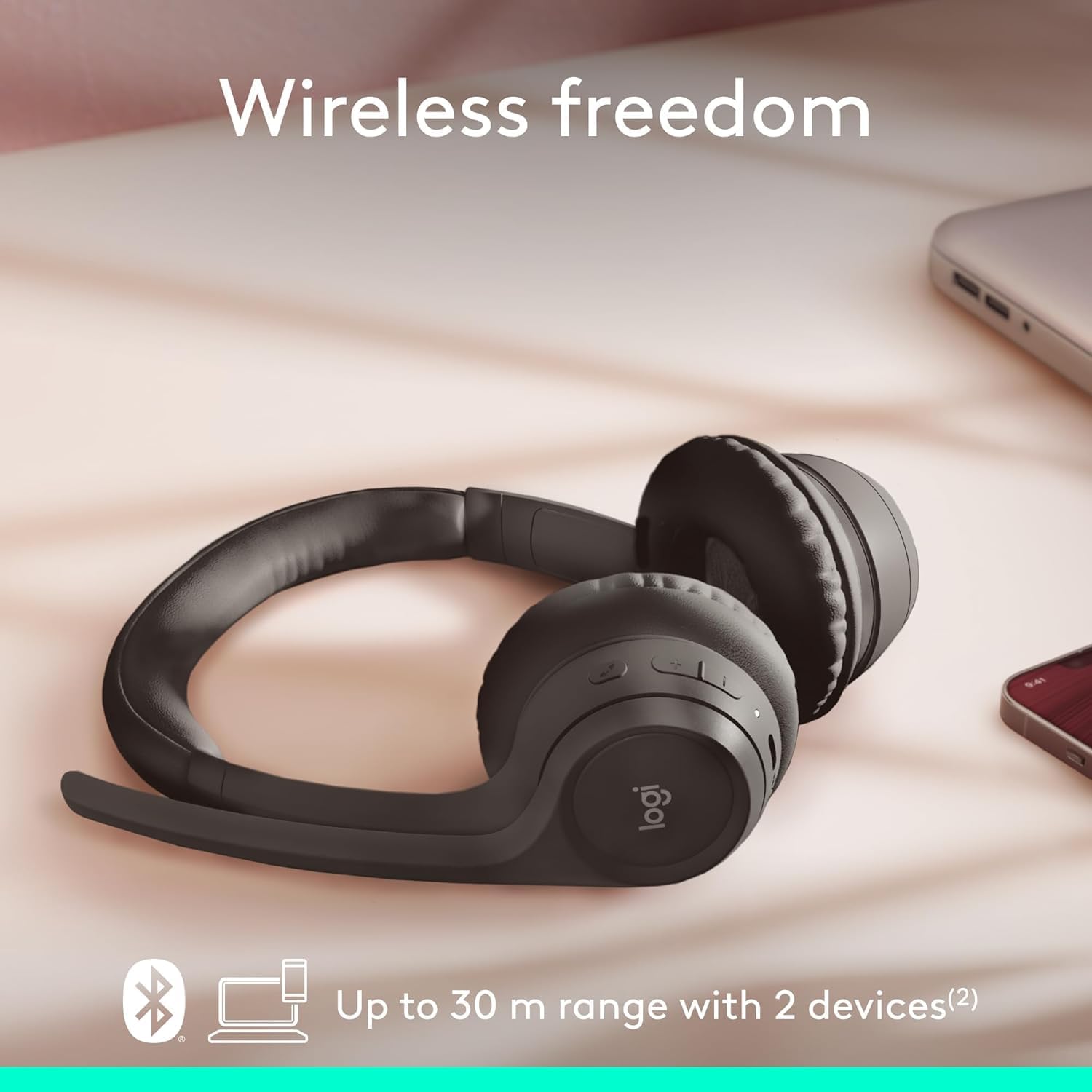
The Zone 300 supports multipoint Bluetooth, allowing it to pair with up to six devices and connect simultaneously to two. This enables seamless switching between your computer and mobile phone, for exampلي.
- انهي کي پڪ ڪيو ته هيڊٽ وي تي هلندڙ آهي.
- Activate Bluetooth on your device (e.g., Windows PC, macOS, iOS, Android smartphone/tablet).
- Put the headset into pairing mode (refer to the headset's power/Bluetooth button for specific instructions, usually a long press). The LED indicator will typically flash to indicate pairing mode.
- Select "Logitech Zone 300" from the list of available Bluetooth devices on your device.
- هڪ ڀيرو ڳنڍيل، هيڊ سيٽ تي LED اشارو هڪ مضبوط روشني ڏيکاريندو.
هيڊ فون هلائڻ
1. بنيادي ڪنٽرول
The headset features intuitive controls for managing calls and audio playback. These controls are typically located on the earcup or inline on the cable (if applicable). Refer to the physical buttons on your headset for specific functions such as volume up/down, play/pause, track skip, and call answer/end.
2. مائڪروفون جو استعمال
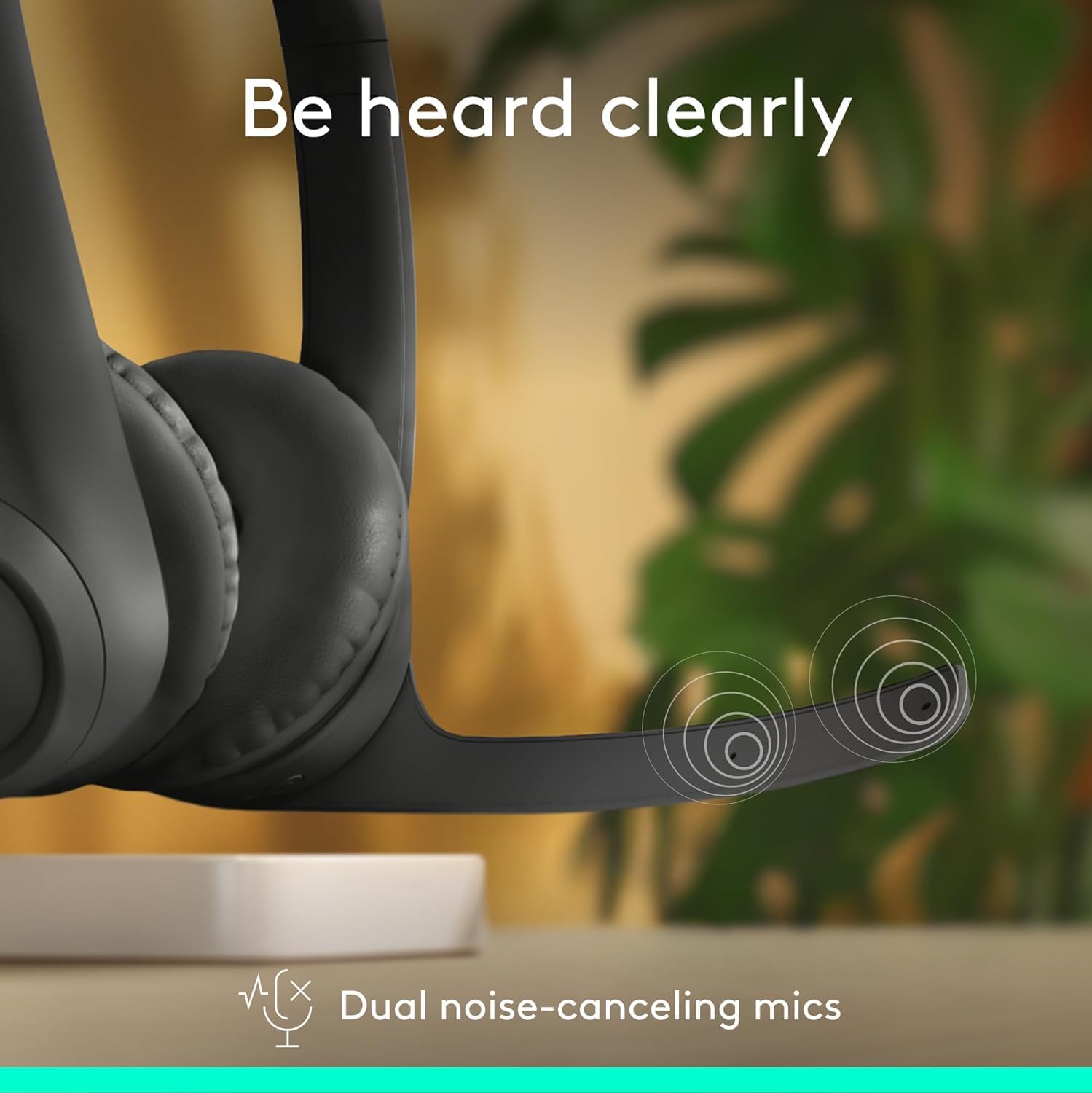
The Zone 300 is equipped with dual noise-canceling microphones on an extended boom. This design effectively suppresses background noise, ensuring your voice is heard clearly during calls and online meetings. Position the microphone boom approximately two fingers' width from your mouth for optimal voice pickup.
- خاموش / چالو: Locate the microphone mute button on the headset to quickly mute or unmute your voice during calls.
- مائڪروفون پوزيشن: Adjust the flexible microphone boom for the best voice clarity.
3. آڊيو تجربو

The headset features enhanced dynamic speakers designed to deliver impressive audio quality for both communication and media consumption. The on-ear design with comfortable earpads ensures a pleasant listening experience for extended periods.
سار سنڀال
Proper maintenance ensures the longevity and optimal performance of your Logitech Zone 300 headset.
- صفائي: هيڊ سيٽ کي صاف ڪرڻ لاءِ نرم، سڪل ڪپڙو استعمال ڪريو. ائر پيڊ لاءِ، ٿورو ڊيamp نرم صابڻ وارو ڪپڙو استعمال ڪري سگهجي ٿو، پر استعمال کان اڳ پڪ ڪريو ته اهي مڪمل طور تي سڪا آهن. سخت ڪيميڪلز يا رگڙيندڙ مواد کان پاسو ڪريو.
- اسٽوريج: When not in use, store the headset in its protective pouch to prevent dust accumulation and physical damage. Avoid storing in extreme temperatures or high humidity.
- بيٽري جي سنڀال: بيٽري جي زندگي کي وڌائڻ لاءِ، هيڊ سيٽ کي بار بار مڪمل طور تي چارج ڪرڻ کان پاسو ڪريو. ان کي باقاعدي طور تي چارج ڪريو، جيتوڻيڪ مسلسل استعمال ۾ نه هجي.
مشڪلاتون
If you encounter issues with your Zone 300 headset, try the following common troubleshooting steps:
| مسئلو | ممڪن حل |
|---|---|
| هيڊ سيٽ پاور نه آهي | Ensure the headset is fully charged. Connect it to a power source and wait a few minutes before attempting to power on again. |
| ڊوائيس سان جوڙو نه ٿو ٺاهي سگهجي |
|
| Poor audio quality or no sound |
|
| مائڪرو فون ڪم نه ڪري رهيو آهي |
|
وضاحتون
| خاصيت | تفصيل |
|---|---|
| ماڊل نالو | زون 300 |
| رابطي ٽيڪنالاجي | وائرليس |
| وائرليس ڪميونيڪيشن ٽيڪنالاجي | بلوٽوٿ |
| شامل اجزاء | ڪيبل، حفاظتي ڪيس |
| مواد | پلاسٽڪ |
| مطابقت رکندڙ ڊوائيسز | Desktops (also Windows, macOS, iOS, Android) |
| تعدد جي حد | 20Hz - 20,000Hz |
| ڪنٽرول جو طريقو | ريموٽ |
| بلوٽوٿ رينج | 30 ميٽر (98 فوٽ) تائين |
| بلوٽوت ورزن | 4.2 |
| ڪن جي شڪل | ڪن تي |
| شيءِ جو وزن | 122 گرام (4.3 اونس) |
| بيٽري جي زندگي (ٻڌڻ) | 20 ڪلاڪ تائين |
| بيٽري جي زندگي (ڳالهائڻ جو وقت) | 16 ڪلاڪ تائين |
| تڪڙو چارج | 5 minutes for 1 hour talk time |
| ري سائيڪل ٿيل پلاسٽڪ جو مواد | 55٪ تائين پوسٽ ڪنزيومر ري سائيڪل ٿيل پلاسٽڪ |
وارنٽي ۽ سپورٽ
Logitech products are designed for reliability and performance. For information regarding your product's warranty, please refer to the warranty card included with your purchase or visit the official Logitech support webسائيٽ. جي website provides comprehensive support resources, including FAQs, driver downloads, and contact information for customer service.
For the most up-to-date support and warranty details, please visit: www.logitech.com/support


