تعارف
Thank you for choosing the Haomuren K1 Mini Portable Bluetooth Karaoke Machine. This manual provides essential information for the safe and efficient operation of your new device. Please read it thoroughly before use and retain it for future reference.
دٻي ۾ ڇا آهي
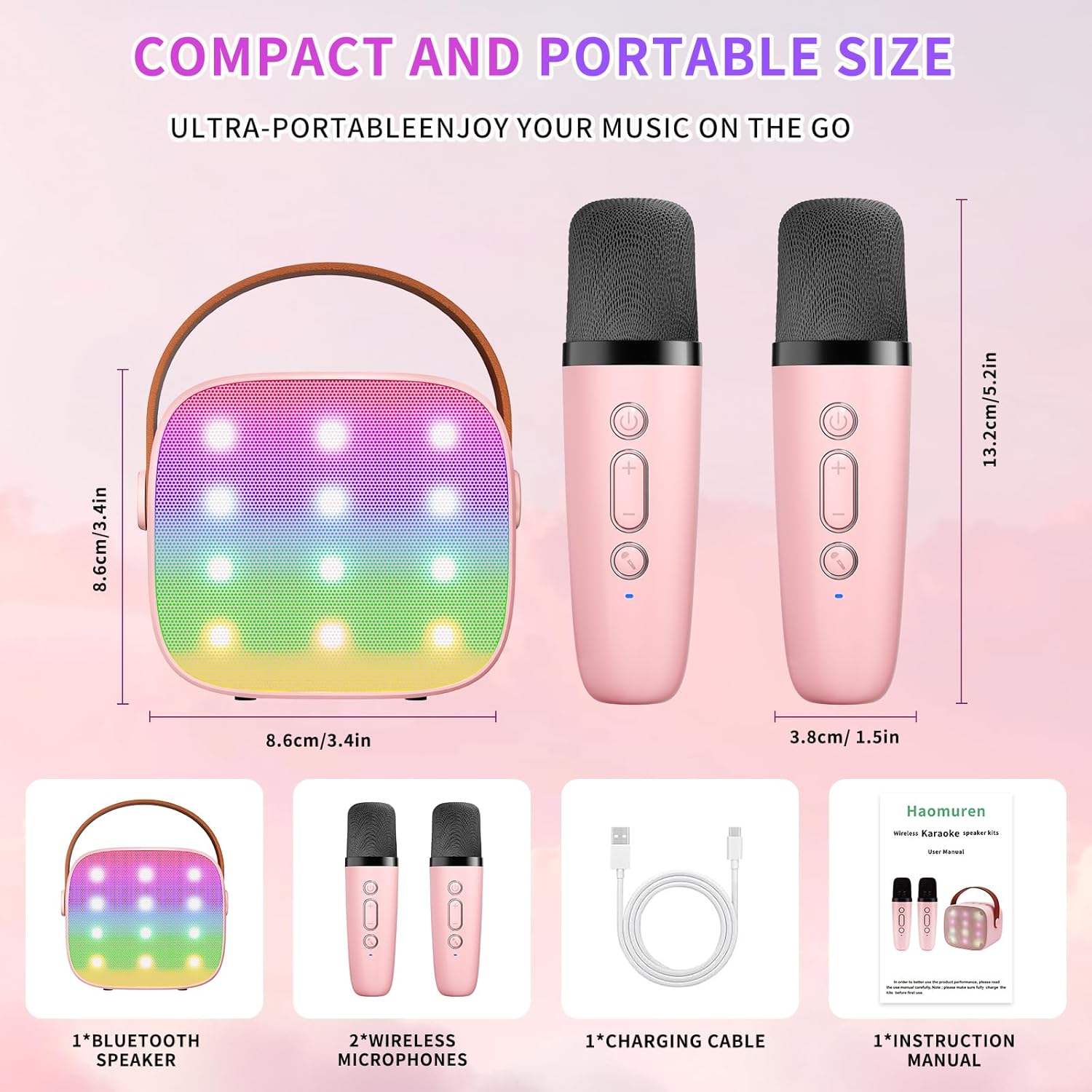
- Karaoke Machine (Speaker) x 1
- وائرليس مائڪروفون x 2
- ٽائپ-سي چارجنگ ڪيبل x 1
- يوزر مينوئل x 1
سيٽ اپ ڪريو
1. ڊوائيس کي چارج ڪرڻ
Before initial use, fully charge the karaoke machine and both microphones. Use the provided Type-C charging cable.
- اسپيڪر: Connect the Type-C cable to the speaker's charging port. The speaker has an 1800mAh battery and typically charges in 1-2 hours.
- مائڪروفون: Connect the Type-C cable to the charging port at the bottom of each microphone. Each microphone has a 600mAh battery.

2. پاور آن/آف
- اسپيڪر: Press and hold the power button on the top panel of the speaker until the LED lights illuminate.
- مائڪروفون: Press and hold the power button on each microphone until the blue indicator light turns on.
3. بلوٽوٽ جوئر
The speaker and microphones are designed for instant pairing. Once both are powered on, they should automatically connect. To connect the speaker to an external device (smartphone, tablet, PC):
- Ensure the karaoke machine speaker is powered on and in Bluetooth mode (indicated by a voice prompt).
- پنهنجي ٻاهرين ڊوائيس تي، بلوٽوٿ کي فعال ڪريو ۽ موجود ڊوائيسز جي ڳولا ڪريو.
- Select "K1" (or similar model name) from the list to pair. A confirmation sound will indicate successful pairing.

آپريٽنگ هدايتون
1. Speaker Controls
The speaker features intuitive buttons on its top panel:
- حجم گھٽ (-): اسپيڪر جو واليوم گھٽائي ٿو.
- پاور/راند/روڪيو: Short press to play/pause music. Long press to power on/off the speaker.
- حجم وڌايو (+): اسپيڪر جو حجم وڌائي ٿو.
- موڊ (M): Switches between different input modes (Bluetooth, TF Card).
- ايل اي ڊي لائيٽ ڪنٽرول: Short press to cycle through 6 different LED lighting modes.
- Original Vocal/Accompaniment: Press this button to remove or restore original vocals from a song, allowing you to sing along to the instrumental track.

2. مائڪروفون ڪنٽرول
Each wireless microphone has the following controls:
- پاور بٽڻ: Press and hold to power on/off the microphone.
- حجم وڌايو (+): Increases microphone volume.
- حجم گھٽ (-): Decreases microphone volume.
- وائس چينجر بٽڻ: Short press to cycle through 5 different voice effects.

3. Voice Changing Modes
The microphones offer 5 unique voice effects to enhance your karaoke experience:
- اصل آواز
- عورت جو آواز
- مرد جو آواز
- ٻار جو آواز
- مونسٹر جو آواز
4. ايل ايم لائيٽون
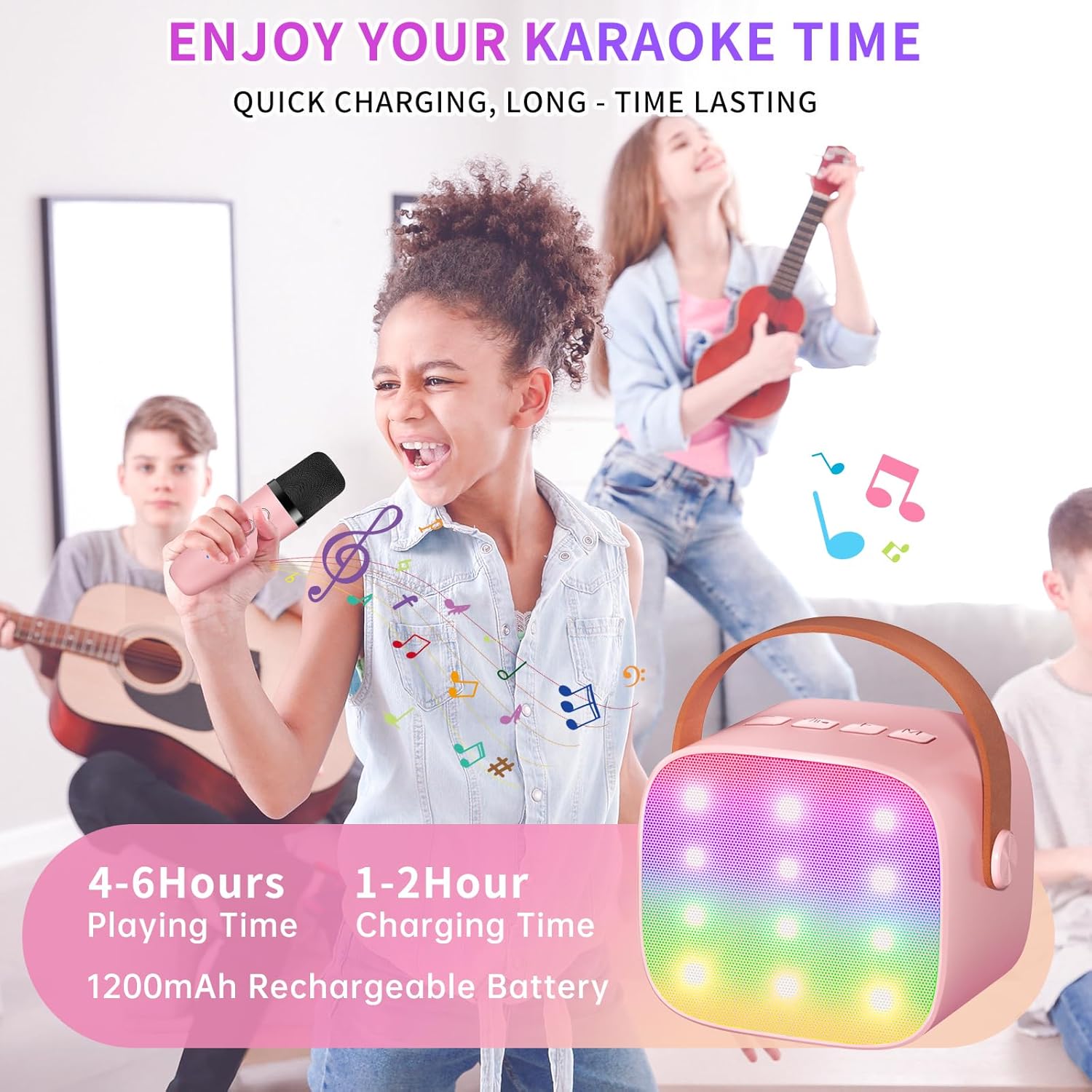
The speaker features built-in LED lights with 6 dynamic modes that synchronize with the music, creating an immersive atmosphere. Use the dedicated LED Light Control button on the speaker to cycle through these modes.

5. Music Playback Options
The Haomuren K1 supports various music playback methods:
- بلوٽوٿ: Connect wirelessly to your smartphone, tablet, or PC.
- TF ڪارڊ: Insert a TF (MicroSD) card into the designated slot on the back of the speaker to play stored music files.
- هيڊ فون آئوٽ: Use the 3.5mm headphone jack for private listening.
سار سنڀال
- صفائي: Use a soft, dry cloth to clean the exterior of the speaker and microphones. Do not use liquid cleaners or abrasive materials.
- اسٽوريج: ڊوائيس کي سڌي سج جي روشني ۽ انتهائي گرمي پد کان پري ٿڌي، سڪل جاءِ تي رکو.
- بيٽري جي سنڀال: بيٽري جي زندگي کي وڌائڻ لاءِ، ڊوائيس کي بار بار مڪمل طور تي چارج ڪرڻ کان پاسو ڪريو. ڊوائيس کي باقاعدي طور تي چارج ڪريو، جيتوڻيڪ ڊگهي عرصي تائين استعمال ۾ نه هجي.
مشڪلاتون
- اسپيڪر مان ڪو به آواز نه آيو:
- پڪ ڪريو ته اسپيڪر آن آهي ۽ چارج ٿيل آهي.
- اسپيڪر جي واليوم ليول چيڪ ڪريو.
- Verify that the speaker is correctly paired via Bluetooth to your device.
- If using a TF card, ensure it is inserted correctly and contains compatible audio files.
- مائڪروفون ڪم نه ڪري رهيو آهي:
- پڪ ڪريو ته مائڪروفون آن ۽ چارج ٿيل آهي.
- مائڪروفون جي واليوم ليول چيڪ ڪريو.
- Confirm the microphone is automatically paired with the speaker.
- بلوٽوٿ ڪنيڪشن:
- پڪ ڪريو ته اسپيڪر ۽ توهان جو ڊوائيس موثر بلوٽوٿ رينج (عام طور تي 10 ميٽر) اندر آهن.
- Turn off and restart both the speaker and your device, then attempt to re-pair.
- ٻين وائرليس ڊوائيسز مان ڪنهن به مداخلت جي جانچ ڪريو.
- مسخ ٿيل آواز:
- اسپيڪر ۽ پنهنجي ڳنڍيل ڊوائس ٻنهي تي آواز گهٽ ڪريو.
- Ensure the microphones are not too close to the speaker to avoid feedback.
- معيار جي مسئلن لاءِ آڊيو ذريعو چيڪ ڪريو.
وضاحتون
| خاصيت | تفصيل |
|---|---|
| برانڊ | هومورين |
| ماڊل نمبر | K1 |
| چڙهڻ جو قسم | ٽيبل ٽاپ |
| طاقت جو ذريعو | بيٽري سان هلندڙ |
| ڪنيڪٽر جو قسم | 3.5mm headphone, Type-C Charging |
| مواد | Acrylonitrile Butadiene Styrene (ABS) |
| شيءِ جو وزن | 14.9 اونس |
| چينلن جو تعداد | 2 |
| آڊيو ان پٽ | وائرليس مائڪروفونون |
| تعدد جواب | 10 KHz |
| پيداوار جي ماپ | 3.7 x 4.1 x 4.3 انچ |
| بيٽريون | 1 AAA بيٽري گهربل (شامل) |
| رابطي ٽيڪنالاجي | بلوٽوٿ، يو ايس بي، وائرليس |
وارنٽي ۽ سپورٽ
Haomuren is committed to providing high-quality audio products. Your K1 Mini Portable Bluetooth Karaoke Machine comes with the following:
- مفت متبادل: In case of product defects.
- 365 ڏينهن وارنٽي: Covering manufacturing defects and malfunctions.
- ٽيڪنيڪل سپورٽ: Dedicated support is available for any operational questions or issues.
For further assistance, please contact Haomuren customer service through your purchase platform or visit the official Haomuren webسائيٽ.


