1. تعارف
Thank you for choosing the soyes Mini Phone 4G Unlocked Smartphone. This compact and feature-rich device is designed for portability and essential communication, offering a balance of functionality and convenience. This manual provides detailed instructions to help you set up, operate, and maintain your new smartphone.
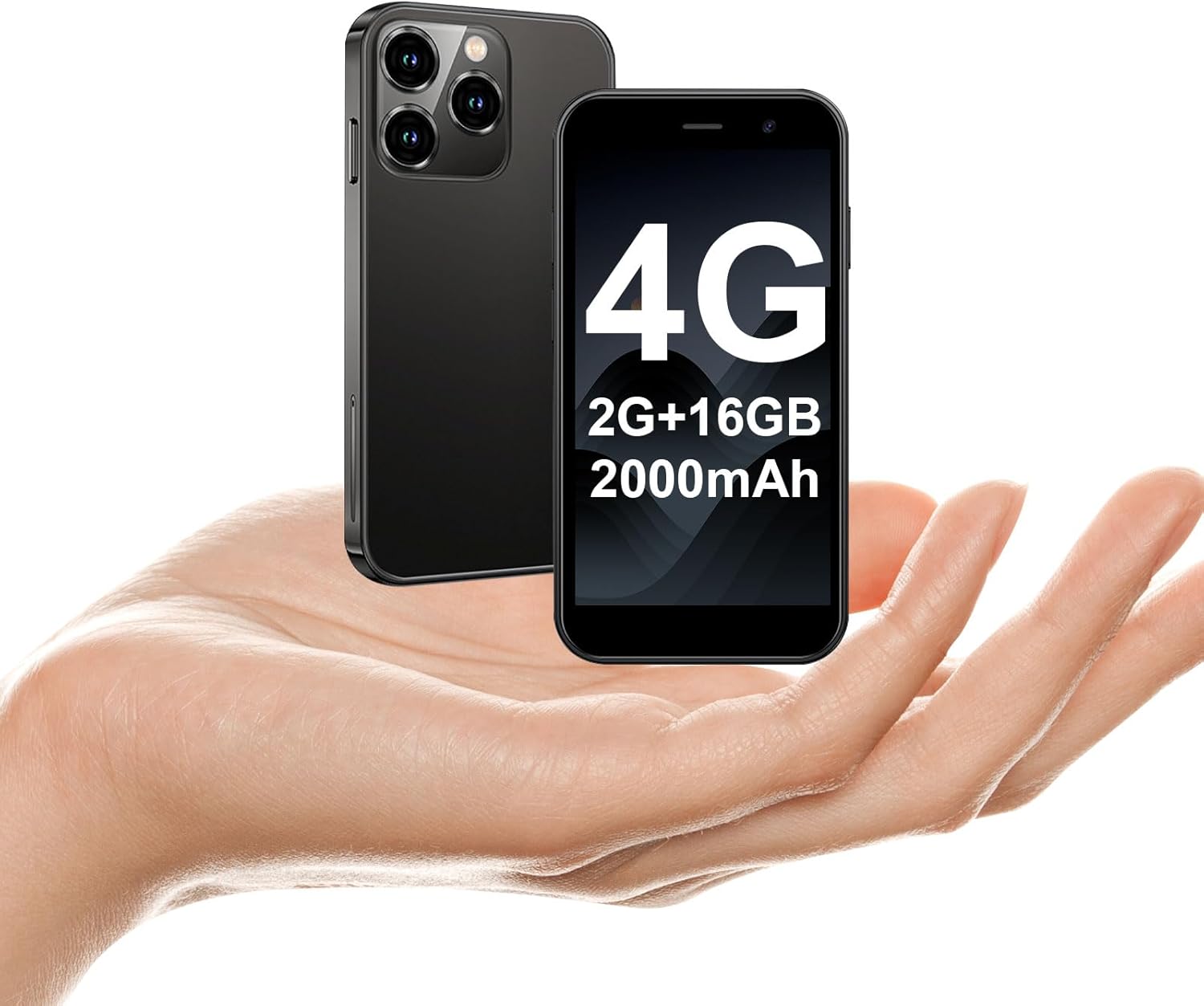
The soyes Mini Phone 4G Unlocked Smartphone, designed for portability and essential communication.
2. دٻي ۾ ڇا آهي
مھرباني ڪري تصديق ڪريو ته سڀ شيون توھان جي پيڪيج ۾ موجود آھن:
- 1 x soyes Mini Smartphone
- 1 x Tempered Film (Screen Protector)
- 1 x قسم سي ڪيبل
- 1 x Mobile Phone Case
- 1 x SIM Ejector Pin
3. سيٽ اپ
3.1. سم ڪارڊ ۽ ميموري ڪارڊ جي انسٽاليشن
The soyes Mini Phone supports dual SIM cards and a memory card for expanded storage. Ensure your SIM card is compatible with the following frequency bands: WCDMA B2/B4, B5; FDD B2/B4/B5/B7/B17/B28/B28A/B41/B66.
- فون جي پاسي تي سم ڪارڊ ٽري ڳوليو.
- Insert the provided SIM ejector pin into the small hole next to the tray and press gently until the tray pops out.
- احتياط سان ٽري ڪڍو.
- Place your Nano-SIM cards into the designated slots (SIM1, SIM2) and the TF (microSD) card into its slot, ensuring the gold contacts face downwards.
- نرميءَ سان ٽري کي فون ۾ واپس دٻايو جيستائين اهو جاءِ تي ڪلڪ نه ڪري.

Insert your SIM and memory cards into the tray.
3.2. شروعاتي پاور آن
Press and hold the Power button (located on the right side of the phone) until the screen lights up. Follow the on-screen prompts to complete the initial setup, including language selection, Wi-Fi connection, and Google account setup.
3.3. ڊوائيس کي چارج ڪرڻ
Before first use, it is recommended to fully charge the phone. Connect the provided Type-C cable to the phone's charging port and the other end to a compatible USB power adapter (not included) or a computer's USB port.

Connect the Type-C cable to charge your device.
4. آپريٽنگ هدايتون
4.1. بنيادي نيويگيشن
The soyes Mini Phone features a 3.0-inch HD touchscreen. Navigate the interface by tapping, swiping, and pinching. The Android 8.1 operating system provides an intuitive user experience.

Experience clear visuals on the 3.0-inch HD touchscreen.
4.2. ڪالنگ ۽ پيغام ڏيڻ
Utilize the Phone app for making and receiving calls. The Messaging app allows you to send and receive SMS/MMS messages. With dual SIM support, you can manage two different phone numbers simultaneously.
4.3. ڪئميرا جو استعمال
The phone is equipped with a 2MP front camera and a 5MP rear camera. Open the Camera app to capture photos and videos. Tap the screen to focus and press the shutter button to take a picture.

Capture moments with the HD Dual Camera.
4.4. App Installation and Usage
Running on Android 8.1, the soyes Mini Phone is fully compatible with the Google Play Store. You can download and install a wide range of applications, including social media, entertainment, and productivity tools.
- Ensure you are connected to Wi-Fi or have mobile data enabled.
- پنهنجي هوم اسڪرين يا ايپ ڊراور مان 'پلي اسٽور' ايپ کوليو.
- ڳولھيو your desired application.
- Tap 'Install' to download and set up the app.

Download and enjoy a wide variety of applications from the Google Play Store.
4.5. Face ID
The device features advanced facial recognition technology for faster and secure unlocking. To set up Face ID, go to Settings > Security > Face Unlock and follow the on-screen instructions.

Unlock your phone quickly and securely with Face ID.
4.6. اسٽوريج جو انتظام
The soyes Mini Phone comes with 2GB RAM and 16GB ROM. You can expand the storage capacity up to 256GB using a TF (microSD) card, allowing you to store more photos, videos, and applications.

Manage your storage with 2GB RAM, 16GB ROM, and expandable memory.
5. سار سنڀال
5.1. بيٽري جي سنڀال
The phone is equipped with a 2000mAh battery. To maximize battery life:
- انتهائي گرمي پد کان بچاء.
- Charge the phone regularly, but avoid leaving it fully charged or fully depleted for extended periods.
- چارج ڪرڻ لاءِ مهيا ڪيل ٽائپ-سي ڪيبل استعمال ڪريو.

The 2000mAh battery provides extended usage time.
5.2. صفائي
فون جي اسڪرين ۽ باڊي کي صاف ڪرڻ لاءِ نرم، لِنٽ فري ڪپڙو استعمال ڪريو. سخت ڪيميڪلز يا رگڙيندڙ مواد استعمال ڪرڻ کان پاسو ڪريو.
5.3. سافٽ ويئر اپڊيٽ
Periodically check for software updates in Settings > System > System update to ensure your device has the latest features and security patches.
6. مسئلا حل ڪرڻ
If you encounter issues with your soyes Mini Phone, please refer to the following common solutions:
| مسئلو | ممڪن حل |
|---|---|
| فون جواب نه ڏئي رهيو آهي يا منجمد آهي | زبردستي ٻيهر شروع ڪرڻ لاءِ پاور بٽڻ کي تقريباً 10-15 سيڪنڊن لاءِ دٻايو ۽ رکو. |
| بيٽري جلدي ختم ٿي ويندي آهي | Close unused apps, reduce screen brightness, disable Wi-Fi/Bluetooth when not in use, or check for background app activity. |
| Cannot connect to Wi-Fi/Mobile Data | Toggle Wi-Fi/Mobile Data off and on. Restart the phone. Ensure correct SIM card installation and network settings. |
| Apps crashing or not installing | Clear cache for the app or Play Store. Ensure sufficient storage space. Check app compatibility with Android 8.1. |
| Face ID not working | Ensure good lighting and that your face is clearly visible to the front camera. Re-register your face in settings if necessary. |
If the problem persists, consider performing a factory reset (backup your data first) or contact customer support.
7. وضاحتون
The soyes Mini Phone 4G Unlocked Smartphone offers the following technical specifications:

آسان پورٽيبلٽي لاءِ ڪمپيڪٽ ۽ ٿلهي ڊيزائن.

Designed to fit comfortably in the palm of your hand.
| خاصيت | تفصيل |
|---|---|
| ماڊل نالو | soyes-15mini-bk |
| آپريٽنگ سسٽم | Android 8.1 |
| پروسيسر | چار پروسيسر |
| رام | 2 جي بي |
| اندروني اسٽوريج (ROM) | 16 جي بي |
| وسعت واري ياداشت | TF Card Slot (up to 256GB) |
| اسڪرين جي ماپ | 3.0 انچ |
| اسڪرين جي قرارداد | 480*854 HD |
| پوئين ڪئميرا | 5 ايم پي |
| سامهون ڪئميرا | 2 ايم پي |
| بيٽري جي گنجائش | 2000 mAh ليتيم آئن |
| سم ڪارڊ سپورٽ | ٻٽي سم (نانو سم) |
| سيلولر ٽيڪنالاجي | 4G (Unlocked) |
| سپورٽ فريکوئنسي بينڊ | WCDMA B2/B4, B5; FDD B2/B4/B5/B7/B17/B28/B28A/B41/B66 |
| رابطي | وائي فائي، بلوٽوٿ، جي پي ايس |
| خاص خاصيتون | Face ID, Stereo Speakers, Fast Charging Support |
| Dimensions (Phone) | Approx. 3.7 inches (L) x 1.87 inches (W) |
| وزن | 3.35 آونس (95 گرام) |
| چارجنگ پورٽ | ٽائپ-سي |
8. وارنٽي ۽ سپورٽ
For warranty information and customer support, please refer to the documentation included with your product packaging or visit the official soyes webسائيٽ. خريداري جي ثبوت طور پنهنجي خريداري جي رسيد رکو.


