تعارف
The bea-fon Smartwatch 102 is designed to seamlessly integrate into your daily life, offering a blend of style and advanced functionality. Featuring a sleek rectangular design with a 1.83-inch digital display, this smartwatch provides essential health monitoring capabilities, including heart rate, blood oxygen, and sleep tracking. It is compatible with smartphones via the FitCloudPro app, ensuring seamless connectivity. Built for durability, it boasts an IP68 waterproof rating and a long-lasting battery.

شڪل 1: سامهون view of the bea-fon Smartwatch 102, displaying time and health metrics.
پيڪيج مواد
مھرباني ڪري پڪ ڪريو ته ھيٺ ڏنل سڀ شيون توھان جي پيڪيج ۾ موجود آھن:
- bea-fon Smartwatch 102 (with silicone strap)
- Magnetic Charging Cable/Base
- استعمال ڪندڙ جو دستياب (ھي دستاويز)
پيداوار ختمview
The bea-fon Smartwatch 102 features a durable black silicone strap with a magnetic clasp, a rectangular display, and integrated sensors on the back for health monitoring.
شڪل 2: پاسي view of the Smartwatch 102, highlighting its sleek profile.

شڪل 3: پوئتي view of the Smartwatch 102, showing the integrated health sensors.
اهم خاصيتون:
- ڏيکاريو: 1.83-inch (4.64 cm) digital screen for clear visibility.
- بيٽري جي زندگي: Up to 4-5 days of normal use with a 250mAh Li-ion battery.
- پاڻي جي مزاحمت: IP68 rated, suitable for immersion up to 1 meter.
- صحت جي نگراني: Integrated heart rate monitor, blood oxygen sensor, and sleep tracker.
- رابطي: Bluetooth for seamless smartphone pairing via FitCloudPro app.
- ڊيزائن: Rectangular watch face with a comfortable silicone strap and magnetic clasp.
سيٽ اپ ڪريو
1. ڊوائيس کي چارج ڪرڻ
Before first use, fully charge your bea-fon Smartwatch 102. The device comes with a magnetic charging cable/base.
- مقناطيسي چارجنگ ڪيبل کي USB پاور اڊاپٽر (شامل نه آهي) يا ڪمپيوٽر جي USB پورٽ سان ڳنڍيو.
- Align the magnetic end of the cable with the charging contacts on the back of the smartwatch. The magnets will snap into place.
- The watch display will indicate charging status. A full charge takes approximately 3 hours.
2. Pairing with Your Smartphone (FitCloudPro App)
To unlock the full potential of your smartwatch, pair it with your smartphone using the FitCloudPro application.
- ڊائون لوڊ ڪريو FitCloudPro ايپ اسٽور (iOS) يا گوگل پلي اسٽور (Android) تان ايپ.
- پڪ ڪريو ته توهان جي اسمارٽ فون تي بلوٽوت فعال آهي.
- FitCloudPro ايپ کوليو ۽ اڪائونٽ ٺاهڻ يا لاگ ان ڪرڻ لاءِ اسڪرين تي ڏنل هدايتن تي عمل ڪريو.
- In the app, navigate to the "Device" or "Add Device" section.
- The app will search for nearby devices. Select "Smartwatch 102" or the corresponding device ID when it appears.
- جيڪڏهن اشارو ڪيو وڃي ته پنهنجي اسمارٽ فون ۽ اسمارٽ واچ ٻنهي تي جوڙڻ جي درخواست جي تصديق ڪريو.
- هڪ ڀيرو جوڙيو ويندو، ايپ توهان جي اسمارٽ واچ سان ڊيٽا کي هم وقت سازي ڪندي.

Figure 4: The Smartwatch 102 demonstrating Bluetooth connectivity for smartphone pairing.
آپريٽنگ هدايتون
انٽرفيس کي نيويگيٽ ڪرڻ
- مٿي / هيٺ سوائپ ڪريو: مينيو ۽ اطلاعن ذريعي اسڪرول ڪريو.
- کاٻي/ساڄي سوائپ ڪريو: Access quick functions or different widgets (e.g., heart rate, steps, weather).
- ٽيپ ڪريو: هڪ شيءِ چونڊيو يا هڪ عمل جي تصديق ڪريو.
- پاسي واري بٽڻ: Press to wake the screen, return to the watch face, or access the main menu.
صحت جي نگراني جون خاصيتون
The Smartwatch 102 is equipped with sensors to help you monitor your health.
- دل جي شرح جي نگراني: The watch continuously tracks your heart rate. View real-time data on the watch or detailed graphs in the FitCloudPro app.
- Blood Oxygen (SpO2) Sensor: Measure your blood oxygen levels. Ensure the watch is snug on your wrist for accurate readings.
- سمهڻ جي ٽريڪنگ: Wear the watch to bed to monitor your sleep patterns, including deep sleep, light sleep, and awake times. Data is synchronized with the app for analysis.
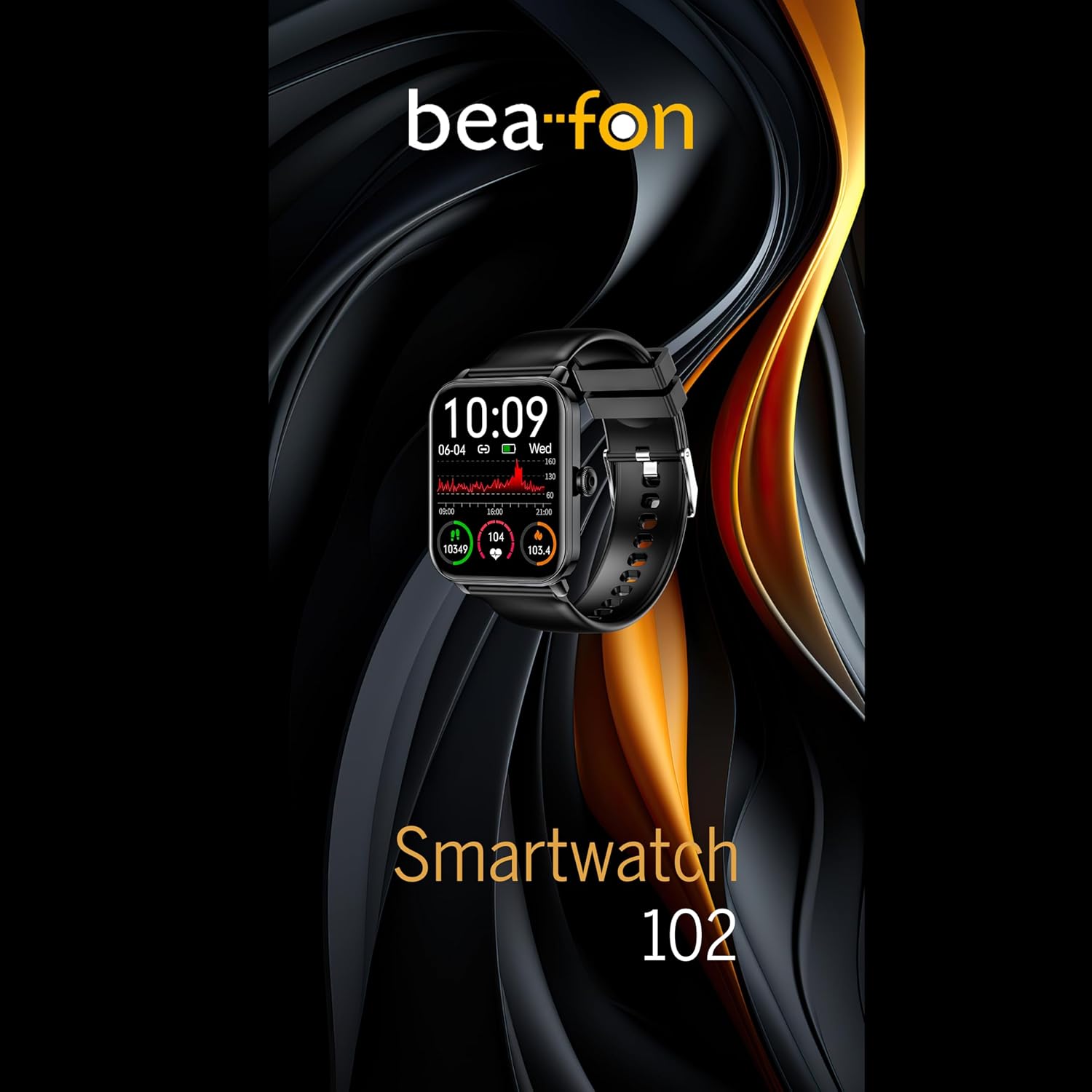
Figure 5: Visual representation of the Smartwatch 102's health monitoring capabilities, including heart rate, sleep, and blood oxygen.
راندين جا طريقا
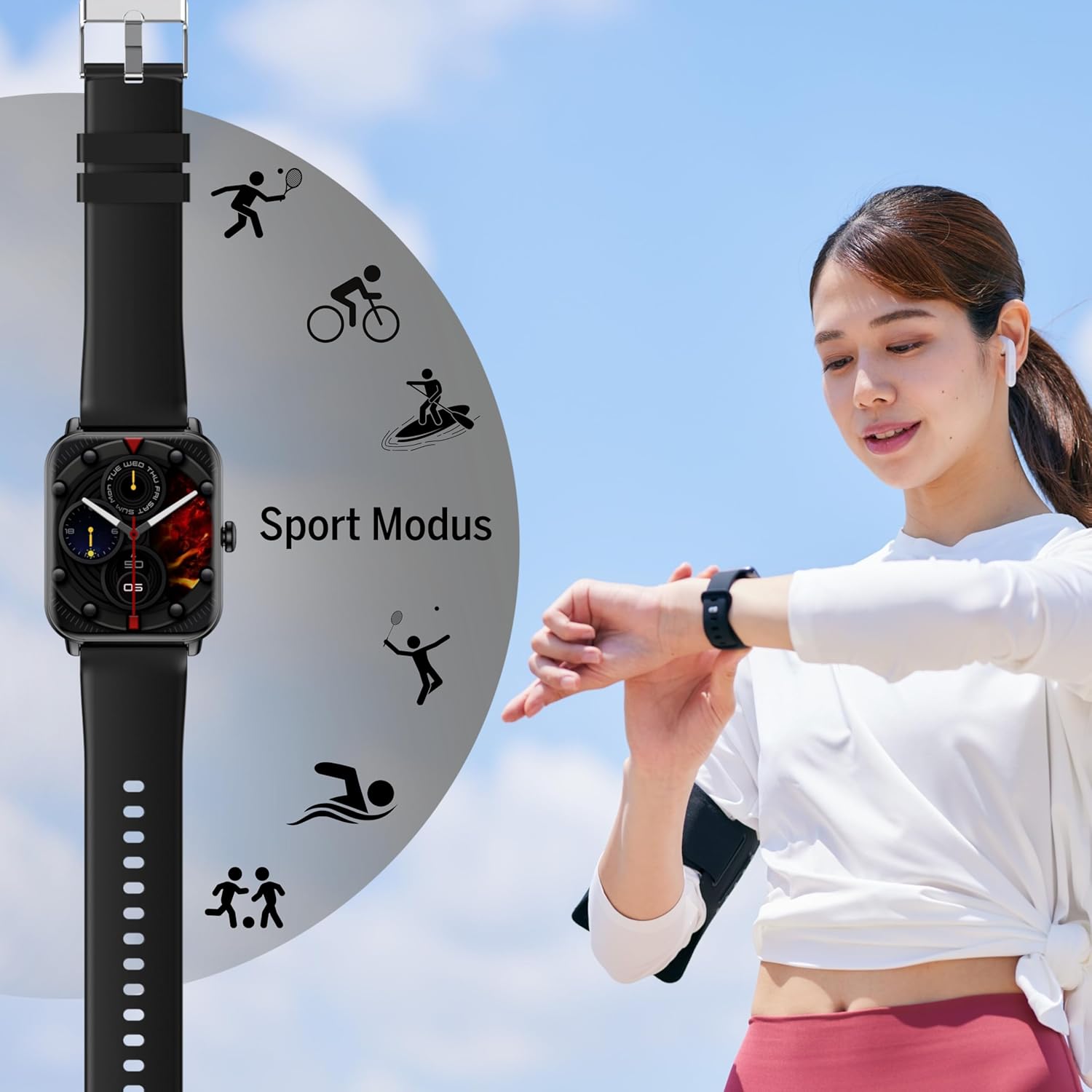
Track your workouts with various built-in sport modes.
- Access the "Sport" menu on your watch.
- پنھنجي گھربل سرگرمي چونڊيو (مثال طور، ڊوڙڻ، سائيڪل هلائڻ، ترڻ).
- The watch will begin tracking relevant metrics such as duration, calories burned, and heart rate.
- End your workout by following the on-screen prompts. Data will sync to the FitCloudPro app.
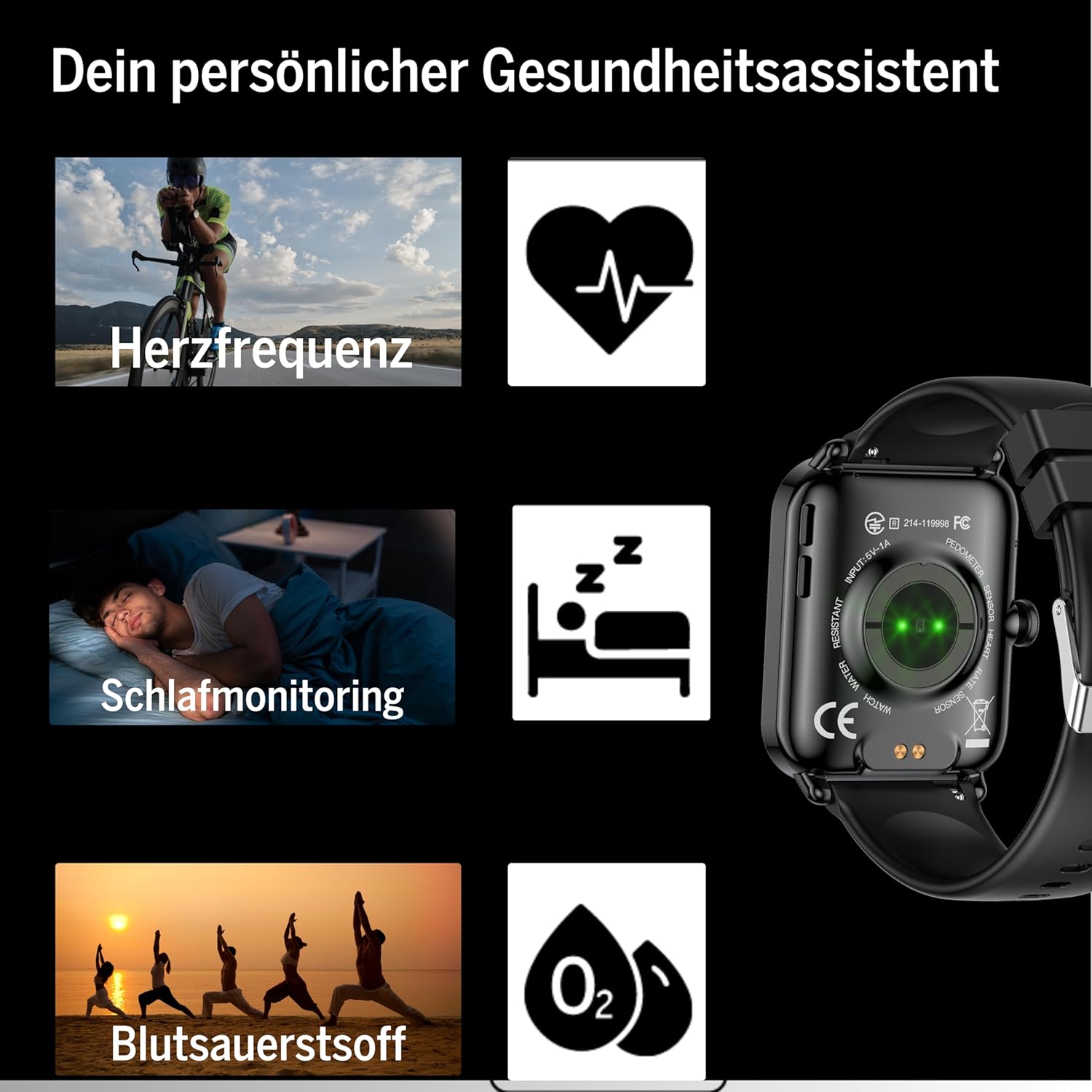
Figure 6: The Smartwatch 102 displaying various sport modes for activity tracking.
نوٽيفڪيشن ۽ ڪالون
Once paired, your smartwatch can receive notifications from your smartphone.
- Enable app notifications in the FitCloudPro app settings.
- Incoming calls and messages will be displayed on your watch. You can typically reject calls from the watch, but not answer them directly.
سار سنڀال
Cleaning the Smartwatch
پنهنجي اسمارٽ واچ جي ظاهر ۽ ڪارڪردگي کي برقرار رکڻ لاءِ:
- اسڪرين ۽ پٽي کي باقاعدي طور تي نرم، ڊي سان صاف ڪريوamp, lint-free ڪپڙو.
- سخت ڪيميڪلز، رگڙيندڙ صاف ڪندڙ، يا محلول استعمال ڪرڻ کان پاسو ڪريو.
- چارج ڪرڻ کان اڳ پڪ ڪريو ته چارجنگ رابطا صاف ۽ سڪل آهن.
پاڻي جي مزاحمت (IP68)
The bea-fon Smartwatch 102 has an IP68 water resistance rating, meaning it is protected against dust ingress and can withstand immersion in water up to 1 meter for 30 minutes.
- It is suitable for daily use, such as hand washing, rain, and shallow swimming.
- واچ کي گرم پاڻي، سونا، يا اسٽيم روم ۾ استعمال نه ڪريو، ڇاڪاڻ ته ٻاڦ سيلن ۾ داخل ٿي سگهي ٿي.
- Avoid exposing the watch to high-velocity water or sudden temperature changes.
- پاڻيءَ جي سامهون اچڻ کان پوءِ، خاص ڪري لوڻ واري پاڻيءَ سان، واچ کي تازي پاڻيءَ سان ڌوئي ڇڏيو ۽ ان کي چڱيءَ طرح سڪيو.
مشڪلاتون
- واچ آن نه ٿي رهي آهي: Ensure the watch is fully charged. Connect it to the magnetic charger and leave it for at least 30 minutes.
- اسمارٽ فون سان جوڙڻ ۾ ناڪام:
- پڪ ڪريو ته توهان جي فون تي بلوٽوٿ فعال آهي ۽ واچ رينج اندر آهي.
- پنهنجو فون ۽ سمارٽ واچ ٻئي ري اسٽارٽ ڪريو.
- پنهنجي فون تي بلوٽوٿ ڪيش صاف ڪريو (جيڪڏهن لاڳو هجي) ۽ ٻيهر جوڙڻ جي ڪوشش ڪريو.
- پڪ ڪريو ته FitCloudPro ايپ کي ضروري اجازتون آهن.
- غلط صحت جي پڙهائي:
- پڪ ڪريو ته گھڙي توهان جي کلائي تي مضبوطيءَ سان پائڻي آهي، نه ته تمام گهڻي ڍلي يا تمام گهڻي تنگ.
- گھڙي جي پوئين پاسي وارا سينسر صاف ڪريو.
- پڙهڻ دوران گهڻي حرڪت کان پاسو ڪريو.
- نوٽيفڪيشن ظاهر نه ٿي رهيا آهن:
- Check notification settings within the FitCloudPro app.
- Ensure your phone's notification settings allow the FitCloudPro app to display alerts.
- پڪ ڪريو ته واچ بلوٽوٿ ذريعي ڳنڍيل آهي.
وضاحتون
| خاصيت | تفصيل |
|---|---|
| برانڊ | بيفون |
| ماڊل | 102 |
| ڊسپلي سائيز | 1.83 انچ (4.64 سينٽي) |
| بيٽري جو قسم | 3.7V 250mAh Li-ion rechargeable |
| بيٽري جي زندگي | 4-5 ڏينهن (عام استعمال) |
| چارج ڪرڻ وقت | لڳ ڀڳ. 3 ڪلاڪ |
| پاڻي جي مزاحمت | IP68 (up to 1 meter) |
| رابطي | بلوٽوٿ |
| صحت سينسر | Heart Rate, Blood Oxygen, Sleep Tracker |
| طول و عرض | 16.5 x 7.3 x 3.7 cm (Package); 160 g (Product Weight) |
| پٽي جو مواد | سليڪون |
| رنگ | ڪارو |
وارنٽي ڄاڻ
Specific warranty details for the bea-fon Smartwatch 102 may vary by region and retailer. Please refer to the warranty card included with your product or contact your point of purchase for precise warranty terms and conditions. Generally, electronic devices come with a standard manufacturer's warranty covering defects in materials and workmanship under normal use.
حمايت
For technical support, troubleshooting assistance, or further inquiries regarding your bea-fon Smartwatch 102, please refer to the following resources:
- آن لائين وسيلا: Visit the official Beafon webاڪثر پڇيا ويندڙ سوالن، اپڊيٽ ٿيل دستورالعمل، ۽ سپورٽ آرٽيڪلز لاءِ سائيٽ.
- FitCloudPro App: The app may offer an in-app support section or contact information.
- ڪسٽمر سروس: Contact the retailer from whom you purchased the product for initial support.
سپورٽ سان رابطو ڪرڻ وقت، مھرباني ڪري پنھنجو پراڊڪٽ ماڊل نمبر (102) ۽ خريداري جا تفصيل تيار رکو.


