1. تعارف
This manual provides detailed instructions for the installation, operation, and maintenance of your OUTON 42-inch Black RGB Ceiling Fan with Light. Please read this manual thoroughly before installation and use to ensure safe and efficient operation. Keep this manual for future reference.
2. حفاظت جي ڄاڻ
خبردار: باهه، بجليءَ جي جھٽڪي، يا ذاتي زخم جي خطري کي گهٽائڻ لاءِ، هميشه انهن بنيادي احتياطن تي عمل ڪريو:
- انسٽاليشن يا سروسنگ کان اڳ پڪ ڪريو ته سرڪٽ بريڪر تي بجلي بند آهي.
- سڀئي وائرنگ قومي ۽ مقامي اليڪٽريڪل ڪوڊس جي مطابق هجڻ گهرجن.
- جيڪڏهن توهان کي وائرنگ جي طريقيڪار بابت پڪ ناهي ته هڪ قابل اليڪٽريشن سان صلاح ڪريو.
- Mount the fan directly to a structural ceiling joist or an outlet box marked "Acceptable for Fan Support of 35 lbs (15.9 kg) or less."
- Do not operate the fan with damaged parts.
- فين بليڊ جي رستي ۾ شيون نه داخل ڪريو.
3. پيڪيج مواد
Verify that all components are present and undamaged before beginning installation. If any parts are missing or damaged, contact OUTON customer support.
- ڇت جي پنکڙي جي موٽر هائوسنگ
- فين بليڊ (5x)
- لائيٽ لائيٽ کٽ
- ريموٽ ڪنٽرول
- ريموٽ لاءِ وال هولڊر
- ڊائون راڊز (5 انچ ۽ 8 انچ آپشن)
- وڌندڙ خط
- هارڊويئر پيڪ (اسڪرو، تار نٽ، واشر)
- ھدايت وارو دستور

4. سيٽ اپ ۽ تنصيب
Before installation, ensure the power supply is disconnected at the main circuit breaker. Installation requires basic electrical knowledge. If you are uncomfortable with electrical work, consult a qualified electrician.
4.1 چڙهڻ جا اختيار
The fan supports both flat and sloped ceiling installations (up to 15 degrees slope).
4.2 تنصيب جا مرحلا
- پاور بند ڪريو: Locate the circuit breaker and turn off the power to the ceiling fan location.
- انسٽال ڪريو ماؤنٽنگ بریکٹ: Secure the mounting bracket to the ceiling outlet box. Ensure the box is rated for fan support.
- ڊائونروڊ گڏ ڪريو: Insert the chosen downrod (5-inch or 8-inch) into the fan motor housing and secure it with the provided pin and screw.
- هينگ فين: Carefully lift the fan assembly and hang it from the mounting bracket using the hanger ball.
- وائر ڪنيڪشن: Connect the fan's electrical wires to the house wiring according to the wiring diagram in the detailed instructions (refer to the included paper manual for specific diagrams). Use the provided wire nuts.
- محفوظ ڇانو: Slide the canopy up to the ceiling and secure it to the mounting bracket with screws.
- فين بليڊ لڳايو: Securely attach the five fan blades to the motor housing.
- لائيٽ ڪٽ انسٽال ڪريو: Connect the LED light kit wires and attach the light kit to the bottom of the fan motor housing.
- پاور بحال ڪريو: Once all connections are secure and the fan is fully assembled, restore power at the circuit breaker.
For a visual guide, refer to the video tutorials available on the OUTON support website (link not provided in source data, but implied by feature bullet).
5. آپريٽنگ هدايتون
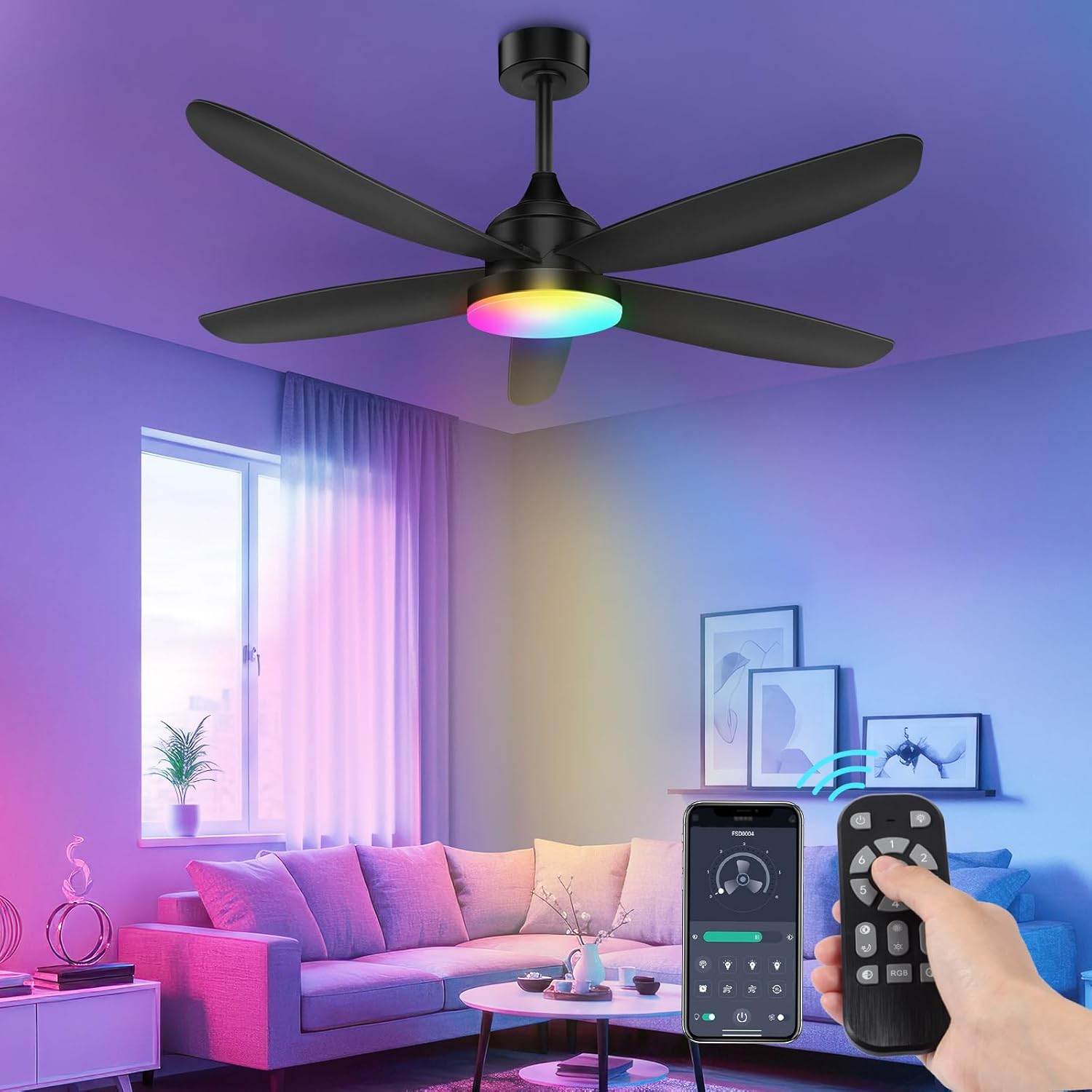
Your OUTON ceiling fan can be controlled via the included remote control or a dedicated smartphone application.
5.1 ريموٽ ڪنٽرول آپريشن
The remote control allows for comprehensive control of fan and light functions.
- فين آن/آف: فين کي آن يا آف ڪرڻ لاءِ فين بٽڻ کي دٻايو.
- فين جي رفتار: Use the speed buttons (1-6) to adjust the fan's airflow.
- روشني آن/آف: لائٽ بٽڻ کي دٻايو ته روشني کي بند يا بند ڪريو.
- رنگ جي درجه حرارت جي ترتيب: Cycle through 3000K (warm white), 4500K (neutral white), and 6500K (cool white) settings.
- بي قدم مدھم ڪرڻ: Hold the dimming buttons to adjust brightness from 10% to 100%.
- RGB موڊ: Activate the RGB mode to cycle through various colors. (Note: Some users report needing to turn off the main light and activate an "auxiliary lamp" in the app for full RGB control. Refer to app instructions for details.)
- رات جي روشني جو طريقو: Activates a soft, low-intensity light.
- ٽائمر فنڪشن: Set the fan to automatically shut off after 1, 2, 4, or 8 hours.
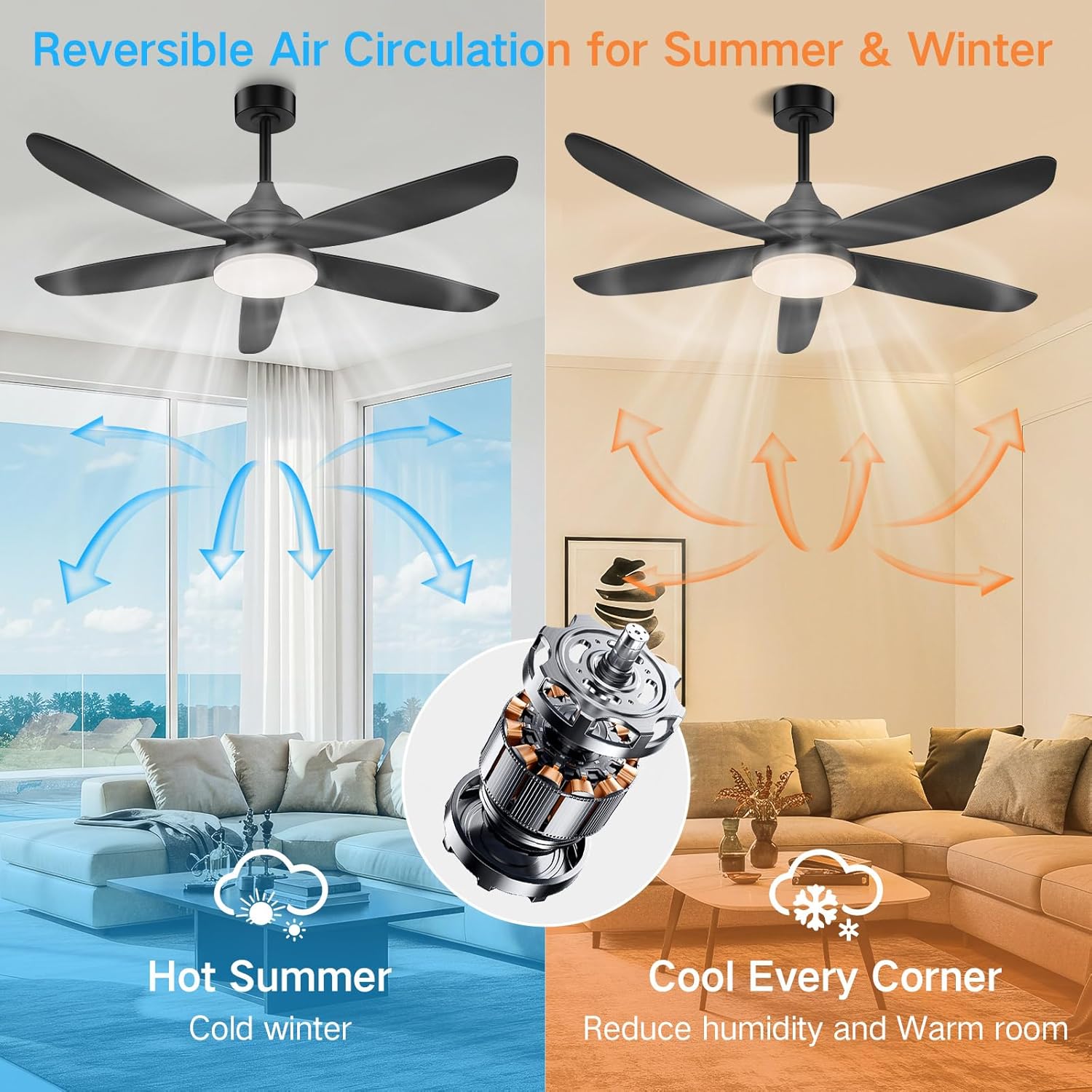
- Reversible فنڪشن: Press the reverse button to change the blade direction for summer (downward airflow) or winter (upward airflow) operation.

5.2 ايپ ڪنٽرول آپريشن
The OUTON ceiling fan can also be controlled via a smartphone application. Download the appropriate app from your device's app store (specific app name not provided, refer to product packaging or manufacturer's webسائيٽ).
- جوڙڻ: Follow the in-app instructions to pair your fan with the application.
- افعال: The app typically offers all functions available on the remote, including fan speed, light on/off, color temperature, stepless dimming, RGB mode, nightlight, and timer settings.
- ميموري فنڪشن: The fan retains the last lighting settings when turned off and on.
6. سار سنڀال
باقاعده سار سنڀال بهترين ڪارڪردگي کي يقيني بڻائي ٿي ۽ توهان جي ڇت جي پنکڙي جي عمر وڌائي ٿي.
- صفائي: پنکڙي جي بليڊن ۽ موٽر هائوسنگ کي وقت بوقت نرم، ڊي سان مٽي ڪريو.amp ڪپڙو. استعمال نه ڪريو abrasive cleaners يا solvents.
- پيچرن کي مضبوط ڪرڻ: Check all screws and connections annually to ensure they are secure.
- روشني جو ذريعو: ايل اي ڊي لائيٽ جو ذريعو ضم ٿيل آهي ۽ عام طور تي استعمال ڪندڙ لاءِ تبديل نه ٿيندو آهي. جيڪڏهن روشني ناڪام ٿئي ٿي، ته ڪسٽمر سپورٽ سان رابطو ڪريو.
اهم: ڪنهن به صفائي يا سار سنڀال ڪرڻ کان اڳ هميشه سرڪٽ بريڪر تي بجلي بند ڪريو.
7. مسئلا حل ڪرڻ
If you encounter issues with your OUTON ceiling fan, refer to the following common problems and solutions:
| مسئلو | ممڪن سبب | حل |
|---|---|---|
| فين شروع نٿو ٿئي. | No power; loose wire connections; remote control battery dead. | Check circuit breaker. Verify all wire connections. Replace remote control battery. |
| روشني doesرندي ناهي. | Loose wire connection; LED light kit failure. | Check light kit wiring. If light kit is faulty, contact customer support. |
| مداح obرندا. | Loose blades; uneven blade balance; loose mounting bracket. | Ensure all blade screws are tight. Check blade balance (balancing kit may be required). Tighten mounting bracket screws. |
| ريموٽ ڪنٽرول ڪم نه ڪري رهيو آهي. | Dead battery; remote not paired; interference. | Replace remote battery. Re-pair remote with fan (refer to pairing instructions in the full manual). Ensure no obstructions between remote and fan. |
| App control not working/RGB issues. | App not paired; Wi-Fi connectivity issues; specific app settings. | Ensure fan is paired with the app. Check Wi-Fi connection. For RGB, ensure main light is off and "auxiliary lamp" is activated in the app, then cycle through presets. |
| فين شور آهي. | Loose screws; motor issue; blade rubbing. | Check all screws. Ensure blades are not hitting any part of the fan or ceiling. If noise persists, contact customer support. |
8. وضاحتون
- برانڊ: اوٽون
- ماڊل: 42-inch Black RGB Ceiling Fan
- پيداوار جي ماپ: 41.73 x 41.73 x 14.96 inches (Diameter x Diameter x Height)
- شيء جو وزن: 8.34 پائونڊ
- طاقت جو ذريعو: AC/DC
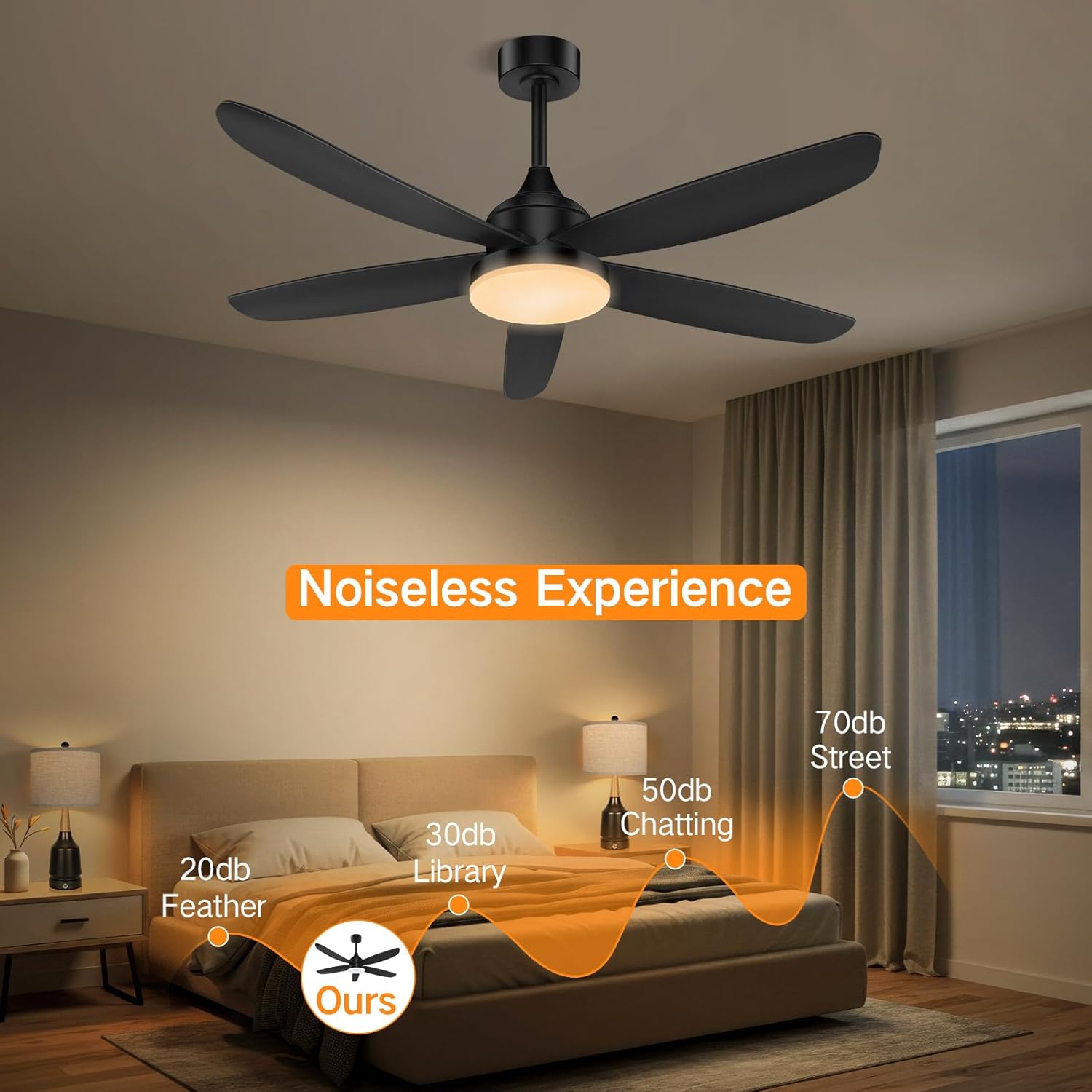
- موٽر جو قسم: DC Motor (Reversible, Quiet, Energy Efficient)
- فين جي رفتار: 6 ترتيب ڏيڻ واري رفتار
- روشني جو قسم: مربوط LED
- هلڪو رنگ گرمي پد: 3000K (Warm White), 4500K (Neutral White), 6500K (Cool White) - Stepless Dimming
- خاص خاصيتون: RGB Mode, Nightlight Mode, Remote Control, App Control, Timer (1/2/4/8 hours), Memory Function
- ڇانو مواد: پلاسٽڪ
- اندروني / ٻاهرين استعمال: اندريون
- تجويز ڪيل ڪمرو سائيز: 10x10 ft - 16x15 ft (approximate)


9. وارنٽي ۽ ڪسٽمر سپورٽ
OUTON products are designed for durability and reliability. For warranty information or technical support, please refer to the contact details provided on the product packaging or the official OUTON webسائيٽ.
رابطي جي ڄاڻ: مهرباني ڪري دورو ڪريو OUTON Brand Store on Amazon for further assistance or to find updated contact information.


