1. پراڊڪٽ ختمview
The KADAMS Pomodoro Cube Timer is a versatile and intuitive productivity tool designed to help manage time effectively for various activities such as work, study, cooking, and workouts. Its unique cube design allows for quick and easy activation of preset countdowns by simply flipping it to the desired time. It also features a visual LED ring, customizable countdowns, silent mode, and a stopwatch function.

Image 1.1: KADAMS Pomodoro Cube Timer. This image displays the sleek black cube timer with its digital display showing '25 00' and a surrounding LED ring.
2. اهم خاصيتون
- 4 Preset Countdown Options: Easily switch between 5, 10, 25, and 50 minutes by rotating the cube.
- Visual LED Ring: A clear LED ring gradually illuminates to indicate time progression, offering an intuitive visual countdown.
- Customizable Countdown Timer: Set any desired time to one of the timer’s sides for personalized routines.
- خاموش موڊ: Enjoy a distraction-free experience with the mute function, suitable for quiet environments.
- اسٽاپ واچ موڊ Supports forward timing up to 99 minutes and 59 seconds for tracking elapsed time.
- Easy to Use & Versatile: Simply flip to start, ideal for Pomodoro technique, classroom activities, office meetings, and home routines.
3. سيٽ اپ
3.1 Charging the Timer
The KADAMS Pomodoro Cube Timer is rechargeable. Use the provided USB-C cable to charge the device. The charging port is located on the bottom of the timer, alongside the control buttons.

تصوير 3.1: هيٺيون view of the timer, highlighting the ON/OFF switch and Type-C charging port. The image shows the physical switch and the USB-C input for charging.
3.2 پاور آن/آف
Locate the ON/OFF switch on the bottom of the timer. Slide the switch to the 'ON' position to power on the device. To conserve battery, slide the switch to 'OFF' when not in use.
4. آپريٽنگ هدايتون
4.1 Using Preset Countdown Timers
The timer features four preset countdowns: 5, 10, 25, and 50 minutes. To activate a preset timer, simply flip the cube so that the desired time (e.g., '25 MIN') is facing upwards. The timer will automatically begin counting down. To pause or reset, simply flip the cube to another side or to the side with the current time again.

Image 4.1: Flip to Start. This image illustrates a hand flipping the cube timer to initiate a countdown, showing the intuitive nature of its operation.

Image 4.2: Versatile Time Management. This image shows the timer being used in different scenarios like Pomodoro sessions, breaks, cooking, and meetings, demonstrating its adaptability.
4.2 Visual LED Ring
As the timer counts down, the LED ring around the digital display gradually fills up, providing a visual representation of the elapsed time. This visual feedback helps in monitoring progress at a glance without needing to constantly read the numbers.

Image 4.3: See Time Flow Visually. The image highlights the LED ring on the timer's display, which visually indicates the progress of the countdown.
4.3 Customizable Countdown Timer
To set a custom countdown time for any of the four sides (5, 10, 25, 50 MIN):
- Place the timer on the side you wish to customize (e.g., 25 MIN side).
- Press the 'SET' button on the bottom of the timer. The display will show '00 00'.
- Use the 'S' (seconds) and 'M' (minutes) buttons to adjust the desired time.
- Press 'SET' again to confirm and save the custom time. This custom time will now be associated with that specific side until changed again.

Image 4.4: Personalize Your Timer. This image shows the 'SET' button on the bottom of the timer, indicating the customization feature.
4.4 خاموش موڊ
To activate or deactivate the silent mode (mute function):
- پڪ ڪريو ته ٽائمر آن آهي.
- Long press the 'UP' button on the bottom of the timer.
- The display will show a speaker icon with a cross through it when silent mode is active. Repeat the long press to re-enable sound.

Image 4.5: Choose Your Mode. This image displays the option to switch between audible and silent modes for the timer.
4.5 Stopwatch Mode (Count-Up)
The timer also functions as a stopwatch, allowing you to track elapsed time up to 99 minutes and 59 seconds. To activate stopwatch mode, ensure no side is actively counting down, then press the 'UP' button. The timer will begin counting upwards. Press 'UP' again to pause, and 'SET' to reset.
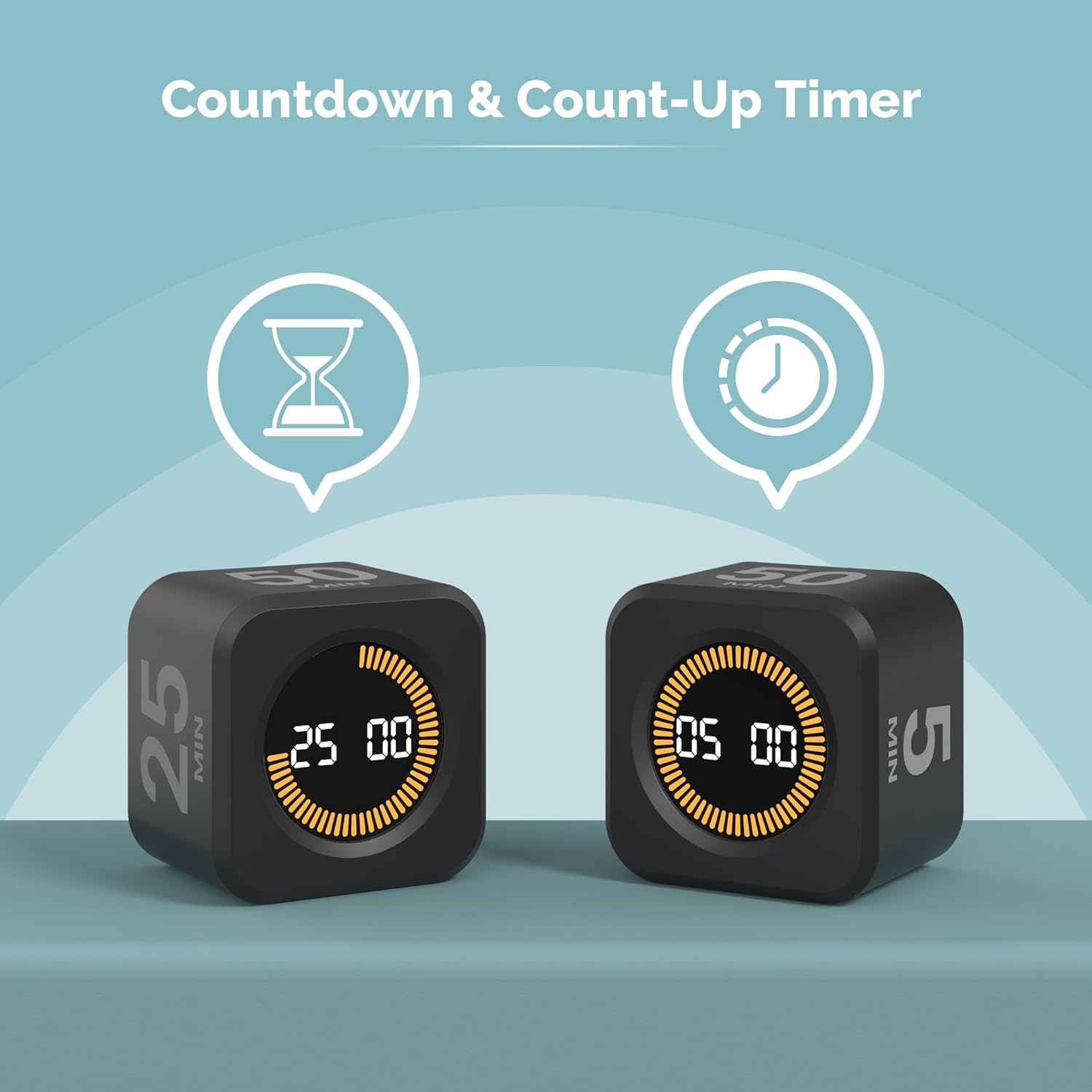
Image 4.6: Countdown & Count-Up Timer. This image shows two timers, one in countdown mode and another in count-up (stopwatch) mode.
4.6 پراڊڪٽ جي مظاهري جي وڊيو
Video 4.1: KADAMS Pomodoro Timer Cube. This official seller video demonstrates the key functionalities of the KADAMS Pomodoro Cube Timer, including how to activate preset timers by flipping, setting custom times, and utilizing the silent mode.
5. سار سنڀال
To ensure the longevity and optimal performance of your KADAMS Pomodoro Cube Timer, follow these simple maintenance guidelines:
- صفائي: ٽائمر کي نرم، سڪل ڪپڙي سان صاف ڪريو. گھڙڻ وارا ڪلينر استعمال نه ڪريو يا ڊوائيس کي پاڻي ۾ نه ٻوڙيو.
- اسٽوريج: ٽائمر کي سڌي سج جي روشني ۽ انتهائي گرمي پد کان پري ٿڌي، سڪل جاءِ تي رکو.
- سنڀالڻ: Avoid dropping the timer or subjecting it to strong impacts, as this may damage internal components.
6. مسئلا حل ڪرڻ
If you encounter any issues with your KADAMS Pomodoro Cube Timer, please refer to the following common solutions:
- ٽائمر جواب نه ڏئي رهيو آهي: Ensure the ON/OFF switch on the bottom is in the 'ON' position.
- Display is dim or off: The battery may be low. Connect the timer to a power source using the provided USB-C cable to charge it.
- Incorrect time displayed after flipping: Ensure the cube is placed firmly on a flat surface with the desired time facing directly upwards. If a custom time was set, it will override the default preset for that side.
- آواز ڪونهي: Check if the silent mode is activated (speaker icon with a cross through it on the display). Long press the 'UP' button to toggle sound on/off.
If the issue persists after attempting these steps, please contact KADAMS customer support for further assistance.
7. وضاحتون
| تفصيل | تفصيل |
|---|---|
| ماڊل نمبر | K5273-02 |
| رنگ | ڪارو |
| برانڊ | KADAMS |
| مواد | اڪيريلانٽنتريلي بديادي اسٽائائن |
| پيداوار جي ماپ | 2"ڊي x 2"ڊي x 1.5"ايڇ |
| سيٽنگن جو تعداد | 3 (referring to modes: countdown, count-up, custom) |
| شيءِ جو وزن | 2.46 اونس |
| اصل جو ملڪ | چين |

Image 7.1: Product Dimensions. This image visually represents the compact size of the KADAMS Cube Timer with its measurements.
8. وارنٽي ۽ سپورٽ
KADAMS is committed to providing high-quality products. For any warranty claims, technical support, or inquiries regarding your Pomodoro Cube Timer, please contact KADAMS customer service through the retailer's platform or the official KADAMS webسائيٽ. مھرباني ڪري وارنٽي جي تصديق لاءِ خريداري جو ثبوت رکو.


