Gravity C29 Rugged Smart Watch User Manual
ماڊل: C29
تعارف
This manual provides essential information for the proper setup, operation, and maintenance of your Gravity C29 Rugged Smart Watch. Please read this manual thoroughly before using the device to ensure optimal performance and longevity.
The Gravity C29 is designed for durability and performance in various conditions, featuring a 1.52-inch HD display, extensive sports modes, health tracking capabilities, and smart connectivity.
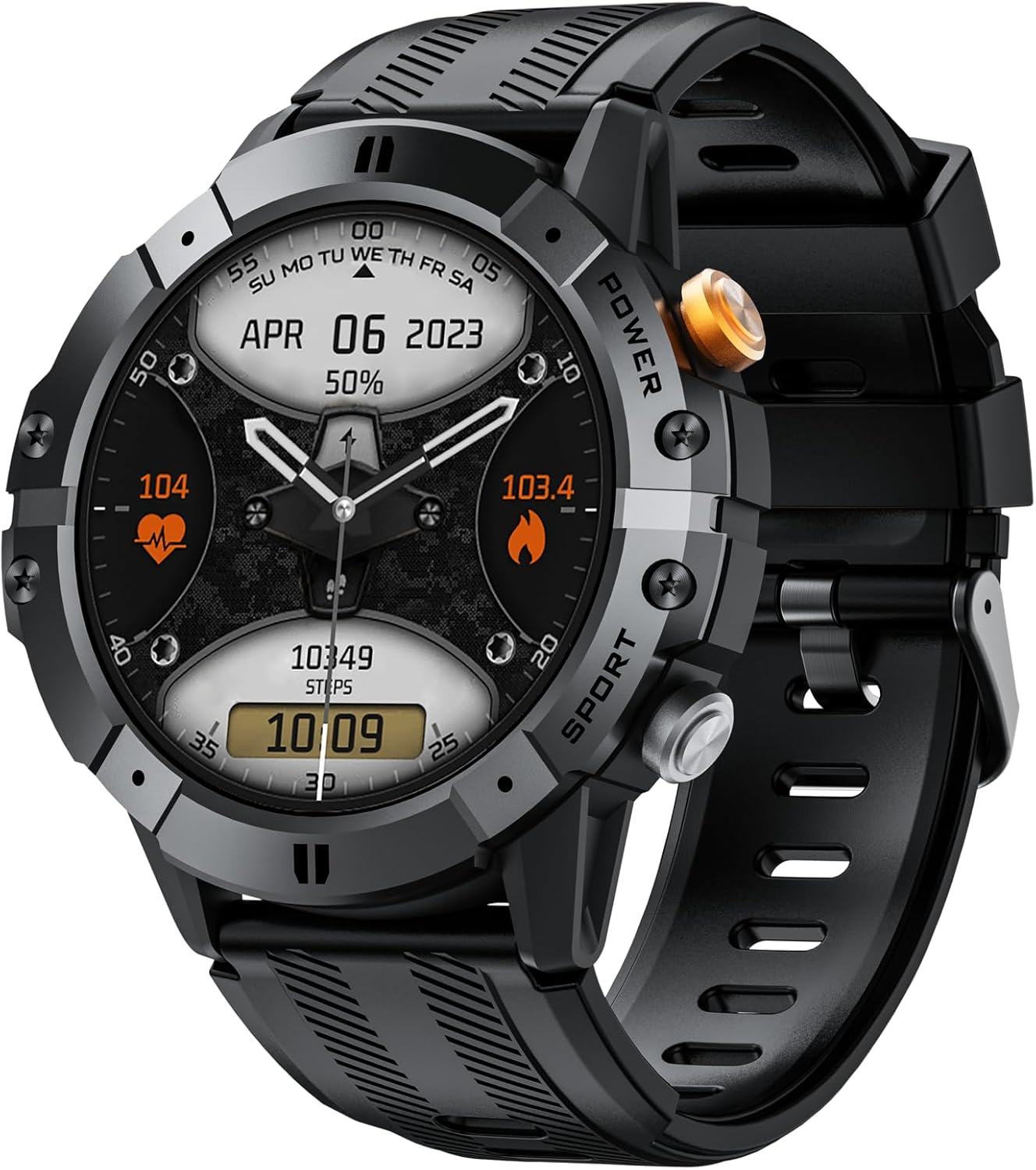
تصوير: سامهون view of the Gravity C29 Rugged Smart Watch, displaying time, date, heart rate, and steps.
سيٽ اپ ڪريو
1. شروعاتي چارجنگ
Before first use, fully charge your Gravity C29 Smart Watch. Connect the magnetic charging cable to the charging contacts on the back of the watch and plug the USB end into a standard USB power adapter (not included).
- مڪمل چارج ٿيڻ ۾ عام طور تي لڳ ڀڳ 2 ڪلاڪ لڳن ٿا.
- واچ ڊسپلي چارجنگ اسٽيٽس جي نشاندهي ڪندو.
2. ايپ ڊائون لوڊ ۽ انسٽاليشن
The Gravity C29 Smart Watch uses the 'Da Fit' application for full functionality and data synchronization. Scan the QR code in the quick start guide (if provided) or search for 'Da Fit' in your device's app store (Google Play Store for Android, Apple App Store for iOS).
- Ensure your smartphone meets the compatibility requirements: Android 9.0+ or iOS 9.0+.
- Install the 'Da Fit' app on your smartphone.
3. ڊوائس جوڙڻ
To pair your watch with the 'Da Fit' app:
- پنهنجي اسمارٽ فون تي بلوٽوت کي فعال ڪريو.
- Open the 'Da Fit' app and follow the on-screen instructions to add a new device.
- Select 'C29' from the list of available devices.
- پنهنجي واچ ۽ اسمارٽ فون ٻنهي تي جوڙي جي درخواست جي تصديق ڪريو.
هڪ ڀيرو جوڙيو ويندو، واچ وقت ۽ ڊيٽا کي توهان جي فون سان هم وقت سازي ڪندي.
آپريٽنگ هدايتون
بنيادي نيويگيشن
- ٽچ اسڪرين: مينيو ۽ اطلاعن ذريعي نيويگيٽ ڪرڻ لاءِ مٿي، هيٺ، کاٻي، يا ساڄي طرف سوائپ ڪريو. شيون چونڊڻ لاءِ ٽيپ ڪريو.
- پاسي جا بٽڻ: The watch features physical buttons for quick access to functions like power on/off, screen wake, and sports mode activation. Refer to the watch's on-screen prompts for specific button functions.

Image: The Gravity C29 Smart Watch highlighting its 1.52-inch HD screen, visible even under harsh sunlight.
واچ جي منهن کي ترتيب ڏيڻ
The Gravity C29 allows for customizable watch faces. You can change them directly on the watch by long-pressing the home screen or through the 'Da Fit' app for more options.
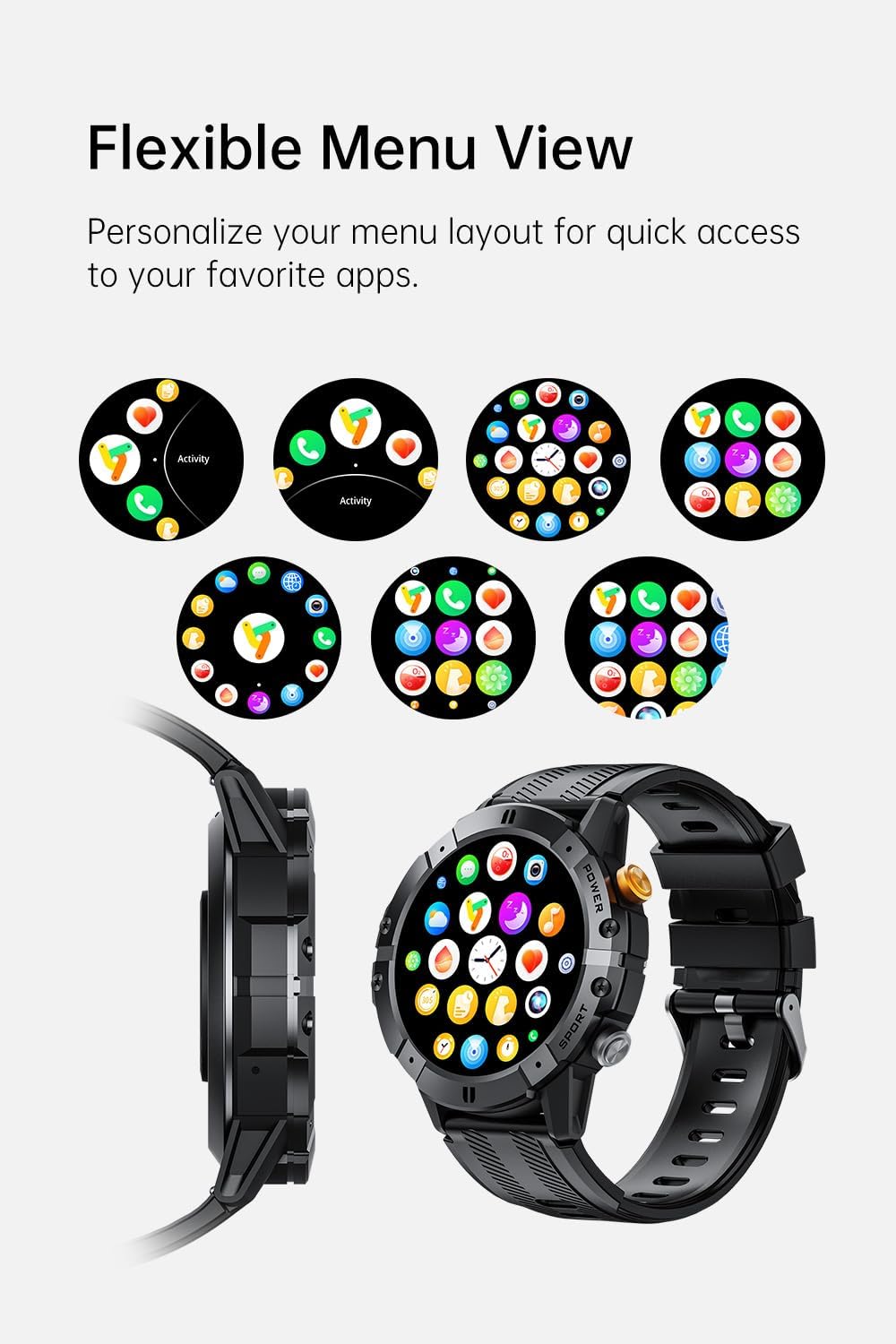
Image: The Gravity C29 Smart Watch displaying various flexible menu view options, allowing users to personalize their layout.
صحت ۽ فٽنيس ٽريڪنگ
The Gravity C29 is equipped with advanced sensors and the GoMore algorithm for precise health and fitness monitoring:
- دل جي شرح جي نگراني: Continuously tracks your heart rate 24/7. View real-time data on the watch or detailed historical data in the 'Da Fit' app.
- سمهڻ جي ٽريڪنگ: توهان جي ننڊ جي نمونن جي نگراني ڪري ٿو، جنهن ۾ گهري ننڊ، هلڪي ننڊ، ۽ جاڳڻ جا وقت شامل آهن.
- Step Counting & Calorie Tracking: Automatically records your daily steps, distance, and estimated calories burned.
- 100+ راندين جا طريقا: Select from a wide range of sports modes (e.g., running, cycling, hiking, swimming) to track specific workout data.

Image: The Gravity C29 Smart Watch showing a heart rate graph, illustrating its precision sensors for accurate health monitoring.

Image: The Gravity C29 Smart Watch showcasing icons for over 120 sports modes, including running, cycling, hiking, and swimming.
سمارٽ خاصيتون
- بلوٽوٿ ڪالنگ: جڏهن توهان پنهنجي اسمارٽ فون سان ڳنڍيل آهيو ته سڌو سنئون پنهنجي کلائي مان ڪال ڪريو ۽ وصول ڪريو.
- پيغام جا اطلاع: Receive alerts for calls, SMS, and app notifications (e.g., WhatsApp, social media) directly on your watch.
- اي آءِ وائيس اسسٽنٽ: Use voice commands to manage calls, set alarms, check weather, and control music.
- موسيقي ۽ ڪئميرا ڪنٽرول: Control music playback and trigger your phone's camera remotely from the watch.
- موسم جي تازه ڪاري: Get real-time weather information synced from your phone.

Image: The Gravity C29 Smart Watch displaying Bluetooth call and message alerts, demonstrating seamless connection for communication.

Image: The Gravity C29 Smart Watch showing its AI Voice Assistant interface, allowing hands-free control via voice commands.

Image: The Gravity C29 Smart Watch displaying various function icons, indicating its equipped features for convenience.


