تعارف
This manual provides essential information for the safe and effective use of your Gravity C20 Pro Smartwatch. Please read it thoroughly before operating the device.
The Gravity C20 Pro Smartwatch is designed for durability and advanced functionality, featuring a rugged 1.83-inch TFT display. It is built to withstand various conditions, including dust and water, with an IP68 rating. Key features include Bluetooth calling, AI voice assistant, and comprehensive health monitoring.
پيڪيج مواد
Before proceeding with setup, ensure all items are present in the package:
- Gravity C20 Pro Smartwatch
- چارج ڪيبل
- استعمال ڪندڙ جو دستياب (ھي دستاويز)
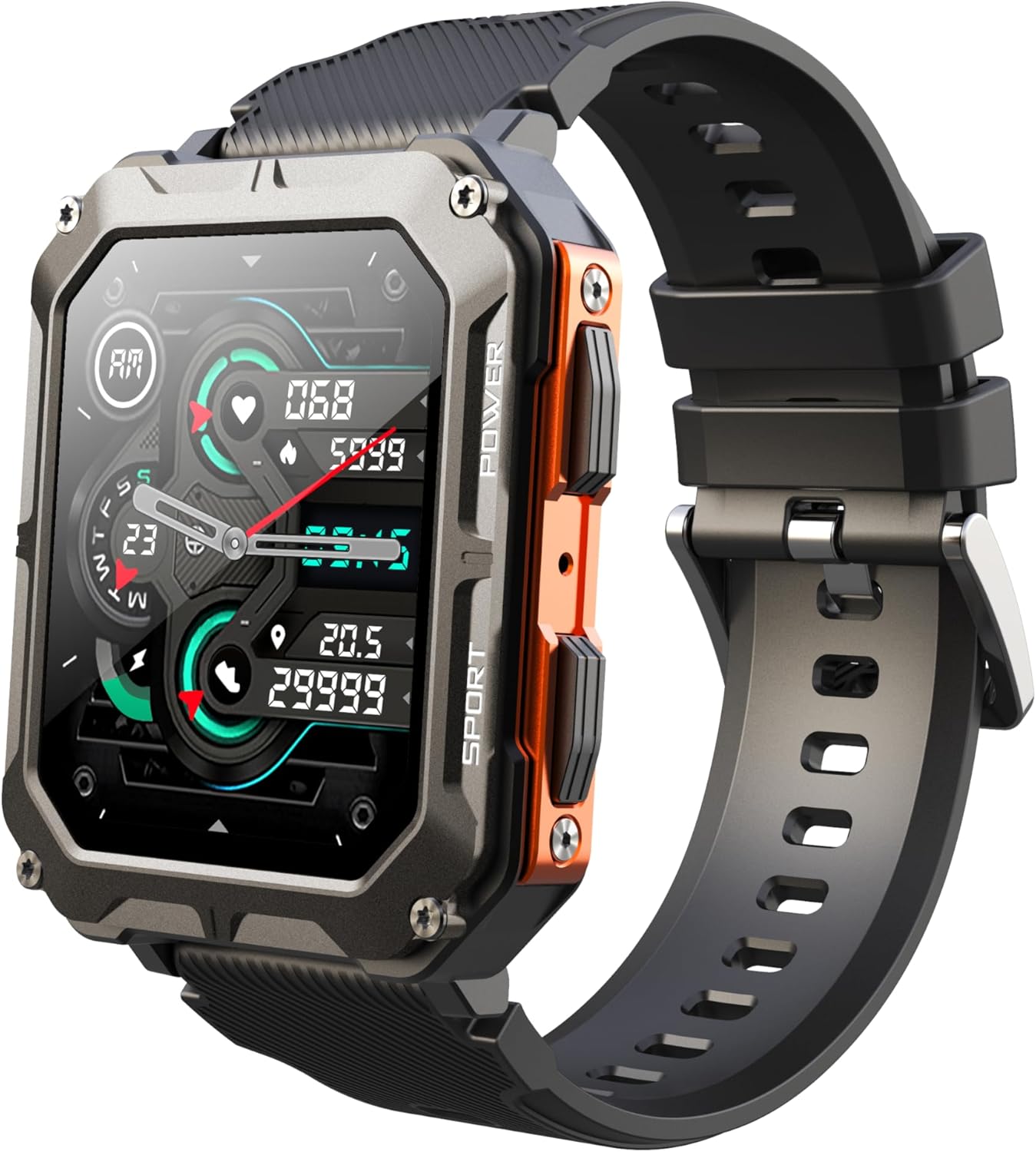
Image: The Gravity C20 Pro Smartwatch, typically accompanied by its charging cable and user manual.
سيٽ اپ ڪريو
1. ڊوائيس کي چارج ڪرڻ
Before first use, fully charge your smartwatch. Connect the magnetic charging cable to the charging points on the back of the watch and plug the USB end into a compatible power adapter (not included) or a computer USB port.
- چارج ڪرڻ جو وقت: مڪمل چارج لاءِ لڳ ڀڳ 2 ڪلاڪ.
- Battery life: Up to 20 days standby time.
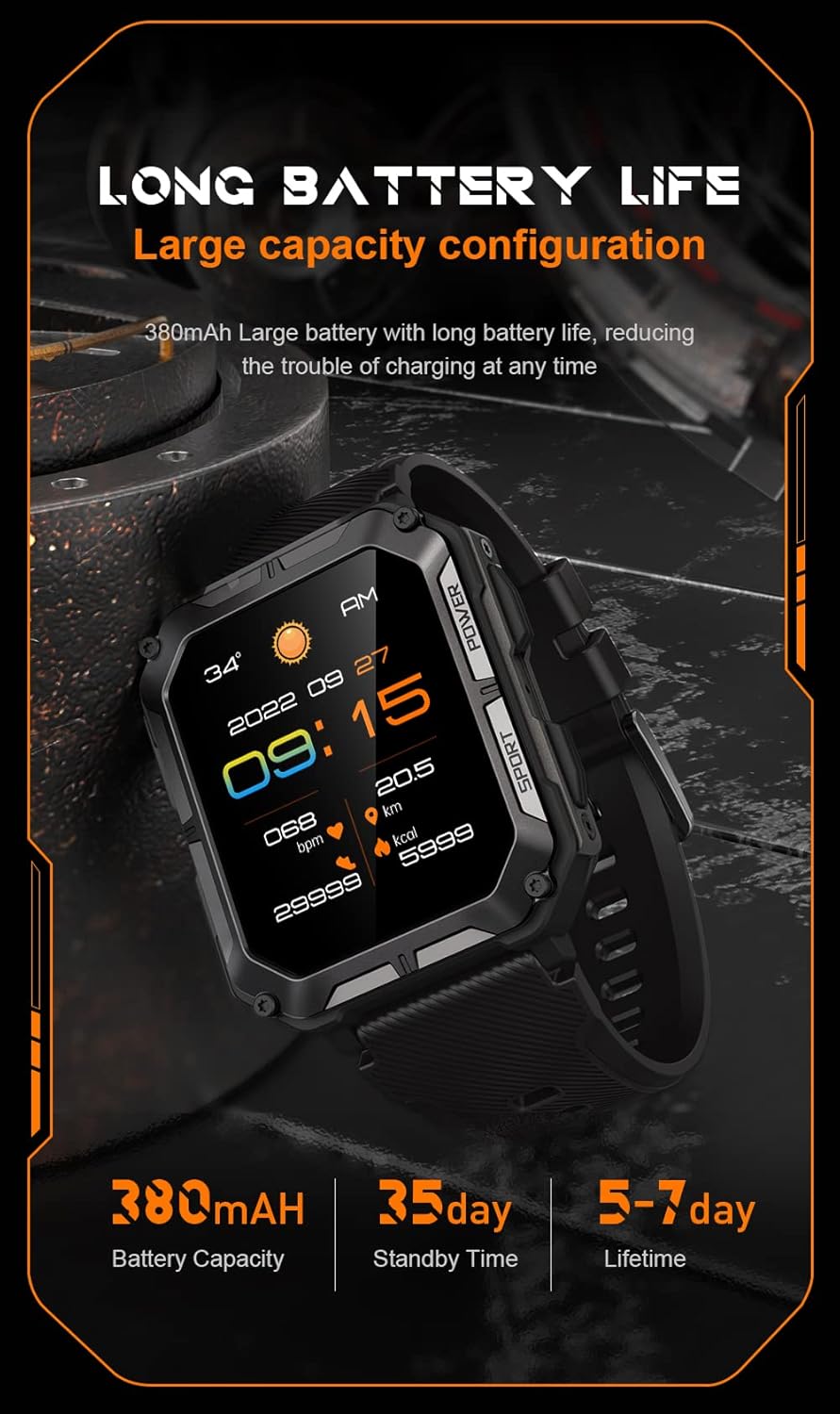
Image: The smartwatch screen showing current time and battery status, indicating long battery life.
2. ڪمپينين ايپ ڊائون لوڊ ڪرڻ
To unlock the full functionality of your Gravity C20 Pro Smartwatch, download the official companion application on your smartphone. Refer to the product packaging or quick start guide for the specific app name (e.g., Da Fit, GloryFit) and search for it in your device's app store (iOS App Store or Google Play Store).
3. توهان جي اسمارٽ فون سان جوڙڻ
- پڪ ڪريو ته توهان جي اسمارٽ فون تي بلوٽوت فعال آهي.
- Open the companion app and follow the on-screen instructions to add a new device.
- Select "Gravity C20 Pro" from the list of available devices.
- پنهنجي اسمارٽ فون ۽ اسمارٽ واچ ٻنهي تي جوڙي جي درخواست جي تصديق ڪريو.
آپريٽنگ هدايتون
بنيادي نيويگيشن
- پاور بٽڻ: Located on the side. Press and hold to power on/off. Short press to return to the watch face or wake the screen.
- ٽچ اسڪرين: Swipe up, down, left, or right to navigate through menus and notifications. Tap to select an option.
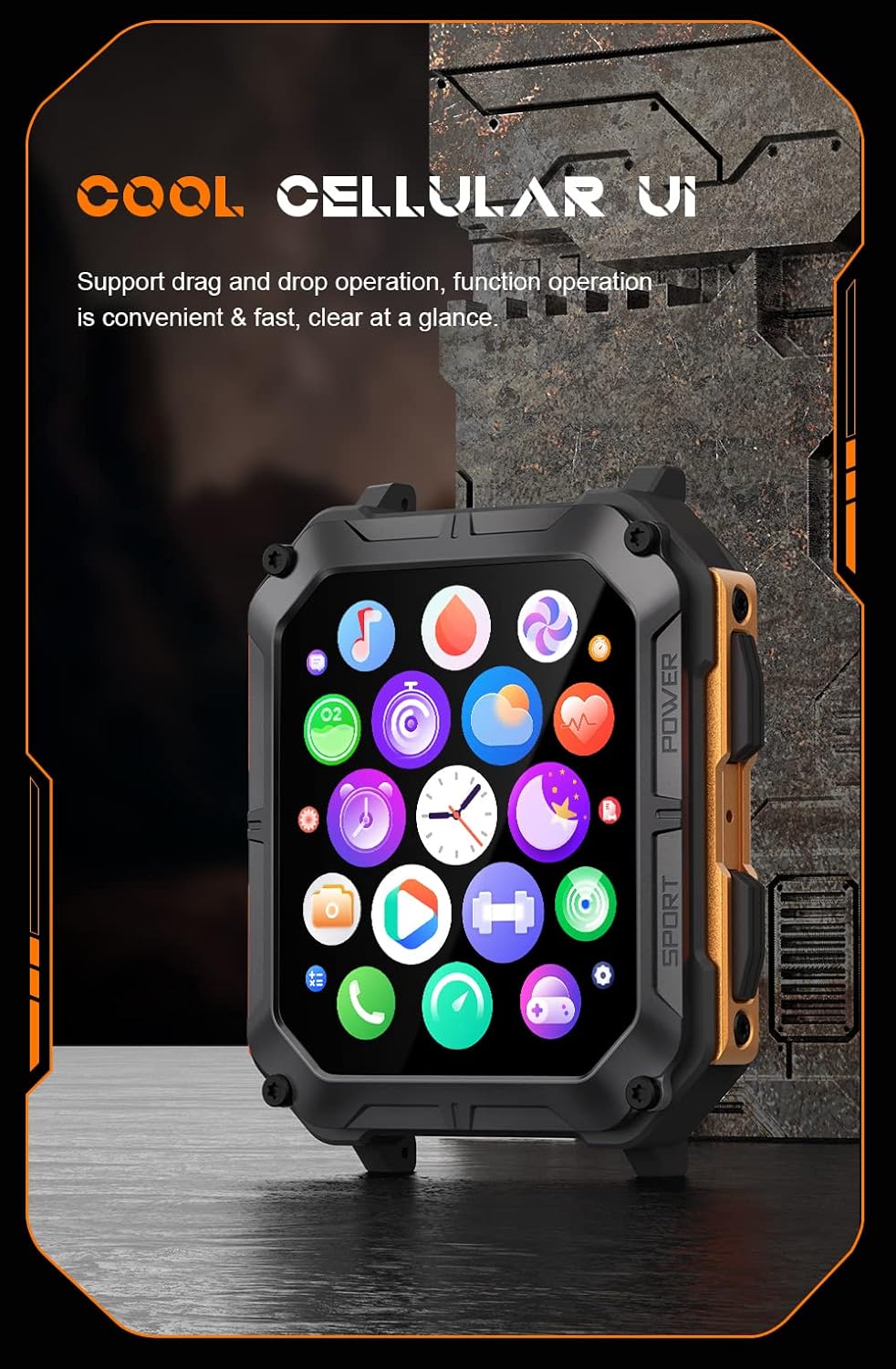
Image: The smartwatch screen showing a grid of application icons, demonstrating the cellular user interface for easy navigation.
اهم خاصيتون
- بلوٽوٿ ڪالنگ: Once paired, you can make and receive calls directly from your wrist. Access the call function via the watch's menu.
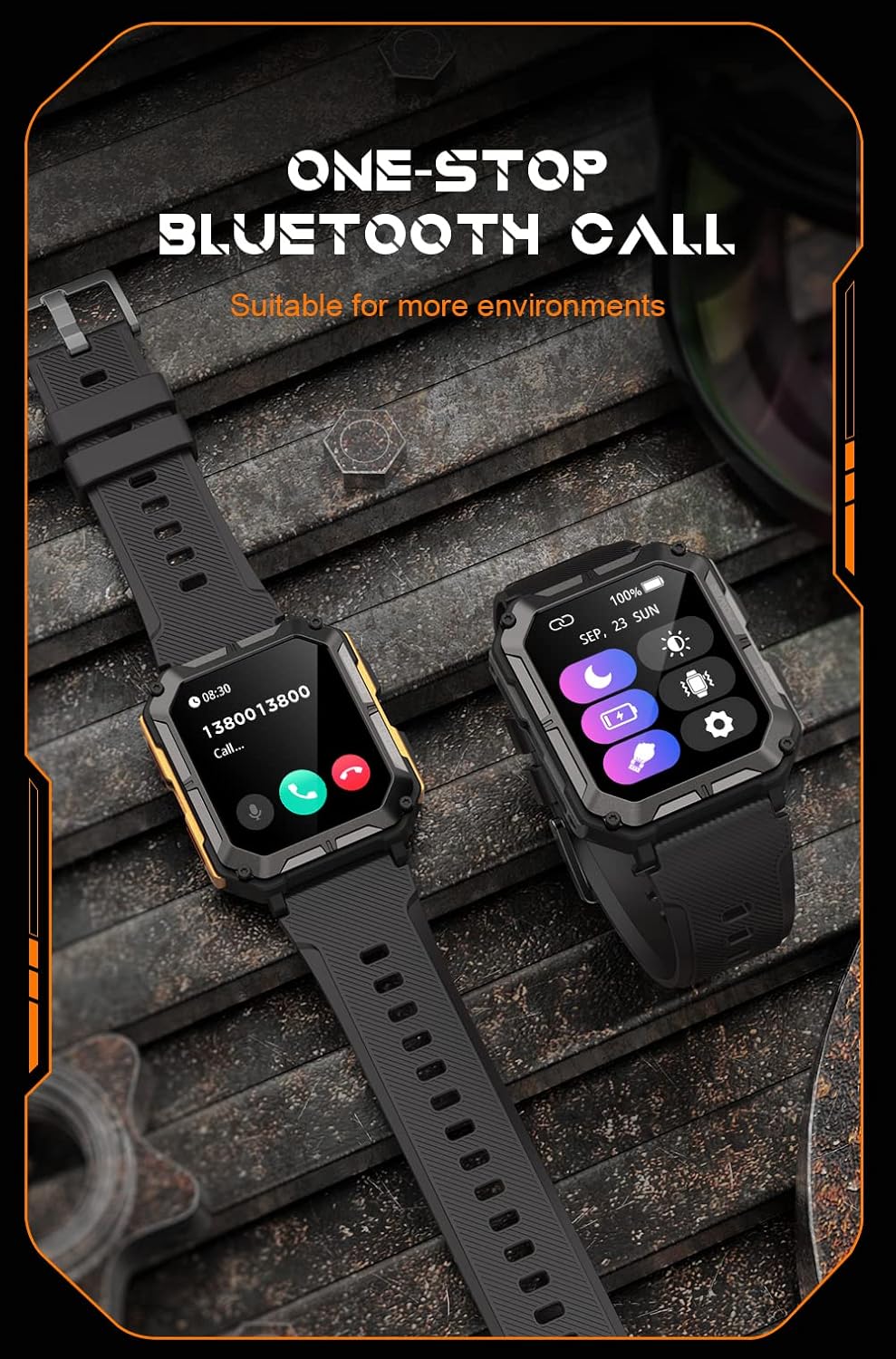
Image: The smartwatch screen showing an incoming call, illustrating the Bluetooth calling feature.
- صحت جي نگراني:
- دل جي شرح: Monitor your heart rate throughout the day.
- رت جي آڪسيجن (SpO2): پنهنجي رت جي آڪسيجن جي سطح کي ماپيو.
- سمهڻ جي نگراني: ننڊ جي نمونن ۽ معيار کي ٽريڪ ڪري ٿو.

Image: The smartwatch screen displaying real-time heart rate and blood oxygen saturation (SpO2) data, highlighting its health monitoring capabilities.
- راندين جا طريقا: The watch supports over 100 sports modes. Select your activity to track performance metrics such as steps, distance, calories burned, and duration.
- سمارٽ اطلاعن: ڪالن، پيغامن، ۽ ايپ جي اطلاعن لاءِ الرٽ سڌو سنئون پنهنجي واچ تي حاصل ڪريو. پڪ ڪريو ته ساٿي ايپ ۾ اطلاعن جي اجازتن کي فعال ڪيو ويو آهي.
- اي آءِ وائيس اسسٽنٽ: Activate the voice assistant for hands-free control and information retrieval.

Image: A graphic displaying various features of the smartwatch, including heart rate, call reminder, pedometer, information reminder, blood pressure monitor, sleep monitor, calories, sedentary reminder, exercise data, IP68 waterproof, stress monitor, voice assistant, blood oxygen monitor, heart rate warning, and calculator.
سار سنڀال
صفائي
بهترين ڪارڪردگي ۽ صفائي کي يقيني بڻائڻ لاءِ پنهنجي سمارٽ واچ کي باقاعدي صاف ڪريو.
- اسڪرين ۽ جسم کي نرم، لِنٽ فري ڪپڙي سان صاف ڪريو.
- ضد گندگي لاء، ڊيampڪپڙي کي پاڻيءَ سان ٿورو ڇڪيو. سخت ڪيميڪل يا رگڙيندڙ مواد استعمال ڪرڻ کان پاسو ڪريو.
- مناسب چارجنگ کي يقيني بڻائڻ لاءِ چارجنگ ڪانٽيڪٽس کي وقتي طور تي صاف ڪريو.
پاڻي جي مزاحمت (IP68)
The Gravity C20 Pro is IP68 rated, meaning it is protected against dust ingress and can withstand immersion in water up to 1.5 meters for up to 30 minutes. While it is waterproof for daily use (e.g., hand washing, rain), it is not recommended for hot showers, saunas, or diving, as steam and high pressure can compromise the seals.
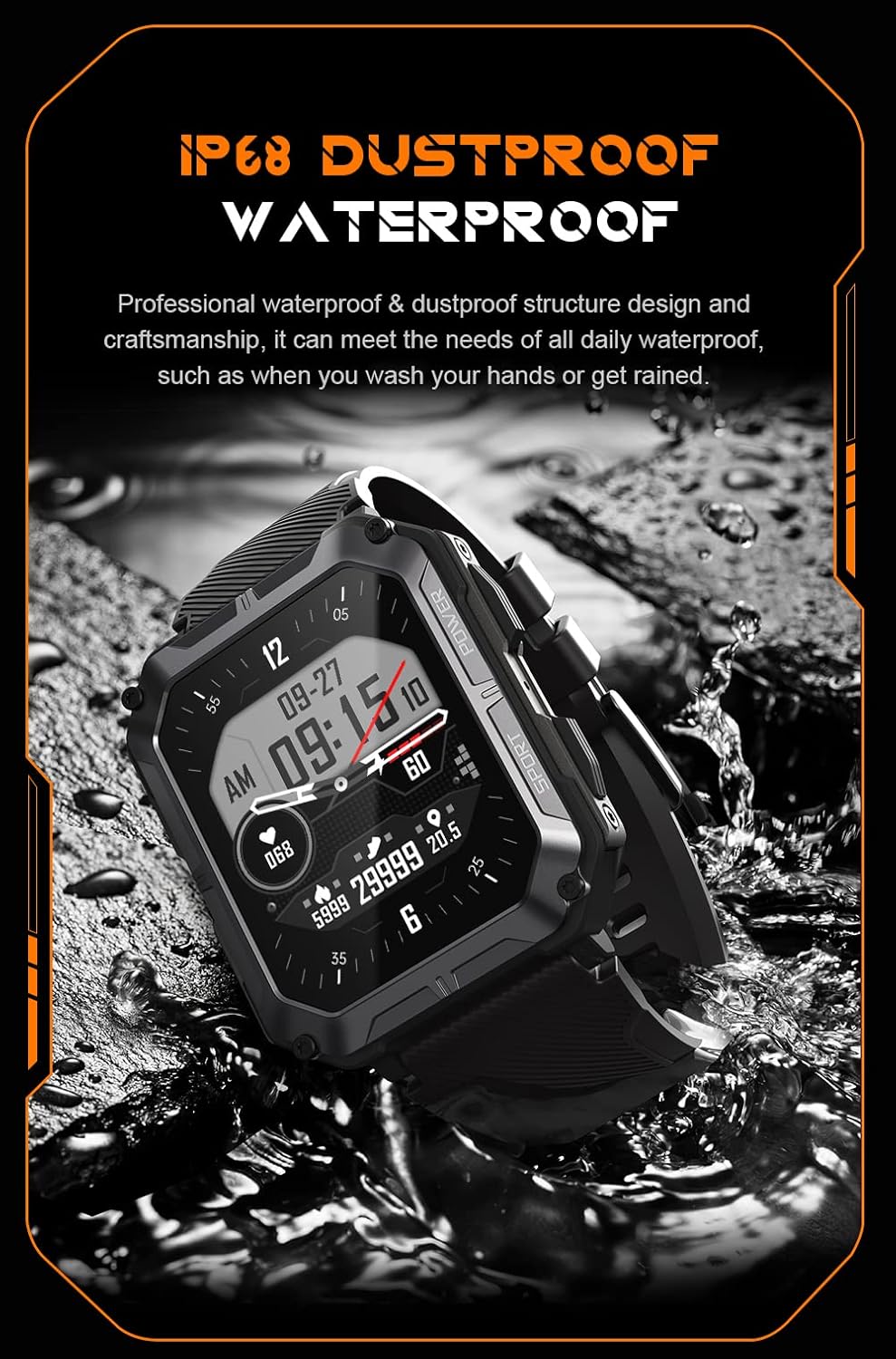
Image: The smartwatch partially submerged in water, demonstrating its IP68 dustproof and waterproof capabilities, suitable for daily exposure to water.
ذخيرو
جڏهن گهڻي عرصي تائين استعمال ۾ نه هجي، ته سمارٽ واچ کي سڌي سج جي روشني ۽ انتهائي گرمي پد کان پري ٿڌي، سڪل جاءِ تي رکو.
مشڪلاتون
| مسئلو | ممڪن سبب | حل |
|---|---|---|
| واچ آن نٿي ٿئي. | گھٽ بيٽري. | گھڙي کي گھٽ ۾ گھٽ 30 منٽن تائين چارج ڪريو. |
| اسمارٽ فون سان جوڙو نه ٿو ٺاهي سگهجي. | Bluetooth is off; app issue; watch not discoverable. | Ensure Bluetooth is on. Restart the app and watch. Try resetting the watch to factory settings if issues persist. |
| اطلاع نه مليا. | App permissions not granted; app not running in background. | Check app notification permissions on your phone. Ensure the app is running and not optimized for battery saving. |
| صحت جي ڊيٽا جي غلط معلومات. | Watch fit is too loose; sensor dirty. | Ensure the watch is snug on your wrist. Clean the heart rate sensor on the back of the watch. |
وضاحتون
| خاصيت | تفصيل |
|---|---|
| ماڊل نمبر | W4-C28 |
| ڊسپلي سائيز | 1.83 انچ TFT |
| بيٽري جي گنجائش | 380 mAh |
| بيٽري جي زندگي (اسٽينڊ بائي) | 20 ڏينهن تائين |
| پاڻي جي مزاحمت | IP68 |
| رابطي | بلوٽوٿ |
| آپريٽنگ سسٽم | Android OS (compatible) |
| حرارت جي مزاحمت | -24°C کان 60°C |
| شيءِ جو وزن | 1 پائونڊ |
| پيڪيج جي ماپ | 9 x 4 x 1 انچ |
وارنٽي ڄاڻ
Gravity products are covered by a limited warranty from the date of purchase. This warranty covers manufacturing defects and workmanship under normal use. It does not cover damage caused by misuse, accidents, unauthorized modifications, or normal wear and tear.
For specific warranty terms and conditions, please refer to the warranty card included with your product or visit the official Gravity webسائيٽ.
ڪسٽمر سپورٽ
If you encounter any issues or have questions not covered in this manual, please contact Gravity customer support:
- Webسائيٽ: www.gravity.com/support (مثالample URL, replace if actual URL is known)
- اي ميل: support@gravity.com (مثالample Email)
- فون: سرڪاري حوالي ڪريو webعلائقائي رابطي جي نمبرن لاءِ سائيٽ.
When contacting support, please have your product model number (W4-C28) and purchase details ready.


