تعارف
Thank you for choosing the Gravity C20 Pro Smartwatch. This rugged smartwatch is designed for durability and advanced functionality, featuring a 1.83-inch TFT display, IP68 waterproofing, Bluetooth calling, AI voice assistant, and over 100 sports modes. This manual will guide you through the setup, operation, and maintenance of your new device.

تصوير: سامهون view of the Gravity C20 Pro Smartwatch, showcasing its rugged design and display.
دٻي ۾ ڇا آهي
- Gravity C20 Pro Smartwatch
- چارج ڪيبل
- استعمال ڪندڙ دستي
پيداوار ختمview ۽ خاصيتون
The Gravity C20 Pro is built to withstand challenging environments while providing comprehensive smart features. Its robust construction and advanced sensors make it an ideal companion for active lifestyles.
اهم خاصيتون:
- Durable 1.83" TFT Display: Large and clear screen for easy readability.
- IP68 پاڻي جي مزاحمتي: Designed to protect against dust and water exposure.
- بلوٽوٿ ڪالنگ: پنهنجي کلائي تان سڌو سنئون ڪال ڪريو ۽ وصول ڪريو.
- اي آءِ وائيس ڪنٽرول: مختلف ڪمن لاءِ هٿ کان سواءِ آپريشن.
- 100+ راندين جا طريقا: Comprehensive tracking for a wide range of physical activities.
- صحت جي نگراني: Includes heart rate, sleep tracking, step counting, and sedentary reminders.
- ڊگھي بيٽري زندگي: 380mAh battery offering extended standby time.
- سمارٽ اطلاعن: Receive alerts for calls, messages, and apps.

Image: Two Gravity C20 Pro smartwatches, emphasizing their robust and outdoor-ready design.

Image: A graphic displaying icons for key features such as heart rate monitoring, call reminders, pedometer, information reminders, blood pressure monitor, sleep monitor, calories, sedentary reminder, exercise data, IP68 waterproof, stress monitor, voice assistant, blood oxygen monitor, heart rate warning, and calculator.
سيٽ اپ ڪريو
1. شروعاتي چارجنگ
Before first use, fully charge your Gravity C20 Pro Smartwatch. Connect the magnetic charging cable to the charging points on the back of the watch and plug the USB end into a power adapter (not included) or a computer's USB port. The watch display will indicate charging status.
2. پاور آن/آف
- پاور آن: پاور بٽڻ (عام طور تي پاسي تي) کي دٻايو ۽ رکو جيستائين اسڪرين روشن نه ٿئي.
- بجلي بند: پاور بٽڻ کي دٻايو ۽ رکو، پوءِ اسڪرين تي 'پاور آف' چونڊيو.
3. ايپ انسٽاليشن ۽ جوڙو ٺاهڻ
To unlock the full potential of your smartwatch, download the companion app on your iOS or Android device. ڳولھيو the app name (refer to the packaging or quick start guide for the exact name) in the App Store or Google Play Store.
- پنهنجي اسمارٽ فون تي ايپ ڊائون لوڊ ۽ انسٽال ڪريو.
- ايپ کوليو ۽ اڪائونٽ ٺاهڻ يا لاگ ان ڪرڻ لاءِ اسڪرين تي ڏنل هدايتن تي عمل ڪريو.
- پنهنجي اسمارٽ فون تي بلوٽوت کي فعال ڪريو.
- In the app, navigate to the 'Device' or 'Add Device' section.
- Select 'Gravity C20 Pro' from the list of available devices.
- پنهنجي فون ۽ سمارٽ واچ ٻنهي تي جوڙڻ جي درخواست جي تصديق ڪريو.
آپريٽنگ هدايتون
بنيادي نيويگيشن
- مٿي / هيٺ سوائپ ڪريو: مينيو ۽ اطلاعن ذريعي اسڪرول ڪريو.
- کاٻي/ساڄي سوائپ ڪريو: Access quick functions or different watch faces.
- ٽيپ ڪريو: ڪا شيءِ چونڊيو يا ايپليڪيشن کوليو.
- پاور بٽڻ: Press to wake/sleep the screen, or return to the home screen. Long press for power options.
- راندين جو بٽڻ: Dedicated button to quickly access sports modes.
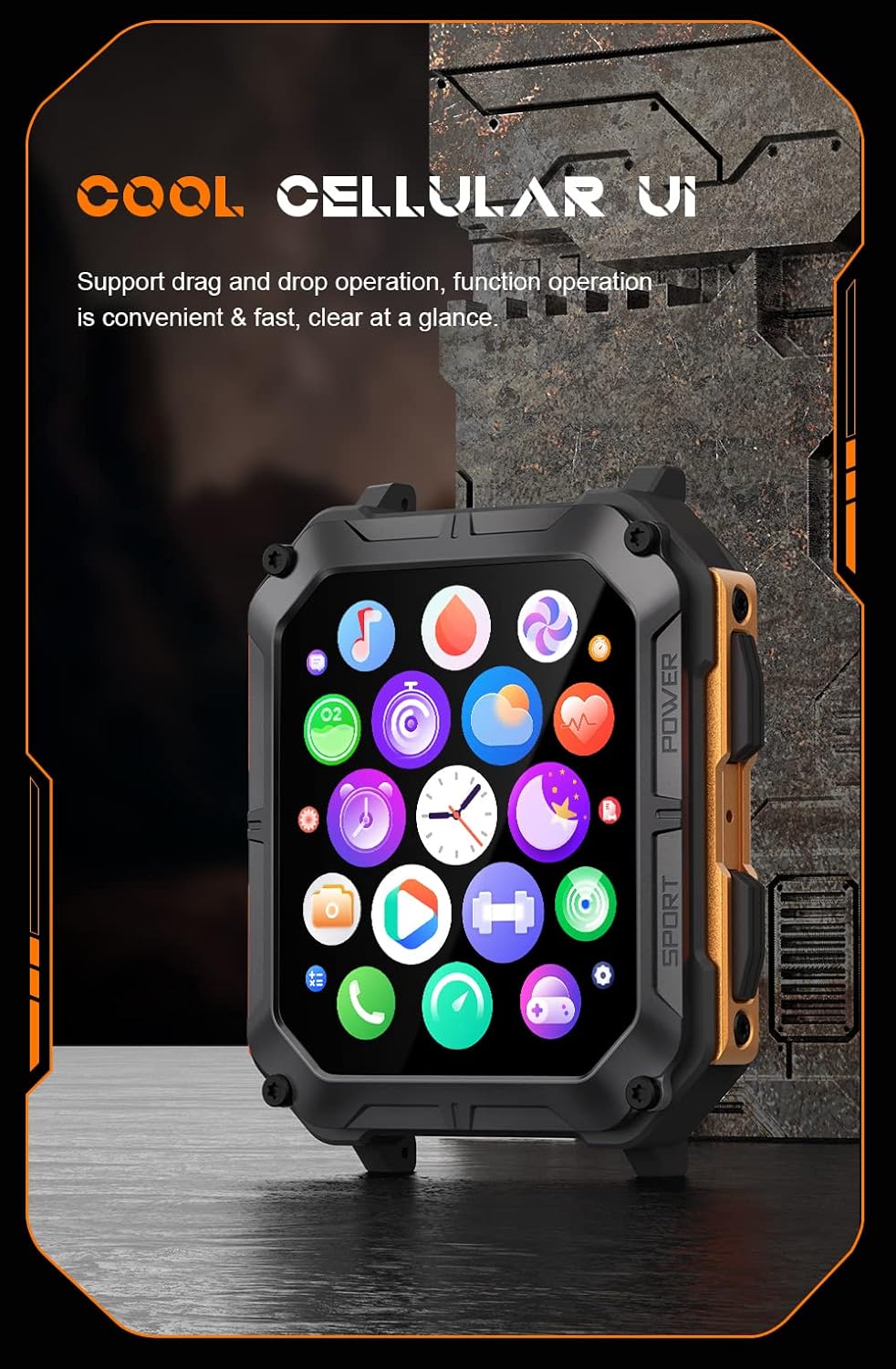
Image: The smartwatch display showing a grid of colorful application icons, illustrating the user interface.
بلوٽوٽ ڪال
هڪ ڀيرو جوڙيو ويو، توهان سڌو سنئون پنهنجي واچ مان ڪال ڪري ۽ وصول ڪري سگهو ٿا.
- ڪالن جو جواب ڏيڻ: جڏهن ڪو ڪال اچي، ته واچ اسڪرين تي سائي جواب جي آئڪن تي ٽيپ ڪريو.
- ڪال ڪرڻ: ڪال شروع ڪرڻ لاءِ پنهنجي واچ تي ڊائلر يا رابطن جي فهرست تائين رسائي ڪريو.
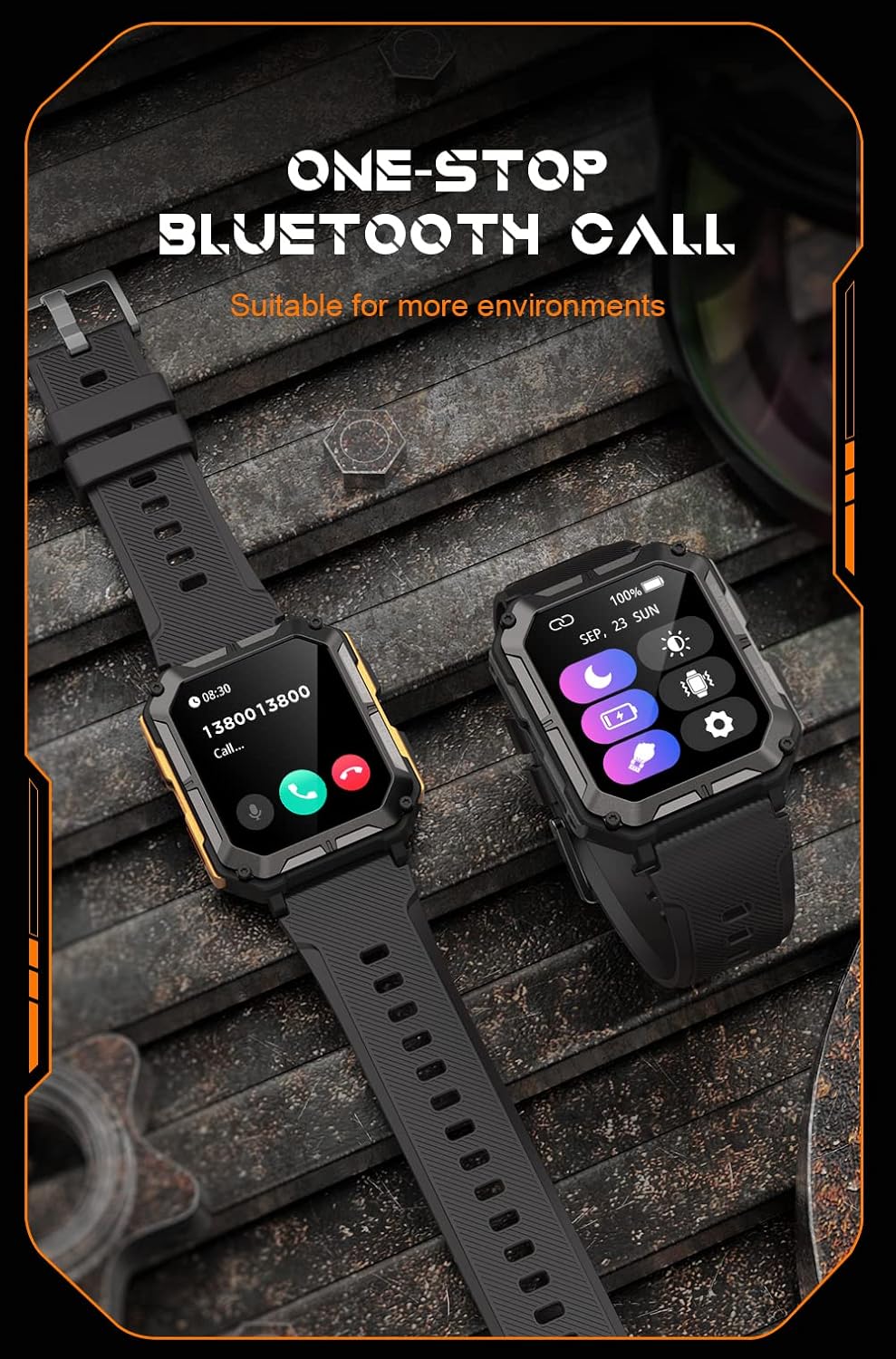
Image: Two smartwatches, one showing an incoming call notification with options to answer or decline, demonstrating the Bluetooth call feature.
AI وائيس اسسٽنٽ
Activate the AI voice assistant by a designated gesture or button press (refer to in-app settings). You can then use voice commands for various tasks, such as checking weather, setting alarms, or initiating calls.
راندين جا طريقا
The watch supports over 100 sports modes. Access them via the Sport button or the main menu. Select your activity to start tracking metrics like duration, distance, calories burned, and heart rate.
صحت جي نگراني
The C20 Pro continuously monitors your health data.
- دل جي شرح: View real-time heart rate on the watch or in the app.
- سمهڻ جي ٽريڪنگ: Wear the watch to bed for detailed sleep analysis (deep sleep, light sleep, awake time).
- رت جي آڪسيجن: Measure your SpO2 levels.
- قدم ۽ ڪيلوريون: Track your daily activity and calorie expenditure.

Image: The smartwatch display showing current heart rate (BPM) and blood oxygen saturation (SpO2) levels, indicating health monitoring capabilities.
نوٽيفڪيشن
Receive notifications from your smartphone directly on your watch. Ensure notification permissions are enabled in both your phone's settings and the companion app.
سار سنڀال
پنهنجي اسمارٽ واچ کي صاف ڪرڻ
بهترين ڪارڪردگي ۽ صفائي کي يقيني بڻائڻ لاءِ پنهنجي واچ کي باقاعدي صاف ڪريو. اسڪرين ۽ جسم کي صاف ڪرڻ لاءِ نرم، لِنٽ فري ڪپڙو استعمال ڪريو. ضدي مٽيءَ لاءِ، ٿورو ڊيampڪپڙو پاڻي سان ڍڪيو. سخت ڪيميڪل يا رگڙيندڙ مواد استعمال ڪرڻ کان پاسو ڪريو.
پاڻي جي مزاحمت (IP68)
The Gravity C20 Pro is IP68 water-resistant, meaning it can withstand dust and immersion in water up to 1.5 meters for 30 minutes. It is suitable for daily use, such as washing hands or light rain. However, it is not recommended for hot showers, saunas, or diving, as steam and high water pressure can compromise the seals.
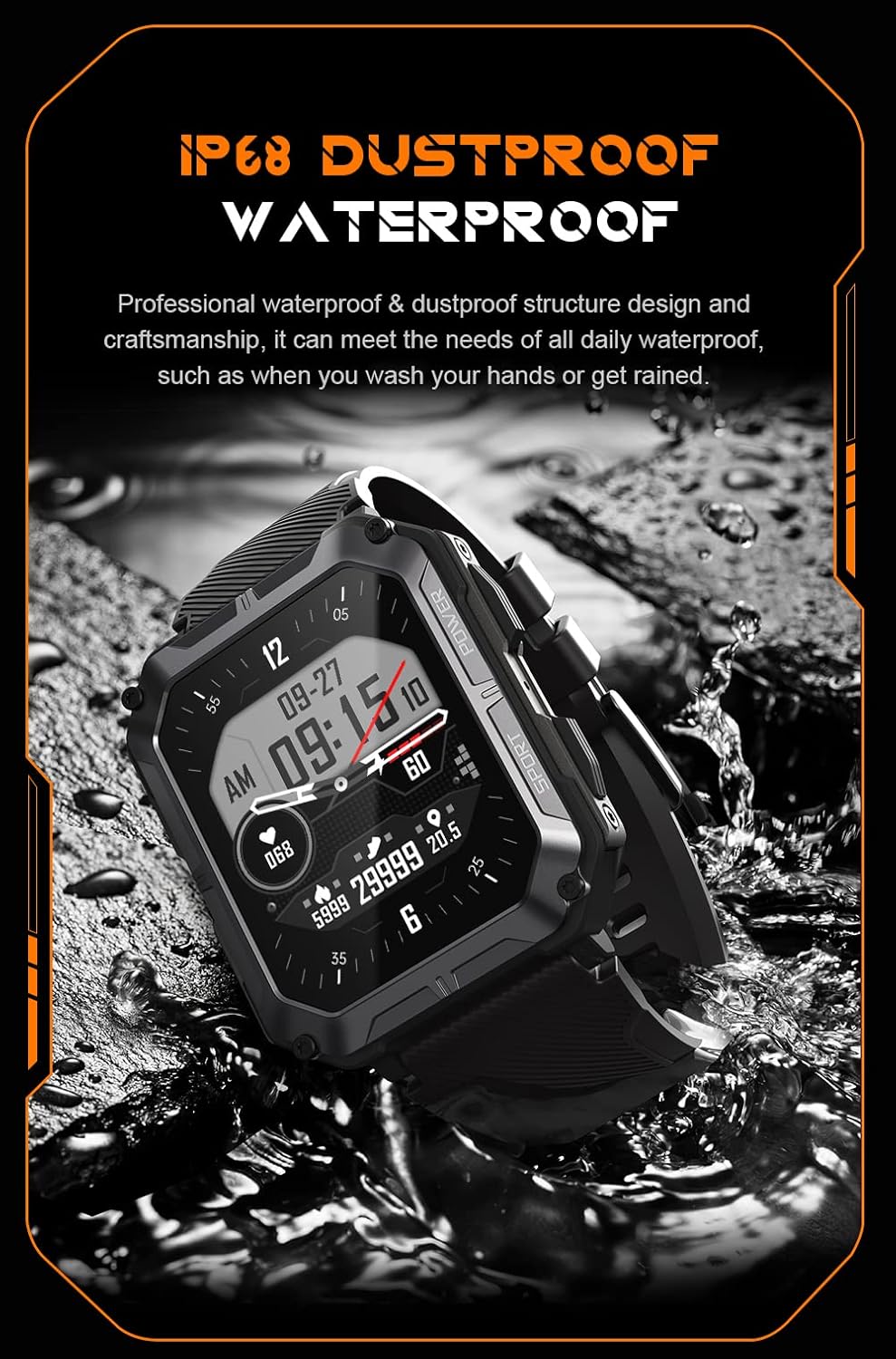
Image: The smartwatch partially submerged in water, illustrating its IP68 dustproof and waterproof capabilities.
بيٽري جي سنڀال
بيٽري جي زندگي کي وڌائڻ لاء:
- انتهائي گرمي پد کان بچاء.
- Charge the watch before the battery completely drains.
- If storing for a long period, charge it to about 50% and power it off.
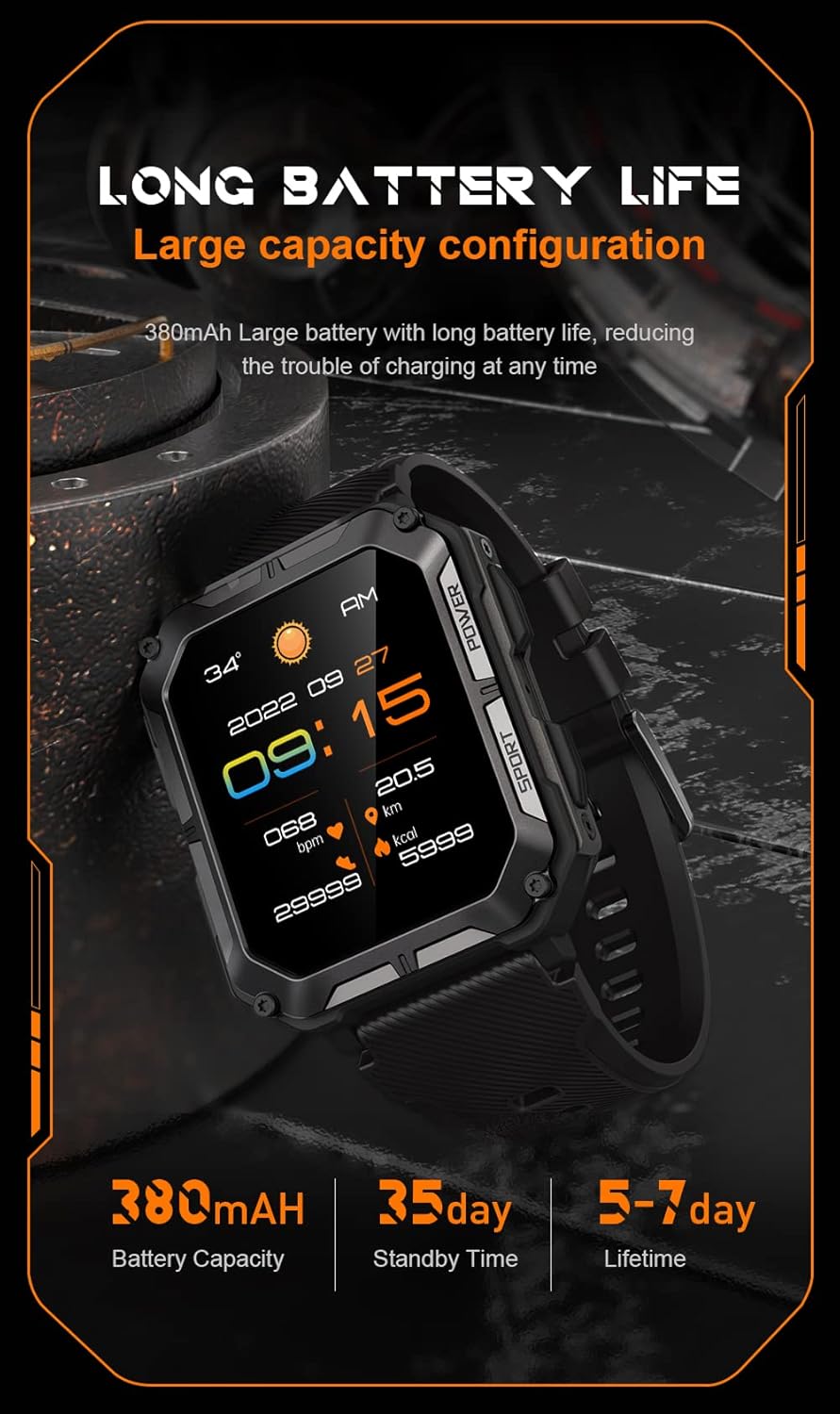
Image: The smartwatch display showing the time, date, weather, heart rate, steps, and battery level, with accompanying text emphasizing its long battery life and 380mAh capacity.
مشڪلاتون
| مسئلو | ممڪن حل |
|---|---|
| Watch won't power on | Ensure the watch is fully charged. Press and hold the Power button for at least 10 seconds to force a restart. |
| فون سان جوڙو نه ٿو ٺاهي سگهجي | Ensure Bluetooth is enabled on your phone. Restart both the watch and phone. Clear previous pairings in phone's Bluetooth settings. Make sure the app is updated. |
| صحت جي ڊيٽا جي غلط معلومات | Ensure the watch is worn snugly on your wrist, not too tight or too loose. Clean the sensor on the back of the watch. Update watch firmware via the app. |
| اطلاع نه مليا | Check notification permissions in your phone's settings for the companion app. Ensure the app is running in the background. Verify Bluetooth connection. |
| مختصر بيٽري جي زندگي | Reduce screen brightness. Turn off unnecessary features like 'Always-On Display'. Limit frequent heart rate monitoring. Ensure no background apps are draining power. |
وضاحتون
| خاصيت | تفصيل |
|---|---|
| ماڊل نمبر | W4-C28 |
| اسڪرين جي ماپ | 1.83 انچ |
| بيٽري جي گنجائش | 380 mAh |
| پاڻي جي مزاحمت | IP68 |
| رابطي | بلوٽوٿ |
| آپريٽنگ سسٽم | Android OS (compatible with iOS) |
| شيءِ جو وزن | 1 پائونڊ |
| حرارت جي مزاحمت | -24°C کان 60°C |
وارنٽي ۽ سپورٽ
وارنٽي ڄاڻ
The Gravity C20 Pro Smartwatch comes with a standard manufacturer's warranty. Please refer to the warranty card included in your product packaging or visit the official Gravity webوارنٽي ڪوريج ۽ مدت بابت تفصيلي شرطن ۽ ضابطن لاءِ سائيٽ.
ڪسٽمر سپورٽ
For any technical assistance, troubleshooting not covered in this manual, or warranty claims, please contact Gravity customer support. Contact information can typically be found on the official Gravity webسائيٽ تي يا پراڊڪٽ پيڪنگنگ تي.


