تعارف
This manual provides essential information for the proper use and maintenance of your DOOGEE TAB G6 Tablet. Please read this manual thoroughly before operating the device to ensure optimal performance and longevity. The DOOGEE TAB G6 is an 11-inch Android 15 tablet designed for versatile use, featuring robust connectivity, ample storage, and a powerful processor.

تصوير: اڳيان ۽ پوئتي view of the DOOGEE TAB G6 Tablet, showcasing its design and key specifications like 4G LTE, 8000mAh battery, Android 15, Unisoc T7250 processor, 30GB RAM, and 256GB storage.
دٻي ۾ ڇا آهي
پيڪيج کولڻ تي، مھرباني ڪري تصديق ڪريو ته ھيٺ ڏنل سڀ شيون شامل آھن:
- 1* DOOGEE Tab G6 Tablet
- 1 * ٽائپ-سي ڪيبل
- 1 * چارجر
- 1* Card Remover (SIM ejector tool)
- 1 * پيڪنگ باڪس
- 1* User Manual (this document)
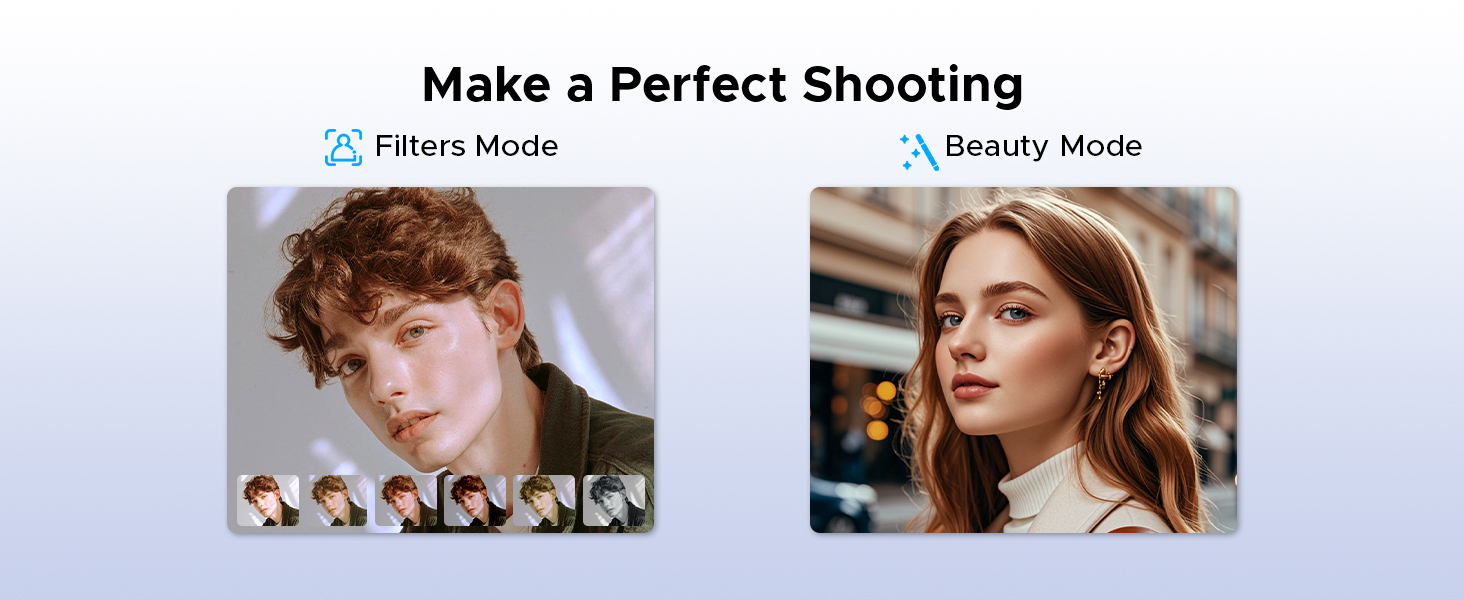
Image: A visual representation of the DOOGEE Tab G6 Tablet and its included accessories: Type-C cable, charger, card remover tool, and user manual, all neatly arranged within the packaging box.
پيداوار ختمview
The DOOGEE TAB G6 is engineered for performance and user experience. It features an 11-inch display, an octa-core processor, and a large battery, all housed within a sleek and lightweight design.
اهم اجزاء:
- ڏيکاريو: 11-inch HD IPS display with 1280 x 800 resolution and 90Hz refresh rate.
- پروسيسر: Unisoc T7250 Octa-Core Processor for efficient performance.
- ياداشت ۽ ذخيرو: 30GB (6GB physical + 24GB extended) RAM and 256GB internal storage, expandable up to 2TB via TF card.
- ڪئميرا: 13MP rear main camera and 5MP front camera.
- آڊيو: Premium 1217 BOX Dual Speakers.
- بيٽري: 8000mAh large capacity battery with 10W fast charging and 5W reverse charging.
- رابطي: Dual SIM 4G LTE, 5G WiFi, Bluetooth 5.0, GPS (Beidou+GLONASS+Galileo+AGPS).
- آپريٽنگ سسٽم: Android 15.

تصوير: هڪ ويجهو تصوير view of the DOOGEE TAB G6 Tablet's side profile, emphasizing its 7.9mm thickness and 554g weight, along with details of its sleek straight edges and metal body construction.
سيٽ اپ ڪريو
1. ڊوائيس کي چارج ڪرڻ
Before first use, fully charge your DOOGEE TAB G6 Tablet. Connect the provided Type-C cable to the tablet's charging port and the other end to the charger. Plug the charger into a power outlet. The battery indicator on the screen will show charging progress.

تصوير: هڪ ڌماڪو ٿيو view diagram of the DOOGEE TAB G6 Tablet highlighting its 8000mAh large battery, along with icons indicating 10W fast charging and 5W reverse charging capabilities.
2. سم/ٽي ايف ڪارڊ داخل ڪرڻ
The DOOGEE TAB G6 supports dual SIM cards (Nano SIM) or one Nano SIM and one TF (microSD) card for expandable storage up to 2TB. Use the provided card remover tool to open the SIM tray.
- ٽيبليٽ جي پاسي تي سم ٽري ڳوليو.
- Insert the card remover tool into the small hole next to the tray and press gently until the tray ejects.
- Place your Nano SIM card(s) and/or TF card into the designated slots on the tray, ensuring correct orientation.
- احتياط سان ٽري کي ٽيبليٽ ۾ واپس دٻايو جيستائين اهو جاءِ تي ڪلڪ نه ڪري.

Image: A visual guide demonstrating the insertion of SIM cards and a TF card into the DOOGEE TAB G6 Tablet, emphasizing its Dual SIM 4G LTE Connectivity for quicker download speeds, faster web برائوزنگ، ۽ نيٽ ورڪ لوڊ گهٽجي ويو.
3. شروعاتي پاور آن
Press and hold the Power button located on the side of the tablet until the DOOGEE logo appears. Follow the on-screen prompts to complete the initial setup, including language selection, Wi-Fi connection, and Google account sign-in.
4. وائي فائي سان ڳنڍڻ
During initial setup or anytime later, you can connect to a Wi-Fi network:
- ڏانهن وڃو سيٽنگون > نيٽ ورڪ ۽ انٽرنيٽ > وائي فائي.
- وائي فائي کي ٽوگل ڪريو On.
- فهرست مان پنھنجو مطلوب وائي فائي نيٽ ورڪ چونڊيو.
- جيڪڏهن چيو وڃي ته پاسورڊ داخل ڪريو ۽ ٽيپ ڪريو ڳنڍڻ.

Image: An illustration highlighting the benefits of Wi-Fi 5 High-speed Transmission on the DOOGEE TAB G6, including low power consumption, high data rate, low latency, anti-congestion, and wide coverage.
آپريٽنگ هدايتون
Android 15 سسٽم
Your DOOGEE TAB G6 runs on the latest Android 15, offering enhanced security, privacy, and user experience features. Explore options like Bedtime Mode, Multi-User System, and Parental Control for a tailored experience.

Image: A graphic representing the Android 15 system, highlighting features such as Bedtime Mode, Multi-User System, and Parental Control, indicating a fast and lightning-quick operating experience.
Utilize features like Split Screen for multitasking, allowing you to view هڪ ئي وقت ٻه ايپليڪيشنون.
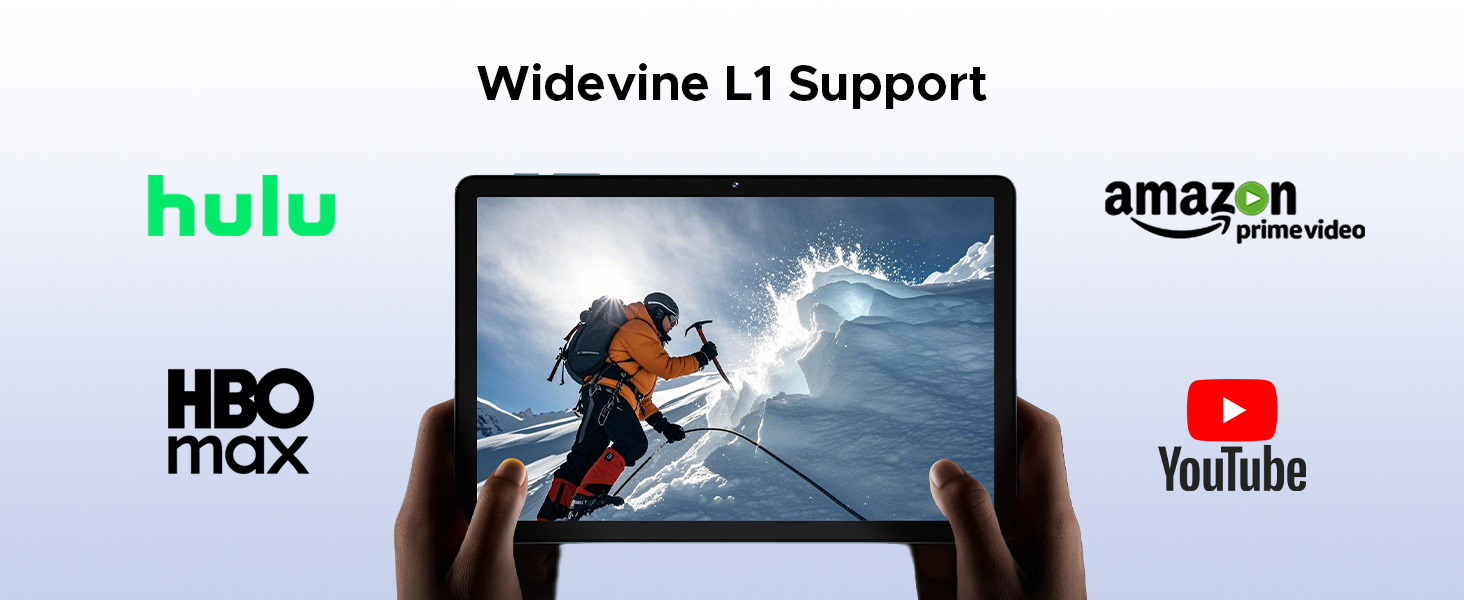
Image: A visual demonstration of the Split Screen feature on the DOOGEE TAB G6, showing two applications (Google Meet and Maps) open side-by-side for double vision at the same time.
Display and Eye Protection
The 11-inch HD IPS display provides a clear visual experience. For extended use, activate Eye Comfort Mode or Dark Mode to reduce eye strain.
- اکين جي آرام واري موڊ: Gently protects your eyesight by reducing blue light emission. Access this in سيٽنگون > ڏيکاريو.
- ڊارڪ موڊ: Softens light for night use, providing a more comfortable viewing experience in low-light conditions. Access this in سيٽنگون > ڏيکاريو.

تصوير: هڪ تفصيلي گرافڪ شوڪasing the 11-inch HD 90Hz IPS Ultra-Clear Display of the DOOGEE TAB G6, highlighting its 83.3% screen-to-body ratio, 1280*800 resolution, 16:10 aspect ratio, 16.7 million colors, and 350nit brightness.

Image: A visual representation of the Eye Comfort Mode and Dark Mode features, demonstrating how they gently protect eyesight and soften light for night use on the tablet.
ڪيمرا
The tablet is equipped with a 13MP rear main camera and a 5MP front camera. Use these to capture photos and videos. Explore different modes like Filters and Beauty Mode for enhanced photography.

تصوير: هڪ بصري نمائشasing the 13MP Main Camera and 5MP Front Camera of the DOOGEE TAB G6 Tablet, accompanied by example photos taken with the device.

Image: A comparison showing the effects of Filters Mode and Beauty Mode for photography on the tablet, demonstrating how to make a perfect shooting.
آڊيو خاصيتون
Enjoy clear sound with the Premium 1217 BOX Dual Speakers. For private listening, connect headphones via the 3.5mm AUX headphone jack. The tablet also supports FM Radio when wired headphones are connected.

Image: A user holding the DOOGEE TAB G6 Tablet, which is displaying a racing game, illustrating the immersive audio experience provided by its Premium 1217 BOX Dual Speakers, designed for cinema-like sound in a tablet size.
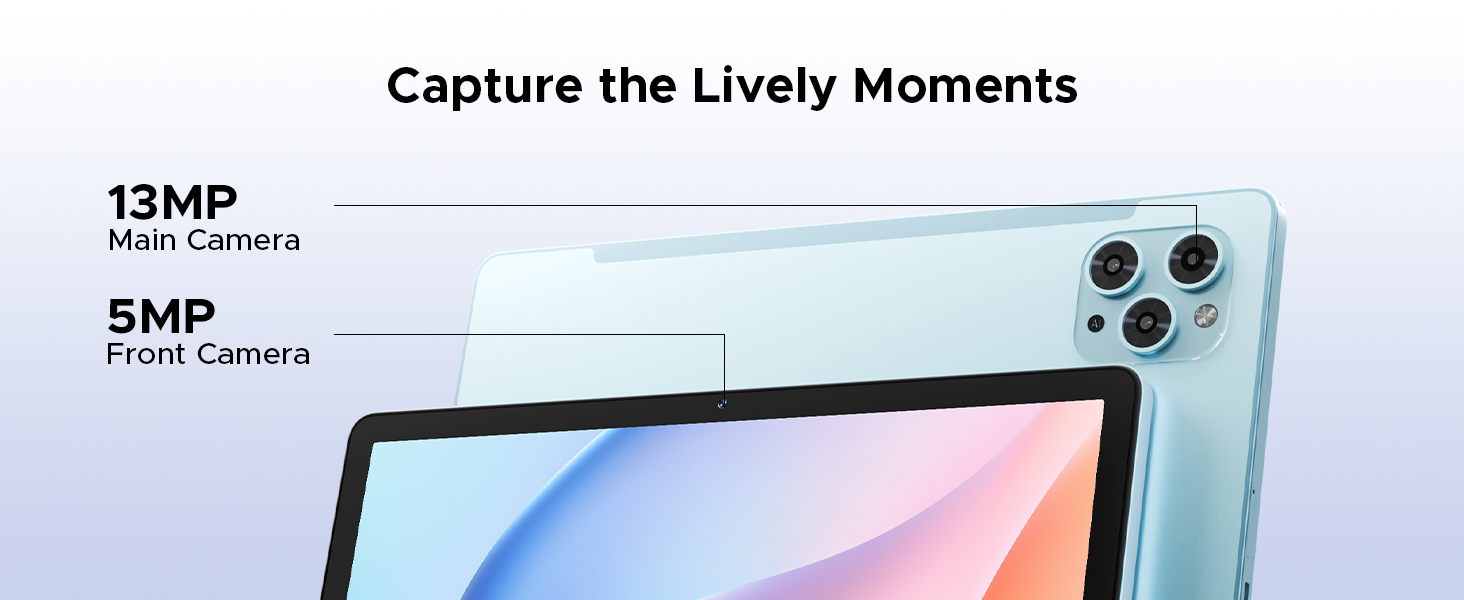
Image: A person using the DOOGEE TAB G6 Tablet with wired headphones, demonstrating the FM Radio feature, which allows instant FM enjoyment by simply plugging in headphones.
رابطي
The DOOGEE TAB G6 offers comprehensive connectivity options:
- 4G LTE: Supports cellular data for internet access on the go.
- 5G وائي فائي: Provides high-speed wireless internet connection.
- بلوٽوٽ 5.0: وائرليس لوازمات جهڙوڪ هيڊفون ۽ ڪي بورڊ کي ڳنڍڻ لاءِ.
- جي پي ايس: Integrated Beidou, GLONASS, Galileo, and AGPS for accurate navigation.

Image: A visual depicting the accurate navigation system of the DOOGEE TAB G6, showing a tablet displaying a map in a car, with icons for GPS, Glonass, Galileo, and Beidou.
اسٽوريج جو انتظام
With 256GB of internal storage and support for up to 2TB expandable memory via TF card, you have ampتوهان جي لاءِ جڳهه files. Regularly manage your storage to ensure optimal performance.
- To check storage: Go to سيٽنگون > ذخيرو.
- To free up space: Delete unnecessary files، غير استعمال ٿيل ايپس کي انسٽال ڪريو، يا وڏي منتقل ڪريو files to an external TF card.

Image: A graphic illustrating the massive storage capabilities of the DOOGEE TAB G6 Tablet, detailing 30GB RAM (6GB Basic + 24GB Extended RAM), 256GB ROM (Basic Storage), and 2TB Expandable Memory, with various app icons displayed on the tablet screen.
WPS آفيس
The tablet comes with a built-in PC-level WPS Office suite, allowing you to work on documents, spreadsheets, and presentations anywhere.
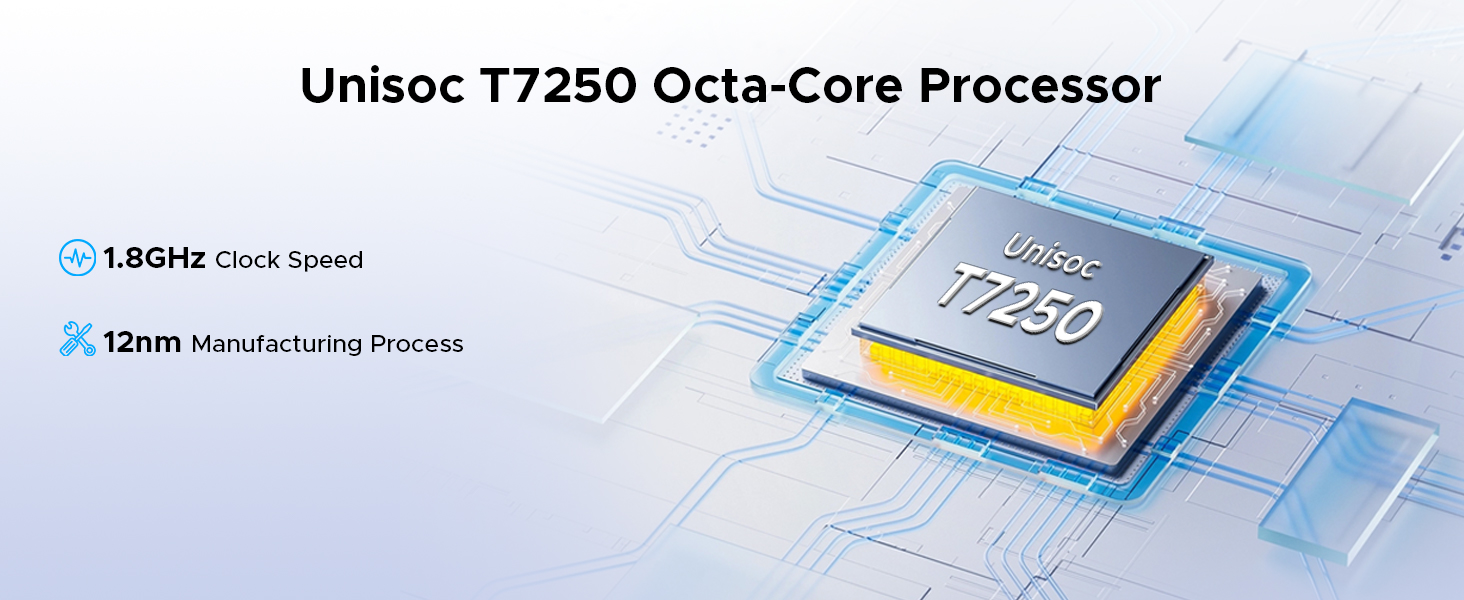
Image: Three scenarios showing users interacting with the DOOGEE TAB G6 Tablet for productivity, demonstrating the built-in PC-level WPS Office for Word, Excel, and PowerPoint applications.
چهري جي سڃاڻپ ان لاڪ
For convenient and secure access, utilize the facial recognition unlock feature.
- ڏانهن وڃو سيٽنگون > سيڪيورٽي ۽ رازداري > منهن جو تالو.
- پنهنجي منهن کي رجسٽر ڪرڻ لاءِ اسڪرين تي ڏنل هدايتن تي عمل ڪريو.
- Once registered, simply look at the front camera to unlock your tablet.
Image: A visual representation of the Facial Recognition Unlock feature, showing a user effortlessly accessing the tablet by looking at the front camera.
وائڊ وائن L1 سپورٽ
The DOOGEE TAB G6 supports Widevine L1, allowing you to stream high-definition content from popular platforms like Netflix, YouTube, HBO, and Prime Video in true 1080P resolution.
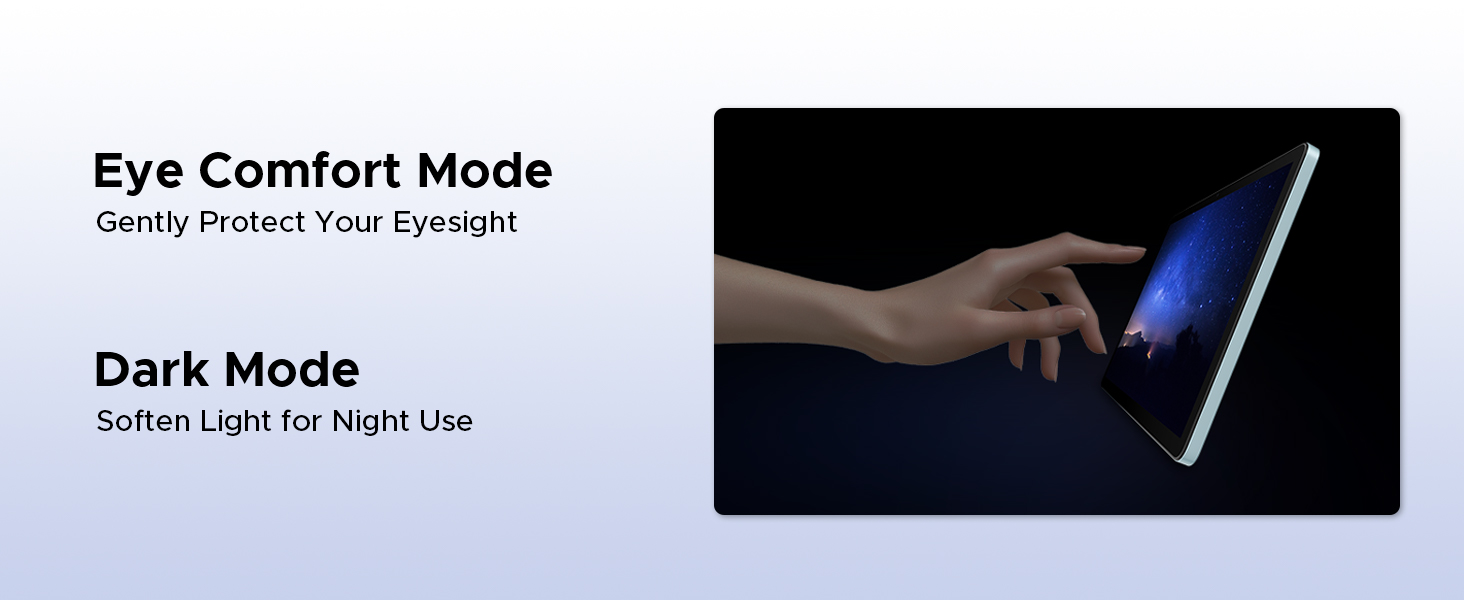
Image: A tablet displaying a high-definition video, surrounded by logos of streaming services like Hulu, Amazon Prime Video, HBO Max, and YouTube, indicating Widevine L1 support.
سار سنڀال
صفائي
پنهنجي ٽيبليٽ کي صاف ڪرڻ لاءِ، نرم، لِنٽ کان پاڪ ڪپڙو استعمال ڪريو. ضدي داغن لاءِ، ٿورو ڊيampen the cloth with water or a screen cleaner designed for electronics. Avoid using harsh chemicals, abrasive materials, or excessive moisture.
بيٽري جي سنڀال
بيٽري جي زندگي کي وڌائڻ لاء:
- انتهائي گرمي پد (گرم يا ٿڌو) کان پاسو ڪريو.
- بيٽري کي بار بار مڪمل طور تي ختم نه ٿيڻ ڏيو.
- مهيا ڪيل اصل چارجر ۽ ڪيبل استعمال ڪريو.
- If storing the tablet for a long period, charge it to about 50% before turning it off.
سافٽ ويئر اپڊيٽس
باقاعدي طور تي سافٽ ويئر اپڊيٽس جي جانچ ڪريو ۽ انسٽال ڪريو ته جيئن پڪ ڪري سگهجي ته توهان جي ٽيبليٽ ۾ جديد خاصيتون، سيڪيورٽي پيچ، ۽ ڪارڪردگي بهتري آهي. ڏانهن وڃو سيٽنگون > سسٽم > سسٽم اپڊيٽ اپڊيٽ لاء چيڪ ڪرڻ لاء.
مشڪلاتون
| مسئلو | ممڪن سبب | حل |
|---|---|---|
| ٽيبليٽ آن نه ٿي. | گهٽ بيٽري؛ سافٽ ويئر ڪريش. | ٽيبليٽ کي گهٽ ۾ گهٽ 30 منٽن لاءِ چارج ڪريو. زبردستي ٻيهر شروع ڪرڻ لاءِ پاور بٽڻ کي 10-15 سيڪنڊن لاءِ دٻايو ۽ رکو. |
| وائي فائي سان ڳنڍجي نٿو سگھي. | غلط پاسورڊ؛ روٽر جو مسئلو؛ وائي فائي بند آهي. | Ensure correct password. Restart router. Check Wi-Fi settings on tablet. |
| ايپس سست آهن يا ڪريش ٿي رهيون آهن. | Insufficient RAM; too many background apps; app bug. | Close unused apps. Clear app cache (Settings > Apps). Restart tablet. |
| Tablet storage is full. | تمام گهڻو files/apps. | غير ضروري ختم ڪريو files. Uninstall unused apps. Move files to TF card. |
| سم ڪارڊ نه مليو. | Improper insertion; faulty SIM card. | Re-insert SIM card correctly. Test with another SIM card if possible. |
وضاحتون
| خاصيت | تفصيل |
|---|---|
| برانڊ | DOOGEEE |
| ماڊل نالو | DOOGEE TAB G6 |
| پيداوار جي ماپ | 25.7 x 16.8 x 0.8 سينٽي |
| شيءِ جو وزن | 552 جي |
| ڊسپلي سائيز | 11 انچ |
| اسڪرين جي قرارداد | 1280 x 800 پکسلز |
| پروسيسر برانڊ | يونيسوڪ ٽي 7250 آڪٽا-ڪور |
| پروسيسر جي رفتار | 1.8 GHz |
| رام جي ماپ | 30 GB (6GB physical + 24GB extended) |
| ميموري رکڻ جي صلاحيت | 256 جي بي (2 ٽي بي تائين وڌائي سگهجي ٿو) |
| سامهون Webڪئميرا جي قرارداد | 5 ايم پي |
| ريئر ڪئميرا ريزوليوشن | 13 ايم پي |
| آپريٽنگ سسٽم | Android 15 |
| بيٽري جي گنجائش | 8000 mAh |
| رابطي | 4G LTE, 5G WiFi, Bluetooth 5.0, GPS |
| خاص خاصيتون | Supports USB OTG, Stylus Support, Expandable Storage, Cellular Connectivity, Fast Charging, Widevine L1, Face ID, Dual Speakers, FM Radio |
وارنٽي ۽ سپورٽ
DOOGEE products are designed for reliability and performance. For warranty information, please refer to the warranty card included in your product packaging or visit the official DOOGEE webسائيٽ. وارنٽي دعوائن لاءِ خريداري جو ثبوت رکو.
For technical support, troubleshooting assistance beyond this manual, or service inquiries, please contact DOOGEE customer support through their official channels. Details can typically be found on the DOOGEE webسائيٽ يا پيداوار جي پيڪنگنگ ۾.
اهم: غير مجاز مرمت يا ترميمون توهان جي وارنٽي کي رد ڪري سگهن ٿيون.


