1. تعارف
Thank you for choosing the NACODEX AK820 Gasket Mechanical Keyboard. This manual provides essential information for setting up, operating, and maintaining your keyboard. Please read it thoroughly to ensure optimal performance and longevity of your device.
The AK820 features a 75% layout with 82 keys, a gasket structure for enhanced typing feel, hot-swappable switches, PBT keycaps, and a volume control knob. It is designed for both typing and gaming with a focus on comfort and customization.
2. پيڪيج مواد
پڪ ڪريو ته سڀئي شيون پيڪيج ۾ موجود آهن:
- NACODEX AK820 Gasket Mechanical Keyboard
- USB-C کان USB-A ڪيبل
- Keycap Puller / Switch Puller (2-in-1 tool)
- استعمال ڪندڙ دستي
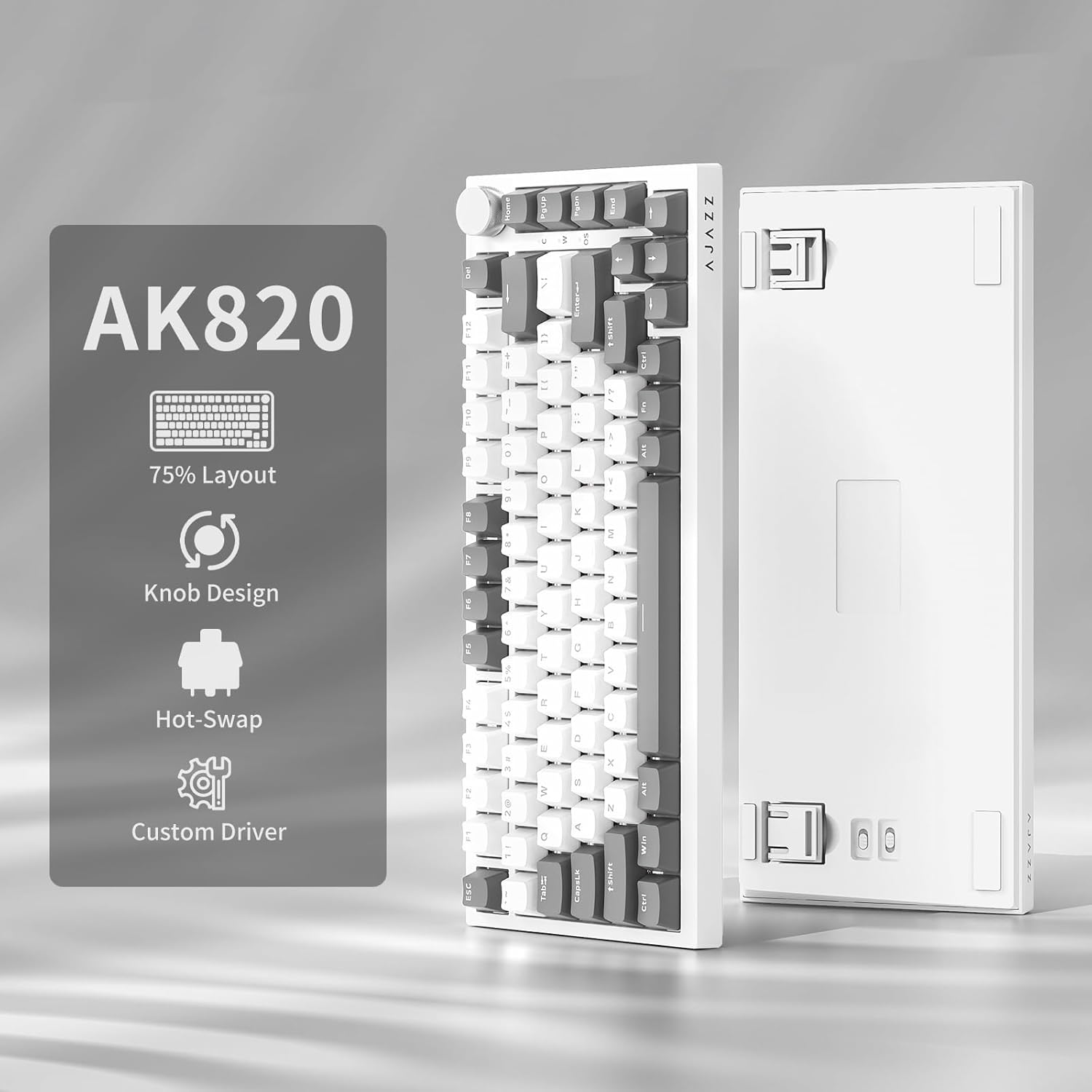
Image: NACODEX AK820 keyboard, USB-C cable, and keycap/switch puller.
3. سيٽ اپ ۽ ڪنيڪشن
3.1 وائرڊ ڪنيڪشن
- Connect the USB-C end of the provided cable to the keyboard's USB-C port (located on the back edge).
- ڪيبل جي USB-A ڇيڙي کي پنهنجي ڪمپيوٽر تي موجود USB پورٽ سان ڳنڍيو.
- The keyboard is now ready for use in wired mode.

Image: NACODEX AK820 keyboard with USB-C cable connected to a laptop.
4. آپريٽنگ هدايتون
4.1 واليوم ڪنٽرول نوب
The multifunctional knob located on the top-right corner of the keyboard allows for quick audio adjustments.
- Turn Clockwise: حجم وڌايو.
- Turn Counter-Clockwise: حجم گھٽايو.
- ھيٺ دٻايو: آڊيو کي خاموش/غير خاموش ڪريو.

تصوير: هڪ تفصيلي view of the volume knob, indicating its turn and press functions for volume control and mute.
4.2 روشني جا اثر
The AK820 features customizable RGB backlighting. Use the following key combinations to adjust lighting:
- FN + \ (Backslash): Cycle through 20 different lighting effects.
- ايف اين + ↑ (مٿي تير): Increase backlight brightness (5 levels).
- ايف اين + ↓ (هيٺ تير): Decrease backlight brightness (5 levels).
- ايف اين + ← (کاٻو تير): روشني جي هدايت کي ترتيب ڏيو.
- ايف اين + → (ساڄو تير): روشني جي هدايت کي ترتيب ڏيو.
- FN + - (Minus): Decrease lighting speed.
- FN + = (Equals): Increase lighting speed.
- FN + گهر: Switch between Windows/MAC system modes.
- FN + ESC: Reset to factory default lighting settings (hold for 3-5 seconds).
Video: Demonstrates various RGB lighting effects and customization options on the NACODEX AK820 keyboard.
4.3 گرم مٽائڻ وارا سوئچ
The AK820 supports 3/5-pin hot-swappable mechanical switches, allowing you to customize your typing experience without soldering.
- Pull out the keycap using the provided keycap puller.
- cl ڪرڻ لاءِ سوئچ پلر استعمال ڪريوamp the buckles on the upper and lower sides of the switch body, then pull the switch up and out.
- Align the pins and holes of the new switch.
- Tap the new switch vertically until it clicks into place.

تصوير: هڪ ويجهو تصوير view of the keyboard's switches and keycaps, highlighting the hot-swappable design.
Video: Demonstrates the difference in sound and feel between AJAZZ Gift Switches and AJAZZ Dreamy Switches, showcasing the hot-swappable feature.
4.4 Keycap Features
The AK820 comes with durable PBT keycaps, known for their oil resistance and longevity. They feature a two-color design for clear fonts and enhanced light transmission.
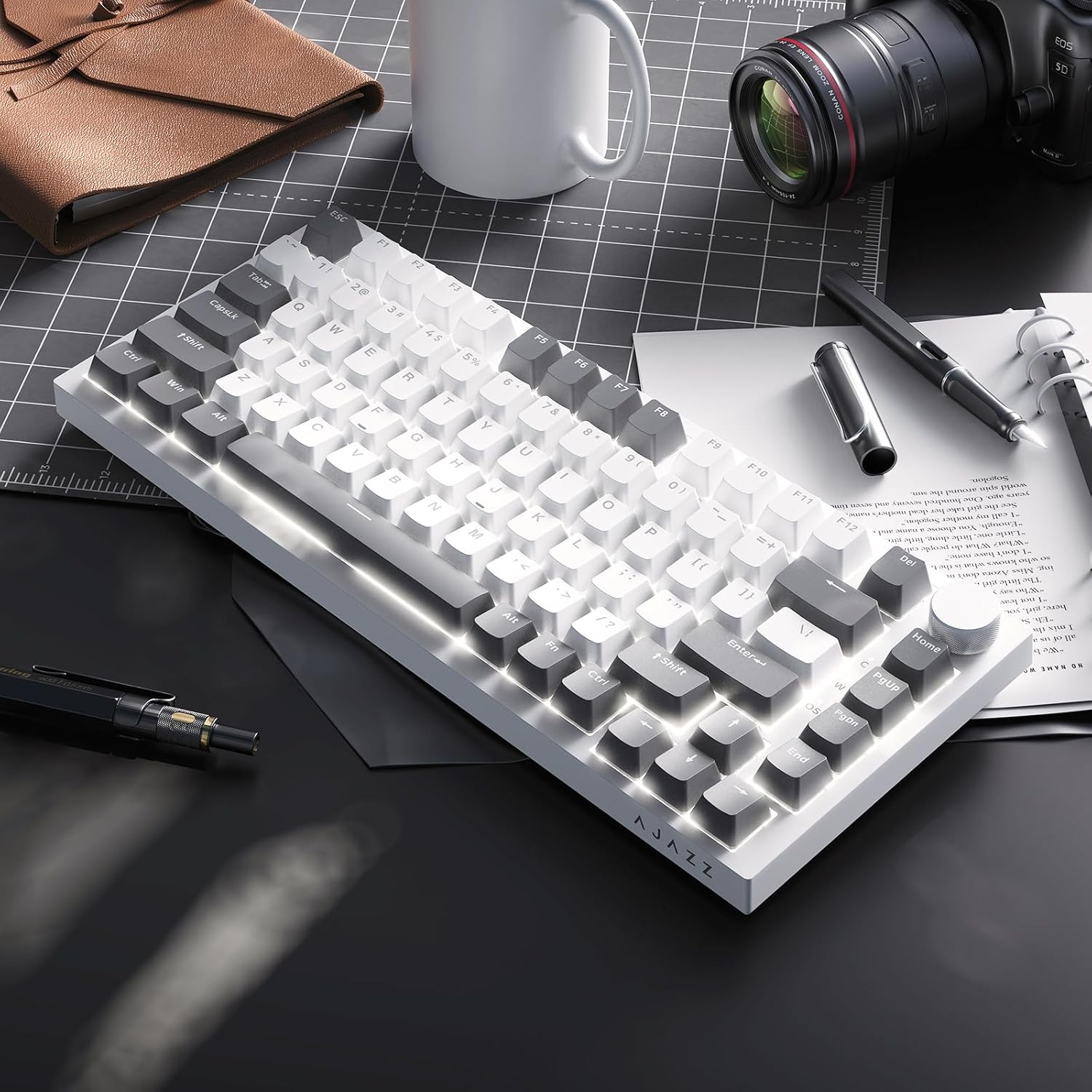
Image: A close-up of the PBT keycaps, highlighting their texture and two-color design.
5. وضاحتون
| پيداوار جي ماپ | 12.87 x 5.35 x 1.57 انچ |
| شيءِ جو وزن | 1.79 پائونڊ |
| ٺاهيندڙ | اي جي زيڊ |
| ماڊل نمبر | AK820 Gray White |
| رابطي ٽيڪنالاجي | USB-C (وائرڊ) |
| ڪي بورڊ جي وضاحت | مشيني |
| خاص خصوصيت | Ergonomic, Gasket Structure, Hot-Swappable |
| ڪي بورڊ Backlighting | آر جي بي |
6. وارنٽي ۽ سپورٽ
وارنٽي جي معلومات ۽ ٽيڪنيڪل سپورٽ لاءِ، مھرباني ڪري سرڪاري AJAZZ جو حوالو ڏيو. webسائيٽ تي وڃو يا انهن جي ڪسٽمر سروس سان رابطو ڪريو. وارنٽي دعوائن لاءِ پنهنجي خريداري جي رسيد رکو.


