تعارف
The Logitech K250 Bluetooth® Keyboard offers effortless wireless connectivity, allowing for quick setup without a dongle and contributing to a clutter-free workspace. Designed for durability, it features a spill-resistant build and is constructed with a minimum of 64% recycled plastic. The keyboard provides a comfortable typing experience with its deep-profile keys and includes a numpad and essential function keys within a compact design, making it suitable for various environments and on-the-go use.
پيداوار ختمview
The Logitech K250 is a compact wireless keyboard designed for efficiency and comfort. Key features include:
- بلوٽوت ڪنيڪشن: Connects quickly and easily without a USB dongle.
- پائيدار ڊيزائن: Built with long-lasting keys and a spill-resistant construction.
- آرامده ٽائپنگ: Features deep-profile keys and adjustable tilt legs for an ergonomic experience.
- جاءِ بچائڻ وارو لي آئوٽ: Compact design includes a full numpad and essential F-key shortcuts.
- پائيدار مواد: Plastic parts are made with a minimum of 64% recycled plastic.
- ڊگھي بيٽري زندگي: Up to 12 months of daily use on a single set of batteries.

شڪل 1: مٿي کان هيٺ view of the Logitech K250 Bluetooth Keyboard, showcasing its compact layout and full numpad.

Figure 2: Diagram illustrating key features of the K250 keyboard, including the Bluetooth pair button, power/connect LED, and adjustable tilt legs on the underside.

شڪل 3: بند اپ view of the K250 keyboard alongside recycled plastic pellets, emphasizing its construction from sustainable materials.
سيٽ اپ ڪريو
1. بيٽري لڳائڻ
The Logitech K250 keyboard requires two AAA batteries, which are included in the package. To install the batteries:
- ڪيبورڊ جي هيٺئين پاسي بيٽري جي خاني کي ڳوليو.
- بيٽري جي ڪمري واري ڍڪ کي کوليو.
- ٻه AAA بيٽريون داخل ڪريو، صحيح پولارٽي (+/-) کي يقيني بڻائي.
- بيٽري جي ڪمري واري ڍڪ کي محفوظ طور تي بند ڪريو.
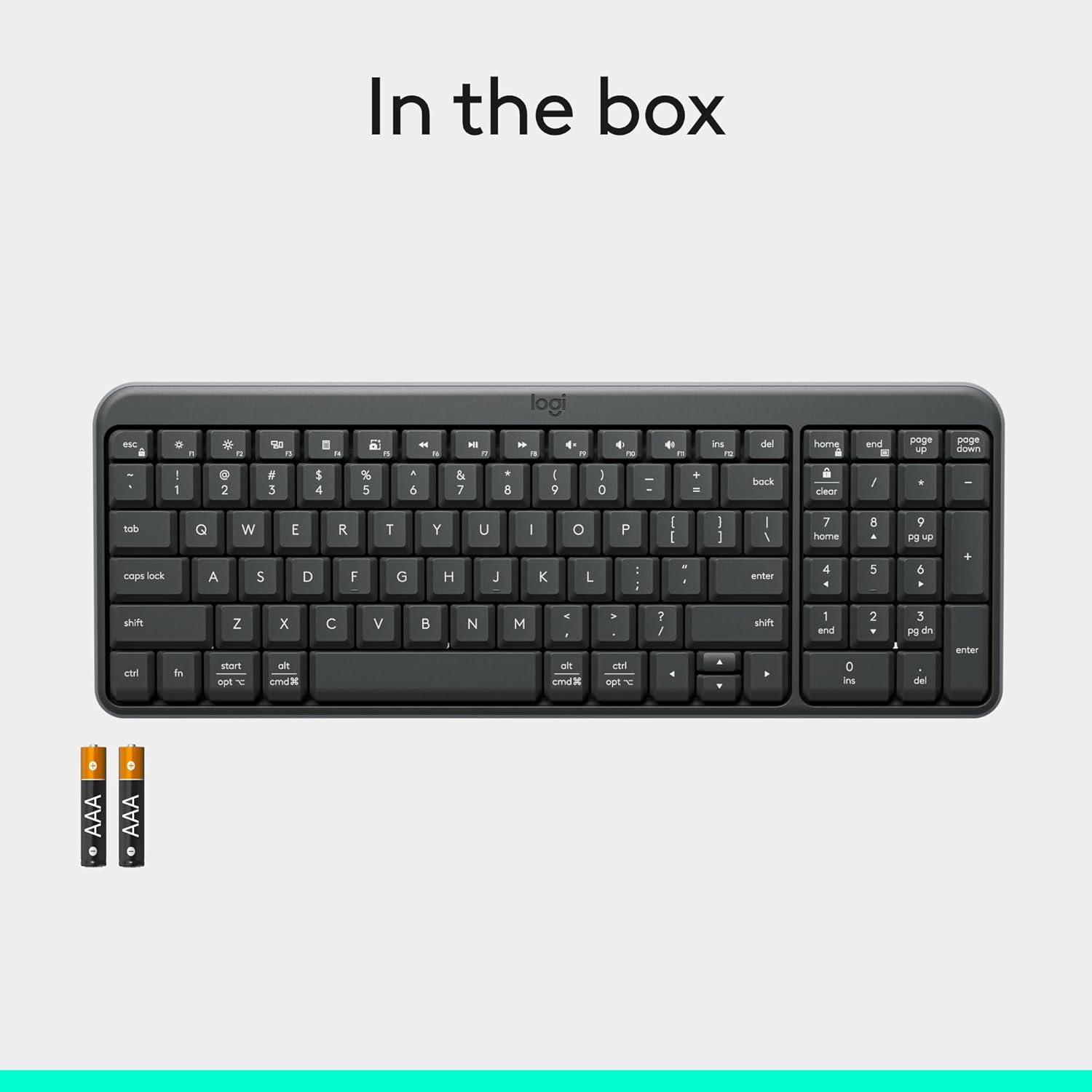
Figure 4: Contents of the K250 package, showing the keyboard and two AAA batteries.
2. بلوٽوٽ جوئر
The K250 keyboard connects wirelessly via Bluetooth, eliminating the need for a USB dongle. Follow these steps to pair your keyboard with your device:
- Ensure the keyboard is powered on. The power/connect LED (refer to Figure 2) should be active.
- Press and hold the Bluetooth pair button on the underside of the keyboard (refer to Figure 2) until the LED starts blinking, indicating it's in pairing mode.
- On your computer, tablet, or smartphone (Windows, macOS, etc.), navigate to your Bluetooth settings.
- ڳولھيو available Bluetooth devices. The Logitech K250 should appear in the list.
- Select "Logitech K250" and follow any on-screen prompts to complete the pairing process. You may be asked to enter a code displayed on your screen using the keyboard.
- Once successfully paired, the power/connect LED on the keyboard will stop blinking and remain solid for a few seconds, then turn off to conserve power.

Figure 5: The Logitech K250 keyboard in a workspace, demonstrating easy Bluetooth pairing with a computer.
آپريٽنگ هدايتون
بنيادي استعمال
The Logitech K250 keyboard provides a familiar typing experience with its standard QWERTY layout and integrated numpad. The deep-profile keys are designed for comfortable and accurate keystrokes.
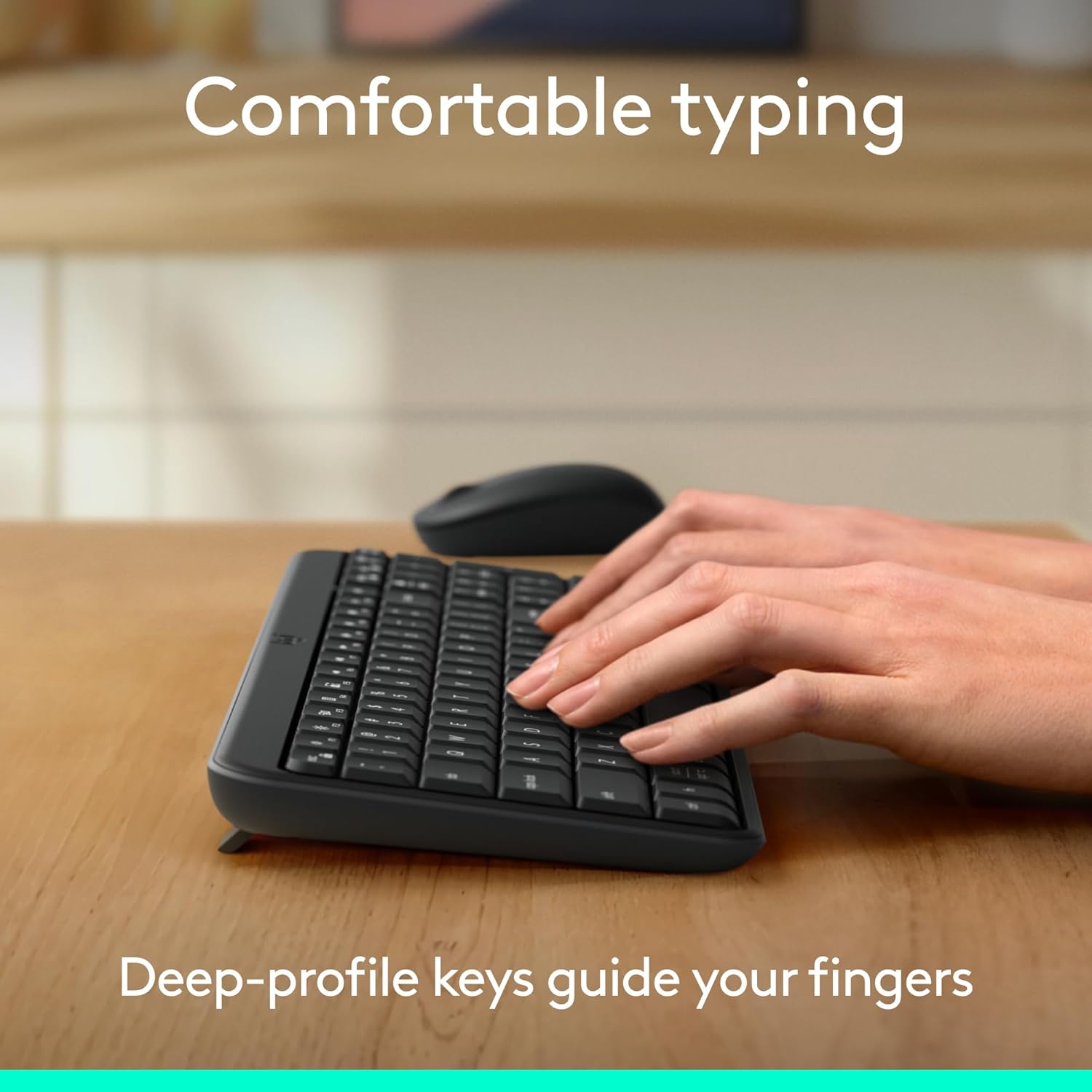
Figure 6: Hands demonstrating comfortable typing on the K250 keyboard, emphasizing the deep-profile چاٻيون
Function Keys (F-keys) and Shortcuts
The K250 includes a row of F-keys (F1-F12) that can perform various functions, often in combination with the 'Fn' key. These shortcuts provide quick access to media controls, volume adjustments, and other system functions. Refer to your operating system's documentation for specific F-key functionalities.
Despite its compact size, the keyboard retains full functionality, including a dedicated numpad and arrow keys, making it versatile for both data entry and navigation.

Figure 7: The K250 keyboard integrated into a space-saving desk setup, demonstrating its compact yet functional design.
سار سنڀال
توهان جي ڪيبورڊ کي صاف ڪرڻ
To maintain the performance and appearance of your Logitech K250 keyboard, regular cleaning is recommended:
- صفائي ڪرڻ کان اڳ ڪيبورڊ کي پنهنجي ڊوائيس کان ڌار ڪريو.
- استعمال ڪريو نرم، lint-آزاد ڪپڙو روشنيءَ سان ڊيampپاڻي يا نرم صفائي جي حل سان ختم ڪيو وڃي.
- Wipe down the keys and surface of the keyboard. Avoid excessive moisture.
- چاٻين جي وچ ۾ ملبي لاءِ، دٻيل هوا استعمال ڪريو.
- ڪيبورڊ کي پاڻيءَ ۾ نه ٻوڙيو يا سخت ڪيميڪل استعمال نه ڪريو.
Spill Resistance
The K250 keyboard features a spill-resistant design, meaning it can withstand minor liquid spills. In case of a spill:
- Immediately disconnect the keyboard from your device.
- Turn the keyboard upside down to drain any liquid.
- صاف ڪپڙي سان مٿاڇري کي سڪي ڇڏيو.
- Allow the keyboard to air dry completely before reconnecting it.
Note: Spill resistance is tested under limited conditions. Do not intentionally submerge the keyboard in liquid.

Figure 8: Illustration of the K250 keyboard's spill-resistant design, showing liquid on the keys.
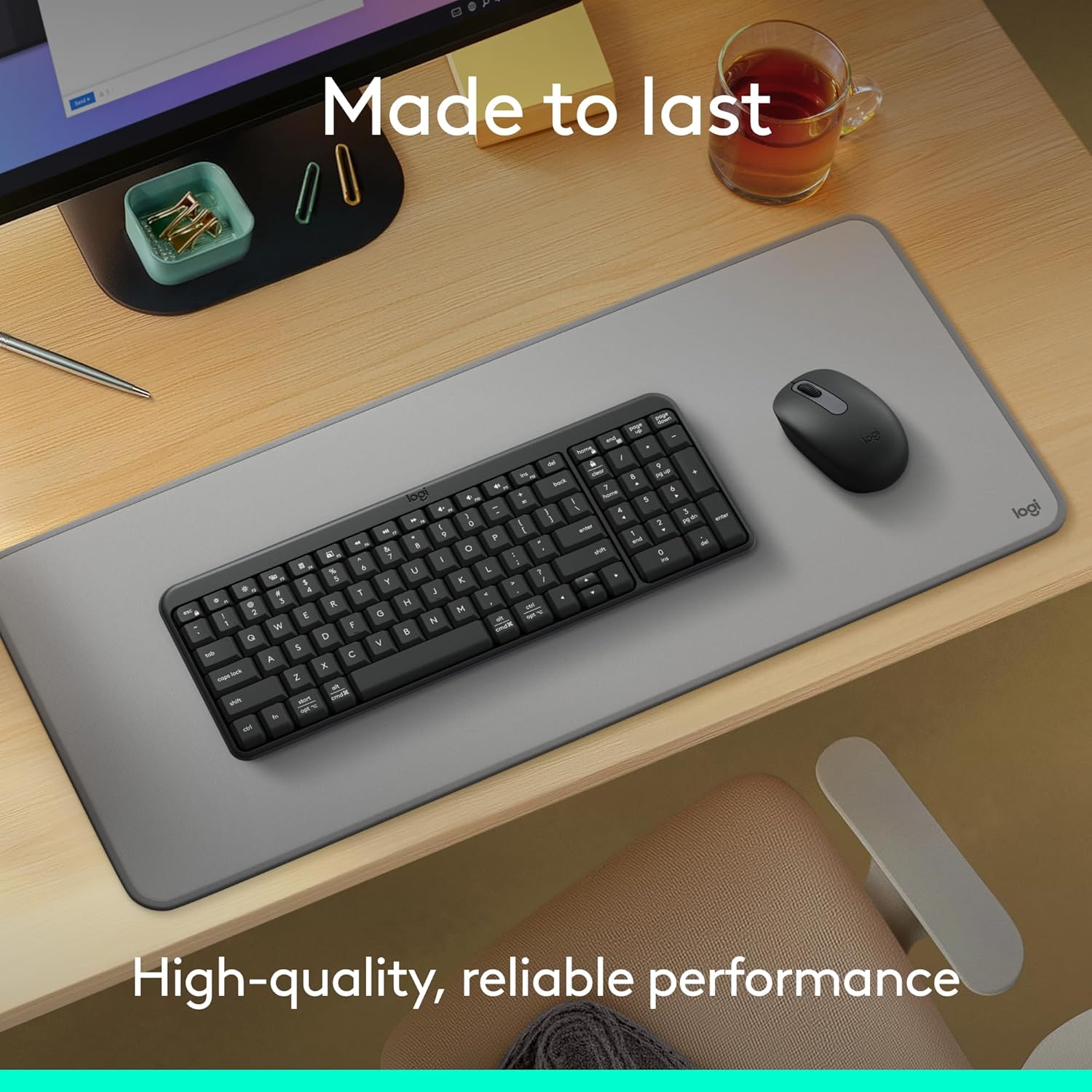
Figure 9: The K250 keyboard and a Logitech mouse on a desk, representing the product's durable construction.
مشڪلاتون
رابطي جا مسئلا
- ڪي بورڊ ڳنڍجي نه رهيو آهي:
- Ensure the keyboard batteries are not depleted. Replace them if necessary.
- پڪ ڪريو ته توهان جي ڊوائيس تي بلوٽوٿ فعال آهي.
- Try re-pairing the keyboard by putting it into pairing mode and searching for it on your device's Bluetooth settings.
- Move the keyboard closer to your device to rule out range issues.
- پنهنجي ڊوائيس کي ٻيهر شروع ڪريو ۽ ٻيهر ڪوشش ڪريو.
- وقفي وقفي سان ڳنڍڻ:
- ٻين وائرليس ڊوائيسز جي جانچ ڪريو جيڪي شايد مداخلت جو سبب بڻجن.
- Ensure the keyboard is within optimal Bluetooth range.
- پنهنجي ڊوائيس جي بلوٽوٿ ڊرائيورز کي اپڊيٽ ڪريو.
اهم ڪارڪردگي جا مسئلا
- Keys sticking or not responding:
- Clean around and under the affected keys using compressed air to remove debris.
- If a key feels physically stuck, gently press it multiple times to dislodge any obstruction.
- Ensure the keyboard is dry if it has recently been exposed to liquids.
- Incorrect character output:
- Check your device's language and keyboard layout settings.
- ڪيبورڊ ۽ پنهنجي ڊوائيس کي ٻيهر شروع ڪريو.
وضاحتون
| خاصيت | تفصيل |
|---|---|
| برانڊ | Logitech |
| ماڊل نالو | ڪي 250 |
| شيون ماڊل نمبر | 920-013442 |
| رابطي ٽيڪنالاجي | بلوٽوٿ |
| رنگ | گرافائٽ |
| پيداوار جي ماپ (L x W x H) | 36.98 x 13.69 x 2.29 سينٽي |
| شيءِ جو وزن | 380 گرام |
| طاقت جو ذريعو | بيٽري سان هلندڙ |
| بيٽرين جي ضرورت آهي | 2 AAA بيٽريون (شامل) |
| ڪي بورڊ جي وضاحت | جھلي |
| مطابقت رکندڙ ڊوائيسز | ليپ ٽاپ، پرسنل ڪمپيوٽر، ٽيبليٽ |
| خاص خاصيتون | Lightweight, Portable, Spill-Resistant, Made with Recycled Plastic |
وارنٽي ۽ سپورٽ
For warranty information, technical support, or further assistance with your Logitech K250 keyboard, please visit the official Logitech support website or contact their customer service. You can also find additional resources and product information on the Logitech store page on Amazon.


