1. تعارف
This manual provides essential information for the safe and efficient use of your Lenovo IdeaPad Slim 3 Business Laptop. This model features an AMD Ryzen 7 7730U processor, a 15.6-inch Full HD display, 16GB of RAM, and a 1TB PCIe SSD, running on Windows 11. Please read this manual thoroughly before operating your device.

Figure 1: Lenovo IdeaPad Slim 3 Laptop overview, highlighting key features like Windows 11, AMD Ryzen 7 processor, and the included WOWPC Recovery USB.
2. سيٽ اپ
2.1 انباڪسنگ ۽ شروعاتي معائنو
Carefully remove all components from the packaging. Verify that all items listed in the packing list are present and undamaged. If any items are missing or damaged, contact your retailer immediately.

شڪل 2: ختمview of the Lenovo IdeaPad Slim 3 Laptop's main specifications, including Operating System, Processor, Graphics, RAM, Storage, Wi-Fi, Bluetooth, and WOWPC Recovery USB.
2.2 پاور ڪنيڪشن
- پاور اڊاپٽر کي ليپ ٽاپ جي پاور ان پٽ پورٽ سان ڳنڍيو.
- پاور اڊاپٽر کي مناسب برقي آئوٽليٽ ۾ لڳايو.
- شروعاتي استعمال کان اڳ، يا جيستائين بيٽري جو اشارو ڪافي چارج نه ڏيکاري، بيٽري کي گهٽ ۾ گهٽ 30 منٽن تائين چارج ٿيڻ ڏيو.
2.3 شروعاتي بوٽ ۽ ونڊوز 11 سيٽ اپ
- ليپ ٽاپ کي چالو ڪرڻ لاء پاور بٽڻ کي دٻايو.
- Follow the on-screen instructions to complete the Windows 11 setup process. This includes selecting your language, region, connecting to a network, and creating a user account.
- The included WOWPC recovery USB can be used for system restoration or troubleshooting if needed.
3. آپريشن
3.1 ڏيکاريو خاصيتون
Your laptop is equipped with a 15.6-inch Full HD (1920x1080) TN display with 250 nits brightness and an anti-glare coating. This design reduces reflections and enhances visibility, providing a clear and comfortable viewتجربو.
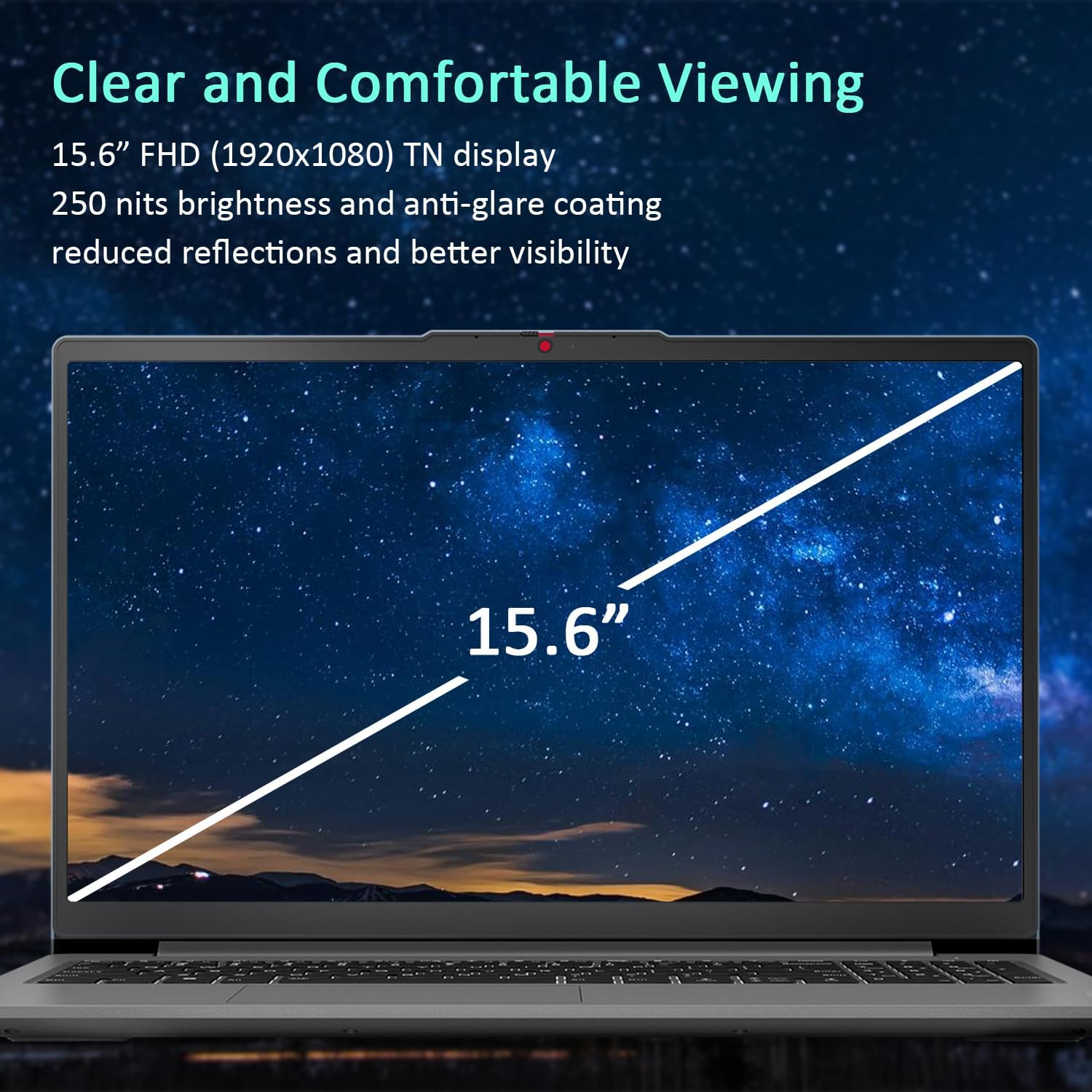
Figure 3: The 15.6-inch Full HD TN display with anti-glare coating for clear and comfortable viewing.
3.2 پروسيسر ۽ ڪارڪردگي
The AMD Ryzen 7 7730U Processor, with 8 cores and 16 threads, delivers reliable performance for various tasks, from daily productivity to more demanding applications. Coupled with 16GB of DDR4 RAM and integrated AMD Radeon Graphics, the system ensures smooth multitasking and efficient operation.
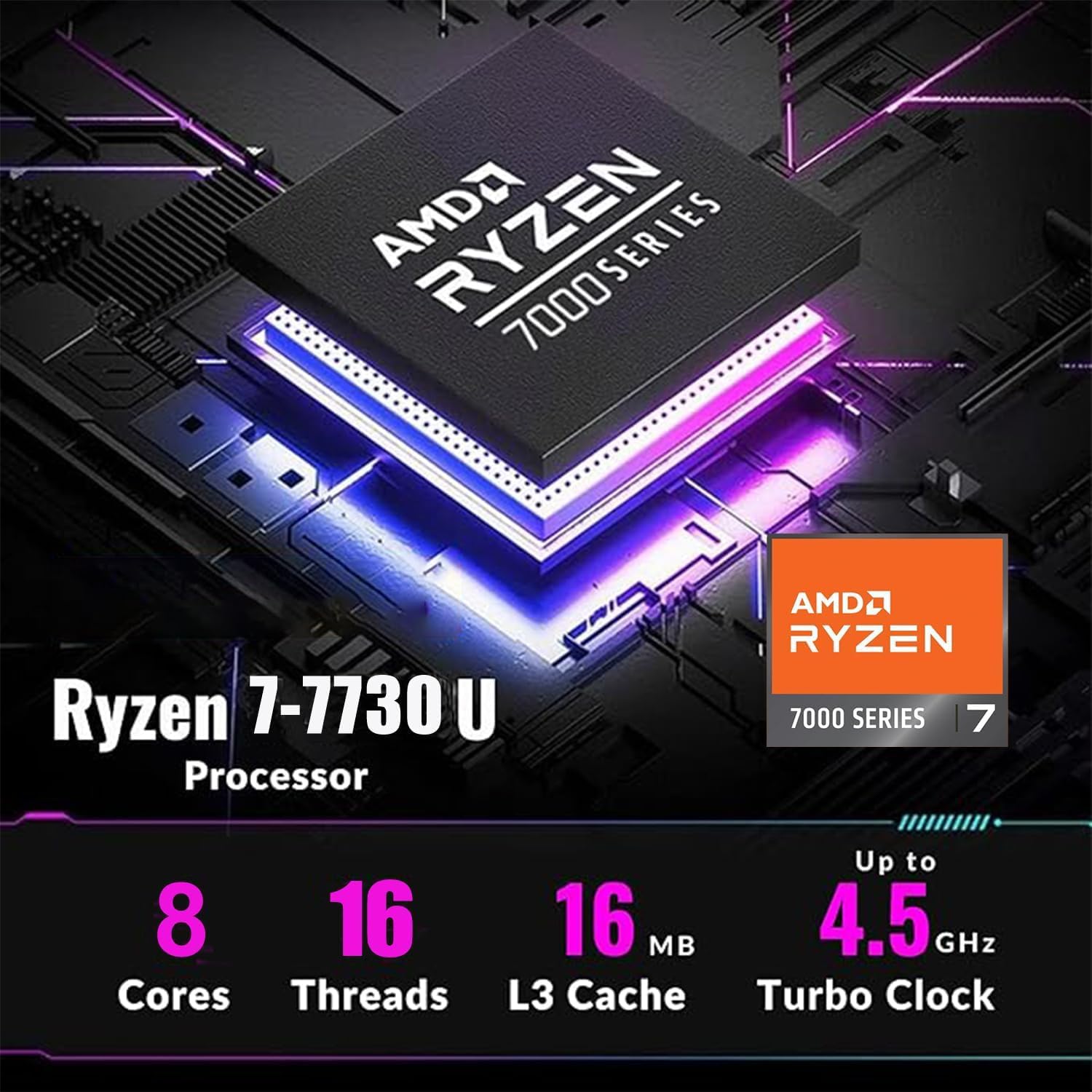
Figure 4: Detailed specifications of the AMD Ryzen 7 7730U Processor, emphasizing its core count, thread count, and turbo clock speed.

Figure 5: The laptop efficiently handles multiple applications simultaneously, showcasing its multitasking capabilities powered by the AMD Ryzen 7 7730U and AMD Radeon Graphics.
3.3 ڪنيڪشن
The IdeaPad Slim 3 offers comprehensive connectivity options:
- بندرگاهن: 1x USB-C 3.2 Gen 1, 2x USB-A 3.2, 1x HDMI 1.4 Output, 1x Headphone/microphone combo jack, 1x SD Card Reader.
- وائرليس: Wi-Fi 6 (802.11ax 2x2) and Bluetooth 5.2 for fast and stable wireless connections.

شڪل 6: پاسي view illustrating the available ports for connecting external devices and peripherals.

Figure 7: Highlighting the advanced Wi-Fi 6 and Bluetooth 5.2 capabilities for seamless connectivity.
3.4 ڪي بورڊ ۽ ٽچ پيڊ
The laptop features a US English keyboard and a responsive touchpad for navigation. The keyboard is designed for comfortable typing.
3.5 Webرازداري شٽر سان ڪئميرا
A built-in HD 720p webcam is included for video calls and conferences. For enhanced privacy, a physical privacy shutter is integrated, allowing you to block the camera lens when not in use.
4. سار سنڀال
4.1 پنهنجي ليپ ٽاپ کي صاف ڪرڻ
- اسڪرين ۽ ٻاهرين سطحن کي صاف ڪرڻ لاءِ نرم، لِنٽ کان پاڪ ڪپڙو استعمال ڪريو.
- ضدي داغن لاءِ، هلڪو ڊيampڪپڙي کي پاڻي يا اسڪرين محفوظ ڪلينر سان ڌوئڻ ڏيو.
- سخت ڪيميڪلز، رگڙيندڙ شيون، يا محلول استعمال ڪرڻ کان پاسو ڪريو.
4.2 بيٽري جي سنڀال
- بيٽري جي زندگي کي وڌائڻ لاءِ، بيٽري کي بار بار مڪمل طور تي چارج ڪرڻ کان پاسو ڪريو.
- جڏهن ڊگهي عرصي تائين استعمال ۾ نه هجي ته ليپ ٽاپ کي ٿڌي، سڪل جاءِ تي رکو.
4.3 سافٽ ويئر اپڊيٽ
بهترين ڪارڪردگي ۽ سيڪيورٽي کي يقيني بڻائڻ لاءِ باقاعدي طور تي آپريٽنگ سسٽم ۽ ڊرائيور اپڊيٽس جي جانچ ڪريو ۽ انسٽال ڪريو.
5. مسئلا حل ڪرڻ
5.1 عام مسئلا ۽ حل
- ليپ ٽاپ آن نه ٿي رهيو آهي: پڪ ڪريو ته پاور اڊاپٽر محفوظ طور تي ڳنڍيل آهي ۽ بيٽري ڪافي چارج ٿيل آهي. هڪ مختلف پاور آئوٽليٽ آزمايو.
- ڪابه ڊسپلي: هڪ ٻاهرين مانيٽر سان ڳنڍيو ته ڏسو ته ڇا مسئلو ليپ ٽاپ جي اسڪرين سان آهي. ليپ ٽاپ کي ٻيهر شروع ڪريو.
- سست ڪارڪردگي: Close unnecessary applications, check for malware, or consider using the WOWPC recovery USB for a system refresh if performance issues persist.
- نيٽ ورڪ ڪنيڪشن جا مسئلا: Verify Wi-Fi is enabled, restart your router, or check network adapter settings in Windows.
5.2 Using the WOWPC Recovery USB
Your device includes a WOWPC recovery USB. This tool is designed to assist with system restoration, driver installation, and other troubleshooting steps. Refer to the instructions provided with the USB for detailed usage.
6. وضاحتون
| خاصيت | تفصيل |
|---|---|
| پروسيسر | AMD Ryzen 7 7730U (8 ڪور، 16 موضوع، 4.5 GHz تائين) |
| گرافڪس | انٽيگريٽيڊ AMD Radeon گرافڪس |
| آپريٽنگ سسٽم | ونڊوز 11 پرو |
| ياداشت (رام) | 16GB Soldered DDR4-3200 RAM |
| ذخيرو | 1TB PCIe NVMe SSD (Up to 2TB SSD M.2 PCIe NVMe supported) |
| ڏيکاريو | 15.6" FHD (1920x1080) TN 250nits Anti-glare Display |
| رابطي | وائي فائي 6 (802.11ax 2x2)، بلوٽوٿ 5.2 |
| بندرگاهن | 1x USB-C 3.2 Gen 1, 2x USB-A 3.2, 1x HDMI 1.4, 1x Headphone/microphone combo jack, 1x Card reader |
| Webڪئميرا | HD 720p رازداري شٽر سان |
| آڊيو | User-facing stereo speakers, 1.5W x2, optimized with Dolby Audio |
| رنگ | آرڪٽڪ گرين |
| طول و عرض (L x W x H) | 14.15 x 9.25 x 0.70 انچ |
| وزن | 3.57 lbs تي شروع ٿي |
| رسيور | WOWPC recovery USB |

Figure 8: Physical dimensions and weight of the Lenovo IdeaPad Slim 3 Laptop, highlighting its slim design.
7. وارنٽي ۽ سپورٽ
7.1 پروڊڪٽ وارنٽي
This product is typically covered by a manufacturer's warranty. For specific warranty terms and conditions, please refer to the documentation included with your purchase or visit the official Lenovo support webسائيٽ. وڌايل حفاظتي منصوبا پڻ خريداري لاءِ موجود ٿي سگھن ٿا.
7.2 ڪسٽمر سپورٽ
For technical assistance, troubleshooting, or service inquiries, please contact Lenovo customer support. You can find contact information on the official Lenovo webسائيٽ يا توهان جي پراڊڪٽ دستاويزن ۾.
Return Policy: This product typically has a 30-day return/replacement policy. Please check with your retailer for specific return details.


