1. پراڊڪٽ ختمview
The Hodozzy 9-inch Android Car Stereo is designed for Ford Fiesta models manufactured between 2009 and 2014. This high-performance unit features the latest Android 15 system, 4GB RAM, and 64GB ROM, ensuring smooth operation for music, video, and navigation. The 1280*720 high-definition screen offers a clear visual experience and supports customizable themes and homepage apps for a personalized in-car environment.
Key features include wireless CarPlay and Android Auto for seamless smartphone integration, built-in GPS for navigation, WiFi connectivity for online services, Bluetooth 5.0 for hands-free communication and audio streaming, a 32-band DSP equalizer for enhanced sound quality, and FM/RDS radio functionality.
2. دٻي ۾ ڇا آهي
پيڪيج کولڻ تي، تصديق ڪريو ته سڀئي جزا موجود آهن:
- Hodozzy 9-inch Android Car Stereo Unit with Frame
- Power Cable / Canbus
- اصل USB ڪيبل
- USB ڪيبل
- ريڊيو اينٽيننا
- آر سي سي ڪيبل
- GPS اينٽيننا
- مائڪروفون (MIC)
- ريئر ڪئميرا ان پٽ ڪيبل
- پوئين ڪئميرا
- تنصيب جو اوزار
- استعمال ڪندڙ جو دستياب (ھي دستاويز)
Video: This video demonstrates the unboxing process and shows all the components included in the package for the Hodozzy Android Car Stereo.

Image: A visual representation of all items included in the Hodozzy Android Car Stereo package, including the main unit, various cables, GPS antenna, microphone, rear camera, and installation tools.
3. تنصيب
Before beginning installation, ensure your vehicle is turned off and the battery is disconnected to prevent electrical damage. Compare the dash size and shape of your car with the provided unit to confirm compatibility. Professional installation is recommended.
3.1 جزو اسيمبلي
The main unit comes pre-assembled with the custom frame for the Ford Fiesta. Carefully remove the unit from its packaging.
Video: This video demonstrates the initial handling of the car stereo unit and its frame, showing how it fits together before vehicle installation.
3.2 وائرنگ ڪنيڪشن
Connect the provided wiring harnesses to the corresponding ports on the car stereo and your vehicle's existing wiring. Refer to the wiring diagram in the included user manual for specific connections.
- Power Cable/Canbus: Connect the main power harness and Canbus decoder to the vehicle's power and data lines.
- ريڊيو اينٽينا: Connect the radio antenna adapter to ensure FM/RDS reception.
- USB ڪيبل: Connect the original USB cable and additional USB cable for external devices.
- آر سي اي ڪيبل: Use for external audio/video input/output, including subwoofer connections.
- جي پي ايس انٽنا: GPS اينٽينا کي صاف جڳهه تي لڳايو view بهترين سگنل جي استقبال لاءِ آسمان جو.
- مائڪروفون (MIC): بهتر ڪال جي معيار لاءِ ٻاهرين مائڪروفون کي ڳنڍيو.
- پوئتي ڪئميرا: Connect the rear camera input cable and the rear camera for parking assistance.
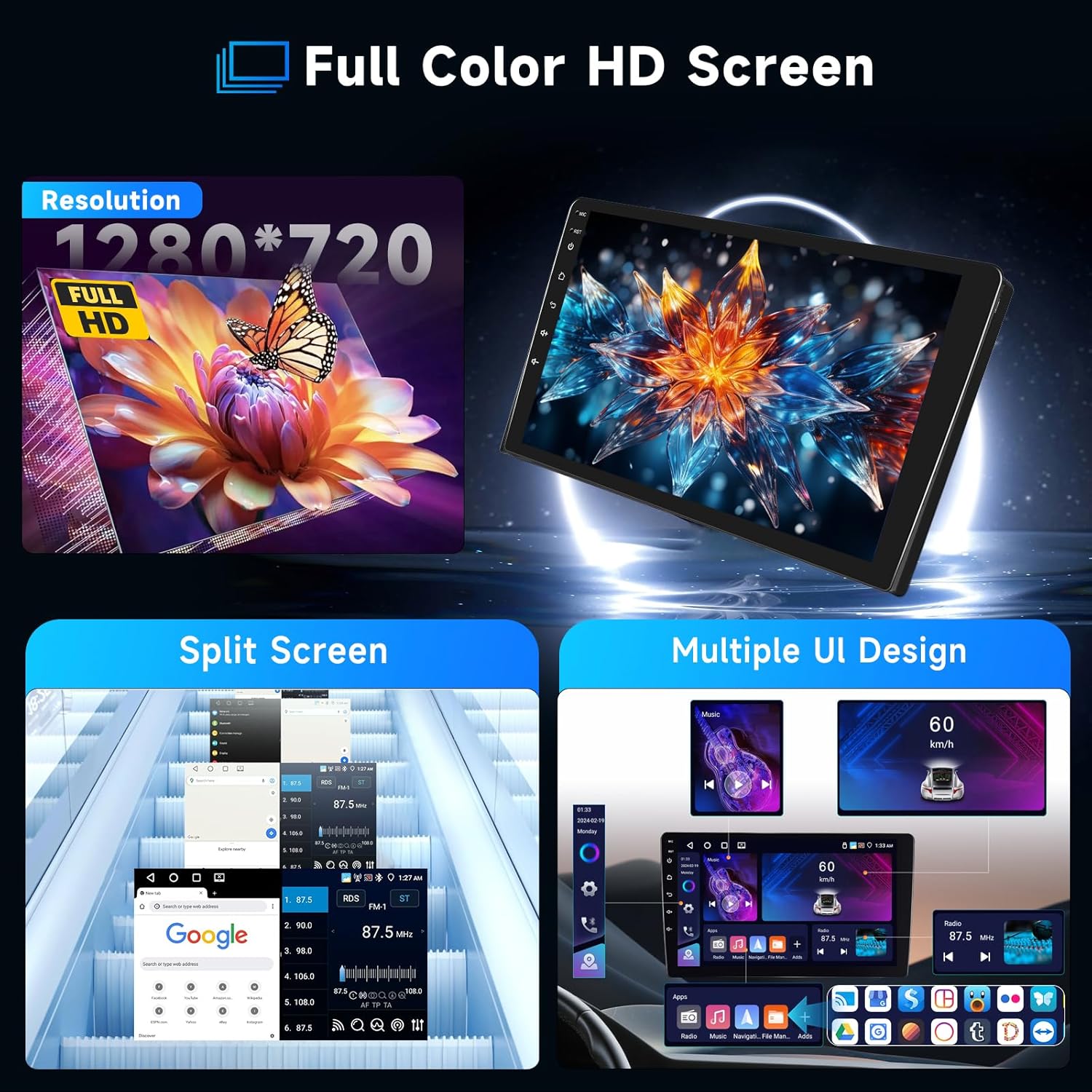
Image: Detailed wiring diagram showing connections for power, RCA, USB, GPS, and camera inputs for the Hodozzy Android Car Stereo.
3.3 اسٽيئرنگ ويل ڪنٽرول (SWC)
The Canbus decoder typically handles steering wheel control integration automatically. If manual configuration is required, access the SWC settings in the system menu.
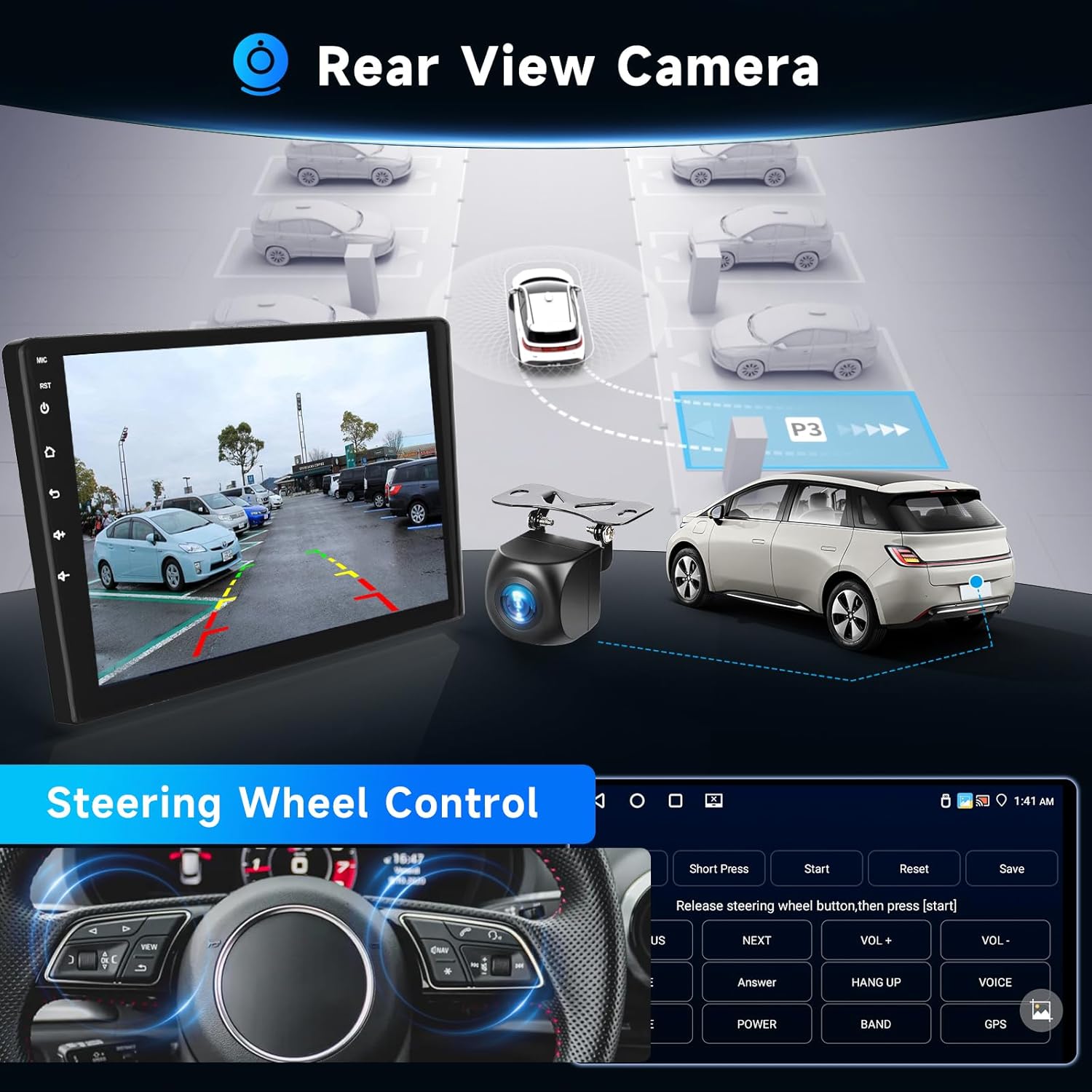
Image: Illustrates the rear view camera functionality and the on-screen interface for configuring steering wheel controls.
4. شروعاتي سيٽ اپ
After installation, reconnect the vehicle battery and power on the unit. Follow the on-screen prompts for initial setup.
- ٻولي جي چونڊ: Choose your preferred system language.
- وقت ۽ تاريخ: صحيح ٽائيم زون، تاريخ ۽ وقت مقرر ڪريو.
- وائي فائي ڪنيڪشن: Connect to a local WiFi hotspot (e.g., from your smartphone) to enable online features and download apps.
- جي پي ايس ڪيليبريشن: Ensure the GPS antenna is properly installed and the system acquires a satellite signal for accurate navigation.
5. آپريٽنگ هدايتون
5.1 وائرليس ڪار پلي ۽ اينڊرائيڊ آٽو
This unit supports wireless CarPlay for iOS devices and wireless Android Auto for Android devices. Connect your smartphone via Bluetooth to access messaging, contacts, navigation, and music through the car stereo interface. Voice assistants (Siri/Google Assistant) are integrated for hands-free control.
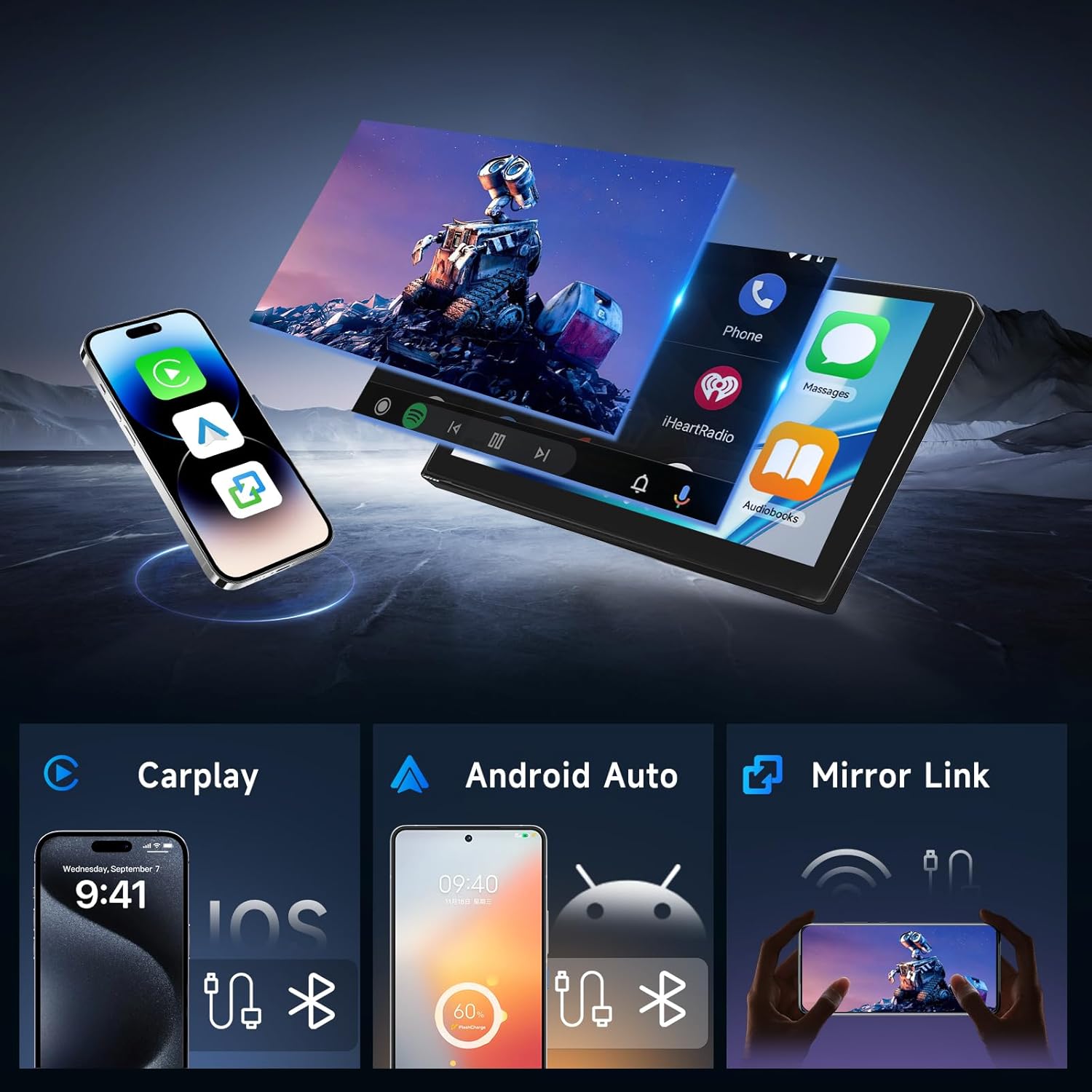
Image: Demonstrates the user interface for Wireless CarPlay, Android Auto, and Mirror Link, showing how smartphone content is displayed on the car stereo screen.
5.2 GPS نيويگيشن
The built-in GPS antenna supports online navigation using pre-installed map applications. You can also download offline maps for navigation without an internet connection.

Image: Shows the GPS navigation interface with route display and highlights the WiFi connection capability for online services.
5.3 بلوٽوت 5.0
Pair your smartphone via Bluetooth for hands-free calling and music streaming. The system supports auto-connect functionality for convenience. An external microphone is included for high-quality call audio.
5.4 ايف ايم/آر ڊي ايس ريڊيو
Access FM radio stations with RDS (Radio Data System) support. The unit provides 18 preset radio stations (FM 87.50-108.0 MHz).

Image: Displays the graphical interface for the 32-band DSP equalizer, Bluetooth phone functions, and the FM/RDS radio tuner.
5.5 ڊجيٽل سائونڊ پروسيسر (DSP)
Utilize the integrated 32-band equalizer and various preset sound styles (e.g., rock, jazz, classical) to customize and enhance your audio experience.
5.6 اسپلٽ اسڪرين ڪارڪردگي
The split-screen feature allows you to run two applications simultaneously on the 9-inch display, such as navigation and music playback.
Image: Highlights the 1280*720 Full HD resolution screen, demonstrates the split-screen capability, and shows examples of different user interface designs.
6. وضاحتون
| خاصيت | تفصيل |
|---|---|
| آپريٽنگ سسٽم | Android 15 |
| رام | 4 جي بي |
| روم | 64 جي بي |
| ڊسپلي سائيز | 9 انچ |
| قرارداد | 1280 x 720 |
| رابطي | Bluetooth 5.0, WiFi, USB |
| خاص خاصيتون | Wireless CarPlay, Android Auto, Mirror Link, GPS, DSP, FM/RDS Radio, Steering Wheel Control, Rear-view Camera Input, RCA Output, Split Screen |
| چڙهڻ جو قسم | ڊيش بورڊ جبل |
| شيءِ جو وزن | 4.33 پائونڊ |
| پيڪيج جي ماپ | 14.37 x 12.17 x 7.09 انچ |
7. سار سنڀال
To ensure the longevity and optimal performance of your Hodozzy car stereo, follow these maintenance guidelines:
- صفائي: اسڪرين ۽ ٻاهرين حصي کي صاف ڪرڻ لاءِ نرم، سڪل ڪپڙو استعمال ڪريو. رگڙيندڙ صاف ڪندڙ يا محلولن کان پاسو ڪريو.
- سافٽ ويئر اپڊيٽ: Periodically check for and install system software updates to improve performance and add new features.
- گرمي پد: يونٽ کي گهڻي عرصي تائين گرم ۽ سرد ٻنهي سخت گرمي پدن ۾ بي نقاب ڪرڻ کان پاسو ڪريو.
- طاقت: Ensure stable power supply to prevent damage. If installing accessories, consult a professional.
8. مسئلا حل ڪرڻ
جيڪڏهن توهان کي پنهنجي ڪار اسٽيريو سان مسئلا درپيش اچن ٿا، ته هيٺ ڏنل عام مسئلن ۽ حلن جو حوالو ڏيو:
- طاقت ناهي: Check all power cable connections. Ensure the vehicle's battery is charged and properly connected. Verify fuses.
- آواز ناهي: اسپيڪر ڪنيڪشن چيڪ ڪريو. پڪ ڪريو ته واليوم خاموش يا تمام گهٽ نه آهي. آڊيو آئوٽ پٽ سيٽنگن جي تصديق ڪريو.
- جي پي ايس سگنل جو نقصان: Ensure the GPS antenna is mounted in a clear location. Check antenna connection.
- بلوٽوٿ ڪنيڪشن جا مسئلا: پڪ ڪريو ته بلوٽوٿ اسٽيريو ۽ توهان جي فون ٻنهي تي فعال آهي. پوئين جوڙي کي ختم ڪريو ۽ ٻيهر ڳنڍڻ جي ڪوشش ڪريو.
- ڪار پلي/اينڊرائيڊ آٽو نه ڳنڍجي رهيو آهي: Ensure your phone's Bluetooth and WiFi are on. Check for software updates on both the stereo and your phone.
- ٽچ اسڪرين غير جوابده: يونٽ کي ٻيهر شروع ڪريو. جيڪڏهن مسئلو برقرار رهي ٿو، ته فيڪٽري ري سيٽ ضروري ٿي سگهي ٿو (نوٽ: اهو سڀ صارف ڊيٽا ختم ڪري ڇڏيندو).
هتي شامل نه ڪيل مسلسل مسئلن لاءِ، مهرباني ڪري ڪسٽمر سپورٽ سان رابطو ڪريو.
9. وارنٽي ۽ سپورٽ
Your Hodozzy Android Car Stereo comes with a standard warranty. For specific warranty details, please refer to the documentation included with your purchase or contact customer support.
9.1 حفاظتي منصوبا
وڌايل تحفظ جا منصوبا الڳ الڳ خريداري لاءِ موجود آهن:
- 2 سالن جو تحفظ وارو منصوبو
- 3 سالن جو تحفظ وارو منصوبو
9.2 ڪسٽمر سپورٽ
For technical assistance, troubleshooting, or warranty inquiries, please contact Hodozzy customer support:
اي ميل: hodozzyofficial@163.com
We aim to reply within 18 hours.