پي سي لاءِ ڪاسمڪ بائيٽ نيڪسس وائرليس ڪنٽرولر - هدايت نامو
Model: Nexus
تعارف
This manual provides comprehensive instructions for the setup, operation, maintenance, and troubleshooting of your Cosmic Byte Nexus Wireless Controller. Please read this manual carefully before using the product to ensure optimal performance and longevity.

تصوير: سامهون view of the Cosmic Byte Nexus Wireless Controller, showcasinان جي ergonomic ڊيزائن ۽ بٽڻ جي ترتيب جي ڪري.
پيڪيج مواد
پڪ ڪريو ته سڀئي شيون پيڪيج ۾ موجود آهن:
- Cosmic Byte Nexus Wireless Controller
- USB وائرليس وصول ڪندڙ
- هدايت نامو (هي دستاويز)
Note: 2x AAA batteries are required and are not included in the package.
سيٽ اپ گائيڊ
1. بيٽري لڳائڻ
- ڪنٽرولر جي پوئين پاسي بيٽري جي خاني کي ڳوليو.
- بيٽري جو ڍڪ کوليو.
- ٻه (2) AAA بيٽريون داخل ڪريو، صحيح پولارٽي (+/-) کي يقيني بڻائي.
- بيٽري جي ڍڪ کي محفوظ طور تي بند ڪريو.

Image: Illustration showing the battery compartment and the insertion of 2x AAA batteries into the controller.
2. پي سي سان ڳنڍڻ
- Insert the USB Wireless Receiver into an available USB port on your PC.
- The PC will automatically detect and install the necessary drivers. This process may take a few moments.
- Once the drivers are installed, the controller is ready for use. No additional software is typically required for Windows PCs.
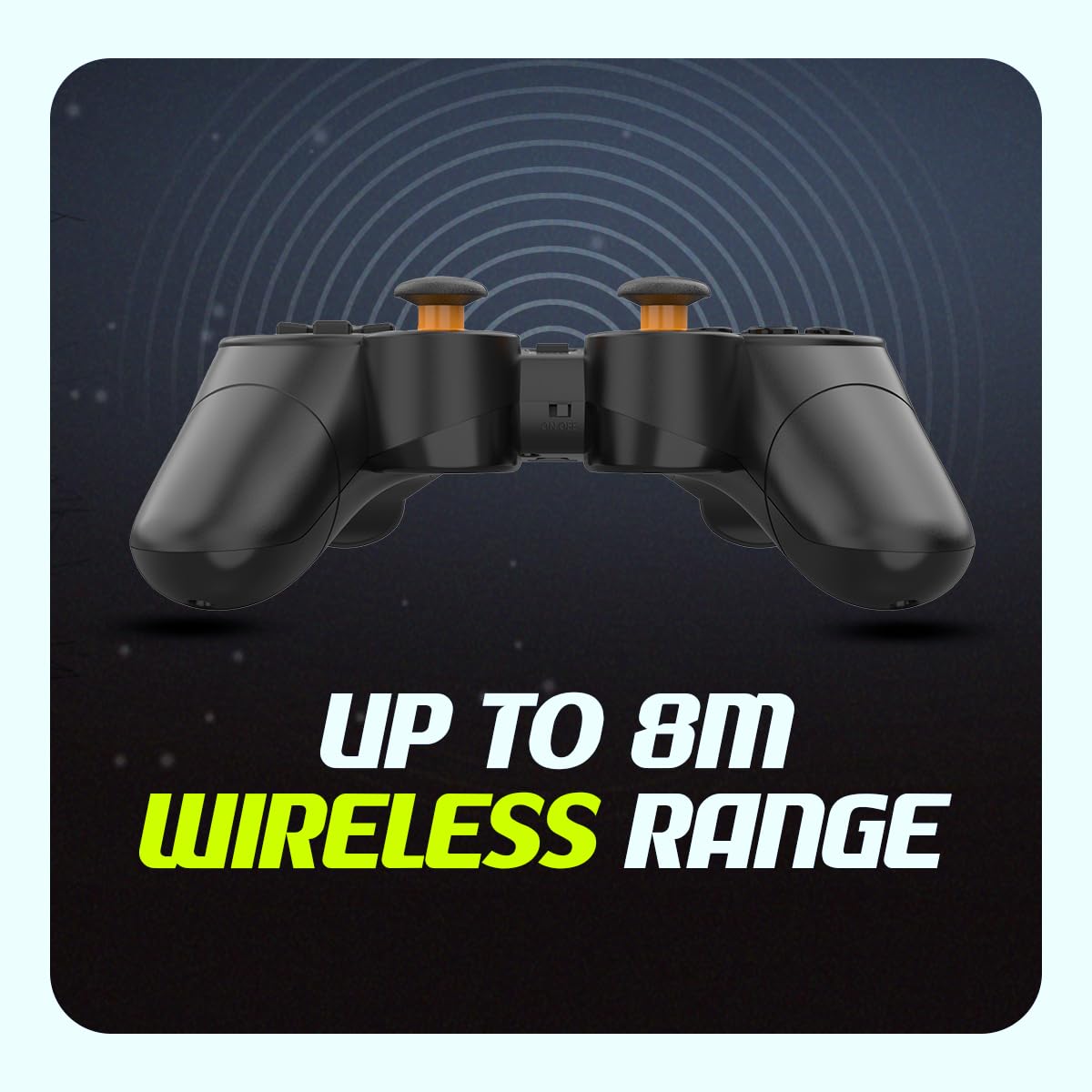
Image: The compact USB wireless receiver, ready to be plugged into a PC.
3. پاور آن/آف
- To power on the controller, ensure batteries are installed and slide the ON/OFF switch located on the top edge of the controller to the "ON" position.
- To power off the controller, slide the ON/OFF switch to the "OFF" position.
تصوير: ويجهو تصوير view of the controller's top edge, highlighting the ON/OFF switch for easy power management.
آپريٽنگ هدايتون
وائرليس ڪنيڪشن
The Cosmic Byte Nexus controller utilizes 2.4GHz wireless technology, providing a stable connection with a range of up to 8 meters from the USB receiver. Ensure no significant obstructions are between the controller and the receiver for optimal performance.
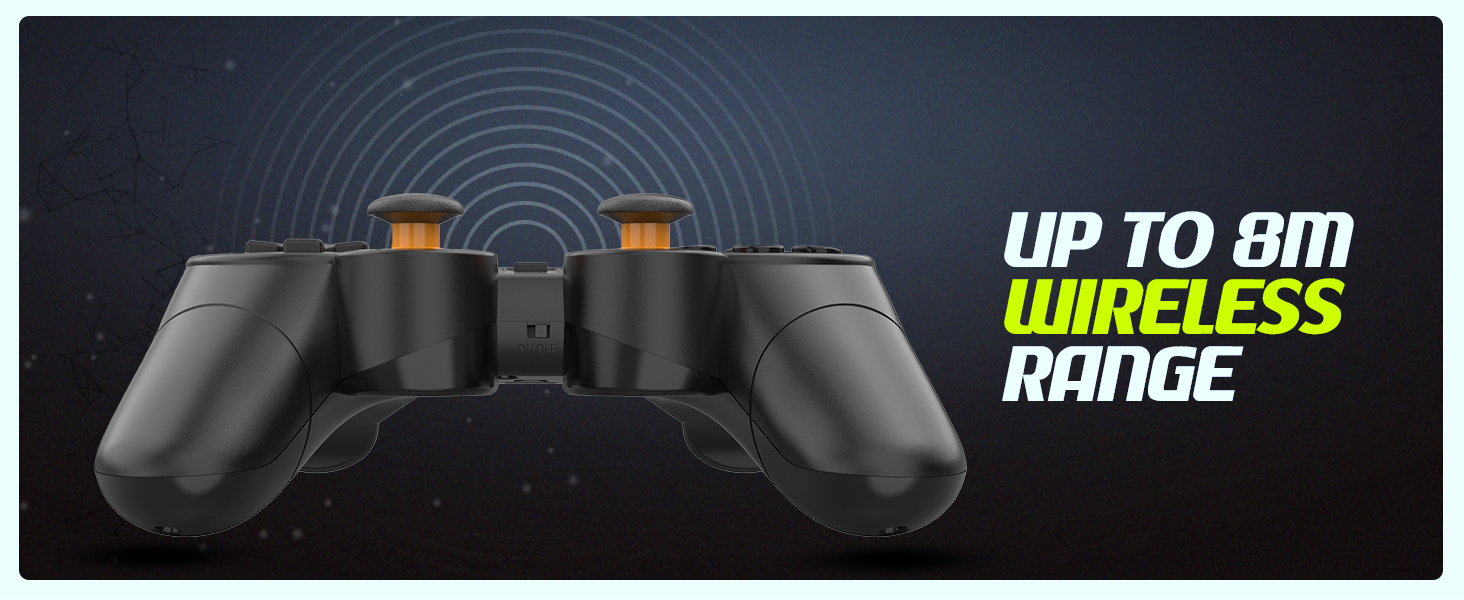
Image: Visual representation of the controller's wireless range, indicating connectivity up to 8 meters.
ڪنٽرولر لي آئوٽ ۽ ڪم
The controller features a standard gamepad layout with responsive buttons and sensitive analog triggers for precise control.
- هدايتي پيڊ (ڊي-پيڊ): هدايتي ان پٽ لاءِ.
- کاٻي/ساڄي اينالاگ اسٽڪس: 360 درجا حرڪت ۽ ڪئميرا ڪنٽرول لاءِ.
- ايڪشن بٽڻ (A، B، X، Y): راند ۾ ڪمن لاءِ.
- ڪلهي جا بٽڻ (L1، R1) ۽ ٽرگرز (L2، R2): For additional in-game functions. The triggers are designed for sensitive input.
- SELECT/BACK Button: Typically used for menu navigation or specific game functions.
- START بٽڻ: Typically used for pausing games or accessing menus.
- موڊ بٽڻ: May switch between different input modes (e.g., X-Input/D-Input) if supported by the controller.

تصوير: تفصيلي view of the controller's front, highlighting the various buttons, D-pad, and analog sticks.
ٻٽي وائبريشن موٽرز
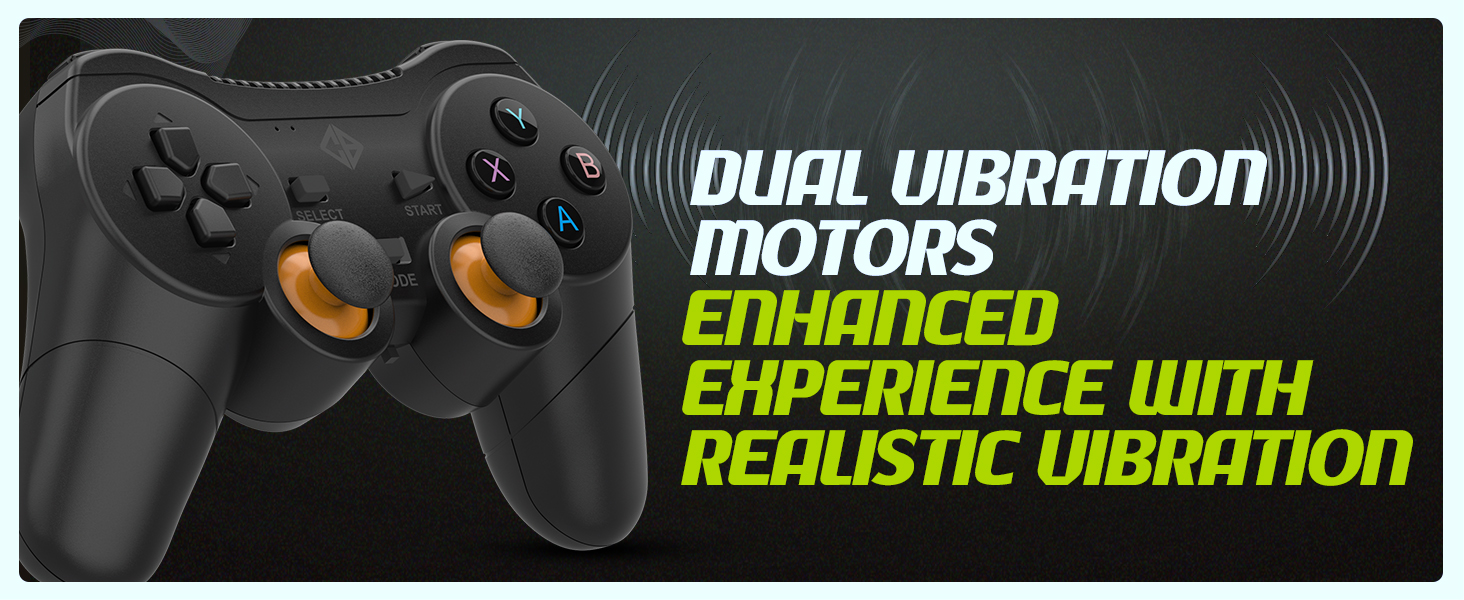
The controller is equipped with dual vibration motors that provide immersive feedback, enhancing your gaming experience by reacting to in-game events such as explosions, crashes, or impacts.
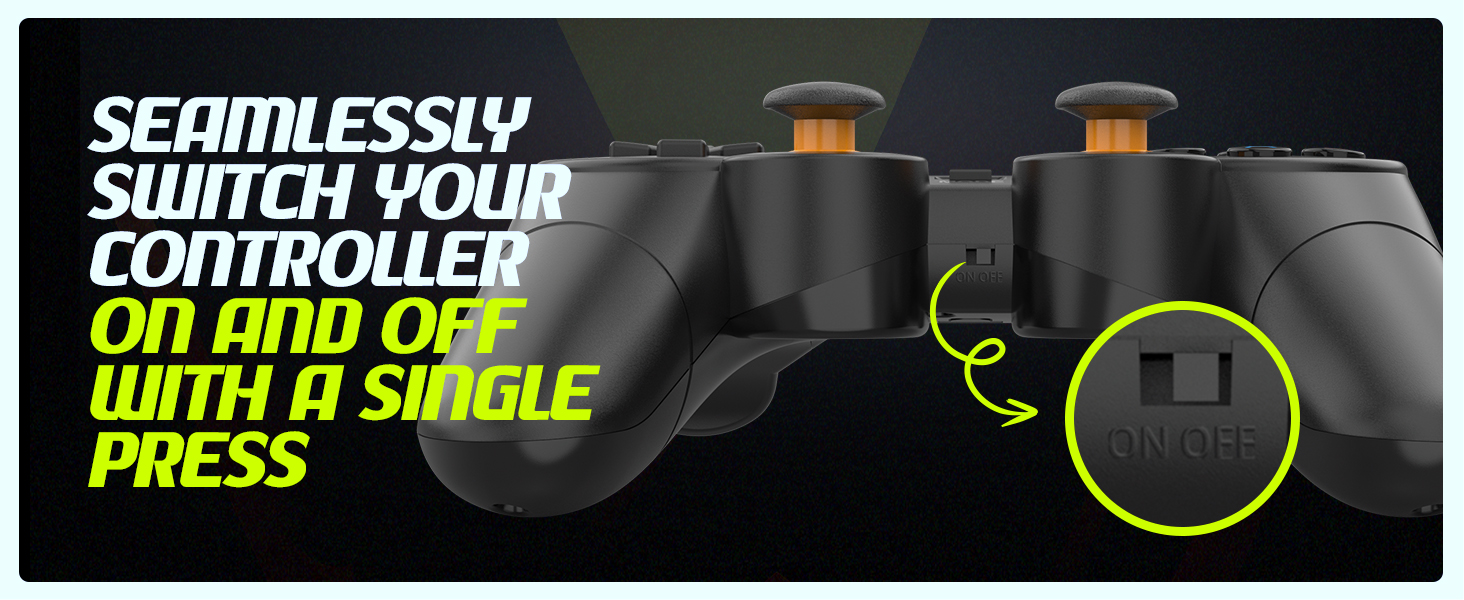
Image: Controller with visual cues indicating the presence and function of dual vibration motors.
X-Input and D-Input Support
The Cosmic Byte Nexus controller supports both X-Input and D-Input modes, ensuring broad compatibility with a wide range of PC games. X-Input is the standard for modern PC games, while D-Input provides compatibility with older titles.
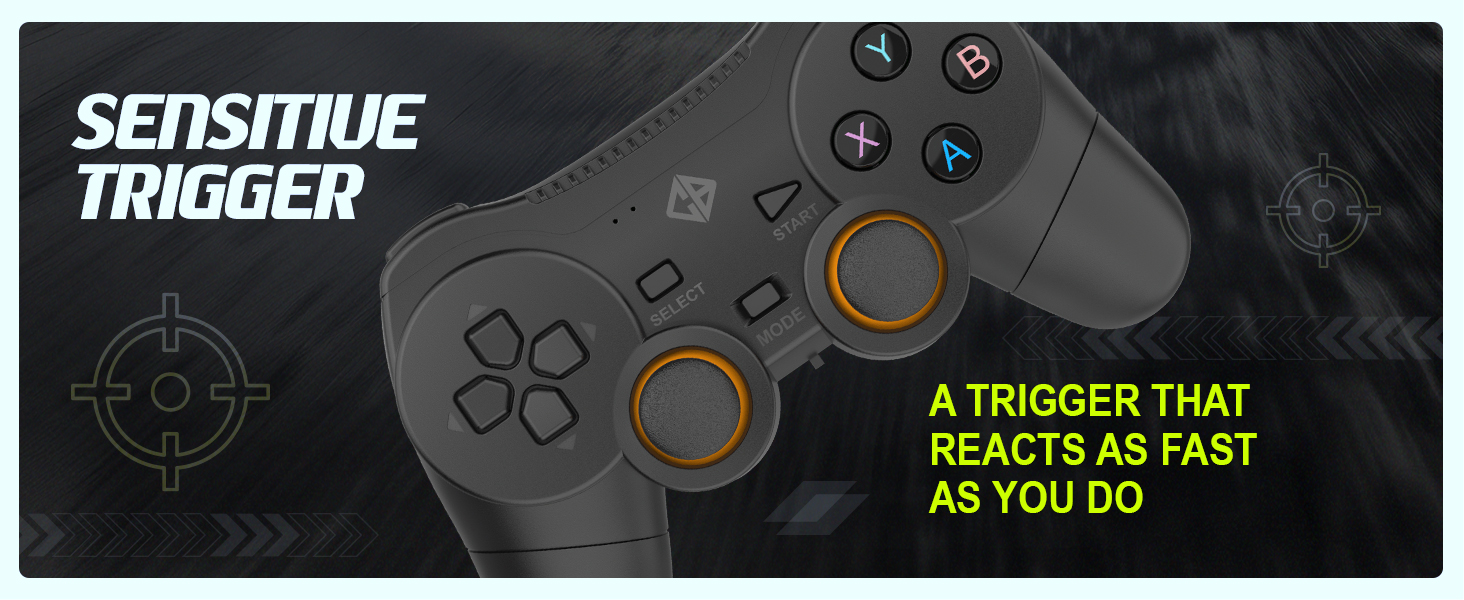
Image: Controller with text indicating support for X-Input and D-Input for seamless compatibility.
سار سنڀال
بيٽري مٽائڻ
When the controller's performance degrades or it fails to power on, it is time to replace the AAA batteries. Follow the battery installation steps outlined in the "Setup Guide" section.
Tip: Consider using rechargeable AAA batteries for an eco-friendly and cost-effective solution.
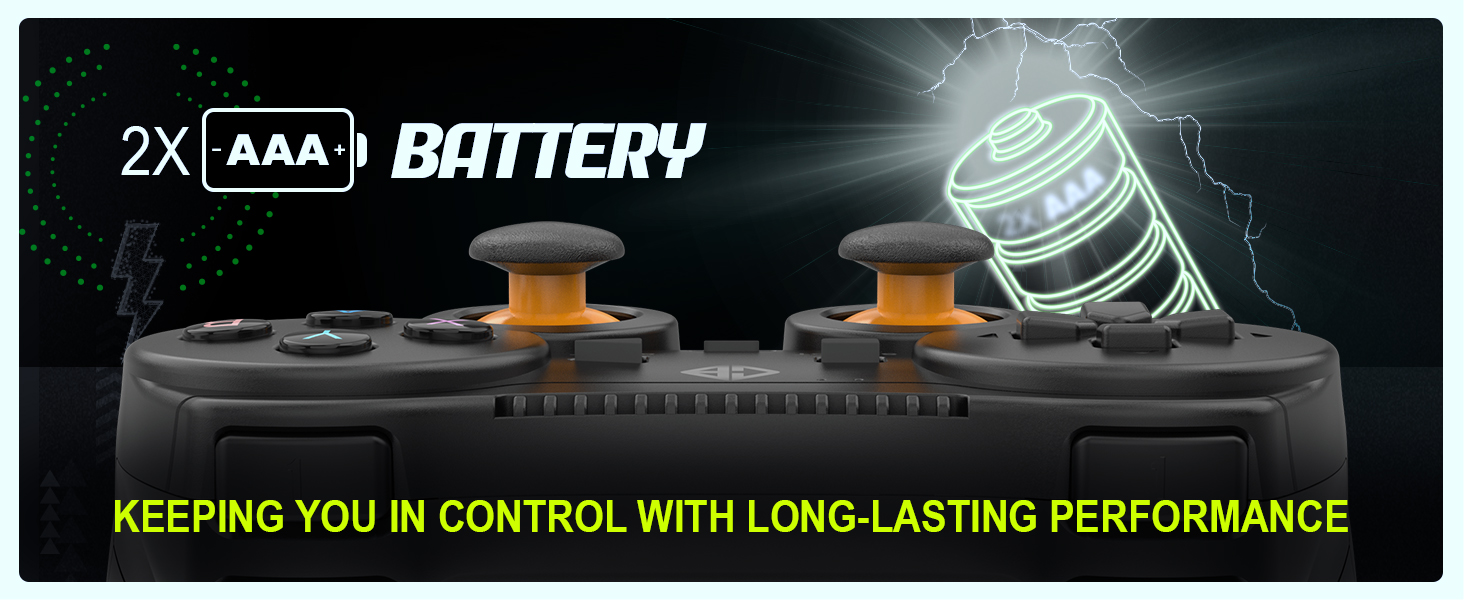
Image: Controller with an illustration of AAA batteries, emphasizing long-lasting performance.
صفائي
ڪنٽرولر کي صاف ڪرڻ لاءِ، نرم، سڪل ڪپڙو استعمال ڪريو. ضدي مٽيءَ لاءِ، ٿورو ڊيamp cloth can be used, but ensure no moisture enters the device. Avoid using harsh chemicals or abrasive cleaners.
مشڪلاتون
| مسئلو | ممڪن سبب | حل |
|---|
| ڪنٽرولر تي طاقت نه آهي. | مئل يا غلط طور تي نصب ٿيل بيٽريون. | Replace batteries with fresh AAA batteries, ensuring correct polarity. Check the ON/OFF switch is in the "ON" position. |
| Controller not connecting to PC. | USB receiver not properly inserted or driver issue. | Ensure the USB receiver is fully inserted into a working USB port. Try a different USB port. Restart your PC. |
| Input lag or dropped connection. | رسيور کان مداخلت يا فاصلو. | Reduce distance between controller and receiver. Remove any large metallic objects or other wireless devices that may cause interference. Ensure batteries are not low. |
| وائبريشن ڪم نه ڪري رهيو آهي. | Game does not support vibration or feature is disabled. | Check in-game settings to ensure vibration feedback is enabled. Verify the game supports controller vibration. |
| Buttons or analog sticks unresponsive/inaccurate (e.g., "stick drift"). | Wear and tear, or manufacturing defect. | Ensure the controller is clean. If issues persist, contact customer support for further assistance. |
وضاحتون
| خاصيت | تفصيل |
|---|
| برانڊ | ڪائناتي بائيٽ |
| ماڊل نالو | Nexus |
| رابطي ٽيڪنالاجي | وائرليس (2.4GHz) |
| مطابقت رکندڙ ڊوائيسز | پي سي (ونڊوز) |
| ڪنٽرولر جو قسم | گيم پيڊ |
| طاقت جو ذريعو | 2 x AAA بيٽريون (شامل نه آهن) |
| شيءِ جو وزن | 100 جي |
| پيداوار جي ماپ (LxWxH) | 12 x 8 x 4 سينٽي |
| اصل جو ملڪ | چين |
وارنٽي ۽ سپورٽ
For warranty information, technical support, or service inquiries, please refer to the contact details provided with your purchase documentation or visit the official Cosmic Byte webسائيٽ. خريداري جي ثبوت طور پنهنجي خريداري جي رسيد رکو.
ڪاريگر / درآمد ڪندڙ: Cosmic Byte, Prakash Warehousing, S. No.163, Hissa No 1-2-3-4-5A-5B/2/1, Phursungi, Pune 412308, Maharashtra, India


