1. تعارف
This manual provides essential information for setting up, operating, and maintaining your new Samsung 65" QLED Q7F 4K Smart TV (2025). This television features advanced Vision AI, Quantum HDR, and a Q4 AI Processor to deliver stunning 4K picture quality and intelligent performance. Please read this manual thoroughly before using your TV to ensure safe and optimal operation.
2. حفاظت جي ڄاڻ
باهه، بجليءَ جي جھٽڪي، ۽ ماڻهن جي زخمي ٿيڻ جي خطري کي گهٽائڻ لاءِ هن پراڊڪٽ کي استعمال ڪندي هميشه بنيادي حفاظتي احتياطن تي عمل ڪريو. مستقبل جي حوالي لاءِ هي دستورالعمل رکو.
- طاقت: Use only the supplied power cord. Do not overload wall outlets.
- وينٽيليشن: ٽي وي جي چوڌاري مناسب هوا جي وهڪري کي يقيني بڻايو. هوا جي وهڪري جي سوراخن کي بند نه ڪريو.
- صفائي: صفائي ڪرڻ کان اڳ ٽي وي کي ان پلگ ڪريو. نرم، سڪل ڪپڙو استعمال ڪريو. مائع ڪلينر يا ايروسول ڪلينر استعمال نه ڪريو.
- پاڻي ۽ نمي: ٽي وي کي مينهن يا نمي جي سامهون نه رکو. ٽي وي تي مائع سان ڀريل شيون نه رکو.
- چڙهڻ: Follow instructions carefully when mounting the TV on a wall or stand. Ensure the mounting surface can support the TV's weight.
- ٻار: ٻارن کي ٽي وي يا اسٽينڊ تي چڙهڻ نه ڏيو.
3. دٻي ۾ ڇا آهي
پڪ ڪريو ته سڀئي جزا موجود آهن:
- Samsung QLED Q7F 4K Vision AI Smart TV (2025)
- SOLARCELL REMOTE TM2560E (Remote Control)
- پاور ڪيبل
- استعمال ڪندڙ جو دستياب (ھي دستاويز)

Image: The Samsung QLED Q7F 4K Smart TV, its remote control, power cable, and user manual are shown as included items.
4. سيٽ اپ
4.1. جسماني سيٽ اپ
Your Samsung QLED Q7F TV can be placed on a stand or wall-mounted. Ensure the TV is placed on a stable, level surface if using the stand, or securely mounted to a wall according to the wall mount instructions (sold separately).
اسٽينڊ کي ڳنڍڻ
Carefully place the TV screen-down on a soft, flat surface to prevent damage. Align the stand components with the designated slots on the TV and secure them using the provided screws. Ensure the stand is firmly attached before placing the TV upright.

تصوير: هڪ سامهون view of the Samsung QLED Q7F 4K Smart TV with its stand attached, ready for placement.
ڀت تي چڙهڻ
If wall-mounting, refer to the wall mount kit's instructions for proper installation. The TV supports VESA mounting standards. Ensure all cables are connected before mounting the TV to the wall.

تصوير: هڪ پاسي وارو پروfile of the Samsung QLED Q7F 4K Smart TV, highlighting its slim design suitable for wall mounting.
4.2. پردي کي ڳنڍڻ
Connect your external devices such as Blu-ray players, gaming consoles, sound systems, and cable/satellite boxes to the TV's ports.
- HDMI بندرگاهن: The TV features multiple HDMI ports for high-definition audio and video. Use HDMI 3 (eARC) for soundbars or AV receivers supporting Audio Return Channel.
- USB بندرگاهن: ميڊيا پلے بیک يا سافٽ ويئر اپڊيٽ لاءِ USB اسٽوريج ڊوائيسز ڳنڍيو.
- LAN پورٽ: For a wired internet connection. Alternatively, use Wi-Fi.

تصوير: هڪ ويجهو تصوير view of the rear input ports on the Samsung QLED Q7F 4K Smart TV, including HDMI, USB, and LAN connections.
4.3. Initial Power On & Smart Hub Setup
After connecting the power cable and any desired devices, press the power button on the remote control to turn on the TV. Follow the on-screen instructions to complete the initial setup, including:
- ٻولي جي چونڊ: پنھنجي پسند جي Chooseولي چونڊيو.
- نيٽ ورڪ ڪنيڪشن: پنھنجي وائي فائي نيٽ ورڪ سان ڳنڍيو يا وائرڊ LAN ڪنيڪشن استعمال ڪريو.
- Samsung اڪائونٽ: Sign in or create a Samsung account to access Smart Hub features, apps, and services.
- چينل اسڪين: Scan for available broadcast channels if using an antenna.
Video: An official Samsung video demonstrating the setup process for a Samsung Smart TV, including initial power-on and Smart Hub configuration.
5. پنهنجو ٽي وي هلائڻ
5.1. ريموٽ ڪنٽرول افعال
The SOLARCELL REMOTE TM2560E is designed for intuitive control of your Samsung Smart TV. It features a minimalist design with essential buttons for navigation, volume, channel, and direct access to popular streaming services.

Image: The sleek, black Samsung SOLARCELL REMOTE TM2560E remote control, featuring a solar panel on the back for charging.
5.2. سمارٽ هب نيويگيشن
The Smart Hub is your gateway to all the smart features of your TV. Use the remote's navigation buttons to browse apps, live TV, connected devices, and recommended content. The intuitive interface allows for quick access to your favorite entertainment.
5.3. تصويري سيٽنگون
Your QLED Q7F TV offers exceptional picture quality with various settings to customize your viewتجربو:
- QLED ڊسپلي: Experience over one billion authentic hues with Pantone-certified color accuracy and 100% Color Volume with Quantum Dot technology.
- ڪوانٽم HDR: Enhances contrast and reveals hidden details in both bright and dark scenes, providing a more lifelike image.
- Q4 AI پروسيسر: Intelligently optimizes picture and sound quality, upscaling content to stunning 4K resolution regardless of the original source.
- Motion Xcelerator 60Hz: Reduces blur and judder in fast-moving scenes, ideal for sports and action content.
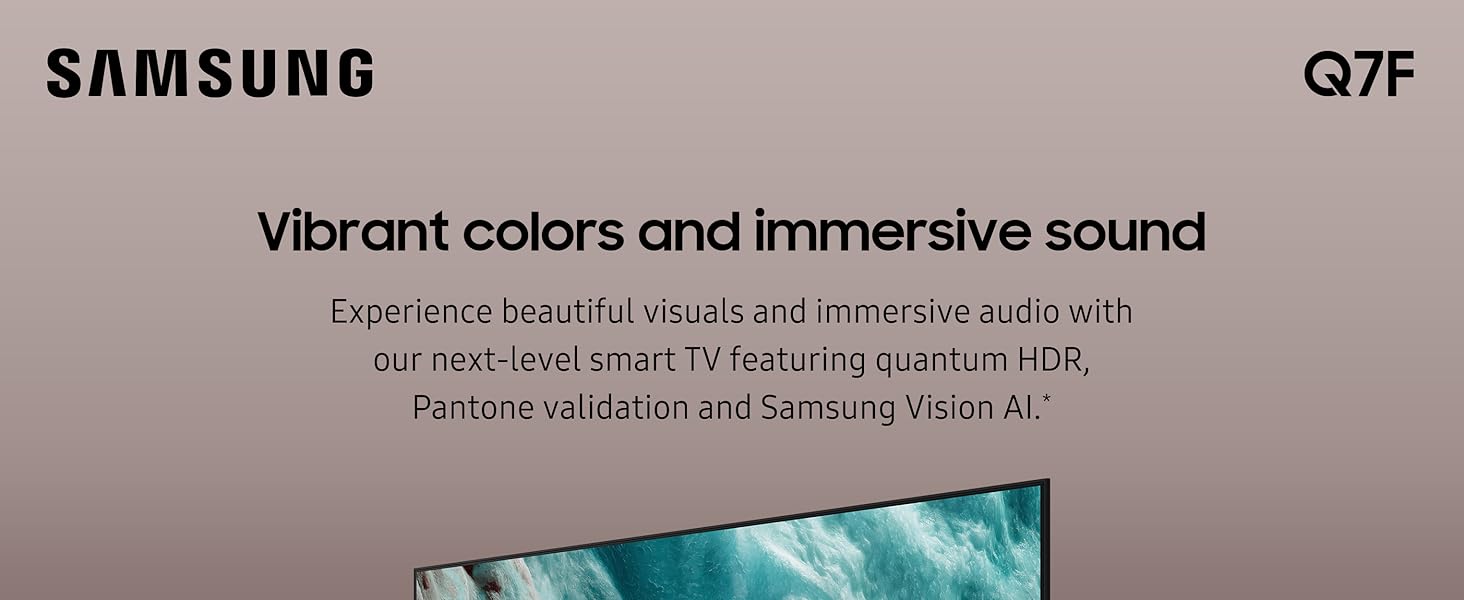
Image: The Samsung QLED Q7F 4K Smart TV showcasing its vibrant colors and immersive audio capabilities, highlighting the visual and auditory brilliance.
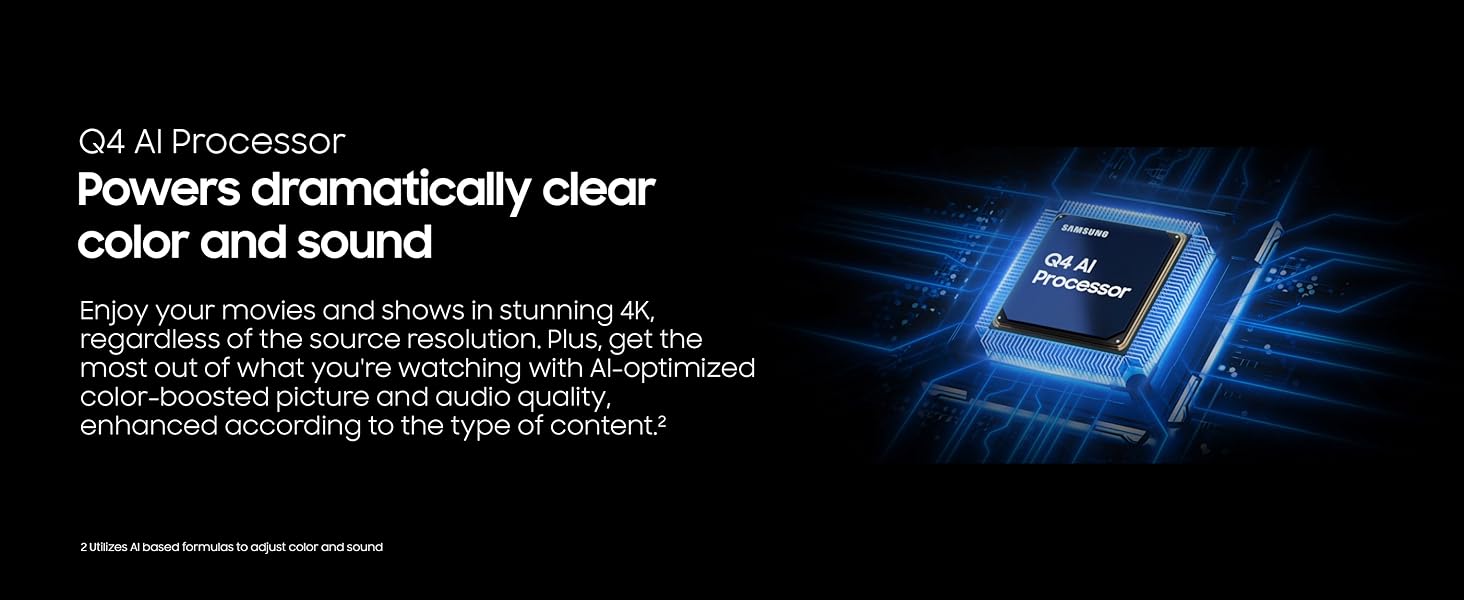
Image: The Samsung QLED Q7F 4K Smart TV demonstrating its 100% Color Volume with Quantum Dot technology, displaying over a billion true colors.
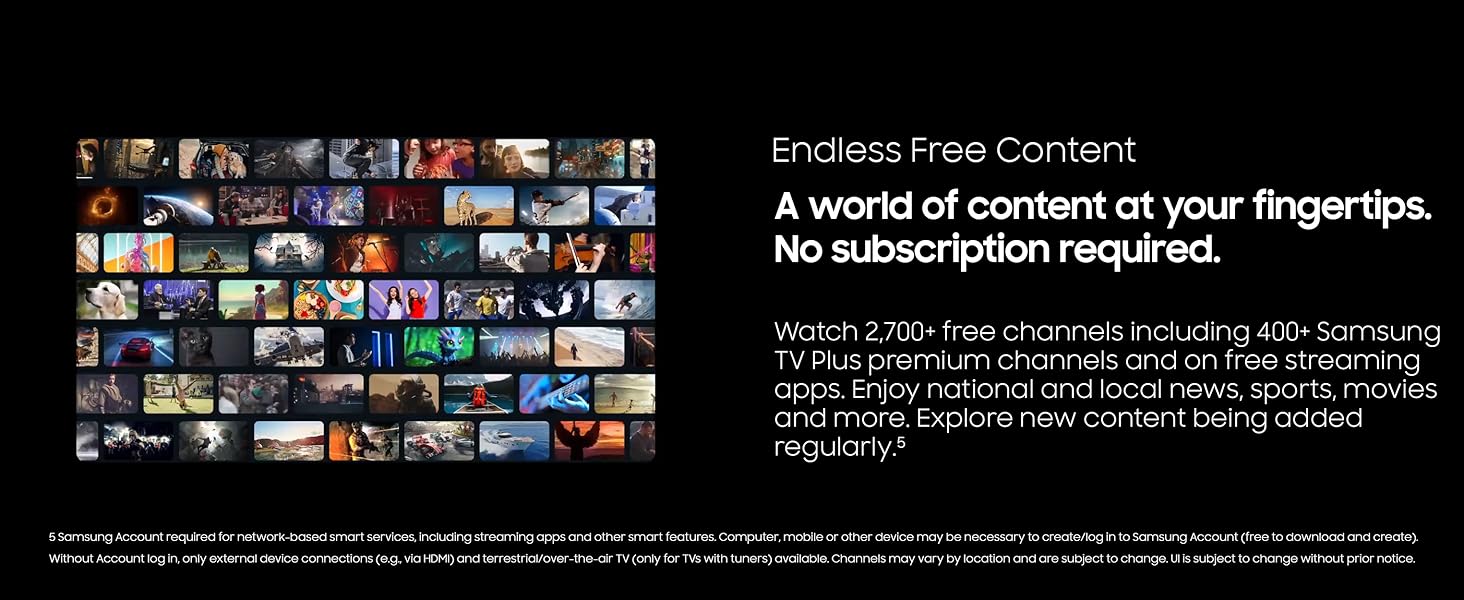
Image: The Samsung QLED Q7F 4K Smart TV illustrating Quantum HDR, which brings out deep blacks and bold contrast for detailed imagery.
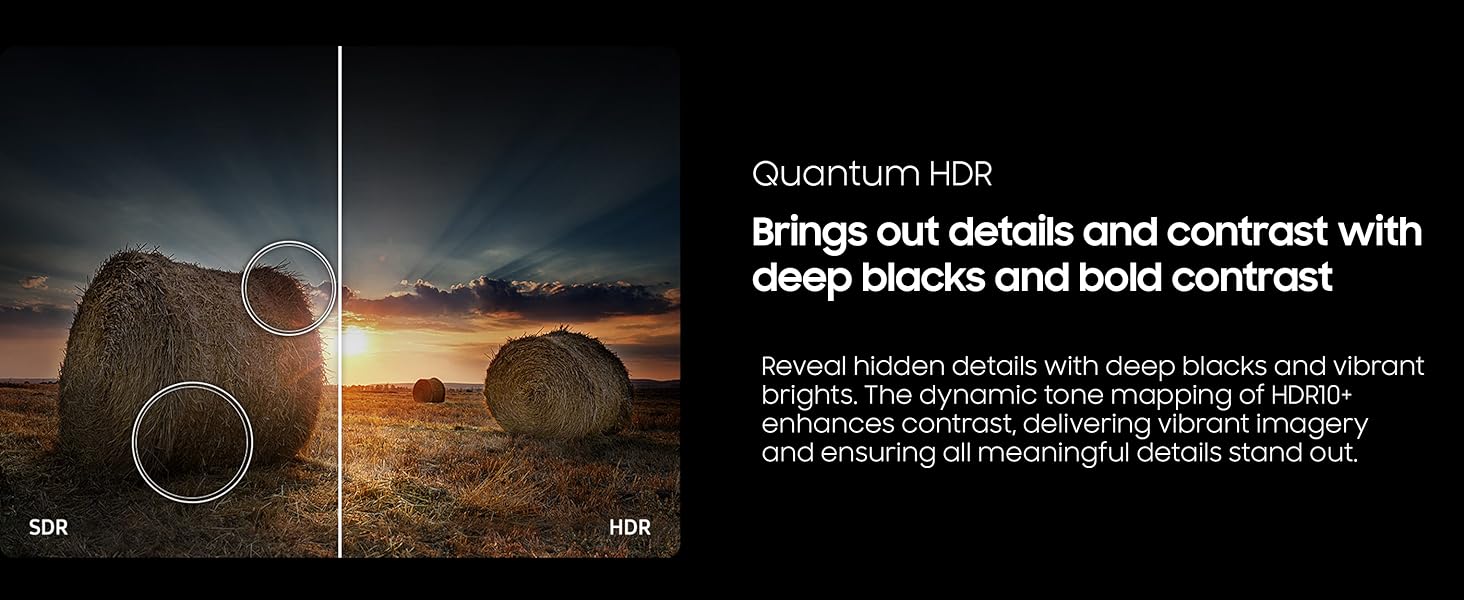
Image: The Samsung QLED Q7F 4K Smart TV highlighting its 4K Upscaling capability, which upgrades lower-resolution content to crisp 4K clarity.
5.4. آواز جوڙ
The TV features an advanced 3D audio system that syncs with on-screen motion. Adaptive Sound automatically adjusts audio levels for optimal listening, whether it needs to be louder or softer. For enhanced audio, consider pairing with a compatible Samsung soundbar for Q-Symphony functionality.
5.5. سمارٽ خاصيتون
- Vision AI: Powers intelligent optimization of picture and sound.
- سام سنگ ناڪس سيڪيورٽي: Protects your TV experience from harmful attacks, unauthorized apps, and phishing websites, safeguarding your personal information and connected IoT devices.
- لامحدود مفت مواد: Access over 2,700 free channels, including 400+ Samsung TV Plus premium channels and free streaming apps, without a subscription.
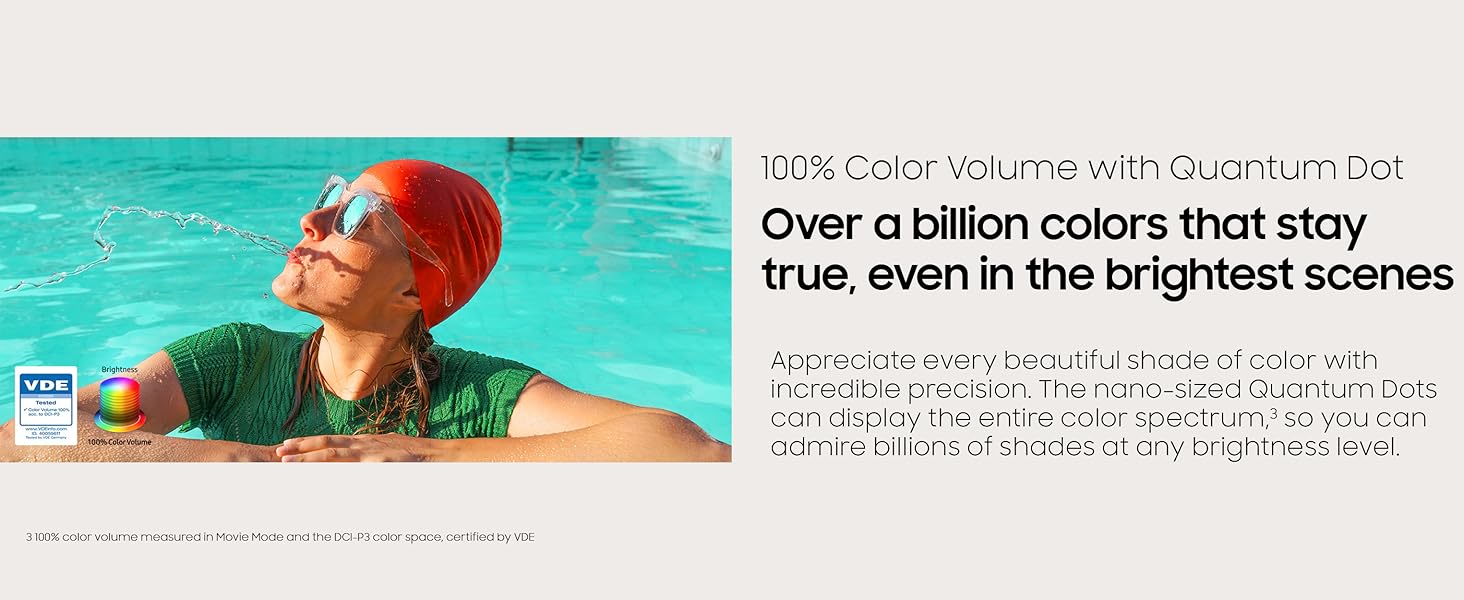
Image: The Samsung QLED Q7F 4K Smart TV highlighting its Samsung Knox Security, which provides triple-layer protection for personal data and connected devices.
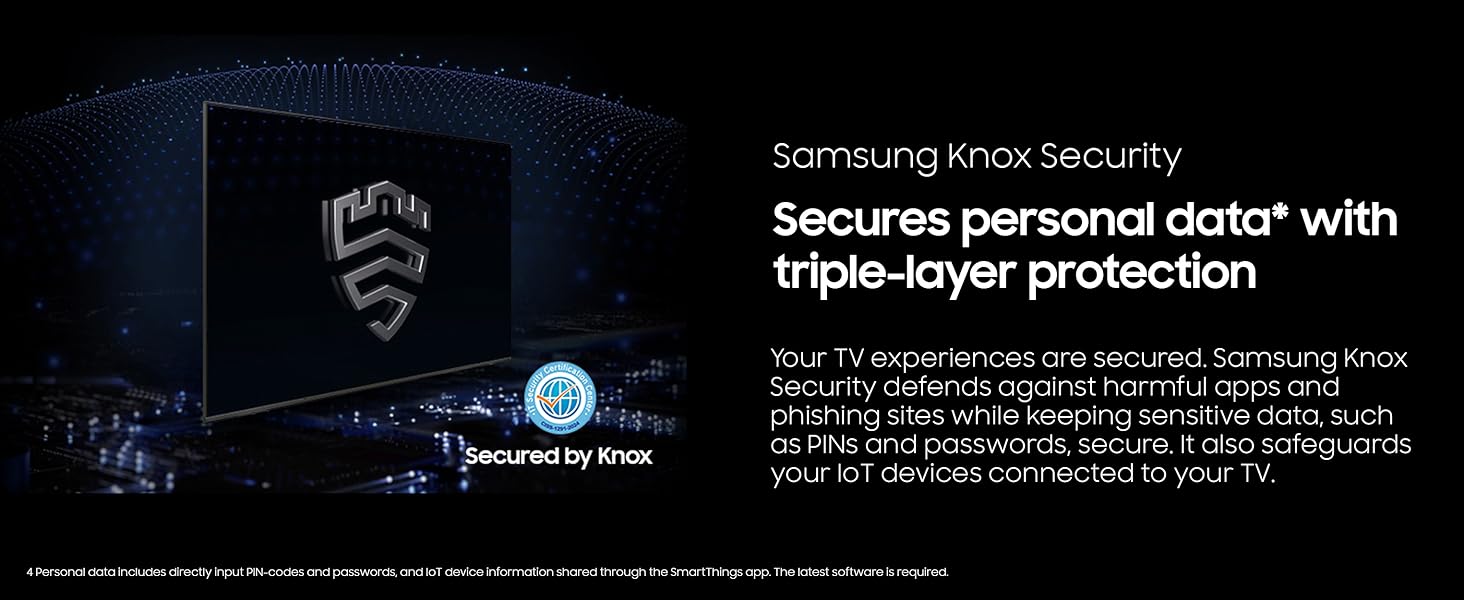
Image: The Samsung QLED Q7F 4K Smart TV showcasing its 'Endless Free Content' feature, offering a wide world of streaming content without subscription.
5.6. گيمنگ جون خاصيتون
The QLED Q7F is optimized for gaming, offering a responsive and immersive experience:
- Motion Xcelerator 60Hz: Ensures clear picture and smooth motion, reducing lag and blur during gameplay.
- Cloud Gaming: Access cloud gaming services directly from your TV (subscription may be required).

Image: The Samsung QLED Q7F 4K Smart TV illustrating its Motion Xcelerator 60Hz feature, providing clear picture and smooth motion for games and sports.
6. سار سنڀال
6.1. صفائي
To clean your TV, first unplug the power cord. Use a soft, microfiber cloth to gently wipe the screen and frame. Do not use harsh chemicals, abrasive materials, or spray cleaners directly onto the TV.
6.2. سافٽ ويئر اپڊيٽ
Ensure your TV's software is always up to date for optimal performance and security. You can usually find software update options in the TV's settings menu under 'Support' or 'Software Update'. The TV may also automatically download and install updates when connected to the internet.
7. مسئلا حل ڪرڻ
جيڪڏهن توهان کي پنهنجي ٽي وي سان مسئلا درپيش اچن ٿا، ته هيٺ ڏنل بنيادي مسئلا حل ڪرڻ جا قدم آزمايو:
- طاقت ناهي: چيڪ ڪريو ته ڇا پاور ڪنڊ ٽي وي ۽ وال آئوٽليٽ ۾ محفوظ طور تي لڳل آهي. هڪ ٻيو آئوٽليٽ آزمايو.
- ڪابه تصوير/آواز ناهي: Verify that the correct input source is selected. Check all cable connections (HDMI, etc.) for looseness.
- ريموٽ ڪم نه ڪري رهيو آهي: Ensure the remote has sufficient charge (SOLARCELL REMOTE can be charged via solar or USB-C). Point the remote directly at the TV.
- نيٽ ورڪ ڪنيڪشن جا مسئلا: Restart your router and modem. Reconnect the TV to the Wi-Fi network in the settings menu.
- تصوير/آواز جي بگاڙ: Try adjusting picture and sound settings. If using external devices, check their settings and connections.
- فيڪٽري ريسٽ: As a last resort, you can perform a factory reset through the TV's settings menu. This will erase all personalized settings.
8. وضاحتون
| خاصيت | تفصيل |
|---|---|
| برانڊ | سامسنگ |
| ماڊل نمبر | E1SAMQN65Q7F |
| اسڪرين جي ماپ | 64.5 انچ (65 انچ ڪلاس) |
| ڊسپلي ٽيڪنالاجي | QLED |
| قرارداد | 4K (3840 x 2160) |
| ريفريش جي شرح | 60 هز |
| پروسيسر | Q4 AI پروسيسر |
| خاص خاصيتون | 100% Color Volume with Quantum Dot, Vision AI, Quantum HDR, Samsung Knox Security, Motion Xcelerator 60Hz, Adaptive Sound, Cloud Gaming |
| رابطي | Bluetooth, Wi-Fi, Multiple HDMI, USB |
| پيداوار جي ماپ | 10.5"ڊي x 57.2"ڊي x 35.6"ايڇ |
| شيءِ جو وزن | 37.7 پائونڊ |
9. وارنٽي ۽ سپورٽ
Your Samsung QLED Q7F 4K Smart TV (2025) is covered by a limited manufacturer's warranty. Please refer to the warranty card included in your product packaging for specific terms and conditions. For technical support, service, or additional information, visit the official Samsung support webسائيٽ تي وڃو يا سام سنگ ڪسٽمر سروس سان رابطو ڪريو.


