1. تعارف
This manual provides essential information for the proper setup, operation, and maintenance of your SANSUI 24 Inch Gaming Monitor. Please read this manual thoroughly before using the product to ensure optimal performance and safety.
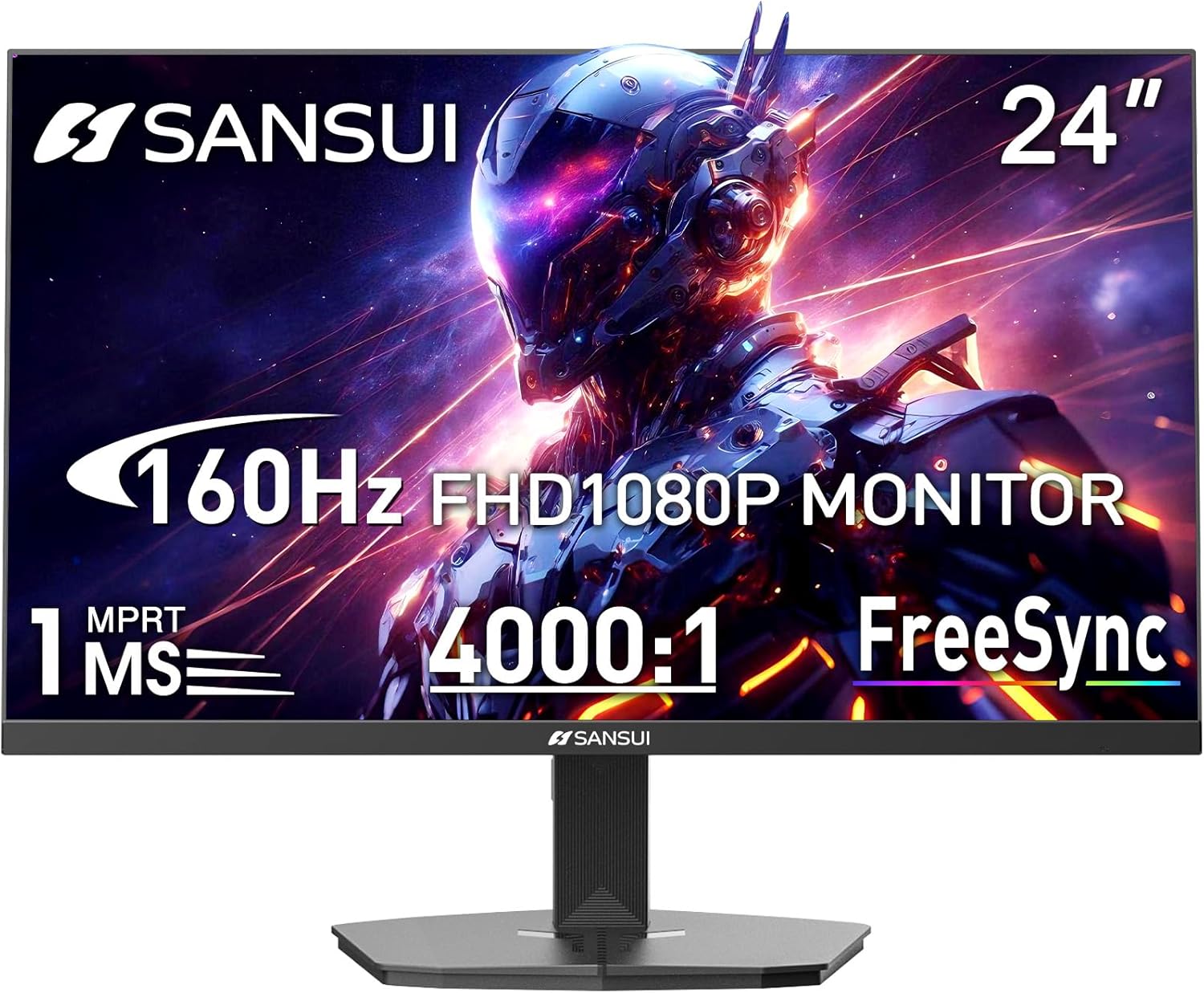
Image 1.1: SANSUI 24 Inch Gaming Monitor (Model ES-G24F4M)
2. حفاظت جي ڄاڻ
- پڪ ڪريو ته مانيٽر هڪ مستحڪم، هموار سطح تي رکيل آهي ته جيئن حادثاتي طور تي گرڻ کان بچي سگهجي.
- مانيٽر کي مينهن، نمي، يا انتهائي گرمي پد جي سامهون نه رکو.
- اوور گرم ٿيڻ کان بچڻ لاءِ وينٽيليشن جي سوراخن کي روڪڻ کان پاسو ڪريو.
- صرف مانيٽر سان گڏ ڏنل پاور اڊاپٽر استعمال ڪريو.
- Disconnect the power cable from the outlet before cleaning or if the monitor will not be used for an extended period.
3. پيڪيج مواد
پڪ ڪريو ته سڀئي شيون پيڪيج ۾ موجود آهن:
- SANSUI 24 Inch Gaming Monitor
- HDMI ڪيبل x 1
- پاور اڊاپٽر x 1
- تڪڙي انسٽاليشن ھدايت
- وارنٽي ڪارڊ
4. مصنوعات جون خاصيتون
- ڊسپلي سائيز: 24 انچ
- قرارداد: ايف ايڇ ڊي 1080 پي (1920 x 1080 پڪسل)
- ريفريش جي شرح: 160Hz
- جواب ڏيڻ جو وقت: 1ms MPRT
- مقابلي جي نسبت: 4000:1
- روشني: 300 cd/m²
- رنگ جي گامٽ: 72٪ sRGB
- ٽيڪنالاجي: FreeSync, HDR, Anti-flicker, Anti-Glare, Low Blue Light Eye Care
- بندرگاهن: HDMI & DP Ports (HDMI Cable Included)
- چڙهڻ: VESA Support (75x75mm)
- طول و عرض: 21.2 x 7.95 x 16.28 انچ
- وزن: 3.54 پائونڊ
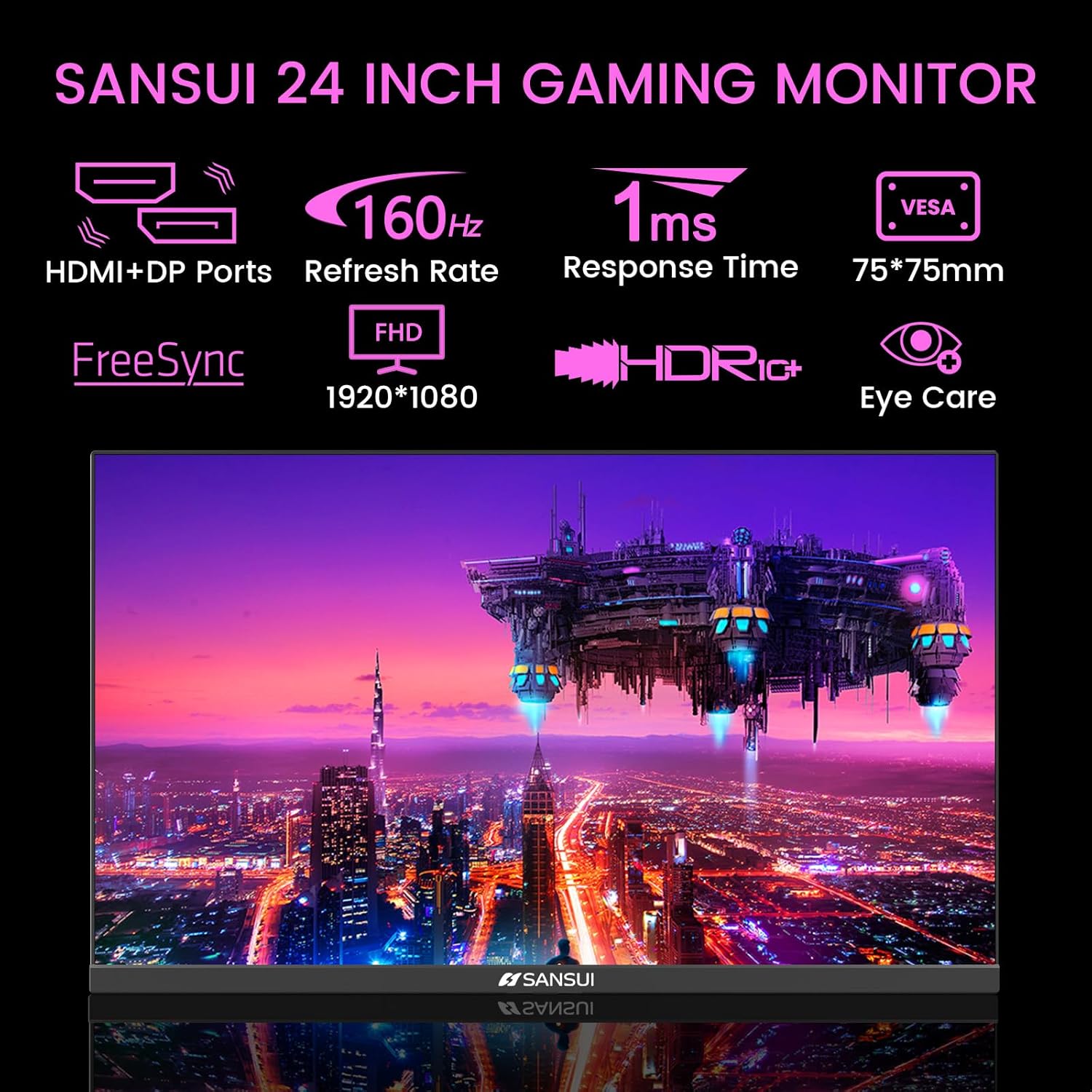
Image 4.1: Key Features of the SANSUI 24 Inch Gaming Monitor.
5. سيٽ اپ
5.1. اسٽينڊ گڏ ڪرڻ
- پيڪنگ مان مانيٽر ۽ اسٽينڊ جي حصن کي احتياط سان هٽايو.
- مهيا ڪيل اسڪرو استعمال ڪندي اسٽينڊ بيس کي اسٽينڊ گردن سان ڳنڍيو.
- Secure the assembled stand to the back of the monitor. Ensure it clicks into place or is fastened securely with screws, depending on the design.
5.2. ويسا ماؤنٽنگ (اختياري)
The monitor supports VESA 75x75mm mounting. If using a VESA mount, remove the pre-attached stand and follow the instructions provided with your VESA mounting kit.
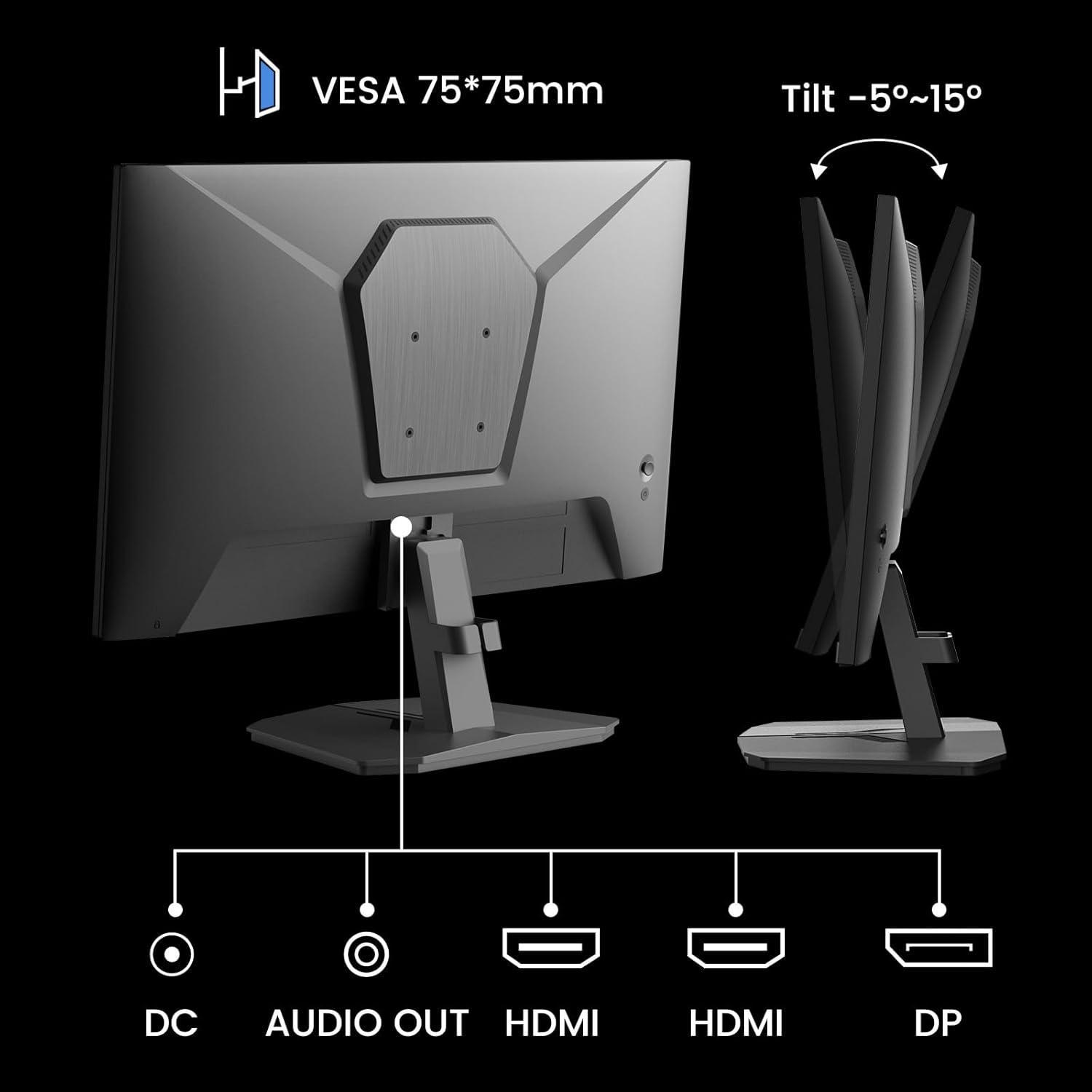
تصوير 5.1: ريئر view showing VESA mount and input ports.
5.3. هڪ ڊوائيس سان ڳنڍڻ
- Connect one end of the HDMI cable (included) or a DisplayPort (DP) cable to the corresponding port on your computer or gaming console.
- Connect the other end of the cable to the HDMI or DP input port on the SANSUI monitor.
- For audio output, connect external speakers or headphones to the 'AUDIO OUT' port on the monitor.
- Connect the power adapter to the 'DC IN' port on the monitor, then plug the adapter into a power outlet.
5.4. شروعاتي پاور آن
Press the power button located on the underside of the monitor to turn it on. The monitor will automatically detect the active input source. If not, manually select the input source using the OSD menu.
6. آپريٽنگ هدايتون
6.1. OSD (On-Screen Display) Menu Navigation
The OSD menu allows you to adjust various monitor settings. The control buttons are located on the underside of the monitor:
- مينيو بٽڻ: Press to open the OSD menu or enter a sub-menu.
- مٿي/هيٺ تير: مينيو اختيارن جي ذريعي وڃو.
- داخل ڪريو بٽڻ: Confirm selection or adjust values.
- پاور بٽڻ: مانيٽر کي بند ڪريو / بند ڪريو.
6.2. تصويري سيٽنگون
Access the 'Picture' section in the OSD menu to adjust:
- روشني: اسڪرين جي مجموعي روشني کي ترتيب ڏئي ٿو.
- تضاد: Adjusts the difference between the brightest and darkest areas.
- اوور ڊرائيو: Enhances pixel response time for reduced motion blur.
- HDR (هاءِ متحرڪ رينج): When enabled, HDR provides a wider range of colors and contrast. Note: Some settings may be locked when HDR is active.
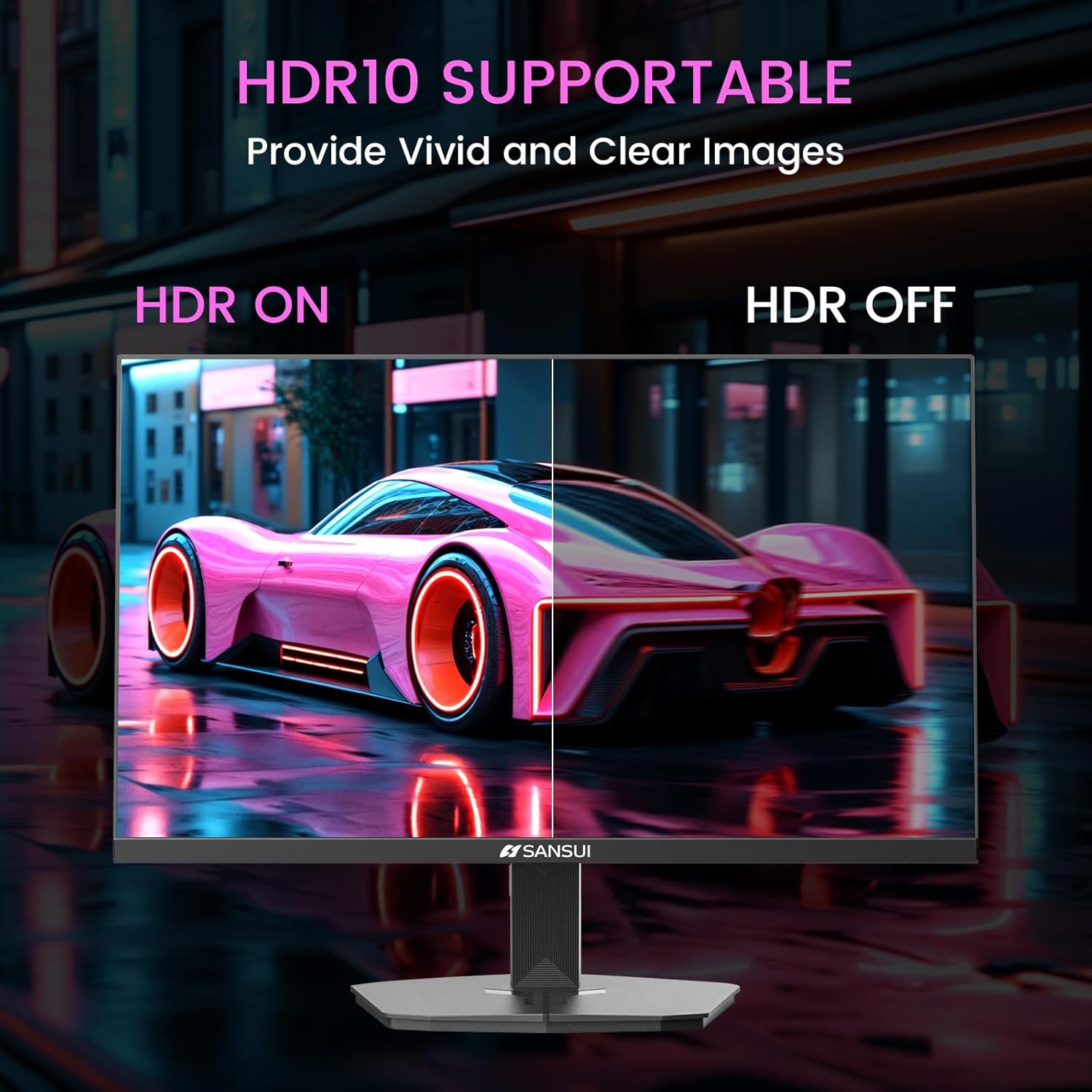
Image 6.1: HDR10 Support for vivid and clear images.
6.3. رنگ سيٽنگون
In the 'Color Setup' menu, you can adjust color temperature and other color-related parameters when HDR is not active.
6.4. Game Modes and Assistants
The monitor includes exclusive gaming modes and assistants to enhance your gaming experience:
- CrossHair: Provides an on-screen crosshair for improved aiming.
- ٽائمر: Displays an on-screen timer.
- RTS/FPS/RACING: Pre-calibrated display modes optimized for specific game genres.
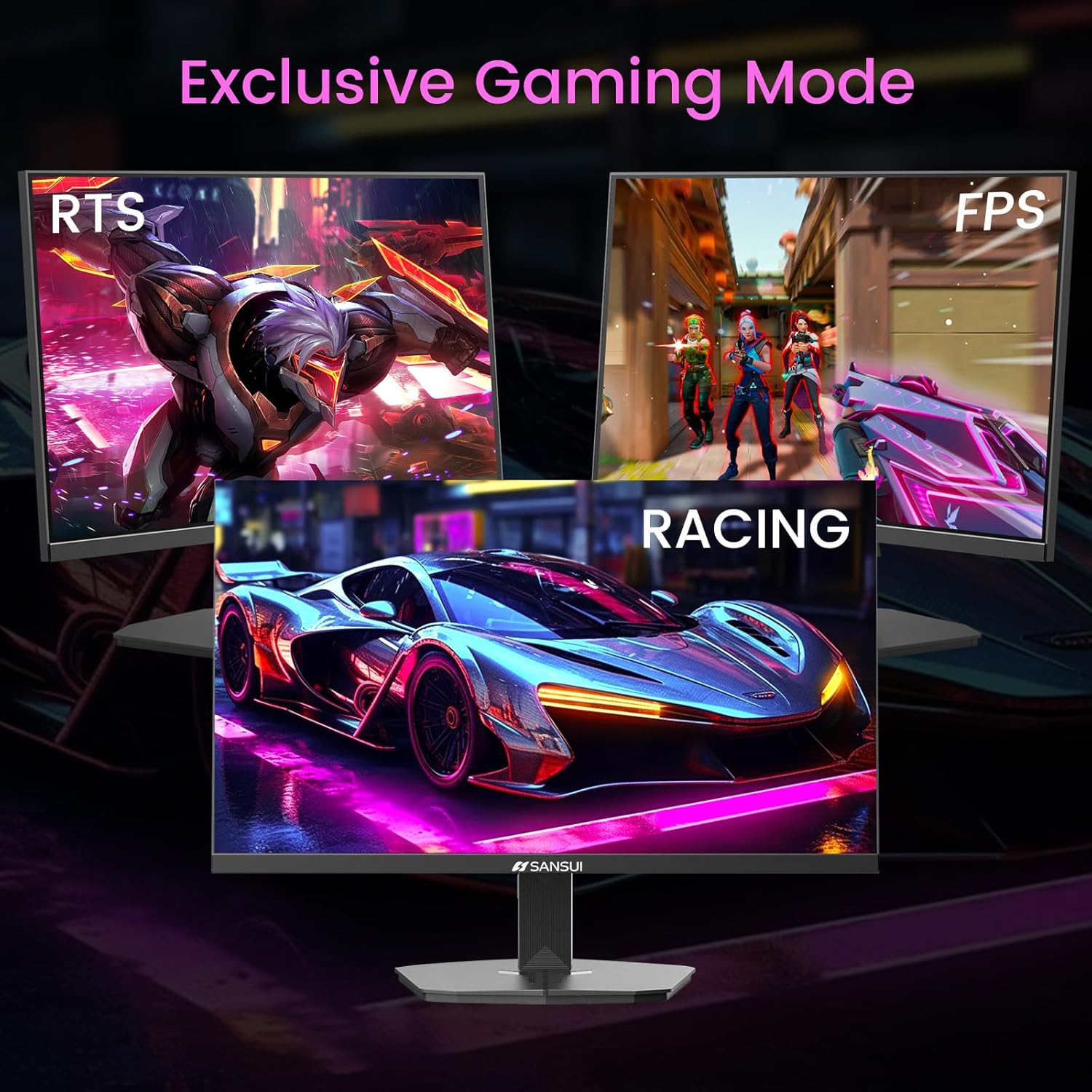
Image 6.2: Exclusive Gaming Modes for optimized visuals.
6.5. FreeSync Technology
FreeSync technology synchronizes the monitor's refresh rate with your graphics card's frame rate, eliminating screen tearing and stuttering for a smoother gaming experience. Enable or disable FreeSync through the OSD menu.
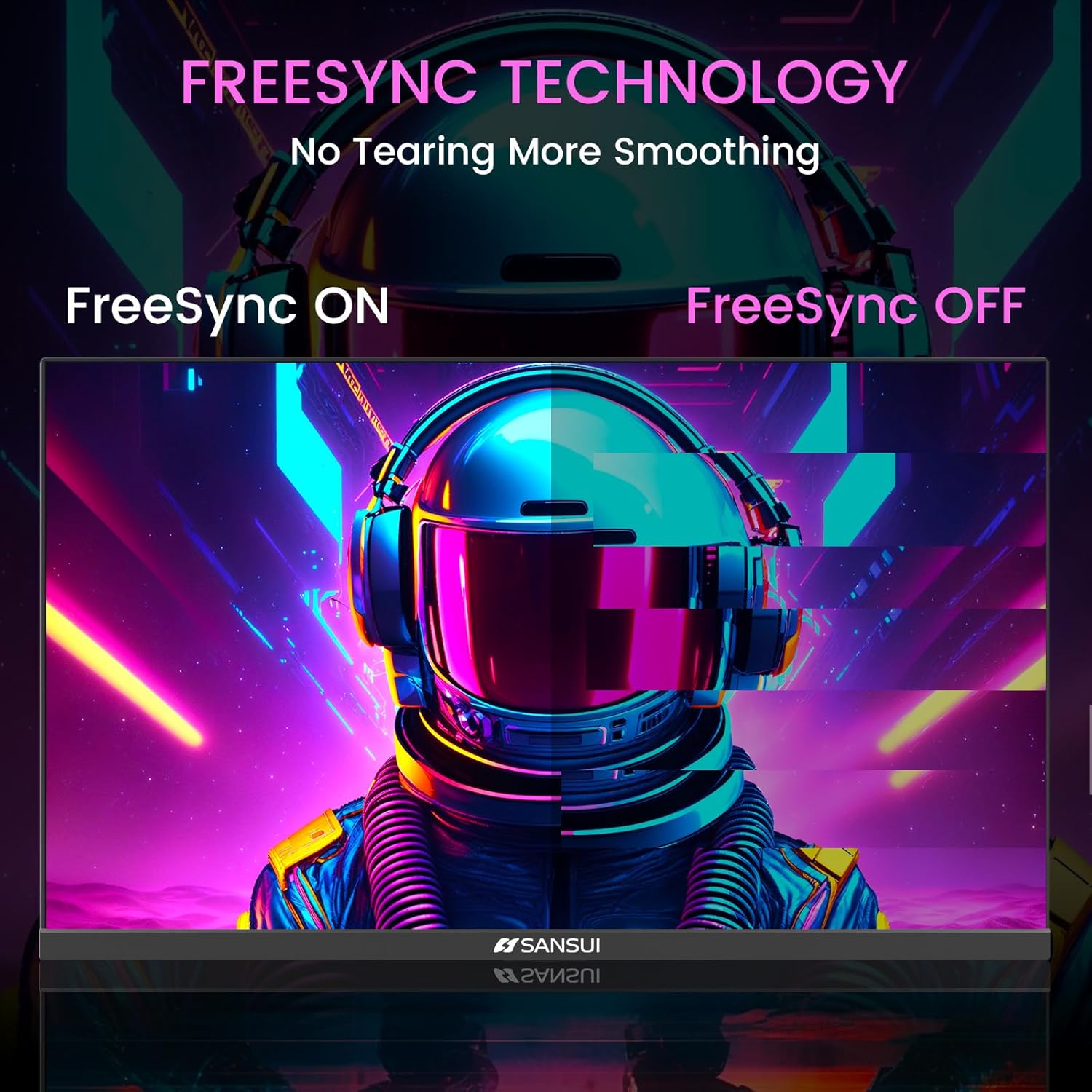
Image 6.3: FreeSync Technology for no tearing and smoother visuals.
6.6. انٽ چونڊ
Use the OSD menu to manually select the input source (HDMI or DP) if the monitor does not automatically detect it.
Video 6.1: SANSUI FreeSync - 24-inch Gaming Monitor, 160Hz, FHD. This video demonstrates the monitor's features and performance, including its 160Hz refresh rate and FreeSync technology.
7. سار سنڀال
- اسڪرين جي صفائي: نرم، لِنٽ کان خالي ڪپڙو استعمال ڪريو ٿورڙو ڊيampپاڻي يا اسڪرين ڪلينر سان صاف ڪريو. ڪلينر کي سڌو سنئون اسڪرين تي نه اسپري ڪريو.
- سي جي صفائيasing: مانيٽر کي صاف ڪرڻ لاءِ نرم، سڪل ڪپڙو استعمال ڪريو casing. گھڙڻ وارا صاف ڪندڙ کان پاسو ڪريو.
- اسٽوريج: جيڪڏهن مانيٽر کي گهڻي عرصي تائين ذخيرو ڪري رهيا آهيو، ته سڀئي ڪيبل ڌار ڪريو ۽ ان کي ٿڌي، سڪل جاءِ تي ذخيرو ڪريو، ترجيحي طور تي ان جي اصل پيڪنگنگ ۾.
8. مسئلا حل ڪرڻ
- طاقت ناهي: پڪ ڪريو ته پاور ڪيبل مانيٽر ۽ پاور آئوٽليٽ ٻنهي سان محفوظ طور تي ڳنڍيل آهي. چيڪ ڪريو ته پاور آئوٽليٽ ڪم ڪري رهيو آهي.
- ڪوبه سگنل: Verify that the video cable (HDMI/DP) is correctly connected to both the monitor and the source device. Ensure the correct input source is selected in the OSD menu.
- چمڪندڙ اسڪرين: Check the video cable connection. Ensure the refresh rate is set correctly in your device's display settings.
- تصوير جي تحريف: Reset the monitor to factory settings via the OSD menu. Check your device's display resolution settings.
- غير جوابي بٽڻ: Disconnect the power for a few minutes, then reconnect. If the issue persists, contact customer support.
9. وضاحتون
| خاصيت | تفصيل |
|---|---|
| پيداوار جي ماپ | 21.2 x 7.95 x 16.28 انچ |
| شيءِ جو وزن | 3.54 پائونڊ |
| ٺاهيندڙ | EXPRESS LUCK INDUSTRIAL(ZHONGSHAN)LIMITED |
| شيون ماڊل نمبر | ES-G24F4M |
| اسٽينڊنگ اسڪرين ڊسپلي سائيز | 24 انچ |
| اسپيڪٽ ريشو | 16:9 |
| قرارداد | 1920 x 1080 پڪسل (FHD 1080p) |
| تصوير جي روشني | 300 cd/m² |
| اسڪرين جي مٿاڇري جي وضاحت | مٽي |
10. وارنٽي ۽ سپورٽ
SANSUI offers a money-back and free replacement warranty from the order date within 30 days. Additionally, lifetime technical support is provided for the SANSUI 24 inch 160Hz 1ms gaming monitor. For any questions or support needs, please contact SANSUI's after-sales support team.


