1. تعارف
Thank you for choosing the Monster Persona 6th ANC Wireless Headphones. These headphones are designed to provide a superior audio experience with Active Noise Cancellation, long battery life, and comfortable wear. This manual will guide you through the setup, operation, and maintenance of your new headphones to ensure optimal performance.

Image: Monster Persona 6th ANC Wireless Headphones, showcasing the sleek black design with subtle gold accents.
2. دٻي ۾ ڇا آهي
مھرباني ڪري پيڪيج جي مواد کي چيڪ ڪريو ته جيئن پڪ ڪري سگھجي ته سڀئي شيون موجود آھن:
- Monster Persona 6th ANC Headphones × 1
- قسم-سي چارجنگ ڪيبل × 1
- Aux Cable × 1
- استعمال ڪندڙ جو دستياب × 1

Image: A visual representation of all items included in the Monster Persona 6th ANC headphone package.
3. پراڊڪٽ ختمview
Familiarize yourself with the various parts and controls of your Monster Persona 6th ANC headphones.

Image: Detailed diagram illustrating the location and function of each button and port on the headphones for easy operation.
- ANC بٽڻ: Activates/deactivates Active Noise Cancellation and switches between sound modes.
- جلد - / پوئين گيت: Press to decrease volume; long press to go to the previous song.
- On/Off / Play/Pause / Answer/Hang Up: Long press for 3 seconds to power on/off; press once to play/pause music or answer/hang up calls. Long press for 2 seconds to reject calls. Long press for 2 seconds to activate voice assistant.
- جلد + / ايندڙ گيت: Press to increase volume; long press to go to the next song.
- ٽائپ-سي چارجنگ پورٽ: هيڊفون چارج ڪرڻ لاءِ.
- 3.5mm آڊيو جيڪ: For wired connection using the Aux Cable.
4. سيٽ اپ
4.1 هيڊفون چارج ڪرڻ
پهرين استعمال کان اڳ، پنهنجا هيڊفون مڪمل طور تي چارج ڪريو. مڪمل چارج ۾ لڳ ڀڳ 2 ڪلاڪ لڳن ٿا.
- Connect the Type-C charging cable to the charging port on the headphones.
- ڪيبل جي ٻئي ڇيڙي کي USB پاور اڊاپٽر (شامل نه آهي) يا ڪمپيوٽر جي USB پورٽ سان ڳنڍيو.
- The indicator light will show charging status (refer to the specific light behavior in your included manual for details).
- Once fully charged, the indicator light will change (e.g., turn off or change color).
A 10-minute charge provides approximately 5 hours of playback. A full charge offers up to 60 hours of playtime (ANC off) or 40 hours (ANC on).

Image: The headphones highlighting their extended battery life and rapid charging feature.
4.2 پاور آن/آف
- پاور آن ڪرڻ: Long press the On/Off button for 3 seconds. The indicator light will flash, and you will hear a power-on prompt.
- پاور آف ڪرڻ: Long press the On/Off button for 3 seconds. The indicator light will turn off, and you will hear a power-off prompt.
4.3 بلوٽوٽ جوڙي
The Monster Persona 6th ANC headphones utilize Bluetooth 6.0 for stable and efficient wireless connection.
- پڪ ڪريو ته هيڊفون بند ٿيل آهن.
- Long press the On/Off button for 3 seconds until the indicator light flashes rapidly (usually blue and red alternately), indicating pairing mode.
- پنهنجي ڊوائيس (اسمارٽ فون، ٽيبليٽ، ڪمپيوٽر) تي، بلوٽوٿ کي فعال ڪريو ۽ موجود ڊوائيسز جي ڳولا ڪريو.
- Select "Monster Persona 6th ANC" from the list of devices.
- Once connected, the indicator light will stop flashing rapidly and may show a steady blue light, and you will hear a connection prompt.
The headphones support dual device connection, allowing you to seamlessly switch between two paired devices.
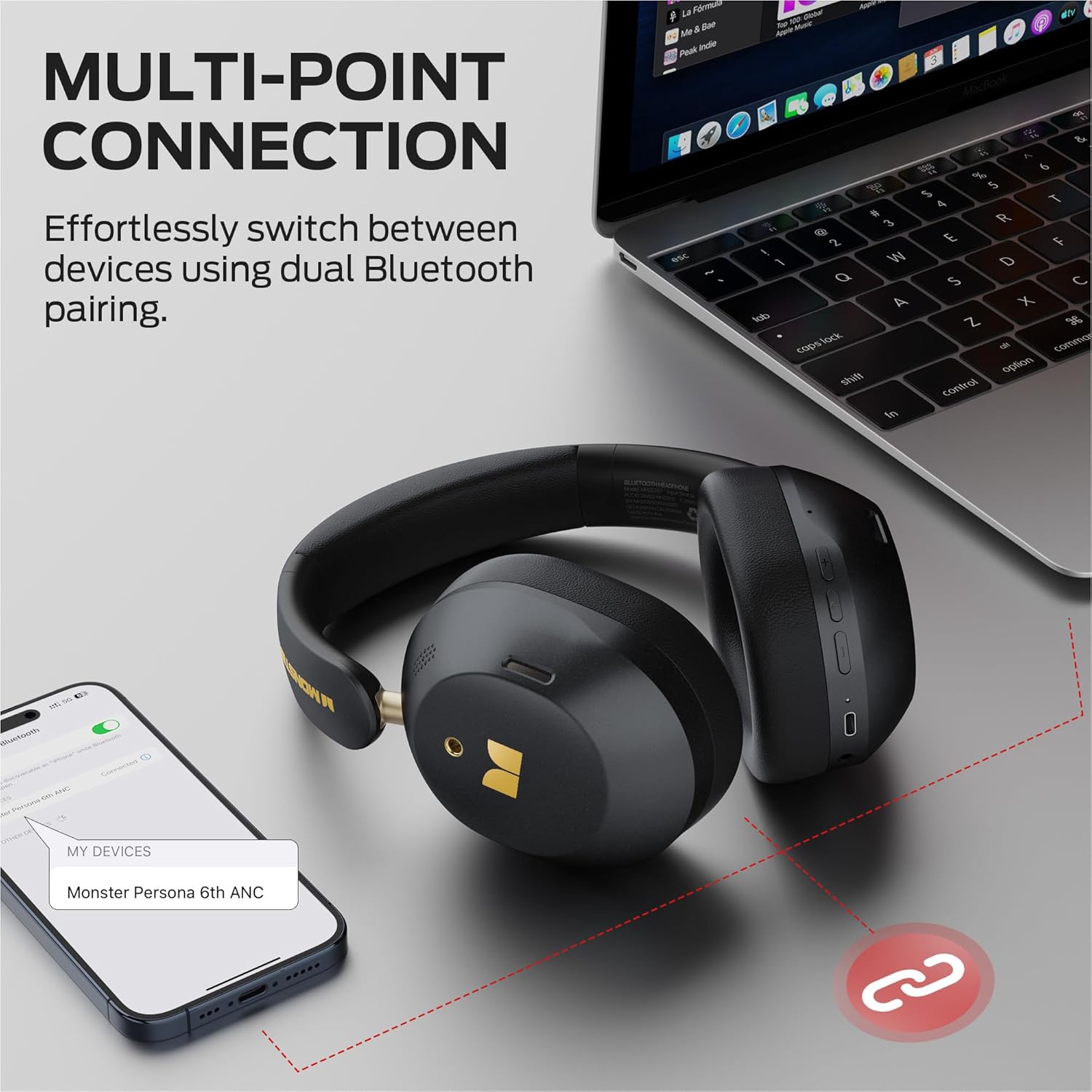
Image: Illustration of the multi-point connection feature, showing the headphones paired with both a phone and a laptop.
5. هيڊفون هلائڻ
5.1 بنيادي ڪنٽرول
| فنڪشن | عمل |
|---|---|
| پاور آن / آف | Long press On/Off button (3s) |
| موسيقي کي هلايو / روڪيو | Press On/Off button (1x) |
| حجم مٿي | Press Vol+ button (1x) |
| حجم ھيٺ | Press Vol- button (1x) |
| ايندڙ گيت | Long press Vol+ button (2s) |
| اڳيون گيت | Long press Vol- button (2s) |
| جواب ڏيو / ڪال بند ڪريو | Press On/Off button (1x) |
| ڪال رد ڪريو | Long press On/Off button (2s) |
| وائيس اسسٽنٽ کي فعال ڪريو | Long press On/Off button (2s) |
5.2 Sound Modes (ANC, Transparency, Standard)
The headphones offer three distinct sound modes to adapt to your environment:
- فعال شور منسوخي (ANC) موڊ: Reduces ambient noise, providing an immersive listening experience. Ideal for travel or noisy environments.
- شفافيت موڊ: Allows you to hear your surroundings while still enjoying your audio. Useful for commutes or when you need to be aware of your environment.
- معياري موڊ: Provides a balanced audio experience without active noise cancellation or transparency features.
موڊ تبديل ڪرڻ لاءِ: Press the ANC button once to cycle through the modes (ANC > Transparency > Standard).
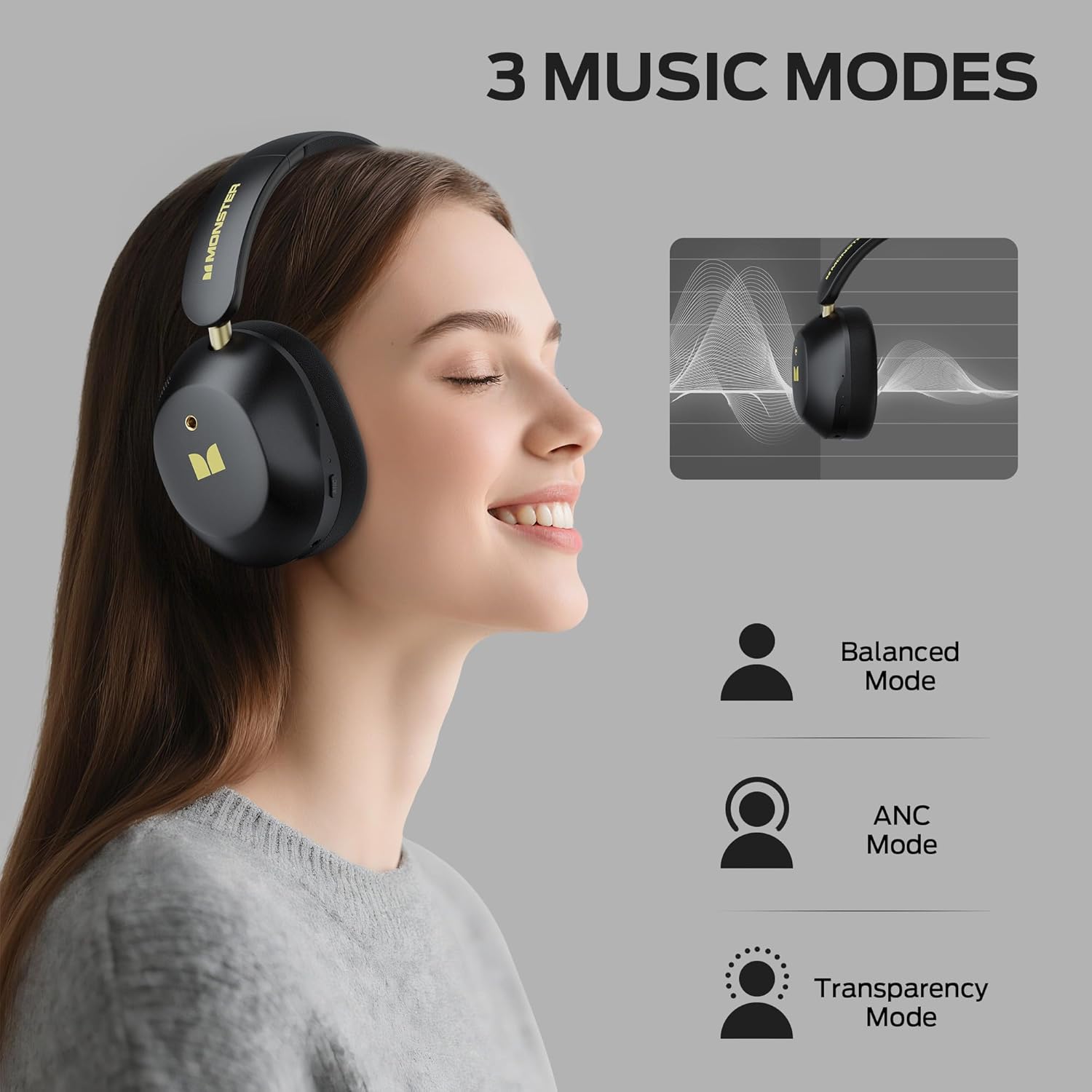
Image: Visual explanation of the three available sound modes and their respective icons.
5.3 وائرڊ ڪنيڪشن
You can use the included 3.5mm Aux Cable for a wired connection, which is useful when the battery is depleted or for devices without Bluetooth connectivity.
- Plug one end of the 3.5mm Aux Cable into the audio jack on the headphones.
- ٻئي ڇيڙي کي پنهنجي ڊوائيس جي 3.5mm آڊيو آئوٽ پُٽ ۾ لڳايو.
- The headphones will operate in passive mode, and Bluetooth functions will be disabled.

Image: Demonstrating both wired (3.5mm) and wireless (Bluetooth) connection options for the headphones.
6. سار سنڀال
To ensure the longevity and optimal performance of your Monster Persona 6th ANC headphones, follow these maintenance guidelines:
- صفائي: Use a soft, dry cloth to clean the headphones. Do not use abrasive cleaners, solvents, or harsh chemicals.
- اسٽوريج: When not in use, store the headphones in a cool, dry place, away from direct sunlight and extreme temperatures. The headphones feature a practical folding design for effortless portability and storage.
- پاڻي کان بچاء: These headphones are not waterproof. Avoid exposure to water, moisture, or rain.
- سنڀال سان سنڀال: هيڊفون پاڻ نه ڇڏيو، نه الڳ ڪريو، يا مرمت ڪرڻ جي ڪوشش نه ڪريو. اهو وارنٽي کي رد ڪري سگهي ٿو ۽ نقصان پهچائي سگهي ٿو.
- چارج ڪرڻ: بيٽري جي صحت کي برقرار رکڻ لاءِ، هيڊفونز کي باقاعدگي سان چارج ڪريو، جيتوڻيڪ بار بار استعمال نه ڪيو وڃي.
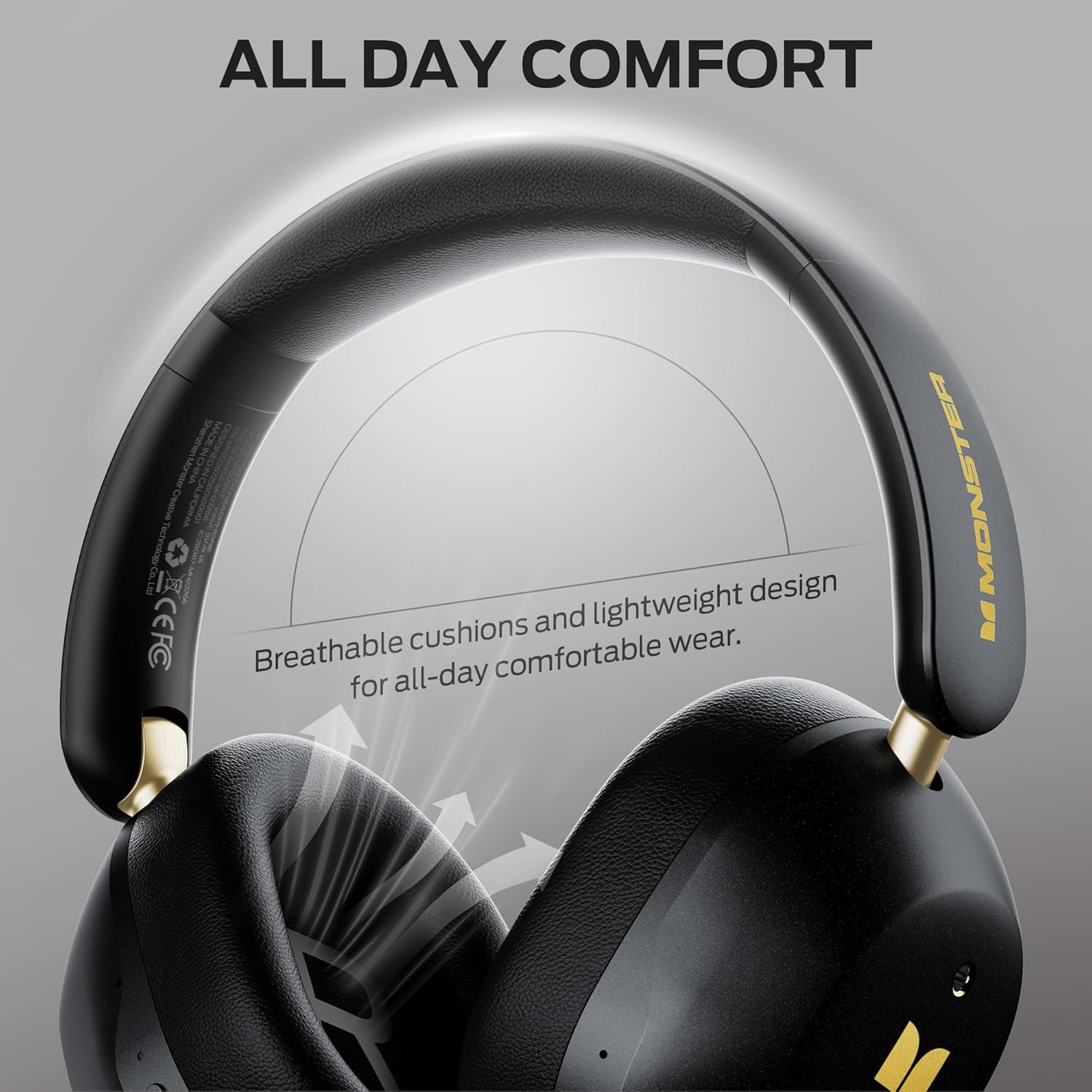
Image: Highlighting the comfortable design elements, such as breathable cushions and an adjustable headband, which also contribute to ease of maintenance.
7. مسئلا حل ڪرڻ
جيڪڏهن توهان کي پنهنجي هيڊفونز سان ڪا به پريشاني پيش اچي ٿي، ته هيٺ ڏنل عام مسئلن ۽ حلن جو حوالو ڏيو:
| مسئلو | ممڪن حل |
|---|---|
| هيڊفونز آن نه ٿا ٿين | پڪ ڪريو ته هيڊفون چارج ٿيل آهن. پاور سورس سان ڳنڍيو ۽ ٻيهر ڪوشش ڪريو. |
| بلوٽوٿ ذريعي جوڙو نه ٿو ٺاهي سگهجي | Ensure headphones are in pairing mode (flashing indicator light). Turn off and on Bluetooth on your device. Move closer to the device (within 33 feet). Forget the device in your phone's Bluetooth settings and re-pair. |
| ڪوبه آواز يا گهٽ حجم نه | Check volume levels on both headphones and connected device. Ensure headphones are properly paired. If using wired connection, ensure cable is fully inserted. |
| ANC اثرائتي ڪم نه ڪري رهيو آهي | Ensure ANC mode is activated (press the ANC button). Adjust headphone fit to ensure a good seal around your ears. |
| وقتي ڪنيڪشن | Move closer to your device. Avoid obstacles between headphones and device. Disconnect from other Bluetooth devices if using multi-point connection. |
8. وضاحتون
| خاصيت | تفصيل |
|---|---|
| ماڊل نالو | Monster Persona 6th ANC |
| رابطي ٽيڪنالاجي | Wireless (Bluetooth), Wired (3.5mm Aux) |
| بلوٽوت ورزن | 6.0 |
| بلوٽوٿ رينج | 33 فوٽ (10 ميٽر) |
| شور ڪنٽرول | فعال شور منسوخي |
| آڊيو ڊرائيور جي ماپ | 40 ملي ميٽر |
| بيٽري جي زندگي | 60 ڪلاڪن تائين (ANC بند) |
| چارج ڪرڻ وقت | تقريبن 2 ڪلاڪ |
| فاسٽ چارجنگ | 10 منٽ چارج تي 5 ڪلاڪ پلے بیک |
| ڪنٽرول قسم | بٽڻ ڪنٽرول |
| ڪن جي جڳهه | ڪن مٿان |
| مواد | پلاسٽڪ |
| شيءِ جو وزن | 13.7 اونس |
| مطابقت رکندڙ ڊوائيسز | Bluetooth-enabled devices (smartphones, tablets, computers, MP3 players, TVs, laptops) |
9. وارنٽي ۽ سپورٽ
Monster products are built with quality and reliability in mind. For specific warranty information, please refer to the warranty card included in your product packaging or visit the official Monster webسائيٽ. خريداري جي ثبوت طور پنهنجي خريداري جي رسيد رکو.
For technical support, troubleshooting assistance, or service inquiries, please contact Monster customer support through their official channels. You can often find contact information on the manufacturer's webسائيٽ يا توهان جي پراڊڪٽ سان مهيا ڪيل دستاويزن ۾.
آن لائين وسيلا: For additional information, FAQs, and support, please visit the ايميزون تي مونسٽر اسٽور.


