1. تعارف
Thank you for choosing the Gtheos Captain 370 Wireless Gaming Headset. This manual provides essential information for setting up, operating, and maintaining your new headset. Designed for an immersive audio experience, the Captain 370 offers versatile connectivity and comfortable wear for extended gaming sessions and communication.
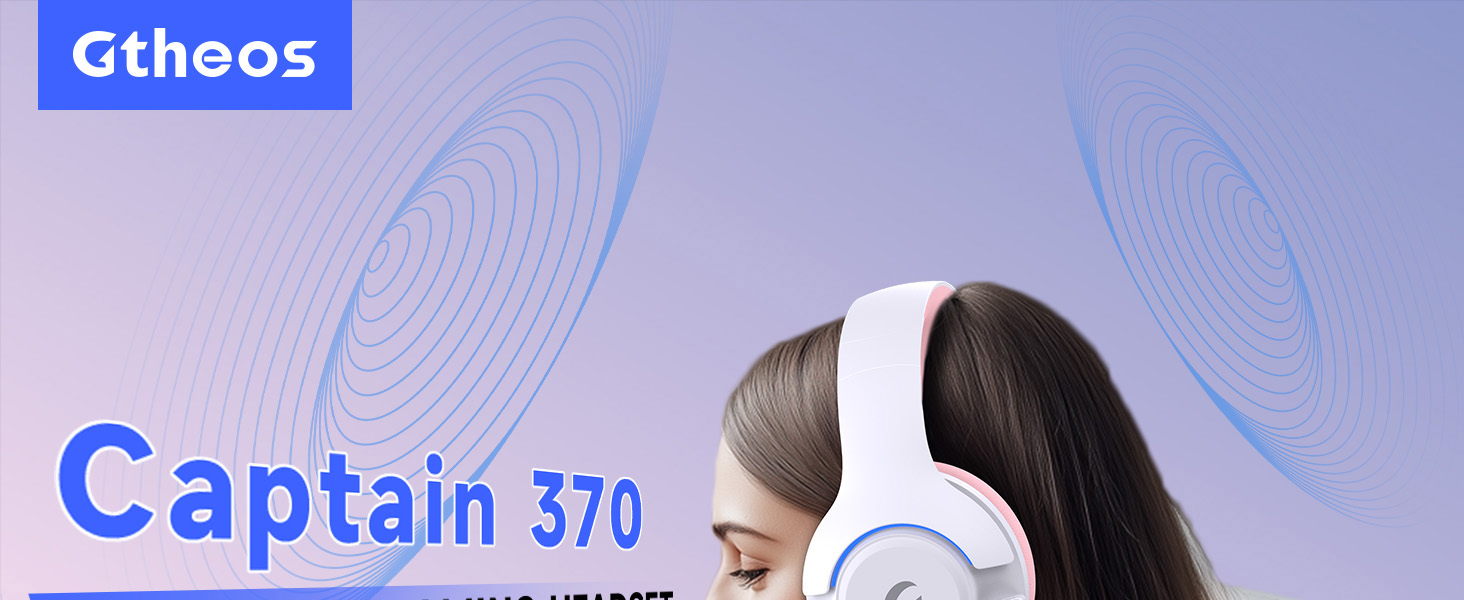
Image 1: The Gtheos Captain 370 Wireless Gaming Headset, showcasinان جي سهڻي ڊيزائن ۽ آرامده ائرڪپس جي ڪري.
اهم خاصيتون:
- 4-ان-1 ڪنيڪشن: Seamlessly switch between 2.4GHz wireless, Bluetooth 5.3, and 3.5mm wired modes for broad device compatibility.
- 50 ايم ايم ڊائنامڪ ڊرائيور: Experience realistic and immersive sound quality for gaming and multimedia.
- شور منسوخ ڪرڻ وارو مائڪروفون: Detachable microphone designed to reduce background noise for clear communication.
- وڌايل بيٽري جي زندگي: ھڪڙي چارج تي 45 ڪلاڪن تائين مسلسل استعمال جو مزو وٺو.
- آرامده ڊيزائن: Ergonomically designed earcups and headband for prolonged comfort during use.
- آر بي جي روشني: Customizable LED lighting effects on the earcups.
2. سيٽ اپ
2.1 دٻي ۾ ڇا آهي
- 1 x Gtheos Captain 370 Gaming Headset
- 1 x Detachable Noise Cancelling Microphone
- 1 x ٽائپ-سي چارجنگ ڪيبل
- 1 x USB Transmitter (2.4GHz dongle)
- 1 x 3.5mm آڊيو ڪيبل
- 1 x استعمال ڪندڙ دستياب
2.2 هيڊ سيٽ چارج ڪرڻ
Before first use, fully charge the headset. Connect the Type-C charging cable to the headset's charging port and the other end to a USB power source (e.g., computer USB port, USB wall adapter). The LED indicator will show charging status and turn off when fully charged.

Image 2: Headset highlighting the 45-hour battery life and charging port.
2.3 مائڪروفون ڳنڍڻ
The Captain 370 comes with a detachable noise-canceling microphone. Insert the microphone into the dedicated port on the left earcup until it clicks into place. Ensure it is securely connected for optimal voice pickup.

Image 3: Close-up of the headset showing the detachable noise-canceling microphone.
3. آپريٽنگ هدايتون
3.1 پاور آن/آف
To power on the headset, press and hold the Power button located on the earcup until the LED indicator lights up. To power off, press and hold the Power button again until the LED indicator turns off.
3.2 ڪنيڪٽوٽي موڊس
The Gtheos Captain 370 supports four connectivity modes:
- 2.4GHz وائرليس موڊ: For PS4, PS5, PC, Mac, Nintendo Switch (via Type-C), and Phones/Pads (via Type-C). Insert the USB transmitter into your device. The headset will automatically connect.
- بلوٽوٿ 5.3 موڊ: For Phones, Pads, and Notebooks. Enable Bluetooth on your device, put the headset into pairing mode (refer to device-specific instructions if needed), and select "Gtheos Captain 370" from the available devices.
- 3.5mm وائرڊ موڊ: For PS4, PS5, Xbox, PC, Mac, and Laptops/Tablets with a 3.5mm jack. Connect the included 3.5mm audio cable to the headset and your device.
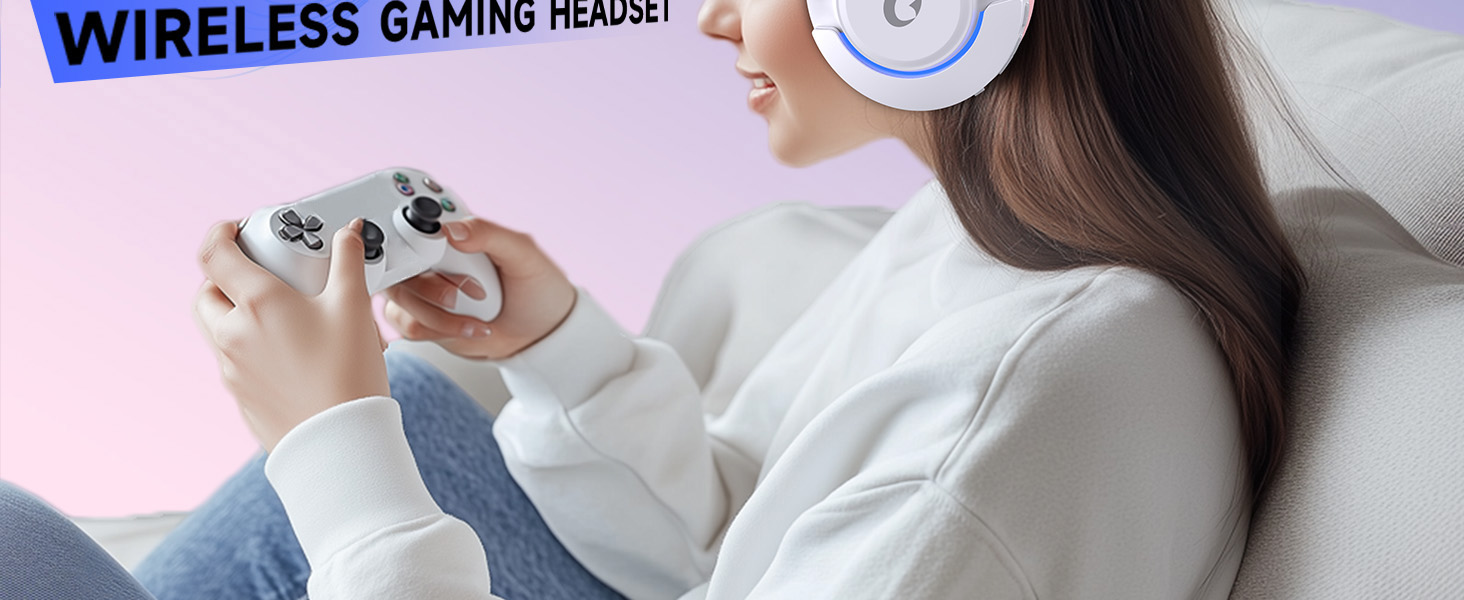
Image 4: Visual representation of the four connectivity modes and compatible devices.

Image 5: Detailed compatibility matrix for voice and microphone functions across 2.4G, Bluetooth, and 3.5mm wired modes.
3.3 حجم ڪنٽرول
Adjust the volume using the dedicated volume roller or buttons on the headset's earcup. For optimal sound, also check the volume settings on your connected device.
3.4 مائڪروفون ميوٽ
Press the Microphone Mute button on the headset to toggle the microphone on or off. An indicator light (often red) will typically show when the microphone is muted.
3.5 ايل اي ڊي لائيٽنگ ڪنٽرول
The headset features customizable RGB lighting. Press the dedicated LED control button (often integrated with the mic mute button or a separate button) to cycle through different lighting effects or turn them off. A quick press may change colors, while a long press might toggle the lights on/off.
4. سار سنڀال
To ensure the longevity and performance of your Gtheos Captain 370 headset, follow these maintenance guidelines:
- صفائي: Use a soft, dry cloth to clean the headset. Avoid using harsh chemicals or abrasive materials. For earcups, gently wipe with a damp ڪپڙا ۽ مڪمل طور تي سڪي وڃڻ جي اجازت ڏيو.
- اسٽوريج: هيڊ سيٽ کي سڌي سج جي روشني ۽ انتهائي گرمي پد کان پري ٿڌي، سڪل جاءِ تي رکو.
- سنڀالڻ: Avoid dropping the headset or exposing it to excessive force. Do not pull on cables forcefully.
- بيٽري جي سنڀال: For optimal battery life, avoid fully discharging the headset frequently. Charge it regularly, even if not in constant use.
5. مسئلا حل ڪرڻ
5.1 ڪو به آواز يا گهٽ آواز نه
- پڪ ڪريو ته هيڊ سيٽ آن آهي ۽ مڪمل طور تي چارج ٿيل آهي.
- هيڊ سيٽ ۽ توهان جي ڳنڍيل ڊوائيس ٻنهي تي حجم جي سطح چيڪ ڪريو.
- پڪ ڪريو ته توهان جي ڊوائيس جي آواز سيٽنگن ۾ صحيح آڊيو آئوٽ پُٽ ڊوائيس چونڊيو ويو آهي.
- If using 2.4GHz wireless, ensure the USB transmitter is securely plugged in and recognized by your device.
- If using Bluetooth, ensure the headset is properly paired and connected.
- If using 3.5mm wired, ensure the cable is fully inserted into both the headset and the device.
5.2 مائڪروفون ڪم نه ڪري رهيو آهي
- پڪ ڪريو ته مائڪروفون محفوظ طور تي هيڊ سيٽ سان ڳنڍيل آهي.
- Check if the microphone is muted using the headset's mute button.
- پڪ ڪريو ته توهان جي ڊوائيس جي آواز سيٽنگن ۾ صحيح مائڪروفون ان پٽ ڊوائيس چونڊيو ويو آهي.
- مائڪروفون کي مختلف ايپليڪيشنن ۾ يا ٻئي ڊوائيس سان جانچيو.
5.3 ڪنيڪٽيويٽي جا مسئلا
- 2.4GHz: Try unplugging and re-plugging the USB transmitter. Ensure no other 2.4GHz devices are causing interference.
- بلوٽوٿ: Unpair and re-pair the headset with your device. Ensure the headset is within the Bluetooth range (10 meters).
- جنرل: هيڊ سيٽ ۽ پنهنجي ڳنڍيل ڊوائيس ٻئي ٻيهر شروع ڪريو.
6. وضاحتون
| خاصيت | تفصيل |
|---|---|
| ماڊل نالو | ڪپتان 370 |
| برانڊ | گٿيوس |
| رابطي ٽيڪنالاجي | 2.4GHz وائرليس، بلوٽوٿ 5.3، 3.5mm وائرڊ |
| آڊيو ڊرائيور جي ماپ | 50 ملي ميٽر |
| آڊيو ڊرائيور جو قسم | متحرڪ ڊرائيور |
| تعدد جواب | 20 KHz |
| رڪاوٽ | 32 اومس |
| شور ڪنٽرول | آواز جي الڳ ڪرڻ، شور جي منسوخي (مائڪروفون) |
| بيٽري جي زندگي | 45 ڪلاڪ تائين |
| بلوٽوت ورزن | 5.3 |
| بلوٽوٿ رينج | 10 ميٽر |
| آڊيو ليٽيسي | 20 ملي سيڪنڊ |
| مطابقت رکندڙ ڊوائيسز | PS5, PS4, PC, Mac, Laptop, Tablets, Phones, Nintendo Switch, Xbox (wired) |
| مواد | ABS, Leather, PC |
| شيءِ جو وزن | 0.51 ڪلوگرام (1.12 پائونڊ) |
| رنگ | ڳاڙهو گلابي |
7. وارنٽي ۽ سپورٽ
7.1 وارنٽي ڄاڻ
The Gtheos Captain 370 Wireless Gaming Headset comes with a standard manufacturer's warranty. Please refer to the warranty card included in your product packaging for specific terms and conditions, including warranty period and coverage details.
7.2 ڪسٽمر سپورٽ
For technical assistance, troubleshooting, or any questions regarding your Gtheos Captain 370 headset, please contact Gtheos customer support. You can find contact information on the official Gtheos webسائيٽ يا پرچون ڪندڙ ذريعي جتي توهان پراڊڪٽ خريد ڪيو آهي.
جو دورو ڪريو Gtheos Store on Amazon وڌيڪ معلومات ۽ پراڊڪٽ اپڊيٽ لاءِ.


