1. تعارف
This manual provides essential information for the safe and efficient operation of your GAOMON 12000 BTU Portable Air Conditioner. This versatile 3-in-1 unit offers cooling, dehumidification, and fan functions, designed to provide comfort in rooms up to 550 square feet. Please read all instructions carefully before use.
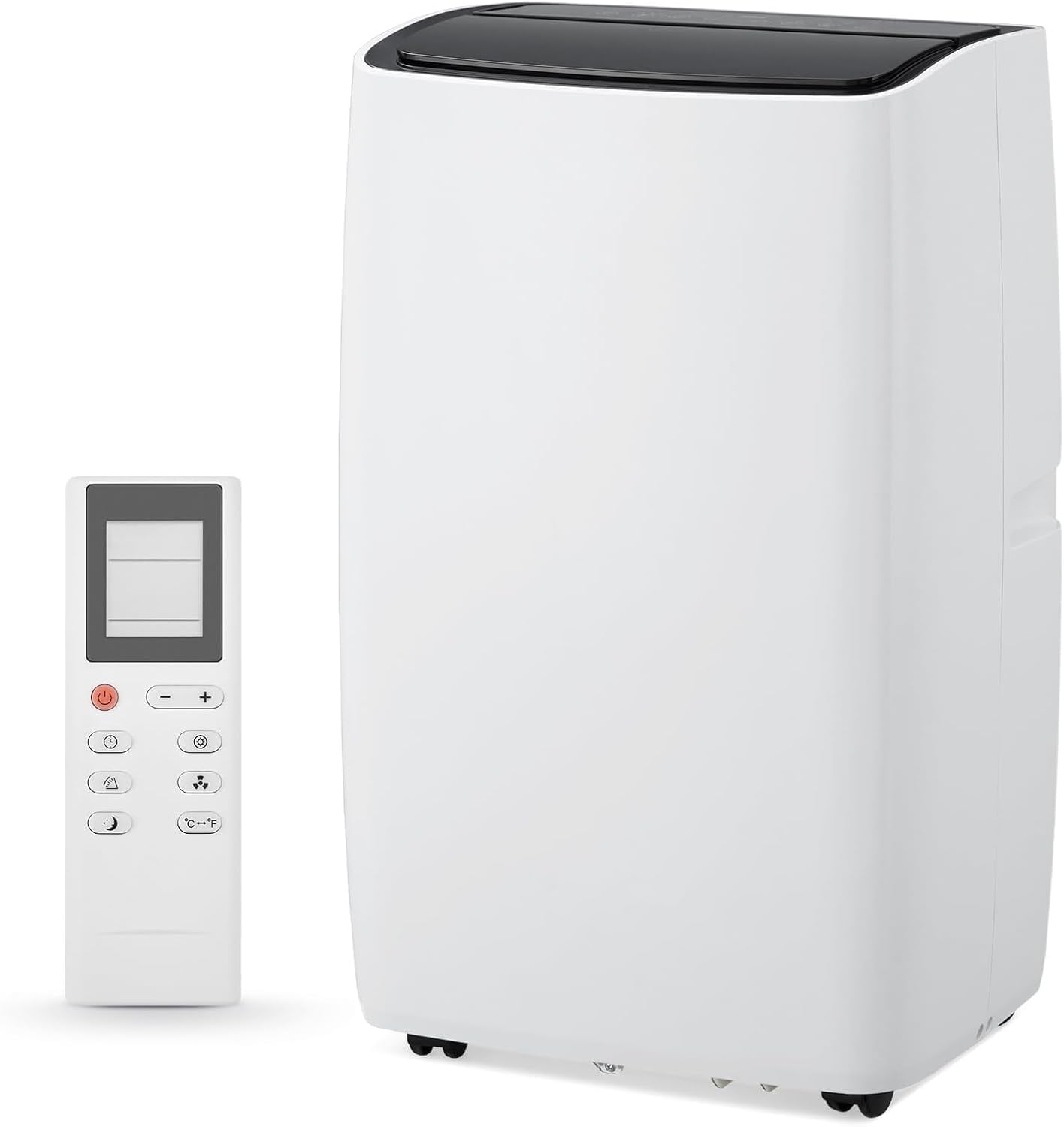
Figure 1: GAOMON 12000 BTU Portable Air Conditioner and Remote Control.
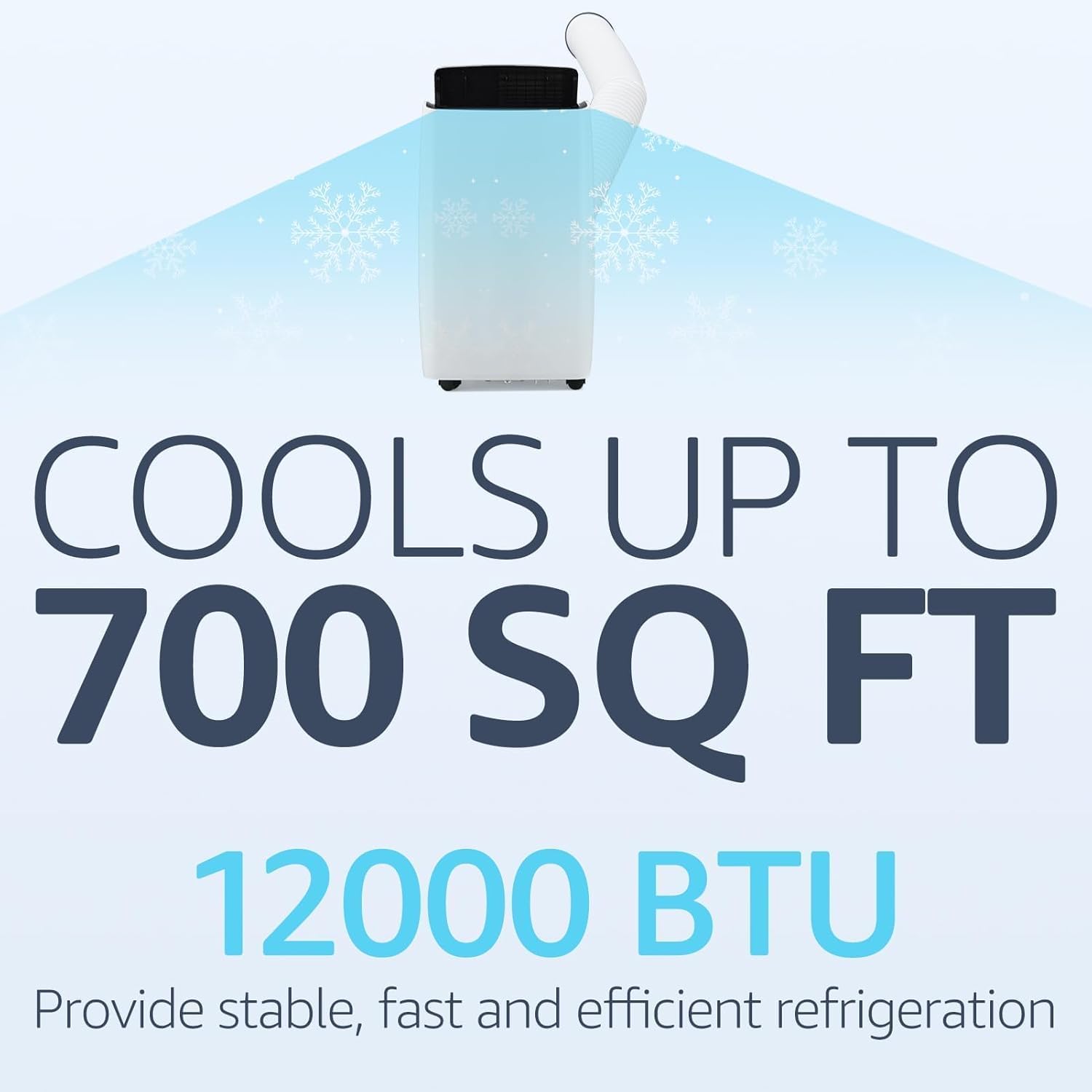
Figure 2: Cooling capacity of the 12000 BTU unit.
2. اھم حفاظتي ھدايتون
توهان جي ايئر ڪنڊيشنر کي استعمال ڪندي باهه، برقي جھٽڪو، يا زخم جي خطري کي گهٽائڻ لاء، انهن بنيادي احتياطن تي عمل ڪريو:
- اوزار استعمال ڪرڻ کان پهريان سڀ هدايتون پڙهو.
- Ensure the power supply matches the requirements specified on the unit's label.
- يونٽ کي خراب ٿيل ڪنڊ يا پلگ سان هلائڻ نه ڏيو.
- ايئر انليٽ ۽ آئوٽليٽ کي رڪاوٽن کان صاف رکو.
- ايئر آئوٽليٽ ۾ شيون داخل نه ڪريو.
- صفائي يا خدمت ڪرڻ کان اڳ يونٽ کي انپلگ ڪريو.
- Keep the unit on a firm, level surface to prevent water leakage.
- ديوارن، پردين، يا ٻين شين جي ويجھو ڪم نه ڪريو جيڪي ايئر انليٽ ۽ آئوٽليٽ کي بلاڪ ڪري سگھن ٿيون.
- سڌو سورج جي روشني ۽ گرمي ذريعن کان بچاء.
- Do not install the unit in rooms that exceed 4 m² or where inflammable gas may leak.
3. پيڪيج مواد
پڪ ڪريو ته سڀئي شيون موجود آهن ۽ سٺي حالت ۾ آهن:
- GAOMON 12000 BTU Portable Air Conditioner Unit
- ريموٽ ڪنٽرول
- نڪرندڙ نلي
- نلي ڪنيڪٽر (يونٽ لاءِ)
- Window Kit Adapter (for window)
- Window Slider Panels (adjustable)
- پاڻي جي پائپ
- Sealing Foam Tape
- استعمال ڪندڙ دستي
وڊيو 1: انباڪسنگ ۽ مٿيview of included components for the Portable Air Conditioner.
4. سيٽ اپ ۽ تنصيب
پنهنجي پورٽيبل ايئر ڪنڊيشنر کي صحيح طرح سان سيٽ ڪرڻ لاءِ انهن قدمن تي عمل ڪريو:
- ونڊو ڪٽ تيار ڪريو:
- Assemble the window slider panels to match the length of your window opening.
- Secure the panels using the provided butterfly screws.
- Apply the sealing foam tape along the edges of the window opening to ensure a tight seal.
- ايگزاسٽ هوز انسٽال ڪريو:
- Connect one end of the exhaust hose to the hose connector.
- ايگزاسٽ هوز جي ٻئي ڇيڙي کي ونڊو ڪِٽ اڊاپٽر سان ڳنڍيو.
- Insert the assembled window kit into your window frame and close the window securely against it.
- Attach the hose connector to the exhaust air outlet of the air conditioner unit.
- يونٽ کي پوزيشن ڏيو:
- Place the unit on a firm, level surface, ensuring at least 19 inches (45cm) of free space around it for proper air circulation.
- يونٽ کي معياري برقي آئوٽليٽ ۾ پلگ ان ڪريو.

Figure 3: Easy installation steps for the exhaust hose and window kit.
Video 2: Detailed installation process for the portable air conditioner, including window kit and hose attachment.
5. آپريٽنگ موڊس
Your GAOMON Portable Air Conditioner offers three primary operating modes:
- بهترين موڊ: Provides powerful cooling for small to medium rooms. Adjust the temperature settings to your desired comfort level.
- Dehumidify موڊ: Effectively removes excess moisture from the air, ideal for humid conditions.
- پکي جي موڊ Circulates air without cooling, providing gentle airflow for ventilation.
Switch between modes using the 'Mode' button on the control panel or remote control.

Figure 4: Control panel showing 3-in-1 functions.

Figure 5: Illustration of the three operating modes.
6. اهم خاصيتون
- 24 ڪلاڪ ٽائمر: Program the unit to automatically turn on or off within a 24-hour period.
- Silent Cooling: Operates at a low noise level of 45dB, ensuring minimal disturbance, especially during sleep.
- سمهڻ جو طريقو: Automatically reduces sound output and dims the display light for uninterrupted nighttime use.
- ريموٽ ڪنٽرول: آرام سان سيٽنگون ترتيب ڏيو سڄي ڪمري مان.
- Eco-Smart Technology: Designed for energy efficiency with intelligent temperature regulation.
- متحرڪ: Equipped with smooth-rolling 360° wheels for easy relocation between rooms.

Figure 6: Sleep mode functionality for quiet operation.

شڪل 7: آسان آپريشن لاءِ ريموٽ ڪنٽرول.
7. صفائي ۽ سار سنڀال
- فلٽر صفائي: The unit features a dual filtration system. Remove, rinse under running water, and reinstall the reusable filter every two weeks to maintain peak efficiency.
- پاڻي نيڪال: The unit has a drain outlet for water removal. For continuous drainage in dehumidify mode, connect the provided drain pipe. If the "HL" icon shows on the panel or the device is unused for a long time, drain water from the bottom drain hole.
Video 3: Demonstrates filter cleaning and water drainage procedures.
8. مسئلا حل ڪرڻ
جيڪڏهن توهان کي مسئلا درپيش اچن ٿا، ته عام مسئلن ۽ حلن لاءِ هيٺ ڏنل جدول جو حوالو ڏيو:
| مسئلو | ممڪن سبب | حل |
|---|---|---|
| يونٽ ڪم نٿو ڪري | No power supply; Power cord not securely connected. | Check power connection; Ensure plug is fully inserted. |
| Unit operates with reduced capacity | Air filter is dirty; Air duct is blocked; Room door/window is open. | Clean the air filter; Clear obstructions; Close doors and windows. |
| پاڻيءَ جي رسي | Drain hose is detached or kinked; Unit is not level. | Securely attach/straighten drain hose; Place unit on a firm, level surface. |
| زياده شور | Loose or vibrating parts; Noise from flowing refrigerant. | Secure and tighten parts; Noise from refrigerant is normal. |
| "HL" icon displayed | پاڻي جي ٽانڪي ڀريل آهي. | Drain water from the unit. |
9. وضاحتون
- برانڊ: گامون
- ماڊل ڄاڻ: ZMS0609Geu
- ٿڌي طاقت: 12000 BTU
- Cools Area: 550 اسڪوائر تائين فوٽ.
- شيء جو وزن: 76.3 پائونڊ
- پيداوار جي ماپ: 18.5"ڊي x 15.35"ڊي x 35.24"ايڇ
- شور جي سطح: 45dB (Silent Mode) / 52 Decibels (General)
- جلدtage: 115V
- موسمي توانائي جي ڪارڪردگي جو تناسب (SEER): 7.22
- خاص خصوصيت: 4 واٽ جھولڻ

شڪل 8: پيداوار جا طول و عرض.
10. وارنٽي ۽ سپورٽ
For warranty information, technical support, or service inquiries, please refer to the contact details provided in the original product packaging or visit the GAOMON official webسائيٽ. وارنٽي جي دعوي لاء توهان جي خريداري جي رسيد رکو.


