1. تعارف
This manual provides detailed instructions for the BIGGERFIVE Vigor 3 Kids Fitness Tracker Watch. This device is designed to help children aged 5-15 track their daily activity, monitor heart rate and sleep, and encourage healthy habits. It features an AMOLED screen and is 3ATM waterproof, making it suitable for various activities without requiring a smartphone for basic functions.
2. دٻي ۾ ڇا آهي
- BIGGERFIVE Vigor 3 Fitness Tracker Watch
- مقناطيسي چارجنگ ڪيبل
- استعمال ڪندڙ دستي

3. پراڊڪٽ ختمview
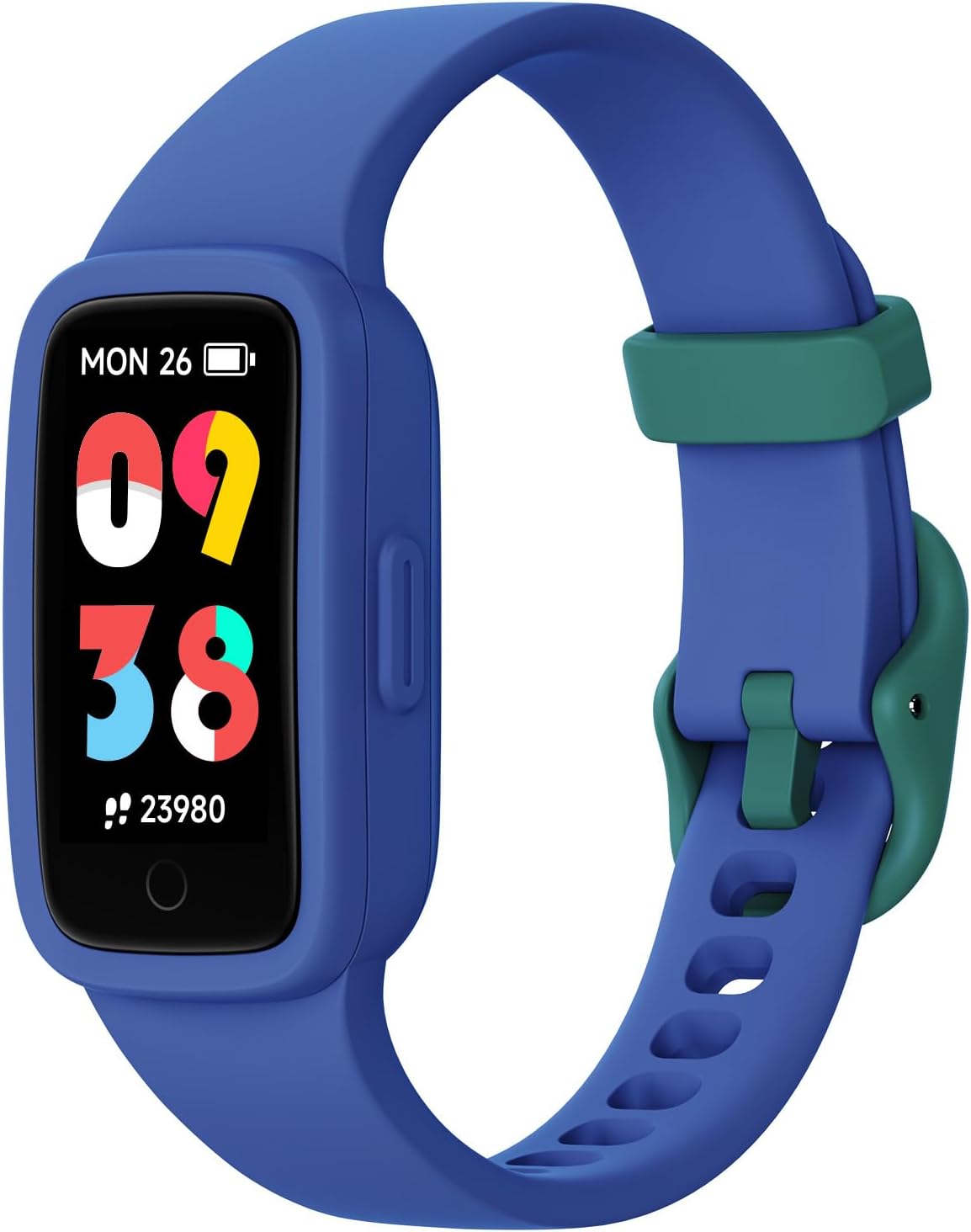
The BIGGERFIVE Vigor 3 features a vibrant AMOLED screen and a durable, comfortable silicone strap. The watch is designed for ease of use, with a single touch button for navigation and interaction.
3.1. اهم حصا
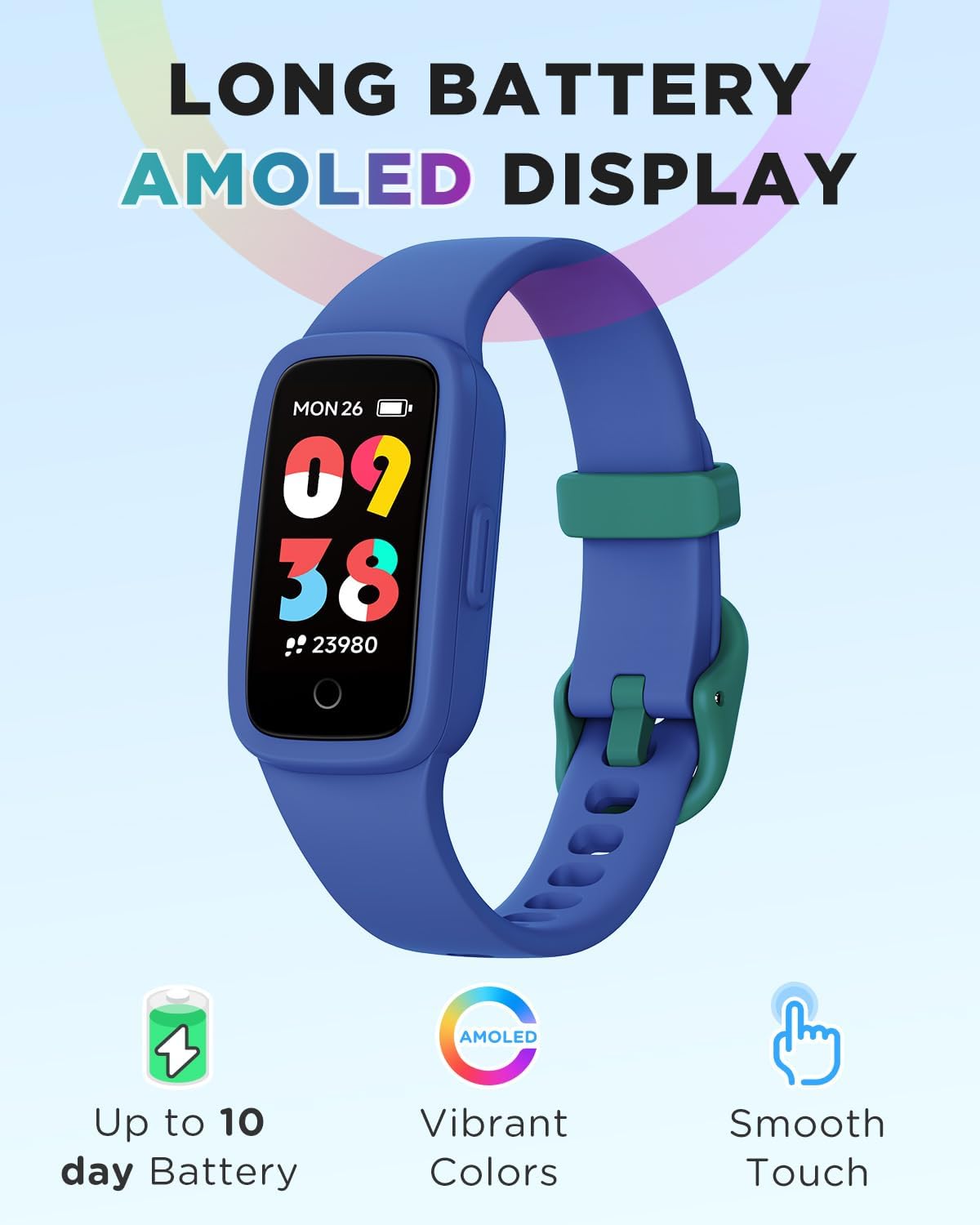
- AMOLED ڊسپلي: High-resolution, colorful touch screen for clear visibility.
- پٽي: Adjustable, skin-friendly silicone strap.
- رابطا چارج ڪرڻ: Located on the back for magnetic charging.
- آپٽيڪل سينسر: For heart rate and sleep monitoring.
4. سيٽ اپ
4.1. ڊوائيس کي چارج ڪرڻ
- مقناطيسي چارجنگ ڪيبل کي واچ جي پوئين پاسي چارجنگ رابطن سان ڳنڍيو.
- ڪيبل جي USB پڇاڙي کي معياري USB پاور اڊاپٽر (شامل نه آهي) يا ڪمپيوٽر USB پورٽ ۾ لڳايو.
- The watch will display a charging indicator. A full charge typically takes about 1 hour and provides up to 10 days of battery life.
4.2. Initial Setup (No App Required)
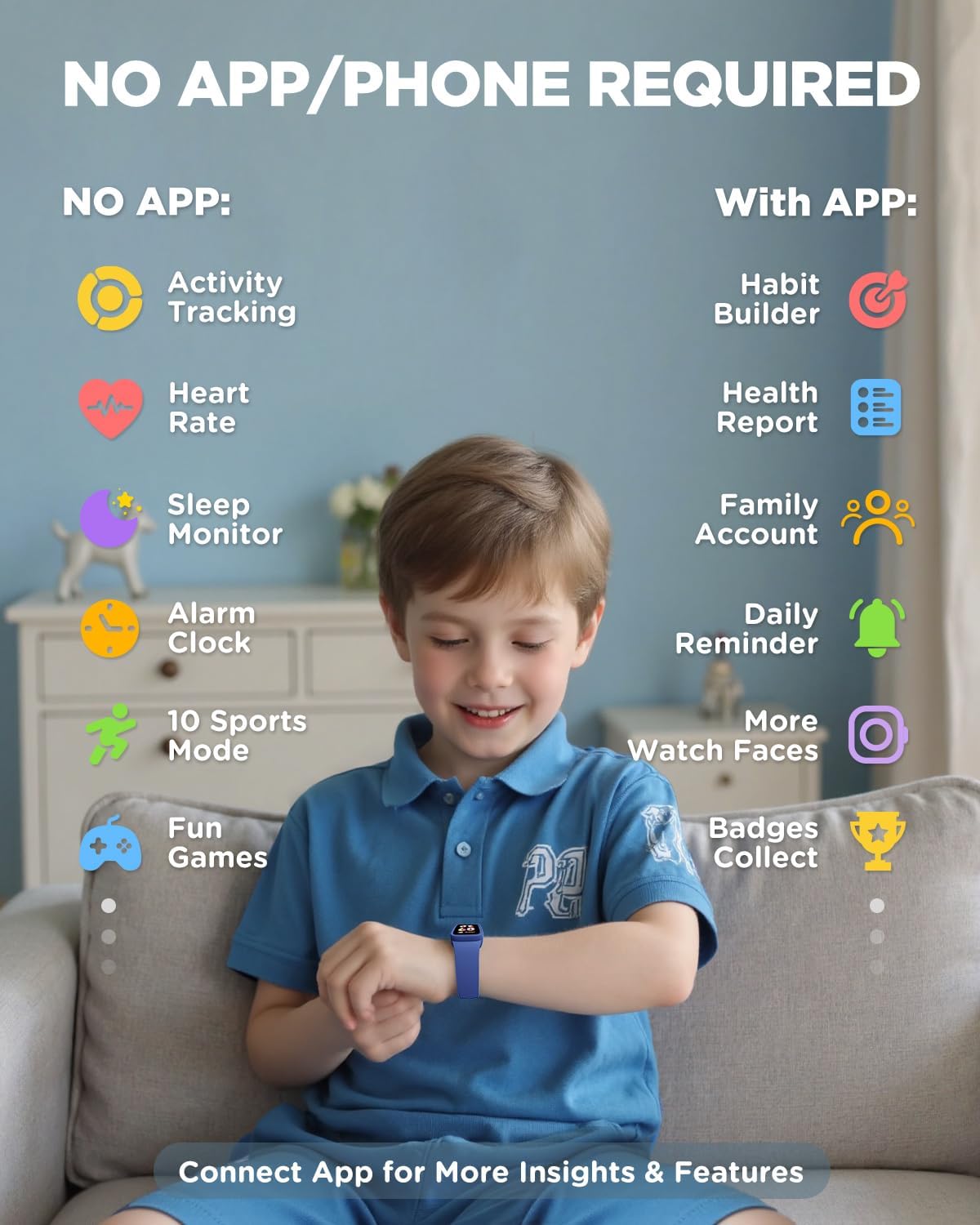
The BIGGERFIVE Vigor 3 can be used independently without a smartphone or app for essential functions. You can set the time, alarm, and step goals directly on the watch.
- Upon first use or after a factory reset, follow the on-screen prompts to set the basic information.
- Navigate through menus using swipes and taps on the screen.
4.3. Optional App Connection (For Enhanced Features)
To unlock advanced features such as habit building, health reports, family accounts, and more watch faces, you can connect the watch to the BIGGERFIVE app.
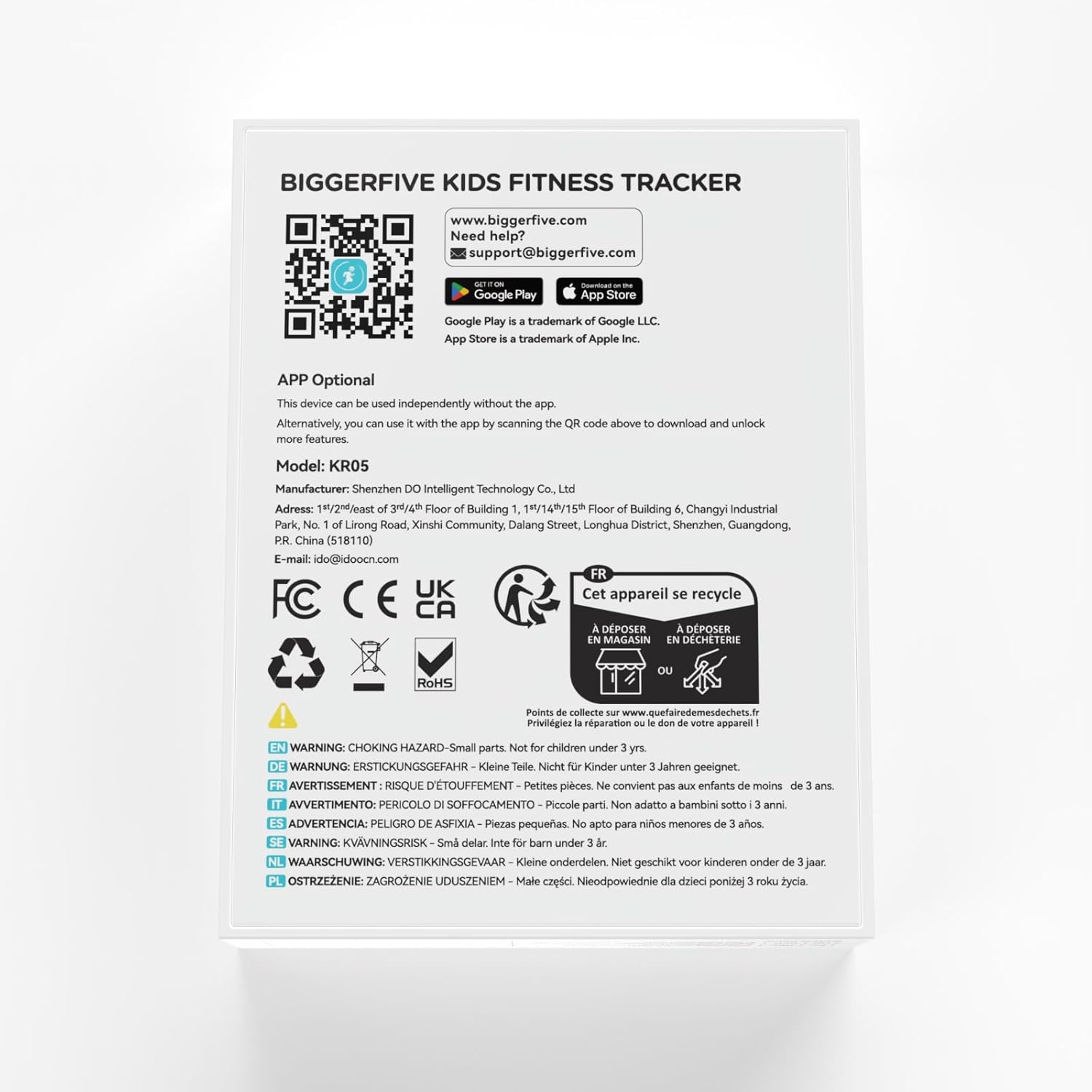
- Download the BIGGERFIVE app from the App Store (iOS) or Google Play Store (Android). You can find the app by scanning the QR code provided in the packaging or by visiting https://t.ido.ink/eMFrqm.
- Open the app and follow the on-screen instructions to create an account and pair your watch.
- پڪ ڪريو ته جوڙڻ جي عمل دوران توهان جي اسمارٽ فون تي بلوٽوٿ فعال آهي.

5. آپريٽنگ هدايتون
5.1. نيويگيشن
The watch features a touch-sensitive AMOLED screen. Swipe up, down, left, or right to navigate through different menus and functions. Tap to select an option or confirm an action.
5.2. سرگرمي ٽريڪنگ
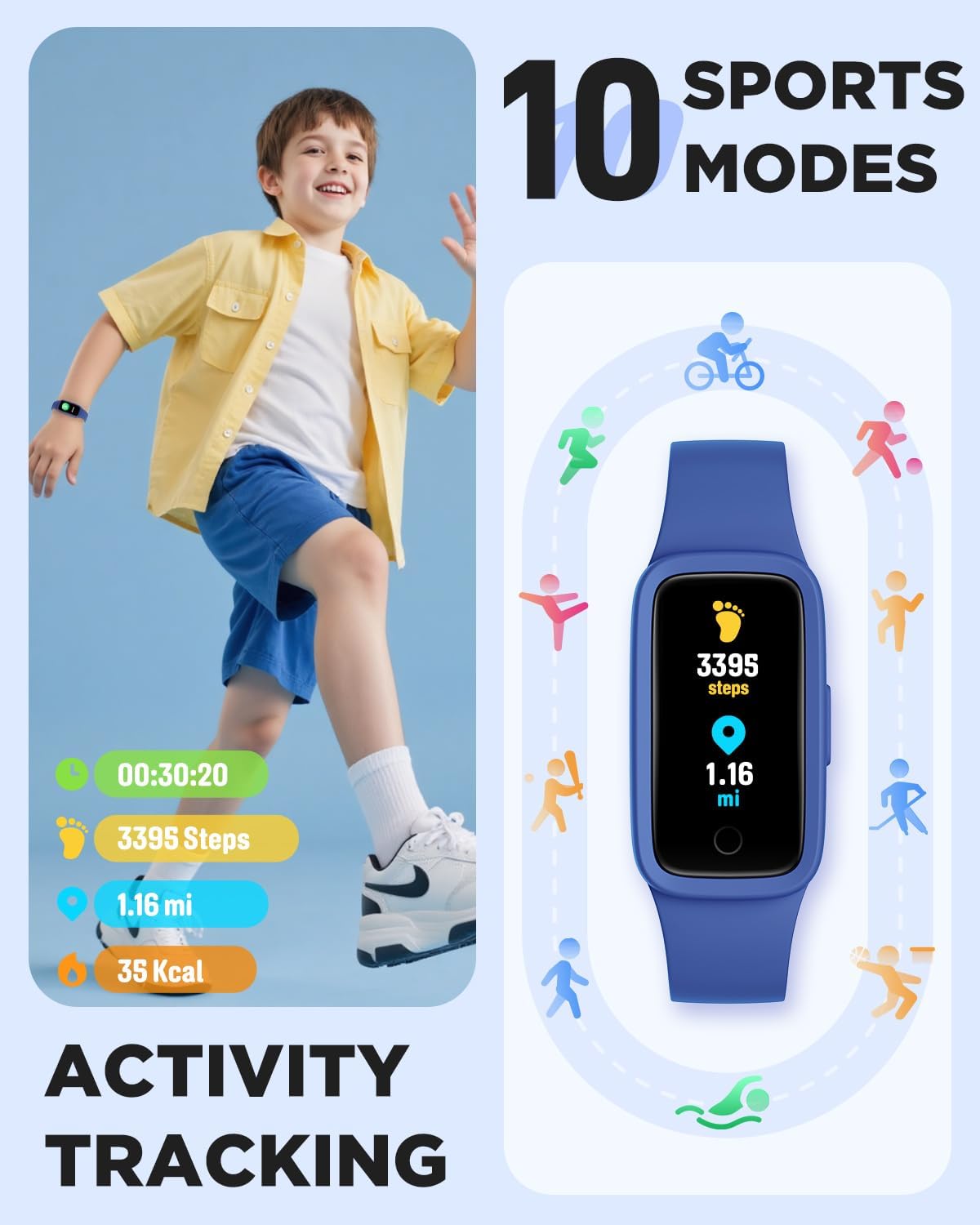
The watch automatically tracks steps, distance, and calories burned throughout the day. This data is displayed directly on the watch face and can be viewed in more detail within the activity menu.
5.3. دل جي شرح جي نگراني
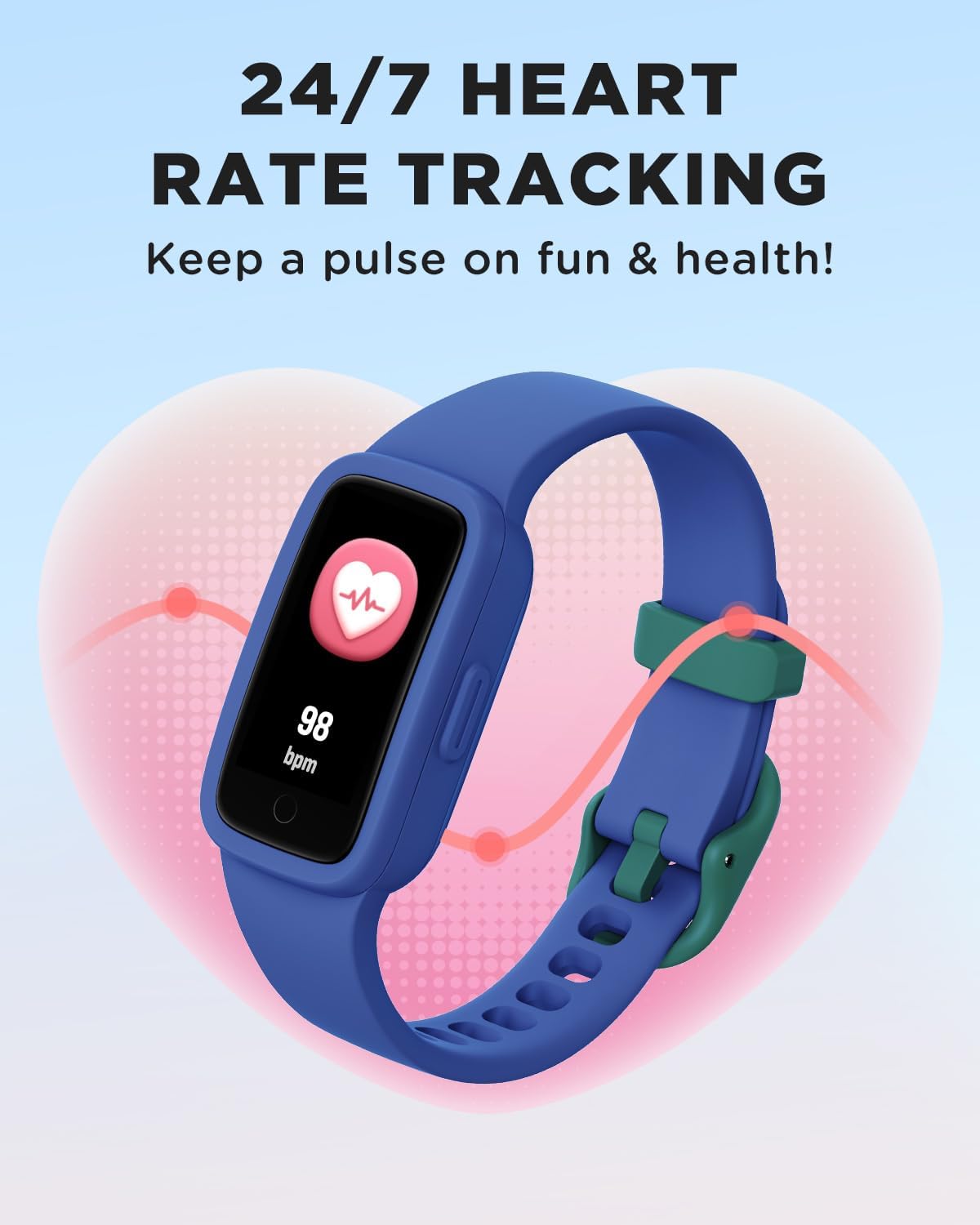
The watch provides continuous heart rate monitoring. To view your current heart rate, navigate to the heart rate screen. The watch will display your beats per minute (BPM).


5.4. سمهڻ جي نگراني
The watch automatically tracks sleep patterns, including deep sleep, light sleep, and awake times. This data helps in understanding sleep quality and can be viewed on the watch or in the app for more detailed analysis.

5.5. راندين جا طريقا
The watch supports 10 different sports modes to track specific activities. To select a sport mode:
- Swipe to the 'Sports' menu on the watch.
- Tap to select your desired activity (e.g., Run, Basketball, Cycling, Swimming).
- The watch will begin tracking metrics specific to that activity.

5.6. Habit Reminders, Games & Virtual Pet
The watch includes features to encourage healthy habits and engagement:
- Habit Reminders: Set reminders for daily routines like study time, meals, or exercise.
- Interactive Mini-Games: Engage with simple games directly on the watch.
- Virtual Pet: An e-pet that grows as the child stays active, providing motivation.
5.7. واچ فيز
Customize the watch face to personalize the device. Multiple watch face options are available directly on the watch, with more options accessible via the BIGGERFIVE app.
6. پاڻي جي مزاحمت
The BIGGERFIVE Vigor 3 is rated 3ATM waterproof, meaning it is resistant to splashes, rain, and can be worn during swimming. It is not suitable for diving or high-pressure water activities.
- لاء مناسب: Hand-washing, rain, swimming.
- بچڻ: Hot water (showers, saunas), salt water (sea water), or corrosive liquids, as these can compromise the water resistance and device integrity over time.

7. سار سنڀال
- صفائي: واچ اسڪرين ۽ پٽي کي باقاعدي طور تي نرم، ڊي سان صاف ڪريوamp ڪپڙو. سخت ڪيميڪلز يا رگڙيندڙ مواد کان پاسو ڪريو.
- خشڪ ڪرڻ: Ensure the watch is completely dry after exposure to water, especially the charging contacts, to prevent corrosion.
- اسٽوريج: جڏهن استعمال ۾ نه هجي ته واچ کي ٿڌي ۽ سڪل جاءِ تي رکو. انتهائي گرمي پد کان پاسو ڪريو.
- چارج ڪرڻ: Charge the device regularly to maintain battery health, even if not used frequently.
8. مسئلا حل ڪرڻ
- واچ آن نه ٿي رهي آهي: پڪ ڪريو ته گھڙي مڪمل طور تي چارج ٿيل آهي. ان کي گهٽ ۾ گهٽ 10 منٽن لاءِ چارجر سان ڳنڍيو.
- غلط ٽريڪنگ: Ensure the watch is worn snugly on the wrist, about one finger's width above the wrist bone. Restart the watch if issues persist.
- اسڪرين غير جوابده: Try restarting the watch by pressing and holding the side button (if available) or connecting it to the charger to force a restart.
- ايپ سان جوڙو نه ٿو ٺاهي سگهجي: Ensure Bluetooth is enabled on your phone, the watch is charged, and it is within range. Restart both the watch and the phone, then try pairing again.
- مختصر بيٽري جي زندگي: Reduce screen brightness, disable unnecessary notifications, and ensure the watch is fully charged before use.
9. وضاحتون
| خاصيت | تفصيل |
|---|---|
| ماڊل نمبر | KR05 |
| ڊسپلي جو قسم | AMOLED اسڪرين |
| پاڻي جي مزاحمت | 3ATM |
| بيٽري جي گنجائش | 88 مليamp ڪلاڪ |
| بيٽري جي زندگي | 10 ڏينهن تائين (عام استعمال) |
| رابطي | بلوٽوٿ |
| ميموري رکڻ جي صلاحيت | 64 ايم بي |
| شيءِ جو وزن | 0.02 ڪلوگرام (0.704 اونس) |
| آپريٽنگ سسٽم | KR05 |
| خاص خاصيتون | 3ATM Waterproof, AMOLED Screen, Activity Tracker, Multisport Tracker |
10. وارنٽي ۽ سپورٽ
BIGGERFIVE products are designed for quality and reliability. For warranty information, please refer to the documentation included with your purchase or visit the official BIGGERFIVE webسائيٽ.
ٽيڪنيڪل سپورٽ يا سوالن لاء، مهرباني ڪري رابطو ڪريو:
- اي ميل: support@biggerfive.com


