تعارف
خريد ڪرڻ لاءِ مهربانيasing the Redragon M995 LIT Wireless Gaming Mouse. This manual provides essential information for the proper setup, operation, and maintenance of your device. Please read it thoroughly before use to ensure optimal performance and longevity.
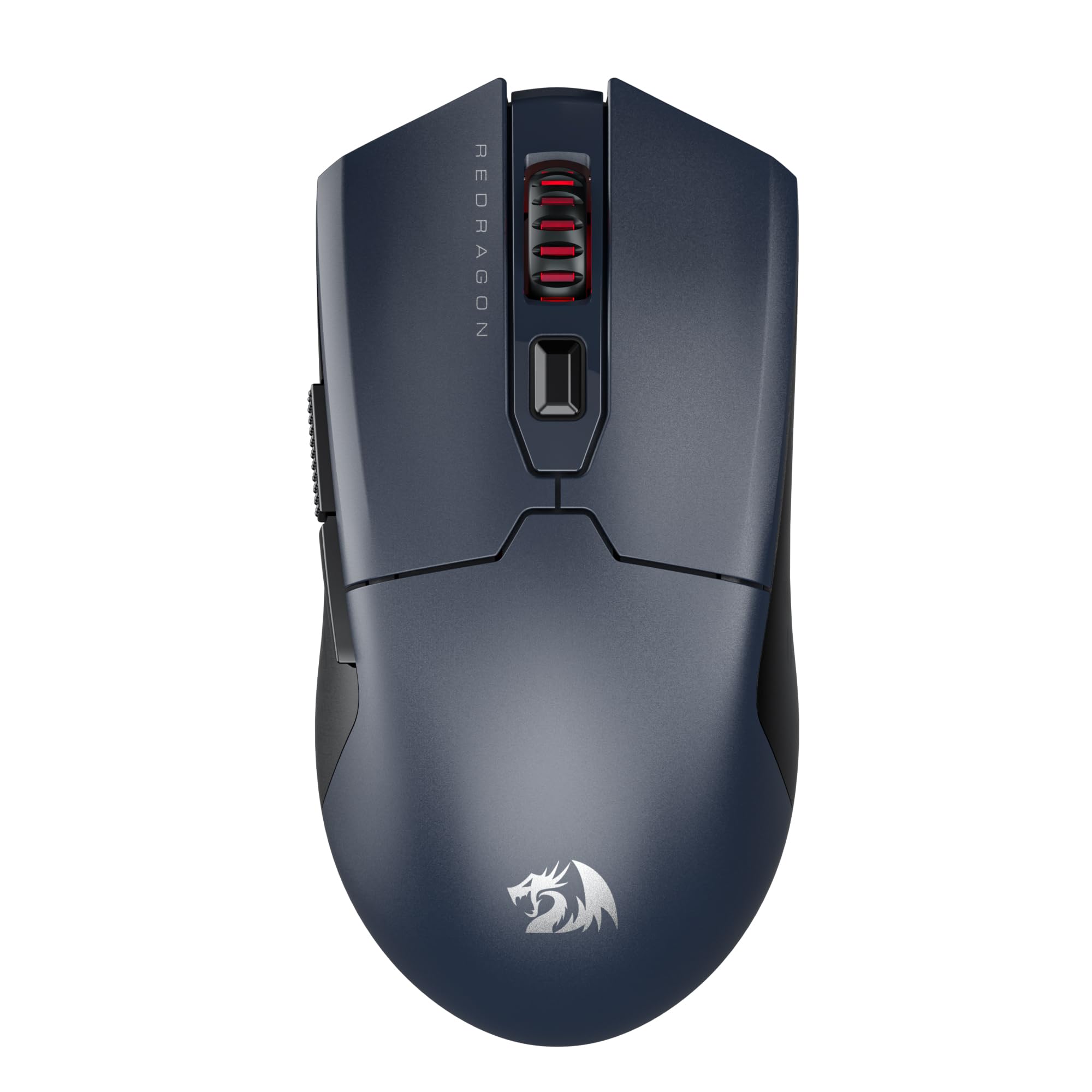
Image: The Redragon M995 LIT Wireless Gaming Mouse, showcasinان جي ergonomic ڊيزائن ۽ اهم خصوصيتن جي ڪري.
سيٽ اپ ڪريو
پيڪيج مواد
- Redragon M995 LIT Wireless Gaming Mouse
- 2.4GHz USB وصول ڪندڙ
- USB-C چارجنگ ڪيبل
- استعمال ڪندڙ دستي
ڪنيڪشن موڊس
The M995 LIT mouse supports three connection modes: 2.4GHz Wireless, Bluetooth (BT), and Wired (USB-C).
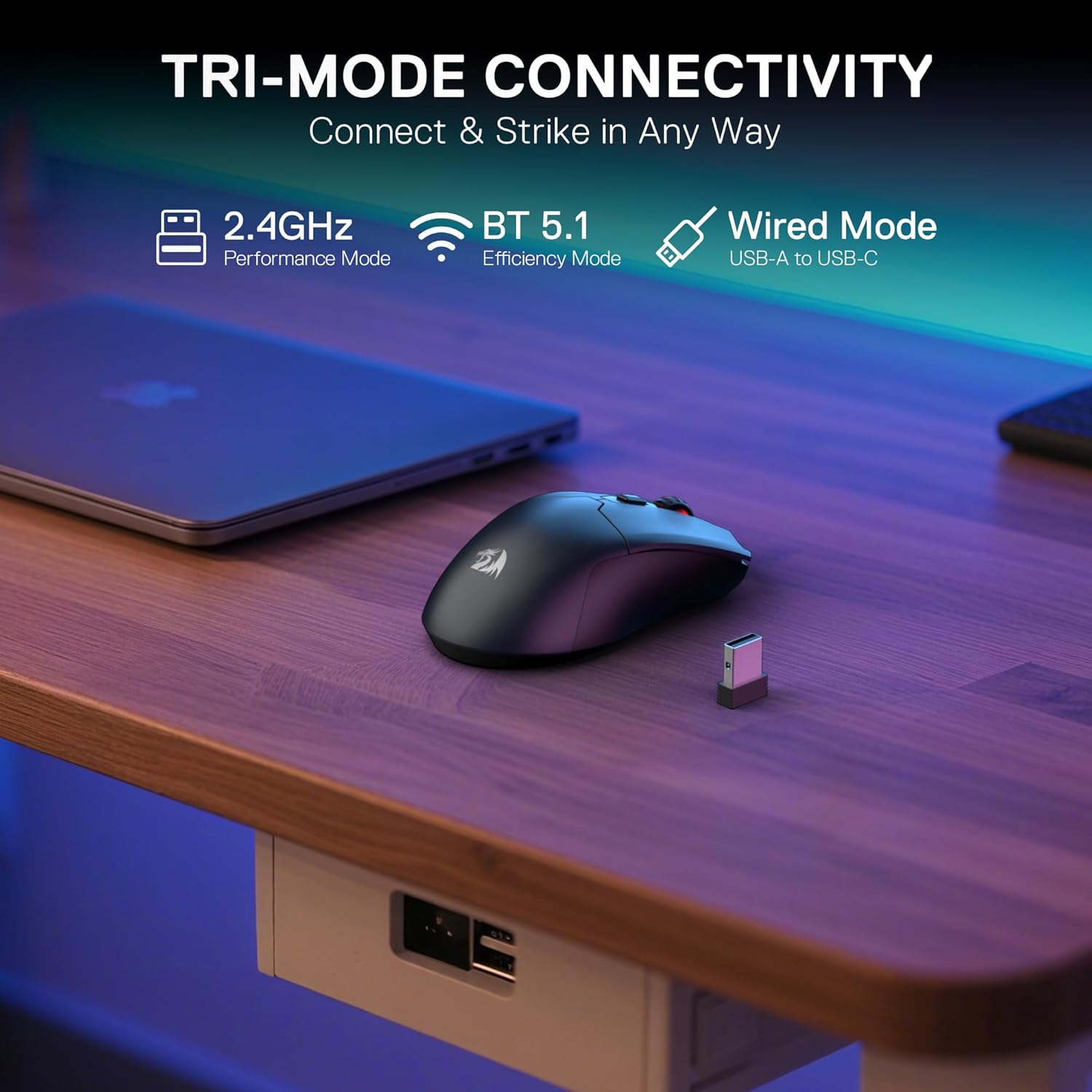
Image: Illustration of the mouse's tri-mode connectivity options: 2.4GHz, Bluetooth, and Wired via USB-C.
2.4GHz وائرليس ڪنيڪشن
- Locate the 2.4GHz USB receiver. It is typically stored in a compartment on the underside of the mouse.
- USB رسيور کي توهان جي ڪمپيوٽر تي موجود USB پورٽ ۾ پلگ ان ڪريو.
- Turn on the mouse using the switch on the bottom. Select the 2.4G mode.
- The mouse should automatically connect. If not, press the pairing button on the underside of the mouse.
بلوٽوٿ ڪنيڪشن
- Turn on the mouse using the switch on the bottom. Select the BT mode.
- توهان جي ڪمپيوٽر يا ڊوائيس تي، بلوٽوٿ سيٽنگون ڏانهن وڃو ۽ نوان ڊوائيسز ڳوليو.
- Select "Redragon M995 LIT" from the list of available devices to pair.
وائرڊ ڪنيڪشن
- Connect the USB-C end of the charging cable to the mouse.
- Connect the USB-A end of the charging cable to an available USB port on your computer.
- هي مائوس هڪ وائرڊ مائوس وانگر ڪم ڪندو ۽ هڪ ئي وقت چارج ٿيندو.
سافٽ ويئر جي انسٽاليشن
To unlock the full customization potential of your M995 LIT mouse, including DPI settings, macro programming, and lighting effects, download the Redragon Pro driver software from the official Redragon webسائيٽ. انسٽاليشن لاءِ اسڪرين تي ڏنل هدايتن تي عمل ڪريو.
آپريٽنگ هدايتون
ڊي پي آءِ ايڊجسٽمينٽ
The mouse features 5 on-board DPI levels (400/800/1600/2400/4000) which can be cycled through using the dedicated DPI button, usually located behind the scroll wheel. These levels are indicated by different LED colors.

Image: Visual representation of the 5 adjustable DPI levels and their corresponding LED colors.
For advanced customization, including setting DPI up to 10000 and defining custom DPI steps, use the Redragon Pro driver software.

Image: Screenshot of the Redragon Pro driver software interface, showing DPI settings and customization options.
پروگراميبل بٽڻ
The M995 LIT mouse is equipped with 6 programmable buttons. These buttons can be assigned custom functions, macros, or keybinds using the Redragon Pro driver software.

Image: Diagram highlighting the 6 customizable buttons on the Redragon M995 LIT mouse.
To program buttons:
- Open the Redragon Pro driver software.
- Navigate to the "Key Settings" or "Button Settings" section.
- Select the button you wish to customize.
- Choose a predefined function or create a new macro.
- Save your changes to apply them to the mouse.
بيٽري جو انتظام
The mouse features a built-in 400mAh battery. To conserve power, the mouse will automatically enter sleep mode if not used for 3 minutes. Move the mouse or click any button to wake it up.

Image: Visual of the mouse highlighting its 400mAh battery capacity and estimated 44 hours of usage in BT mode.
سار سنڀال
صفائي
- Regularly clean the mouse surface with a soft, dry cloth.
- ڪپهه جي سواب کي هلڪو استعمال ڪريو dampened with isopropyl alcohol to clean the optical sensor and mouse feet.
- Avoid using harsh chemicals or abrasive materials, as these can damage the mouse.
بيٽري جي سنڀال
- Charge the mouse using the provided USB-C cable.
- بيٽري جي عمر وڌائڻ لاءِ ان کي بار بار مڪمل طور تي چارج ڪرڻ کان پاسو ڪريو.
- جڏهن گهڻي عرصي تائين استعمال ۾ نه هجي ته مائوس کي ٿڌي، سڪل جاءِ تي رکو.
مشڪلاتون
مائوس جواب نه ڏئي رهيو آهي
- طاقت چيڪ ڪريو: Ensure the mouse is turned on and has sufficient battery charge.
- وائرڊ ڪنيڪشن: If using wireless, try connecting the mouse directly with the USB-C cable to rule out wireless interference or battery issues.
- USB پورٽ: Try plugging the USB receiver or cable into a different USB port on your computer.
وائرليس ڪنيڪٽيويٽي جا مسئلا
- 2.4GHz Pairing: Ensure the mouse is in 2.4G mode and the USB receiver is properly connected. Press the pairing button on the mouse if necessary.
- بلوٽيون ٺاھڻ: Ensure the mouse is in BT mode and your device's Bluetooth is enabled. Re-pair the mouse if it's not connecting.
- مداخلت: Move the mouse closer to the receiver/device and away from other wireless devices (e.g., Wi-Fi routers, other wireless peripherals) that might cause interference.
DPI or Button Customization Not Working
- سافٽ ويئر انسٽاليشن: Verify that the Redragon Pro driver software is correctly installed.
- سافٽ ويئر اپڊيٽ: Check for any available software or firmware updates for your mouse.
- سيٽنگون لاڳو ڪريو: Ensure you have clicked "Apply" or "Save" within the software after making changes.
وضاحتون
| خاصيت | تفصيل |
|---|---|
| ماڊل | M995 LIT |
| رابطي ٽيڪنالاجي | BT, 2.4G, USB-C |
| تحريڪ جي سڃاڻپ ٽيڪنالاجي | Optical (SG8925 sensor) |
| وڌ ۾ وڌ ڊي پي آئي | 10000 (ايڊسٽبل) |
| پروگراميبل بٽڻ | 6 |
| پولنگ جي شرح | 1000Hz تائين |
| بيٽري جي گنجائش | 400mAh |
| شيءِ جو وزن | 7 اونس |
| طول و عرض | 6.18 x 3.46 x 1.93 انچ |
| خاص خصوصيت | Lightweight, Auto-sleep mode |
وارنٽي ۽ سپورٽ
ريڊريگن پراڊڪٽس عام طور تي ٺاهيندڙ جي وارنٽي سان گڏ ايندا آهن. مھرباني ڪري پنھنجي پراڊڪٽ سان شامل وارنٽي ڪارڊ ڏسو يا سرڪاري ريڊريگن جو دورو ڪريو. webتفصيلي وارنٽي معلومات ۽ شرطن لاءِ سائيٽ.
For technical support, troubleshooting assistance, or any product-related inquiries, please contact Redragon customer service through their official webسائيٽ: www.redragonzone.com


