1. تعارف
This manual provides essential information for the safe and efficient operation of your Zebronics PixaPlay 75 Smart LED Projector. Please read this manual thoroughly before using the product and retain it for future reference.
The Zebronics PixaPlay 75 is a versatile smart LED projector designed for home cinema use, offering 4K support, 4600 lumens brightness, and a large projection size of up to 200 inches. It features Android 13, auto focus, auto keystone adaptation, and various connectivity options for a seamless entertainment experience.
2. دٻي ۾ ڇا آهي
پيڪنگ کولڻ وقت، مھرباني ڪري پڪ ڪريو ته ھيٺ ڏنل سڀ شيون موجود آھن:
- Projector - 1 Unit
- ريموٽ ڪنٽرول
- پاور ڪنڊ
- HDMI ڪيبل
- Cotton Swab Pack - 1 Unit (for cleaning)
- QR Code Guide - 1 Unit
3. پراڊڪٽ ختمview
The PixaPlay 75 projector combines advanced features for an immersive viewتجربو.

شڪل 3.1: سامهون view of the Zebronics PixaPlay 75 projector, showing the lens and main body.

شڪل 3.2: پوئتي view of the Zebronics PixaPlay 75 projector, highlighting ventilation and rear design.

Figure 3.3: Remote control and connectivity ports including BT v5.0, HDMI, AUX OUT, and USB.

Figure 3.4: Integrated carry loop for easy portability of the projector.
اهم خاصيتون:
- اينڊرائيڊ 13 او ايس: Access to various OTT applications like Netflix, Prime Video, and Hotstar.
- 4K Support & 4600 Lumens: Delivers clear, detailed content with impressive brightness.
- 200" Screen Size: Projects a large display up to 508 cm for an immersive home theater experience.
- 90° Tilt & Telescopic Height Adjustment: Offers flexible positioning and projection angles.
- Auto Focus & Keystone: Ensures optimal image alignment without manual adjustments.
- Miracast & iOS Screen Casting: Seamlessly mirror content from your mobile devices.
- Dual Band WiFi & Bluetooth v5.0: Stable wireless connectivity for streaming and audio.
- Quad-Core Processor: Smooth operation and quick processing of media.
- 50,000-hour LED Lamp زندگي: ڊگهي عرصي واري ڪارڪردگي.
- بلٽ ان اسپيڪرز: Integrated audio solution.
- ديوار لڳائڻ جي قابل: Option for fixed installation.
4. سيٽ اپ
4.1 لڳائڻ
Position the projector on a stable, flat surface or mount it on a wall. Ensure there are no obstructions in front of the lens.
- پروجيڪشن فاصلو: The projector supports a minimum throw distance of 1.5 meters and a maximum of 5 meters.
- اسڪرين جي ماپ: Achieve screen sizes from 127 cm (50 inches) up to 508 cm (200 inches) depending on the projection distance.

Figure 4.1: Illustration of flexible screen sizes (50", 85", 200") at various projection distances (1.5m, 2.5m, 5m).

Figure 4.2: Demonstrates the telescopic height adjustment and 90° tilt mechanism for flexible positioning.

Figure 4.3: The projector can be wall-mounted for a permanent setup.
4.2 پاور ڪنيڪشن
Connect the provided power cord to the projector's power input and then to a suitable electrical outlet (100 Volts).
4.3 Initial Image Adjustment
The PixaPlay 75 features automatic image correction:
- خودڪار فوٽو: The projector will automatically adjust the image clarity.
- Auto Keystone Adaptation: The projector will automatically correct trapezoidal distortion to ensure a rectangular image.
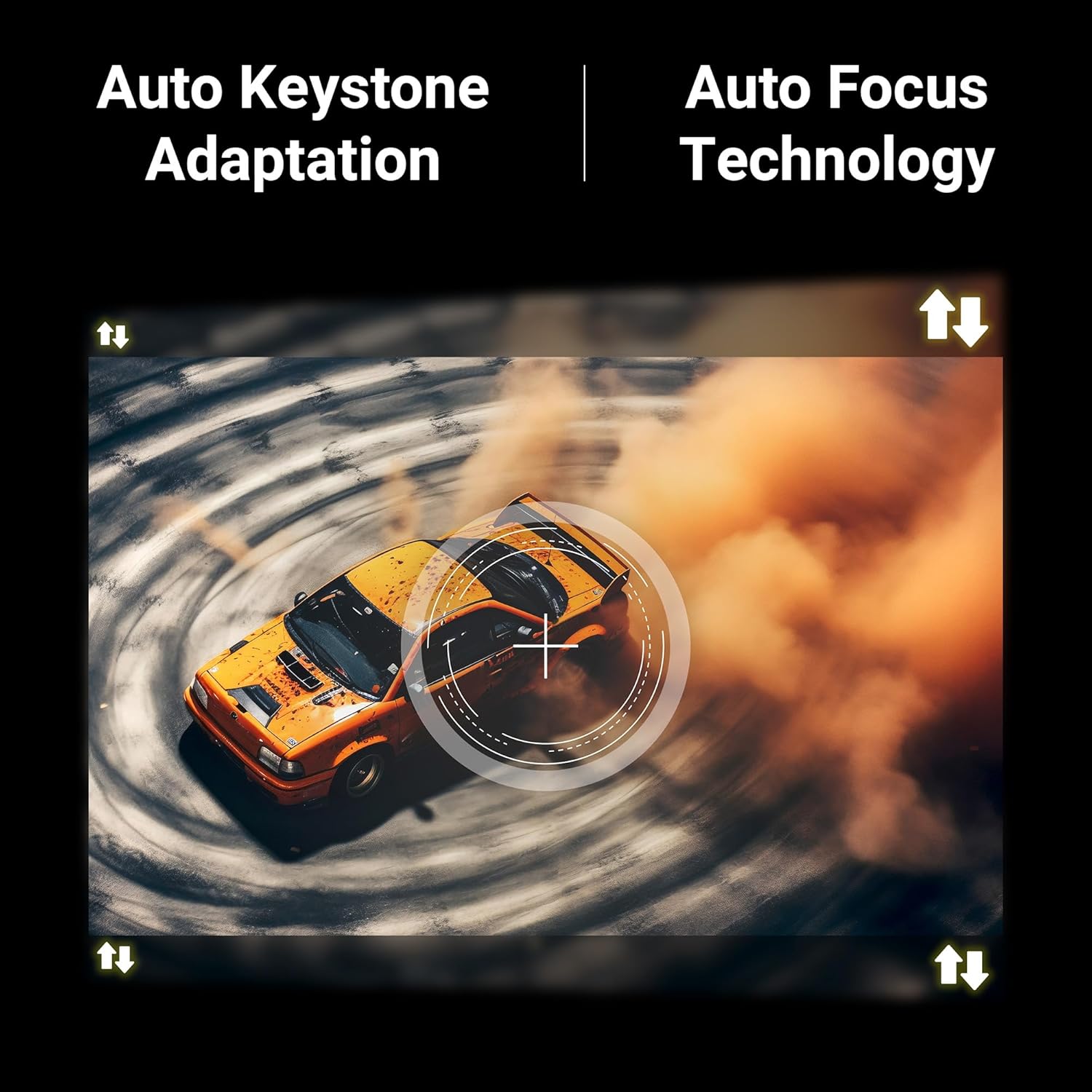
Figure 4.4: Visual representation of Auto Keystone Adaptation and Auto Focus Technology.
5. آپريٽنگ هدايتون
5.1 بنيادي ڪنٽرول
پروجيڪٽر جي انٽرفيس کي نيويگيٽ ڪرڻ لاءِ مهيا ڪيل ريموٽ ڪنٽرول استعمال ڪريو. ريموٽ توهان کي پاور آن/آف ڪرڻ، حجم کي ترتيب ڏيڻ، ان پٽ ذريعن کي چونڊڻ، ۽ سمارٽ خاصيتن تائين رسائي جي اجازت ڏئي ٿو.
5.2 ڪنيڪشن
The projector offers multiple ways to connect your devices:
- HDMI: Connect Blu-ray players, gaming consoles, laptops, or other HDMI-enabled devices using the HDMI cable.
- USB: ميڊيا هلائڻ لاءِ USB ڊرائيوز پلگ ان ڪريو files سڌو.
- آڪس آئوٽ: ٻاهرين آڊيو سسٽم يا هيڊفون ڳنڍيو.
- بلوٽوت v5.0: Pair with Bluetooth speakers or headphones for wireless audio.
- Dual Band WiFi (2.4GHz & 5GHz): انٽرنيٽ جي رسائي ۽ اسٽريمنگ لاءِ پنهنجي گهر جي نيٽ ورڪ سان ڳنڍيو.
5.3 Smart Features (Android 13)
With Android 13 built-in, you can directly access and stream content from pre-installed OTT applications such as Netflix, Prime Video, and Hotstar. Ensure the projector is connected to a stable Wi-Fi network for optimal performance.
5.4 Screen Casting (Miracast & iOS)
Mirror the screen of your compatible Android or iOS smartphone/tablet directly to the projector:
- پڪ ڪريو ته توهان جو ڊوائيس ۽ پروجيڪٽر ٻئي هڪ ئي وائي فائي نيٽ ورڪ سان ڳنڍيل آهن.
- On the projector, select the Miracast/Screen Casting option.
- On your mobile device, activate the screen mirroring feature (e.g., Smart View, Cast, Screen Mirroring for Android; Screen Mirroring for iOS).
- Select the PixaPlay 75 from the list of available devices.
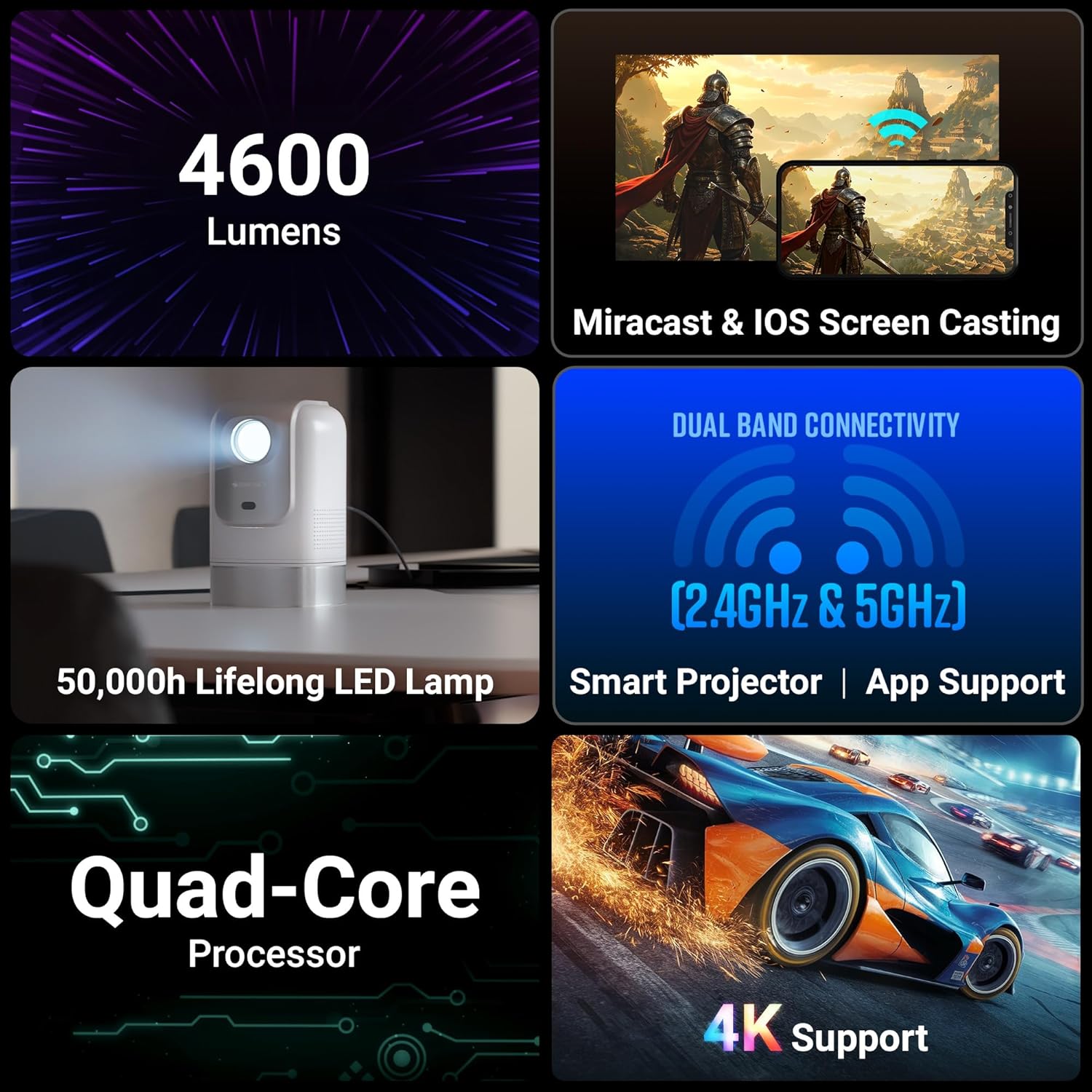
Figure 5.1: Illustrates Miracast and iOS Screen Casting functionality, showing a phone screen mirrored to the projector.
6. سار سنڀال
6.1 صفائي
Regular cleaning helps maintain optimal performance and image quality.
- لينس: Use the provided cotton swab pack or a soft, lint-free cloth specifically designed for optical lenses. Gently wipe the lens to remove dust or smudges. Do not use abrasive cleaners.
- ٻاهران: Wipe the projector's exterior with a soft, dry cloth. Avoid using liquid cleaners directly on the device.
6.2 ايلamp زندگي
ايل اي ڊي ايلamp in your PixaPlay 75 projector has an estimated operating life of 50,000 hours. This ensures long-term usage without frequent lamp متبادل.
7. مسئلا حل ڪرڻ
جيڪڏهن توهان کي پنهنجي پروجيڪٽر سان مسئلا درپيش اچن ٿا، ته هيٺ ڏنل عام مسئلن ۽ حلن جو حوالو ڏيو:
| مسئلو | ممڪن سبب | حل |
|---|---|---|
| ڪابه تصوير يا "ڪو سگنل ناهي" پيغام | Incorrect input source selected; loose cable connection; device not powered on. |
|
| تصوير ڌنڌلي يا ڌيان کان ٻاهر آهي. | Auto focus not activated or obstructed; projector moved. |
|
| تصوير بگڙيل آهي (ٽراپيزائيڊ شڪل) | Projector not perpendicular to the screen; auto keystone not activated. |
|
| ڪوبه آواز يا گهٽ حجم نه | Volume too low; incorrect audio output selected; external audio device issues. |
|
| اسڪرين مررنگ ڪم نه ڪندي | Devices not on same Wi-Fi; feature not activated on device/projector. |
|
8. وضاحتون
Below are the detailed technical specifications for the Zebronics PixaPlay 75 Smart LED Projector:
| خاصيت | تفصيل |
|---|---|
| برانڊ | زيبرون |
| ماڊل نالو | ZEB-PIXA PLAY |
| تجويز ڪيل استعمال | گھر جي سئنيما |
| خاص خاصيتون | Auto Focus, Auto Keystone Adaptation, Built-In Streaming Features |
| رابطي ٽيڪنالاجي | AUX OUT, Bluetooth, HDMI, USB |
| اصلي ڊسپلي قرارداد | 1280 x 720 |
| وڌ ۾ وڌ ان پٽ ريزوليوشن | 4K سپورٽ |
| ڊسپلي جو قسم | ايل اي ڊي |
| فارم فيڪٽر | پورٽبل |
| چڙهڻ جو قسم | ڀت جبل |
| لومينس | 4600 ليمن |
| رنگ | اڇو |
| مطابقت رکندڙ ڊوائيسز | Laptops, Smartphones, Tablets, Gaming Consoles, Blu-ray Players, Media Streaming Devices |
| مقابلي جي نسبت | 3000:1 |
| وڌ ۾ وڌ اڇو فاصلو | 5 ميٽر |
| روشني جو ذريعو آپريٽنگ زندگي | 50000 ڪلاڪ |
| وڌ ۾ وڌ تصويري سائيز | 508 سينٽي ميٽر (200 انچ) |
| جلدtage | 100 وولٽ |
| گھٽ ۾ گھٽ اڇو فاصلو | 1.5 ميٽر |
| گھٽ ۾ گھٽ تصويري سائيز | 127 سينٽي ميٽر (50 انچ) |
| شيون طول و عرض L x W x H | 11.7L x 12W x 19.8H سينٽي ميٽر |
| شيءِ جو وزن | 1220 گرام |
| اصل جو ملڪ | چين |
9. وارنٽي ۽ سپورٽ
Your Zebronics PixaPlay 75 Smart LED Projector comes with a standard brand warranty.
- وارنٽي مدت: 1 Year Carry Into Service Center.
- خدمت لاء: Please contact Zebronics customer support or visit an authorized service center for any warranty claims or technical assistance.
- وڌيڪ معلومات: For detailed warranty terms, service center locations, and additional support, please refer to the QR Code Guide included in the box or visit the official Zebronics webسائيٽ.


