تعارف
This manual provides comprehensive instructions for the AOC ACW2212 Wireless Headset. Designed for professional use, this headset offers crystal-clear calls, versatile connectivity, and all-day comfort. Please read this manual thoroughly to ensure proper usage and maintenance of your device.

Image: The AOC ACW2212 Wireless Headset, showcasing its professional design for work and communication.
سيٽ اپ ڪريو
دٻي ۾ ڇا آهي
- 1 x Wireless Headset
- 1 x USB ڊونگل
- 1 x Type-C to 3.5mm Audio Cable
- 1 x ٽائپ-سي چارجنگ ڪيبل
- استعمال ڪندڙ دستي
هيڊ سيٽ کي چارج ڪرڻ
Before first use, fully charge the headset. Connect the provided Type-C charging cable to the headset's charging port and a power source. The LED indicator will show charging status. A full charge provides up to 30 hours of talk time. The headset can be used while charging.

Image: The headset highlighting its 30-hour talk time and 2.5-hour fast charging capability.
Video: Demonstration of the headset being used while charging, ensuring uninterrupted calls.
رابطي جا اختيار
The AOC ACW2212 headset offers three versatile connection methods:
- بلوٽوٿ: Pair directly with your smartphone, tablet, or Bluetooth-enabled computer.
- USB ڊونگل: For devices without Bluetooth or for a more stable connection, plug the provided USB dongle into your PC or laptop. The headset will automatically connect.
- وائرڊ ڪنيڪشن: Use the included Type-C to 3.5mm audio cable to connect to devices with a 3.5mm audio jack.

Image: Visual representation of the headset's three connection types: Bluetooth, USB Dongle, and wired via cable.
Video: A user demonstrating the headset's hands-free calling capabilities, highlighting its ease of use for communication.
آپريٽنگ هدايتون
ڪنٽرول ۽ افعال
هيڊ سيٽ ڪالن ۽ آڊيو کي منظم ڪرڻ لاءِ وجداني ڪنٽرول جي خاصيت رکي ٿو:
- ملٽي فنڪشن بٽڻ: Located on the earcup, this button is used for power on/off, pairing, answering/ending calls, and playing/pausing audio.
- حجم ڪنٽرول: Dedicated buttons for adjusting audio volume up or down.
- مائڪروفون خاموش: An instant mute button is located directly on the microphone boom for quick privacy control during calls.

Image: Close-up of the headset's microphone boom, indicating the one-touch mute button for instant privacy.
مائڪروفون جو استعمال
The noise-canceling microphone is designed for crystal-clear voice transmission, effectively blocking out background noise. It features a 270° rotatable design, allowing you to position it optimally for voice pickup or to move it out of the way when not in use.

Image: Diagram illustrating the 270° rotation capability of the headset's microphone for flexible positioning.
Video: A user discussing the comfort and noise-canceling features of the headset, emphasizing its suitability for extended use.
آرام
The headset is designed for all-day comfort with a lightweight build, an adjustable headband, and plush memory-foam ear cushions. This ergonomic design ensures lasting comfort during long meetings or extended use.

Image: Close-up of the headset's soft protein leather earcups, highlighting their comfortable and breathable design.
سار سنڀال
To ensure the longevity and optimal performance of your AOC ACW2212 Wireless Headset, follow these maintenance guidelines:
- صفائي: هيڊ سيٽ صاف ڪرڻ لاءِ نرم، سڪل ڪپڙو استعمال ڪريو. سخت ڪيميڪلز يا رگڙيندڙ مواد استعمال ڪرڻ کان پاسو ڪريو.
- اسٽوريج: هيڊ سيٽ کي سڌي سج جي روشني ۽ انتهائي گرمي پد کان پري ٿڌي، سڪل جاءِ تي رکو.
- بيٽري جي سنڀال: Avoid fully discharging the battery frequently. Charge the headset regularly, even if not in constant use, to maintain battery health.
- سنڀال سان سنڀال: هيڊ سيٽ کي تمام گهڻي طاقت سان نه ڇڏيو يا بي نقاب نه ڪريو، ڇاڪاڻ ته اهو اندروني حصن کي نقصان پهچائي سگهي ٿو.
مشڪلاتون
If you encounter issues with your headset, refer to the following common troubleshooting steps:
- طاقت ناهي: Ensure the headset is fully charged. Connect it to a power source using the Type-C charging cable.
- ڪابه آڊيو ناهي/خراب آڊيو معيار: Check that the headset is properly connected via Bluetooth, USB dongle, or wired connection. Ensure the volume is not muted or set too low on both the headset and the connected device.
- مائڪروفون ڪم نه ڪري رهيو آهي: Verify that the microphone is not muted using the mute button on the boom. Ensure the microphone is positioned correctly and selected as the input device in your device's audio settings.
- بلوٽوٿ جوڙڻ جا مسئلا: Make sure the headset is in pairing mode (refer to your device's Bluetooth settings). Ensure no other devices are interfering with the Bluetooth signal.
- وقتي ڪنيڪشن: Try moving closer to your connected device to reduce interference. Ensure the headset is fully charged.
وڌيڪ مدد لاءِ، مھرباني ڪري ڪسٽمر سپورٽ سان رابطو ڪريو.
وضاحتون
| خاصيت | تفصيل |
|---|---|
| ماڊل نالو | ACW2212 |
| برانڊ | AOC |
| رابطي ٽيڪنالاجي | وائرڊ ، وائرليس |
| وائرليس ڪميونيڪيشن ٽيڪنالاجي | بلوٽوٿ |
| بلوٽوت ورزن | 5.4 |
| بلوٽوٿ رينج | 32.8 فوٽ |
| شور ڪنٽرول | غير فعال شور منسوخي |
| مائڪروفون | Included, Noise-Canceling, 270° Rotatable |
| بيٽري جي زندگي (ڳالهائڻ جو وقت) | 30 ڪلاڪ تائين |
| چارج ڪرڻ وقت | 2.5 hours (Fast Charge) |
| چارجنگ پورٽ | USB قسم-سي |
| هيڊ فون جيڪ | 3.5 مليڪ جيڪ |
| ڪن جي جڳهه | ڪن تي |
| فارم فيڪٽر | ڪن تي |
| مواد | Acrylonitrile Butadiene Styrene (ABS) |
| شيءِ جو وزن | 11.3 اونس |
| مطابقت رکندڙ ڊوائيسز | سيل فون، ڊيسڪ ٽاپ، ليپ ٽاپ |
وارنٽي ۽ سپورٽ
The AOC ACW2212 Wireless Headset comes with a worry-free guarantee and reliable customer support. For any product-related inquiries, technical assistance, or warranty claims, please refer to the contact information provided in the included User Manual or visit the official AOC support webسائيٽ.
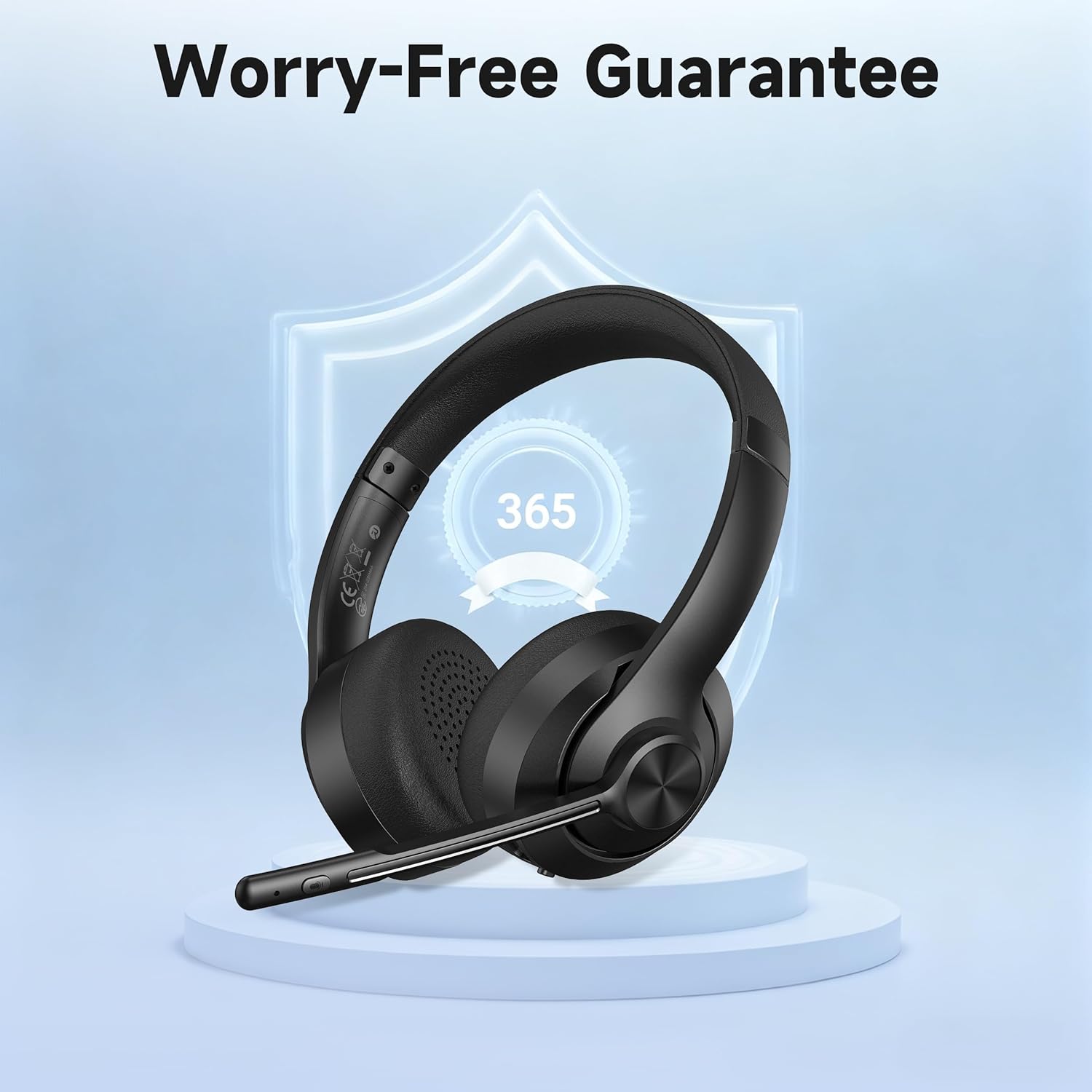
Image: The headset displayed with a shield icon, symbolizing the product's worry-free guarantee.


