1. تعارف
The Baseus Inspire XP1 Adaptive Noise Cancelling Earbuds are designed to provide a high-fidelity audio experience with advanced noise cancellation capabilities. Featuring Sound by Bose technology and Dolby Spatial Audio, these earbuds offer immersive sound and clear communication. This manual provides instructions for setup, operation, and maintenance to ensure optimal performance.
2. پيڪيج مواد
پڪ ڪريو ته سڀئي شيون توهان جي پيڪيج ۾ موجود آهن:
- Baseus Inspire XP1 Noise Cancelling Wireless Earbuds
- چارج ڪيس
- Eartips (S/M/L sizes)
- USB-C چارجنگ ڪيبل
- استعمال ڪندڙ دستي

Image: Package contents of the Baseus Inspire XP1 earbuds.
3. پراڊڪٽ ختمview
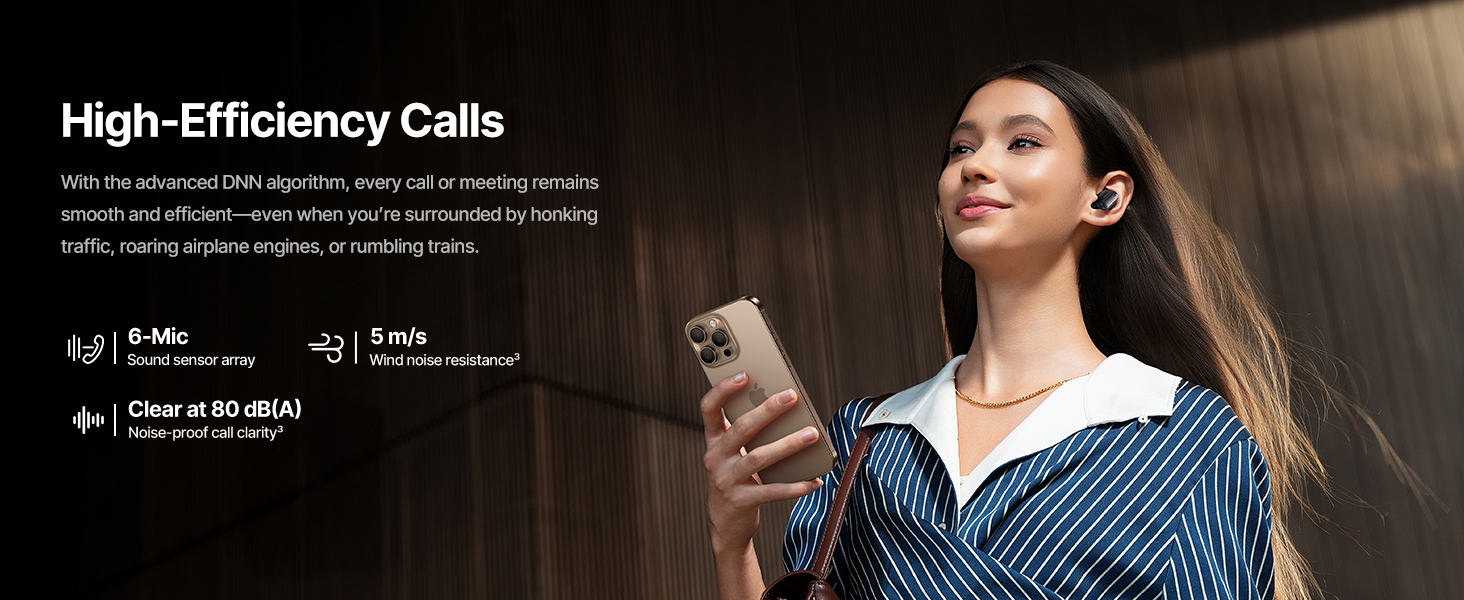
The Baseus Inspire XP1 earbuds feature a contoured in-ear fit with umbrella-shaped liquid silicone tips for comfort and noise isolation. They are equipped with a 6-mic sound sensor array for clear calls and touch-sensitive surfaces for control.

Image: Baseus Inspire XP1 Earbuds.
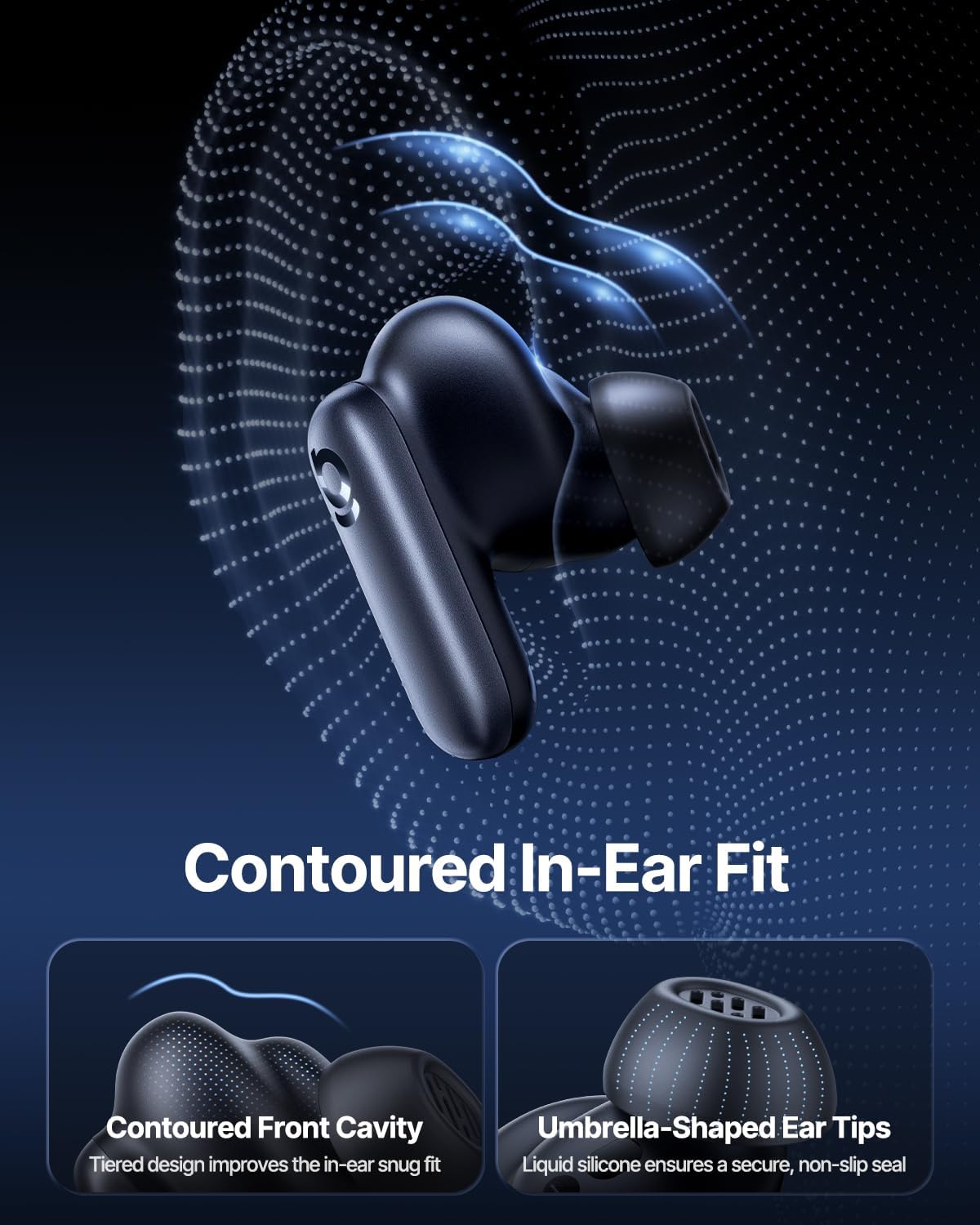
Image: Contoured In-Ear Fit and Umbrella-Shaped Ear Tips.
4. سيٽ اپ
4.1 شروعاتي جوڙو
- Earbuds کي چارج ڪريو: Place both earbuds into the charging case and close the lid. Connect the USB-C charging cable to the case and a power source. The indicator light on the case will show charging status.
- جوڙيو موڊ کي فعال ڪريو: Open the charging case. The earbuds will automatically enter pairing mode, indicated by a flashing light on the earbuds or case.
- بلوٽوت ذريعي ڳنڍيو: پنهنجي ڊوائيس (اسمارٽ فون، ٽيبليٽ، ليپ ٽاپ) تي، بلوٽوٿ سيٽنگز ڏانهن وڃو ۽ بلوٽوٿ کي فعال ڪريو. ڳولھيو "Baseus Inspire XP1" in the list of available devices and select it to connect.
- تصديق: Once connected, a voice prompt will confirm successful pairing, and the indicator light will turn solid or off.
4.2 بيسس ايپ انسٽاليشن
For full functionality, including Dolby Audio, custom EQ settings, and adaptive tuning, download the official Baseus App from your device's app store (iOS App Store or Google Play Store). The app allows for personalized control of your listening experience.
تصوير: سمارٽ ايپ ڪنٽرول انٽرفيس.
5. آپريٽنگ هدايتون
5.1 پاور آن/آف
- پاور آن: Open the charging case, and the earbuds will automatically power on and attempt to connect to the last paired device.
- بجلي بند: ائربڊس کي واپس چارجنگ ڪيس ۾ رکو ۽ ڍڪ بند ڪريو. اهي خودڪار طريقي سان بند ٿي ويندا ۽ چارج ٿيڻ شروع ٿي ويندا.
5.2 ٽچ ڪنٽرول
The earbuds feature touch-sensitive surfaces for various functions:
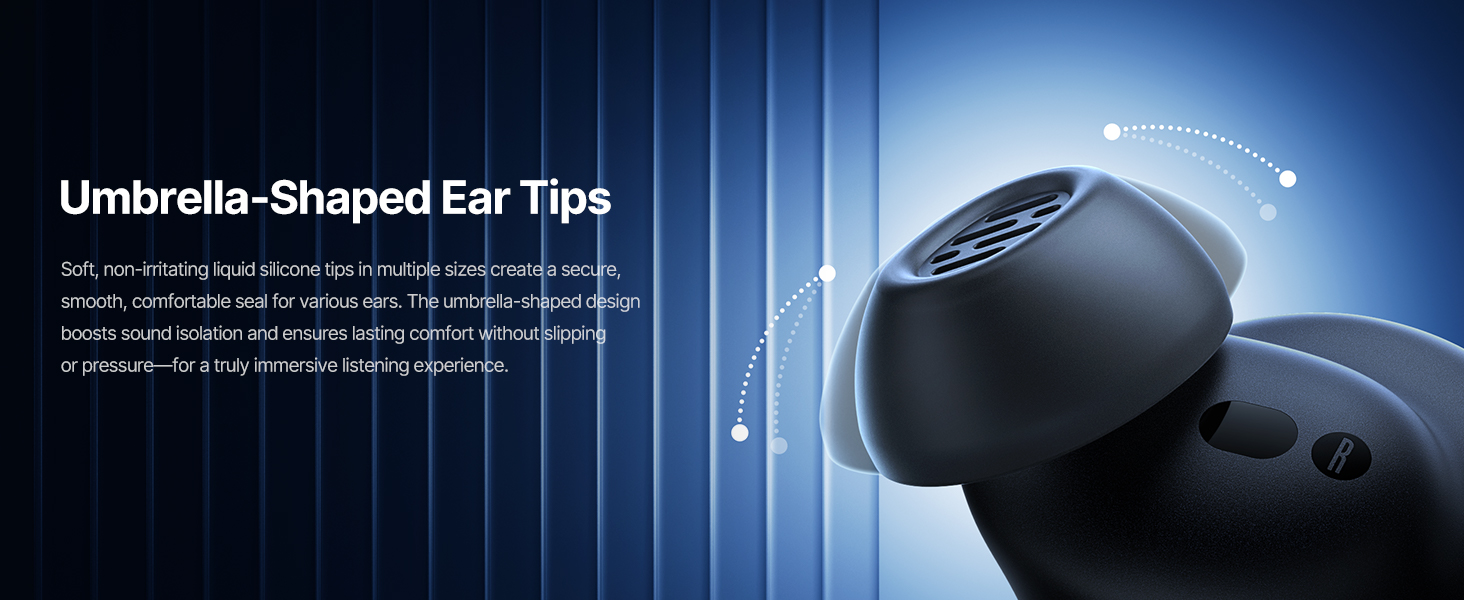
Image: Touch Control Guide.
- موسيقي هلايو/روڪ ڪريو: ڪنهن به ائربڊ کي ٻٽي ٽيپ ڪريو.
- جواب/آخري ڪال: ڪنهن به ائربڊ کي ٻٽي ٽيپ ڪريو.
- ڪال رد ڪريو: 1.5 سيڪنڊن لاءِ ٻئي ائربڊ کي ٽيپ ڪريو ۽ رکو.
- ANC/شفافيت موڊ تبديل ڪريو: 1.5 سيڪنڊن لاءِ ٻئي ائربڊ کي ٽيپ ڪريو ۽ رکو.
- وائس اسسٽنٽ کي فعال ڪريو. ڪنهن به ائربڊ کي ٽي ڀيرا ٽيپ ڪريو.
5.3 Adaptive Noise Cancellation (ANC) and Transparency Mode
The Inspire XP1 earbuds feature Premium Adaptive ANC, which dynamically adjusts noise reduction up to -50 dB based on your environment. Transparency Mode allows you to hear your surroundings without removing the earbuds.

Image: Premium Adaptive ANC in use.
Switch between ANC and Transparency Mode by tapping and holding the touch surface for 1.5 seconds, or manage settings via the Baseus App.
5.4 High-Efficiency Clear Calls
Equipped with a 6-mic sound sensor array and AI algorithms, the earbuds provide clear calls by reducing wind noise and environmental distractions up to 80 dB(A).
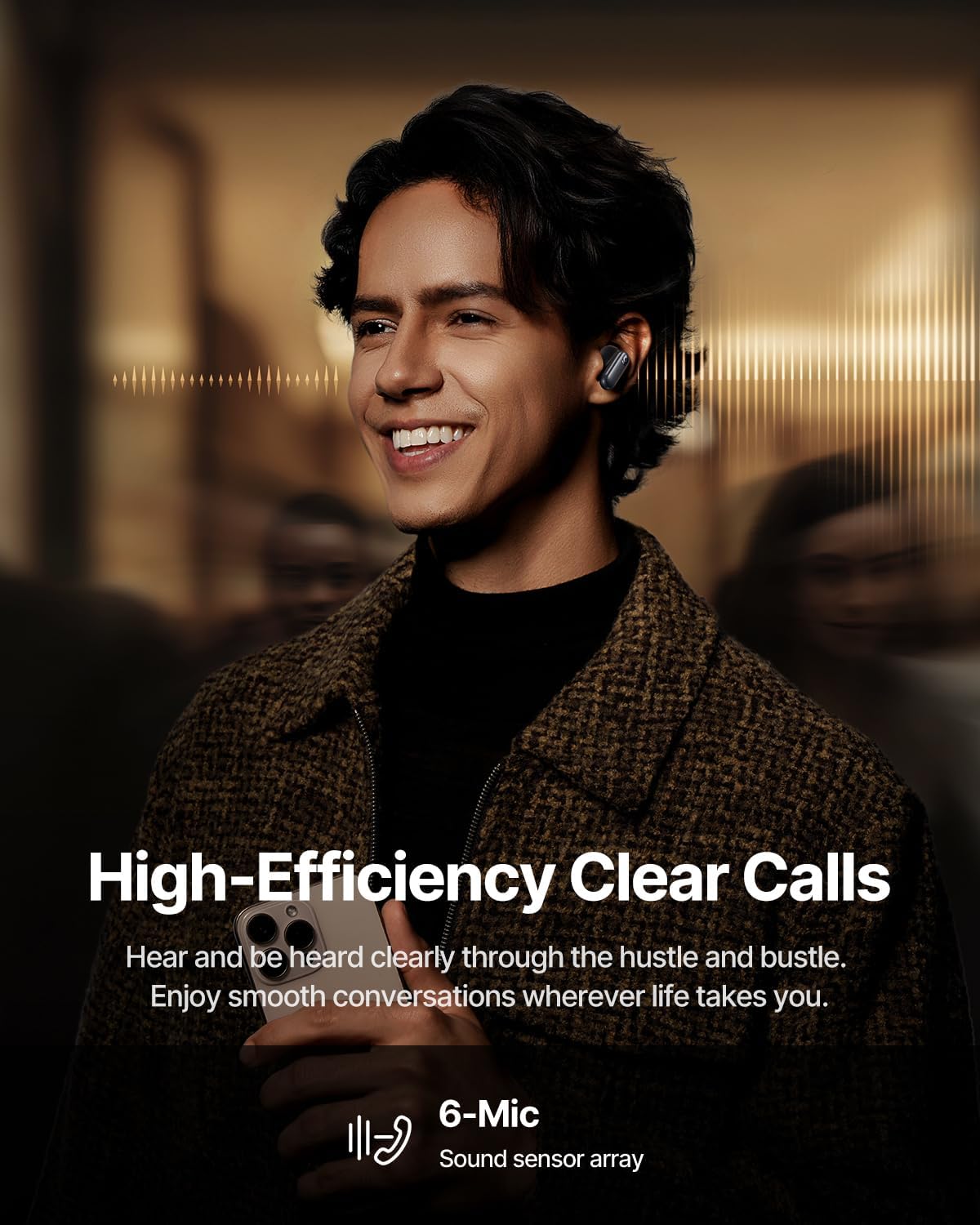
Image: High-Efficiency Clear Calls.
5.5 چارجنگ ۽ بيٽري جي زندگي
The earbuds offer extended playtime with the charging case:
- ANC بند: Up to 8 hours per charge, and up to 45 hours with the charging case.
- ANC تي: Up to 6 hours per charge, and up to 35 hours with the charging case.
- تڪڙو چارج: 10 منٽ جي چارجنگ لڳ ڀڳ 2.5 ڪلاڪ پلے بیک فراهم ڪري ٿي.

Image: Day-and-Night Playtime.
5.6 Instant Multipoint Connection
Utilize Baseus Smart-Connect and Bluetooth 6.1 for seamless switching between two paired devices, such as a phone and a laptop, enabling uninterrupted calls and multitasking.
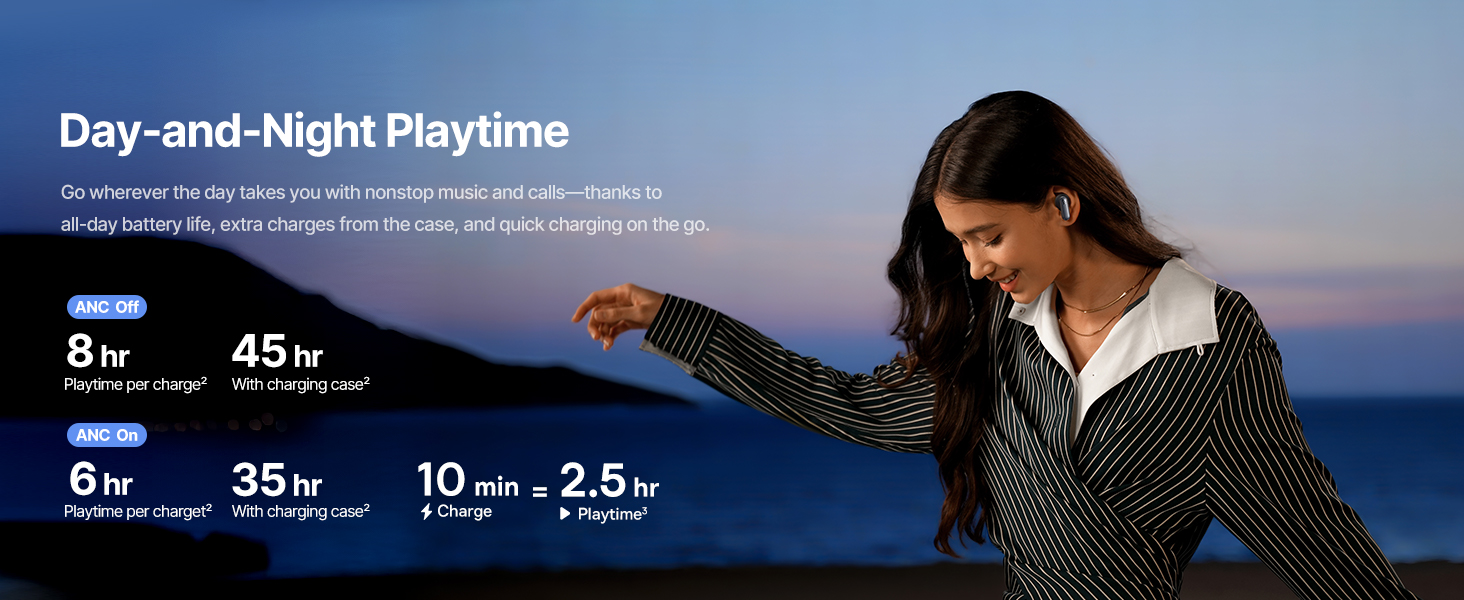
Image: Instant Multipoint Connection.
6. سار سنڀال
- صفائي: ائربڊس ۽ چارجنگ ڪيس کي باقاعدي طور تي نرم، سڪل، لِنٽ فري ڪپڙي سان صاف ڪريو. رگڙيندڙ مواد يا سخت ڪيميڪل استعمال نه ڪريو.
- اِرٽيپس: Remove and clean the silicone eartips with mild soap and water if necessary. Ensure they are completely dry before reattaching.
- چارجنگ پورٽ: USB-C چارجنگ پورٽ کي مٽي ۽ ملبي کان پاڪ رکو.
- اسٽوريج: When not in use, store the earbuds in their charging case to protect them and maintain battery life. Avoid extreme temperatures.
7. مسئلا حل ڪرڻ
7.1 ائربڊس جوڙو نه پيا لڳن
- Ensure the earbuds are charged and the charging case lid is open.
- پنهنجي ڊوائيس جي بلوٽوٿ کي بند ۽ آن ڪريو.
- پنهنجي بلوٽوٿ سيٽنگز ۾ ڊوائيس وساري ڇڏيو ۽ ٻيهر جوڙڻ جي ڪوشش ڪريو.
- Try resetting the earbuds (refer to the Baseus App or Baseus support for specific reset instructions).
7.2 ڪو به آواز يا گهٽ آواز نه
- پنهنجي ڊوائيس ۽ ائربڊس ٻنهي تي واليوم ليول چيڪ ڪريو.
- پڪ ڪريو ته ائربڊ توهان جي ڪنن ۾ صحيح طرح سان لڳل آهن.
- Verify that the earbuds are connected to the correct audio output on your device.
- ائربڊ اسپيڪرن مان ڪنهن به ملبي کي صاف ڪريو.
7.3 چارجنگ جا مسئلا
- پڪ ڪريو ته چارجنگ ڪيبل ڪيس ۽ پاور سورس ٻنهي سان محفوظ طور تي ڳنڍيل آهي.
- هڪ مختلف USB-C ڪيبل ۽ پاور اڊاپٽر آزمايو.
- ائربڊس ۽ ڪيس جي اندر چارجنگ ڪانٽيڪٽس کي صاف ڪريو.
8. وضاحتون
Image: Product Specifications.
| ماڊل نالو | بيسس انسپائر XP1 |
| رابطي ٽيڪنالاجي | بلوٽوٿ 6.1، وائرليس |
| وائرليس ڪميونيڪيشن ٽيڪنالاجي | بلوٽوٿ 6.1 |
| شور ڪنٽرول | Adaptive Noise Cancellation, Environmental Noise Cancellation |
| آڊيو ڊرائيور جي ماپ | 10 ملي ميٽر |
| تعدد جي حد | 20 هرٽز - 20,000 هرٽز |
| بيٽري جي زندگي (ANC بند) | 8 ڪلاڪ (ايربڊس)، 45 ڪلاڪ (چارجنگ ڪيس سان) |
| چارجنگ پورٽ | USB-C |
| ڪنٽرول جو طريقو | ائپ ، ٽچ |
| مواد | سليڪون |
| شيءِ جو وزن | 7.8 اونس |
9. وارنٽي ۽ سپورٽ
Baseus products are covered by a limited warranty. For detailed warranty information, product support, or to contact customer service, please visit the official Baseus webسائيٽ تي وڃو يا توهان جي پيڪيج ۾ شامل وارنٽي ڪارڊ جو حوالو ڏيو.
توھان پڻ دورو ڪري سگھو ٿا ايميزون تي بيسس اسٽور اضافي وسيلن ۽ پيداوار جي معلومات لاءِ.


