1. پراڊڪٽ ختمview
The House of Marley Positive Vibration Rebel Wireless ANC Headphones are designed to provide an immersive audio experience with adaptive noise cancelling technology. Crafted from sustainable materials, these over-ear headphones offer extended playtime and comfortable wear.

Image 1.1: House of Marley Positive Vibration Rebel Wireless ANC Headphones, Cream.
اهم خاصيتون:
- موافقت وارو شور منسوخ ڪرڻ: Intelligently blocks distractions for an immersive listening experience.
- Rich Balanced Sound: Precision-tuned 40mm drivers deliver full-spectrum audio.
- وڌايل بيٽري جي زندگي: Up to 130 hours of playtime (75 hours with ANC activated).
- پائيدار مواد: Constructed with FSC certified wood and recycled aluminum.
- Portable Comfort: Soft memory foam cushions, adjustable headband, foldable design, and IPX5 water resistance.
- بلوٽوٽ 5.4: Ensures smooth and stable wireless connectivity.
2. سيٽ اپ
2.1 دٻي ۾ ڇا آهي
- Positive Vibration Rebel Wireless ANC Headphones
- USB-C چارجنگ ڪيبل
- 3.5mm AUX آڊيو ڪيبل
- تڪڙي شروعات جي ھدايت (تفصيلي هدايتن لاءِ ھن دستور کي ڏسو)
2.2 هيڊفون چارج ڪرڻ
- Locate the USB-C charging port on the headphones.
- Connect the provided USB-C cable to the headphones and the other end to a USB power source (e.g., wall adapter, computer USB port).
- The LED indicator on the headphones will show charging status. Refer to the LED indicator section for details.
- A full charge provides up to 130 hours of playtime (75 hours with ANC). A quick 15-minute charge can provide approximately 4 hours of playtime.
2.3 بلوٽوٽ جوڙي
- پڪ ڪريو ته هيڊفون بند ٿيل آهن.
- پاور بٽڻ کي دٻايو ۽ رکو جيستائين LED اشارو نيرو ۽ ڳاڙهو نه چمڪي، جيڪو جوڙڻ واري موڊ کي ظاهر ڪري ٿو.
- پنهنجي ڊوائيس (اسمارٽ فون، ليپ ٽاپ، ٽيبليٽ) تي، بلوٽوٿ کي فعال ڪريو ۽ موجود ڊوائيسز جي ڳولا ڪريو.
- Select "Positive Vibration Rebel" from the list of devices.
- هڪ دفعو ڳنڍيو ويو، LED اشارو مضبوط نيري ٿي ويندو.
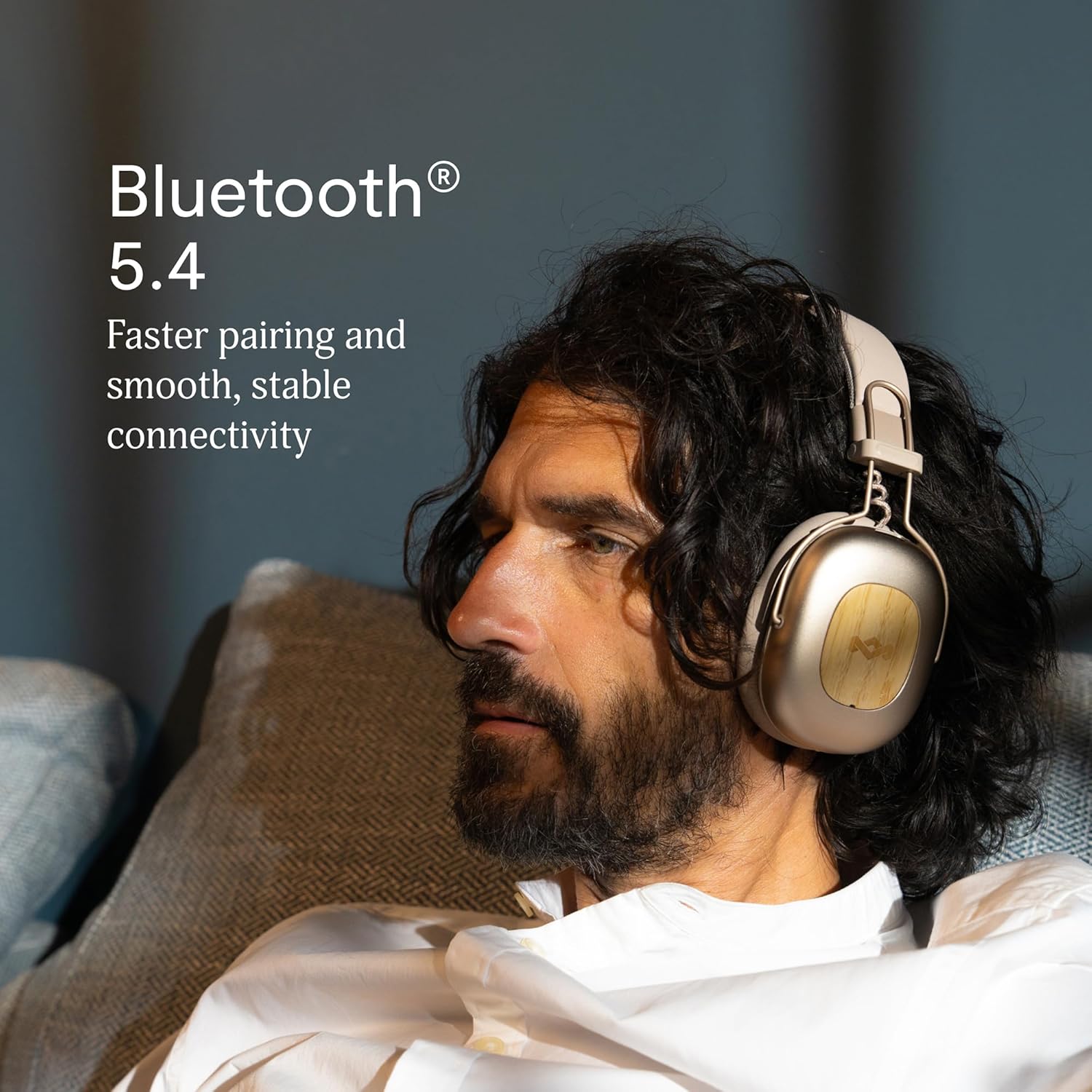
Image 2.1: Bluetooth 5.4 connectivity for stable pairing.
2.4 فٽ کي ترتيب ڏيڻ
The headphones feature an adjustable headband and soft memory foam ear cushions for comfortable wear. Adjust the headband to ensure the earcups sit comfortably over your ears, creating a good seal for optimal sound and noise cancelling performance.

Image 2.2: Ergonomic design for all-day comfort.
3. آپريٽنگ هدايتون
3.1 پاور آن/آف
- پاور آن: Press and hold the Power button for 2-3 seconds until the LED indicator lights up.
- بجلي بند: Press and hold the Power button for 3-4 seconds until the LED indicator turns off.
3.2 ميوزڪ پلے بیک
- راند/روڪ: ملائي واري فنڪشن جي بڪ کي هڪ ڀيرو دٻايو.
- اڳيون ٽريڪ: 2 سيڪنڊن لاءِ واليوم اپ بٽڻ کي دٻايو ۽ رکو.
- پويون ٽريڪ: 2 سيڪنڊن لاءِ واليوم ڊائون بٽڻ کي دٻايو ۽ رکو.
- حجم مٿي واليوم اپ بٽڻ کي ٿوري دير لاءِ دٻايو.
- حجم ھيٺ واليوم ڊائون بٽڻ کي ٿوري دير لاءِ دٻايو.
3.3 ڪال مئنيجمينٽ
- جواب/آخر ڪال: ملائي واري فنڪشن جي بڪ کي هڪ ڀيرو دٻايو.
- ڪال رد ڪريو: 2 سيڪنڊن لاءِ ملٽي فنڪشن بٽڻ کي دٻايو ۽ رکو.
3.4 Adaptive Noise Cancelling (ANC)
The headphones feature Adaptive Noise Cancelling to reduce ambient noise. There are typically multiple modes:
- ANC تي: Blocks out most external noise.
- Ambient Mode (Transparency): آڊيو ٻڌڻ دوران توهان کي پنهنجي آس پاس جي ماحول کي ٻڌڻ جي اجازت ڏئي ٿي.
- ANC بند: Standard listening without noise cancelling.
Press the ANC button (usually located on one of the earcups) to cycle through the available ANC modes.

Image 3.1: Adaptive Noise Cancelling for distraction-free listening.
3.5 وائرڊ ڪنيڪشن
For a wired connection, use the provided 3.5mm AUX audio cable. Plug one end into the headphone's 3.5mm port and the other end into your audio device. Note that some features like ANC may still function, but power is drawn from the headphone's battery.
4. سار سنڀال
4.1 صفائي
- Gently wipe the headphones with a soft, dry, lint-free cloth.
- استعمال نه ڪريو سخت ڪيميائي، صفائي سولوينٽس، يا مضبوط صابن.
- ڪنهن به سوراخ ۾ نمي حاصل ڪرڻ کان پاسو ڪريو.
4.2 اسٽوريج
When not in use, store the headphones in a cool, dry place, away from extreme temperatures and direct sunlight. The foldable design allows for compact storage.
4.3 بيٽري جي سنڀال
- بيٽري کي بار بار مڪمل طور تي چارج ڪرڻ کان پاسو ڪريو.
- Charge the headphones regularly, even if not used for extended periods, to maintain battery health.
- Do not attempt to replace the battery yourself. Contact customer support if battery issues arise.
4.4 پاڻي جي مزاحمت (IPX5)
The headphones are rated IPX5 water resistant, meaning they can withstand a sustained, low-pressure water jet spray. This makes them suitable for light rain or sweaty workouts. However, they are not designed for submersion in water. Do not expose them to heavy rain or immerse them in any liquid.
5. مسئلا حل ڪرڻ
5.1 پاور ناهي
- پڪ ڪريو ته هيڊفون چارج ٿيل آهن. USB-C ڪيبل استعمال ڪندي انهن کي پاور سورس سان ڳنڍيو.
- Press and hold the Power button for the specified duration to turn them on.
5.2 ڊوائيس سان جوڙي نه ٿو سگهجي
- پڪ ڪريو ته هيڊفون پيئرنگ موڊ ۾ آهن (ايل اي ڊي چمڪندڙ نيرو ۽ ڳاڙهو).
- پڪ ڪريو ته توهان جي ڊوائيس تي بلوٽوٿ فعال آهي ۽ اهو رينج اندر آهي (عام طور تي 10 ميٽر).
- Forget the device from your device's Bluetooth settings and attempt to pair again.
- هيڊفون ۽ پنهنجي ڊوائيس ٻئي ٻيهر شروع ڪريو.
5.3 ڪو به آواز يا گهٽ آواز نه
- هيڊفونز ۽ توهان جي ڳنڍيل ڊوائيس ٻنهي تي حجم جي سطح چيڪ ڪريو.
- پڪ ڪريو ته هيڊفون بلوٽوٿ يا 3.5mm AUX ڪيبل ذريعي صحيح طرح سان ڳنڍيل آهن.
- If using a wired connection, ensure the cable is fully inserted into both ports.
- ڪنهن ٻئي ذريعن يا ايپليڪيشن مان آڊيو هلائڻ جي ڪوشش ڪريو.
5.4 Adaptive Noise Cancelling Not Working Effectively
- ANC بٽڻ دٻائي پڪ ڪريو ته ANC چالو آهي.
- Check that the earcups form a good seal around your ears. Adjust the fit if necessary.
- ANC is most effective against low-frequency, constant noise. It may not completely eliminate sudden or high-frequency sounds.
6. وضاحتون
| خاصيت | تفصيل |
|---|---|
| ماڊل نالو | Positive Vibration Rebel |
| شيون ماڊل نمبر | EM-JH152 |
| رابطي ٽيڪنالاجي | وائرليس (بلوٽوت) |
| بلوٽوت ورزن | 5.4 |
| آڊيو ڊرائيور جو قسم | متحرڪ ڊرائيور (40 ايم ايم) |
| شور ڪنٽرول خاصيتون | موافقت وارو شور منسوخ ڪرڻ |
| بيٽري جي زندگي | Up to 130 Hours (75 Hours with ANC) |
| چارج ڪرڻ وقت | 4 ڪلاڪ راند جي وقت لاءِ 15 منٽ (جلدي چارج) |
| پاڻي جي مزاحمت جي سطح | IPX5 |
| مواد | Aluminum, Wood (FSC certified), REWIND™ Fabric |
| ڪن جي جڳهه | ڪن مٿان |
| مطابقت رکندڙ ڊوائيسز | اسمارٽ فونز، ليپ ٽاپ، ٽيبليٽ، سمارٽ اسپيڪرز |
| پيداوار جي ماپ | 8.13 x 3.75 x 8.36 انچ |
| شيءِ جو وزن | 1.14 پائونڊ |
| يو پي سي | 846885011874 |
7. وارنٽي ۽ سپورٽ
7.1 وارنٽي ڄاڻ
House of Marley products typically come with a limited warranty. For specific details regarding the warranty period and terms for your Positive Vibration Rebel Wireless ANC Headphones, please refer to the warranty card included with your product or visit the official House of Marley webسائيٽ. وارنٽي دعوائن لاءِ خريداري جو ثبوت رکو.
7.2 ڪسٽمر سپورٽ
If you encounter any issues not covered in this manual or require further assistance, please contact House of Marley customer support. You can usually find contact information (phone, email, or support portal) on the official House of Marley webسائيٽ:


