تعارف
The AOC MS200 Wireless Optical Mouse is designed to provide freedom, precision, and comfort for your daily computing tasks. Featuring a stable 2.4 GHz wireless connection, an adjustable optical sensor, and an ergonomic, lightweight design, this mouse is suitable for various applications, from general browsing to tasks requiring higher precision.
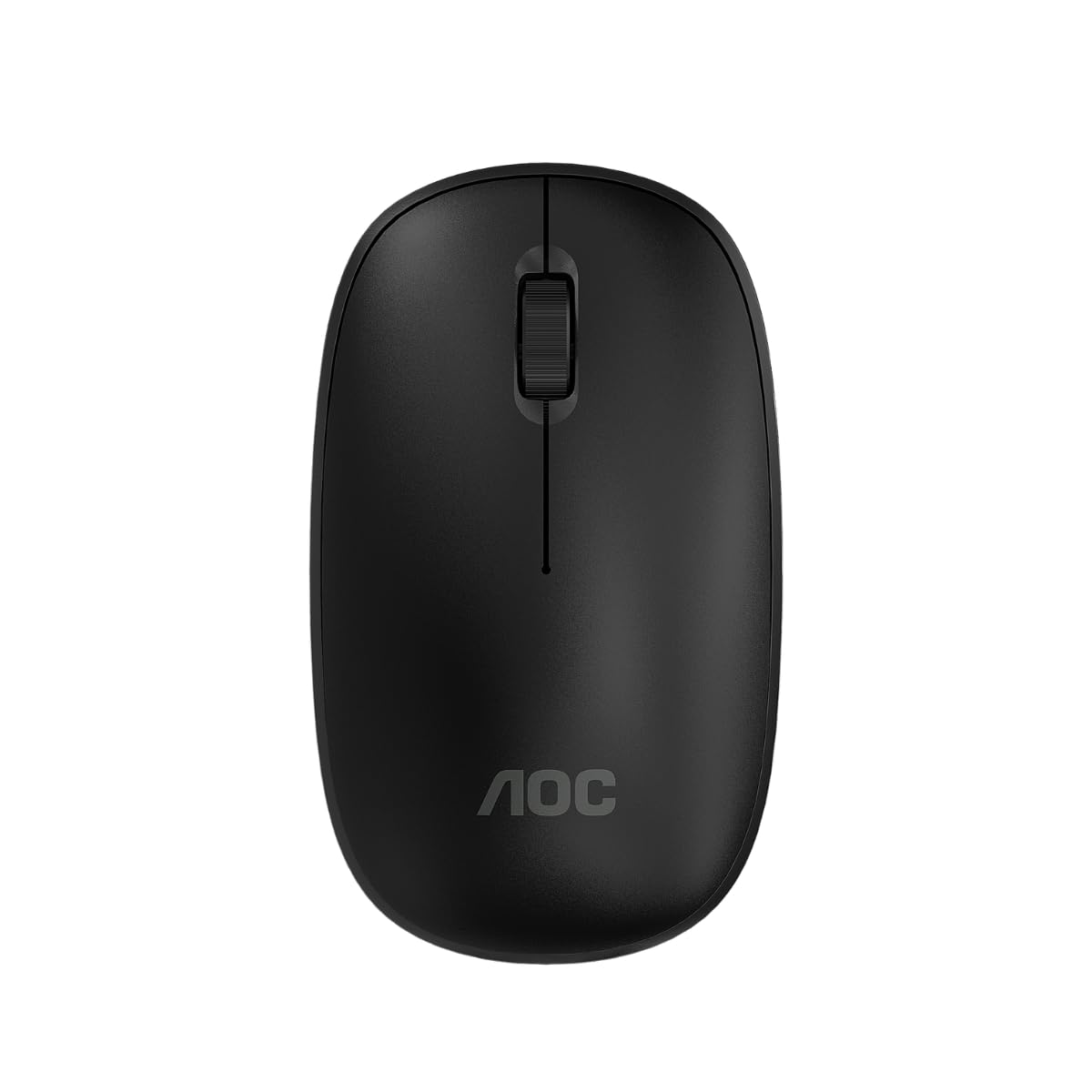
Image: The AOC MS200 Wireless Optical Mouse shown alongside its retail packaging.
پيڪيج مواد
مھرباني ڪري پيڪيج جي مواد کي چيڪ ڪريو ته جيئن پڪ ڪري سگھجي ته سڀئي شيون موجود آھن:
- AOC MS200 Wireless Optical Mouse
- USB 2.4 GHz رسيور
- استعمال ڪندڙ جو دستياب (ھي دستاويز)
نوٽ: بيٽريون شامل نه آهن ۽ الڳ الڳ خريد ڪرڻ گهرجن.
سيٽ اپ ڪريو
- بيٽري داخل ڪريو: Open the battery compartment cover located on the underside of the mouse. Insert one AA battery (not included), ensuring correct polarity (+/-). Close the cover securely.
- USB وصول ڪندڙ کي ڳنڍيو: Locate the USB 2.4 GHz receiver, usually stored within the battery compartment or packaged separately. Plug the USB receiver into an available USB port on your computer.
- پاور آن ماؤس: Turn on the mouse using the power switch, typically located on the underside of the device. The mouse should automatically connect to your computer.
- ڊرائيور لڳائڻ: توهان جي آپريٽنگ سسٽم کي خودڪار طريقي سان ضروري ڊرائيور ڳولڻ ۽ انسٽال ڪرڻ گهرجن. عام طور تي دستي ڊرائيور جي انسٽاليشن جي ضرورت ناهي.

Image: The underside of the AOC MS200 mouse, illustrating the optical sensor and the battery compartment.
آپريٽنگ هدايتون
The AOC MS200 mouse features a standard three-button layout with a scroll wheel for intuitive navigation.
- کاٻي بٽڻ: شيون چونڊڻ، لنڪ کولڻ، وغيره لاءِ پرائمري ڪلڪ فنڪشن.
- ساڄي بٽڻ: ثانوي ڪلڪ فنڪشن، عام طور تي ڪنٽيڪٽ مينيو کوليندو آهي.
- اسڪرول ويل: دستاويزن ذريعي مٿي يا هيٺ اسڪرول ڪريو ۽ web pages. The scroll wheel also functions as a middle button when pressed.
ڊي پي آءِ ايڊجسٽمينٽ
The MS200 mouse features an adjustable DPI (Dots Per Inch) setting, allowing you to change cursor sensitivity. The mouse supports 800 and 1200 DPI settings. To switch between DPI modes, press the DPI button located on the top of the mouse, usually below the scroll wheel. Each press cycles through the available DPI settings.

تصوير: مٿي view of the AOC MS200 mouse, highlighting the left and right click buttons, scroll wheel, and DPI adjustment button.
سار سنڀال
صفائي
بهترين ڪارڪردگي ۽ صفائي برقرار رکڻ لاءِ، پنهنجي مائوس کي باقاعدي صاف ڪريو:
- نرم، لِنٽ کان خالي ڪپڙو استعمال ڪريو ٿورڙو ڊيampپاڻي يا نرم صفائي جي حل سان ختم ڪيو وڃي.
- سخت ڪيميڪلز، رگڙيندڙ صاف ڪندڙ، يا محلول استعمال ڪرڻ کان پاسو ڪريو.
- مائوس ۾ مائع کي داخل ٿيڻ نه ڏيو جasing.
- Clean the optical sensor on the underside of the mouse with a dry cotton swab to prevent tracking issues.
بيٽري مٽائڻ
When the mouse performance degrades or it stops responding, it is likely time to replace the battery:
- مائوس جي هيٺئين پاسي بيٽري جو ڪمپارٽمينٽ کوليو.
- پراڻي AA بيٽري هٽايو.
- صحيح پولارٽي کي يقيني بڻائي، هڪ نئين AA بيٽري داخل ڪريو.
- بيٽري جي ڪمري واري ڍڪ کي بند ڪريو.
مشڪلاتون
If you encounter issues with your AOC MS200 mouse, refer to the following common solutions:
- مائوس جواب نه ڏئي رهيو آهي:
- چيڪ ڪريو ته مائوس آن آهي يا نه.
- Ensure the battery is correctly inserted and has sufficient charge. Replace if necessary.
- پڪ ڪريو ته USB رسيور توهان جي ڪمپيوٽر تي ڪم ڪندڙ USB پورٽ ۾ محفوظ طور تي پلگ ان ٿيل آهي. هڪ مختلف USB پورٽ آزمايو.
- Ensure the mouse is within the 10-meter wireless range of the receiver.
- پنهنجي ڪمپيوٽر کي ٻيهر شروع ڪريو.
- Erratic cursor movement or no tracking:
- مائوس جي هيٺئين پاسي واري آپٽيڪل سينسر کي صاف ڪريو.
- Ensure you are using the mouse on a suitable surface. Highly reflective, transparent, or uneven surfaces may affect tracking.
- Lag or delayed response:
- مائوس ۽ USB رسيور جي وچ ۾ فاصلو گھٽايو.
- Move the receiver to a front USB port if possible, to avoid interference from other devices.
- Ensure there are no large metal objects or other wireless devices causing interference between the mouse and receiver.
وضاحتون
| خاصيت | تفصيل |
|---|---|
| ماڊل نمبر | AOCMS200B-LA |
| رابطي ٽيڪنالاجي | وائرليس (2.4 GHz) |
| وائرلیس رينج | 10 ميٽر تائين |
| سينسر ٽيڪنالاجي | بصري |
| ڊي پي آئي سيٽنگون | 800/1200 ڊي پي آءِ (ايڊجسٽبل) |
| بٽڻ جو تعداد | 3 (کاٻي، ساڄي، اسڪرول ويل/وچ) |
| طاقت جو ذريعو | بيٽري سان هلندڙ (1x AA، شامل نه آهي) |
| مواد | پلاسٽڪ |
| پيداوار جو وزن | 43 جي |
| پيداوار جي ماپ | 10.4 x 6.1 x 0.1 سينٽي (L x W x H) |
| پائيداري | Switches with up to 2 million clicks lifespan |
| رنگ | ڪارو |
وارنٽي ڄاڻ
AOC products are manufactured to the highest quality standards. This product is covered by a manufacturer's warranty. Please refer to the warranty card included with your purchase or visit the official AOC webتوهان جي علائقي لاءِ مخصوص تفصيلي وارنٽي شرطن ۽ ضابطن لاءِ سائيٽ.
حمايت
For further assistance, technical support, or to inquire about replacement parts, please contact AOC customer service. You can find contact information and additional resources on the official AOC webسائيٽ:
When contacting support, please have your product model (MS200) and any relevant purchase information ready.


