تعارف
This manual provides detailed instructions for the installation, operation, and maintenance of your GOWENIC Wall Mount Music Amplifier. This device features a 2.4-inch LCD screen, Bluetooth 5.3 connectivity, and supports multiple audio formats, making it suitable for home or cafe environments. Please read this manual thoroughly before use to ensure proper functionality and safety.
حفاظت جي ڄاڻ
- بجلي جي فراهمي کي يقيني بڻائيtage matches the requirements specified for the ampوierيڪ زنده
- ڊوائيس کي پاڻي، نمي، يا انتهائي گرمي پد جي سامهون نه آڻيو.
- رکڻ کان پاسو ڪريو ampگرمي جي ذريعن جي ويجهو يا سڌي سج جي روشني ۾ لائفائر.
- پاڻ ڊوائيس کي کولڻ يا مرمت ڪرڻ جي ڪوشش نه ڪريو. سڀني سروسنگ کي قابل اهلڪارن جي حوالي ڪريو.
- ڊوائيس ٻارن جي پهچ کان پري رکو.
- صفائي ڪرڻ يا ڪنهن به سار سنڀال ڪرڻ کان اڳ بجلي بند ڪريو.
پيڪيج مواد
پڪ ڪريو ته هيٺ ڏنل سڀئي شيون پيڪيج ۾ موجود آهن:
- 1 x GOWENIC Wall Mount Music Ampزندگي گذاريندڙ
- 1 x Wall Mounted Back Box
- 1 x Remote Control (with CR2025 battery included)
- 1 x استعمال ڪندڙ دستياب (هي دستاويز)
- 1 x اسڪوائر
- 2 x اسڪرو

Image: Package contents of the GOWENIC Wall Mount Music Ampوierيڪ زنده
پيداوار جون خاصيتون
- صاف LCD ڊسپلي: A 2.4-inch LCD screen provides easy operation and a clear visual experience.
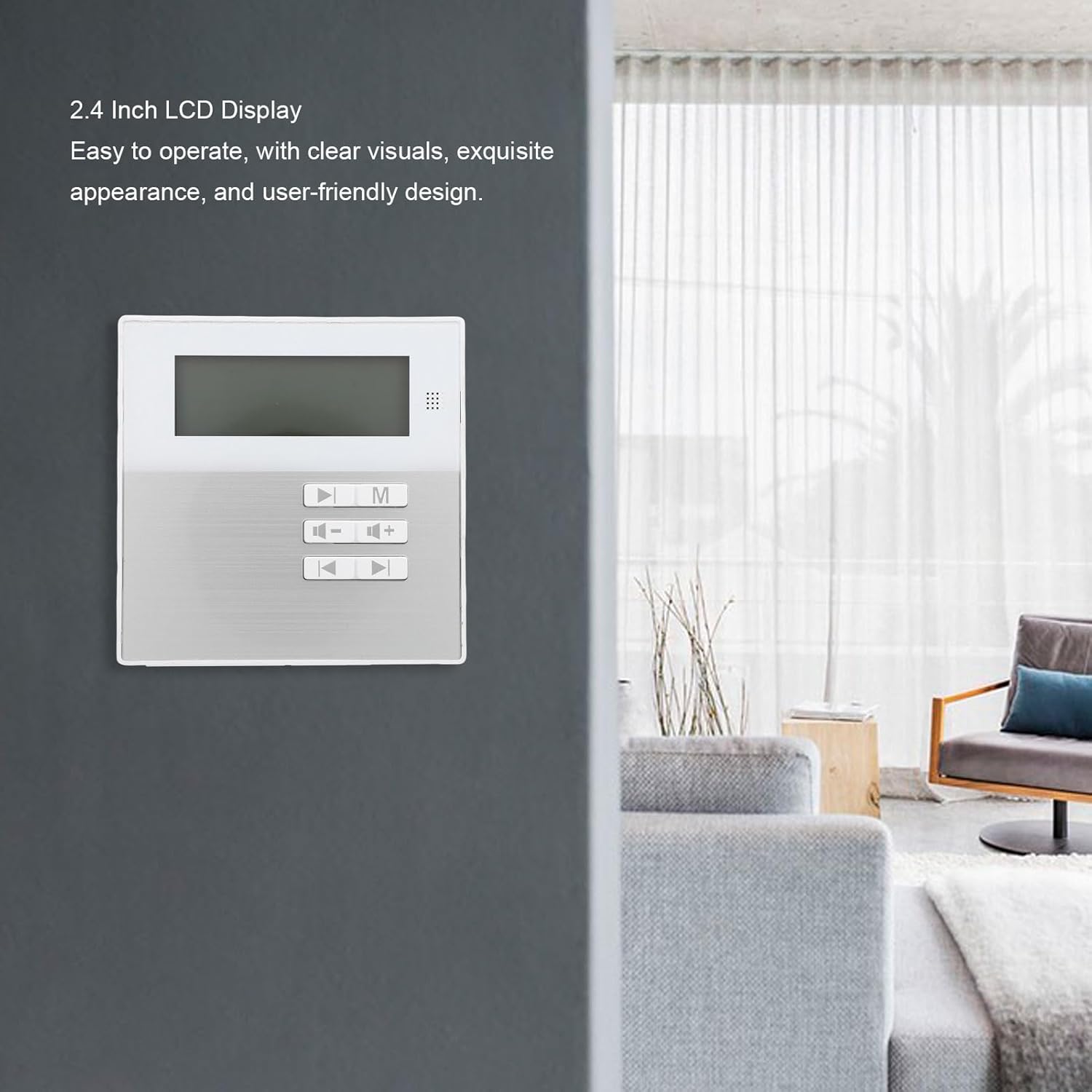
Image: The 2.4-inch LCD display of the ampوierيڪ زنده
- ملٽي فارميٽ سپورٽ: Compatible with various audio formats including MP3, WMA, WAV, and FLAC for flexible playback.
- خلائي بچت ڪندڙ وال ماؤنٽ ڊيزائن: Designed for wall installation to save space and provide convenient access.
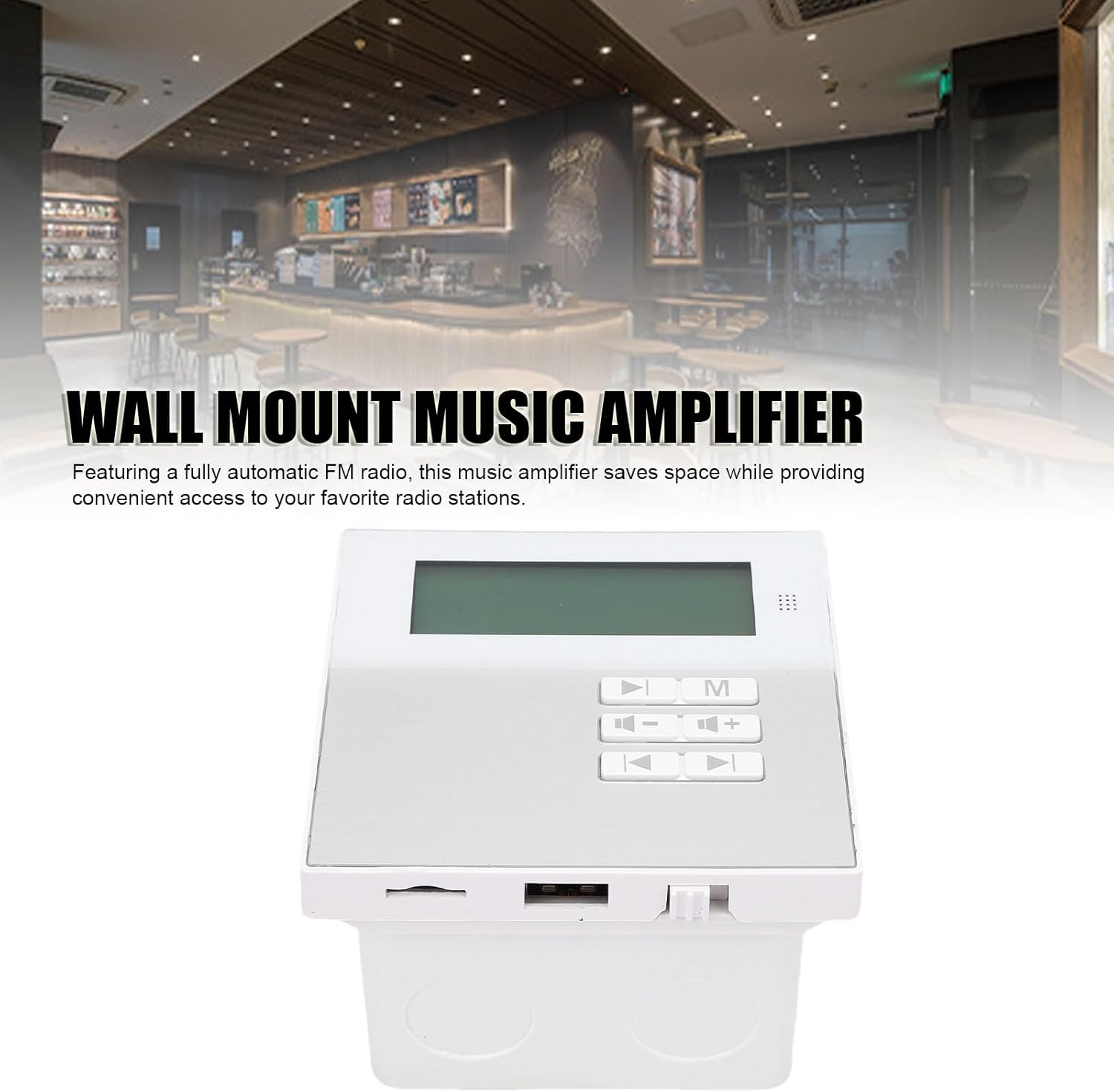
Image: Wall-mounted amplifier in a room setting.
- بلوٽوت 5.3 ڪنيڪشن: Ensures stable wireless music playback and seamless connection to external Bluetooth devices.
- آسان ريموٽ ڪنٽرول: Allows for easy control of music functions, ideal for various settings.
- Built-in Radio Module: Features a built-in radio module for quick radio station search.

تصوير: Amplifier displaying radio mode.
سيٽ اپ ۽ تنصيب
The GOWENIC Wall Mount Music Amplifier is designed for DIY installation. Follow these general steps:
- انسٽاليشن ايريا تيار ڪريو: Choose a suitable wall location. Ensure there is access to power and speaker wiring.
- Install the Wall Mounted Back Box: Use the provided screws and screwdriver to securely attach the wall mounted back box to the wall. Ensure it is level.
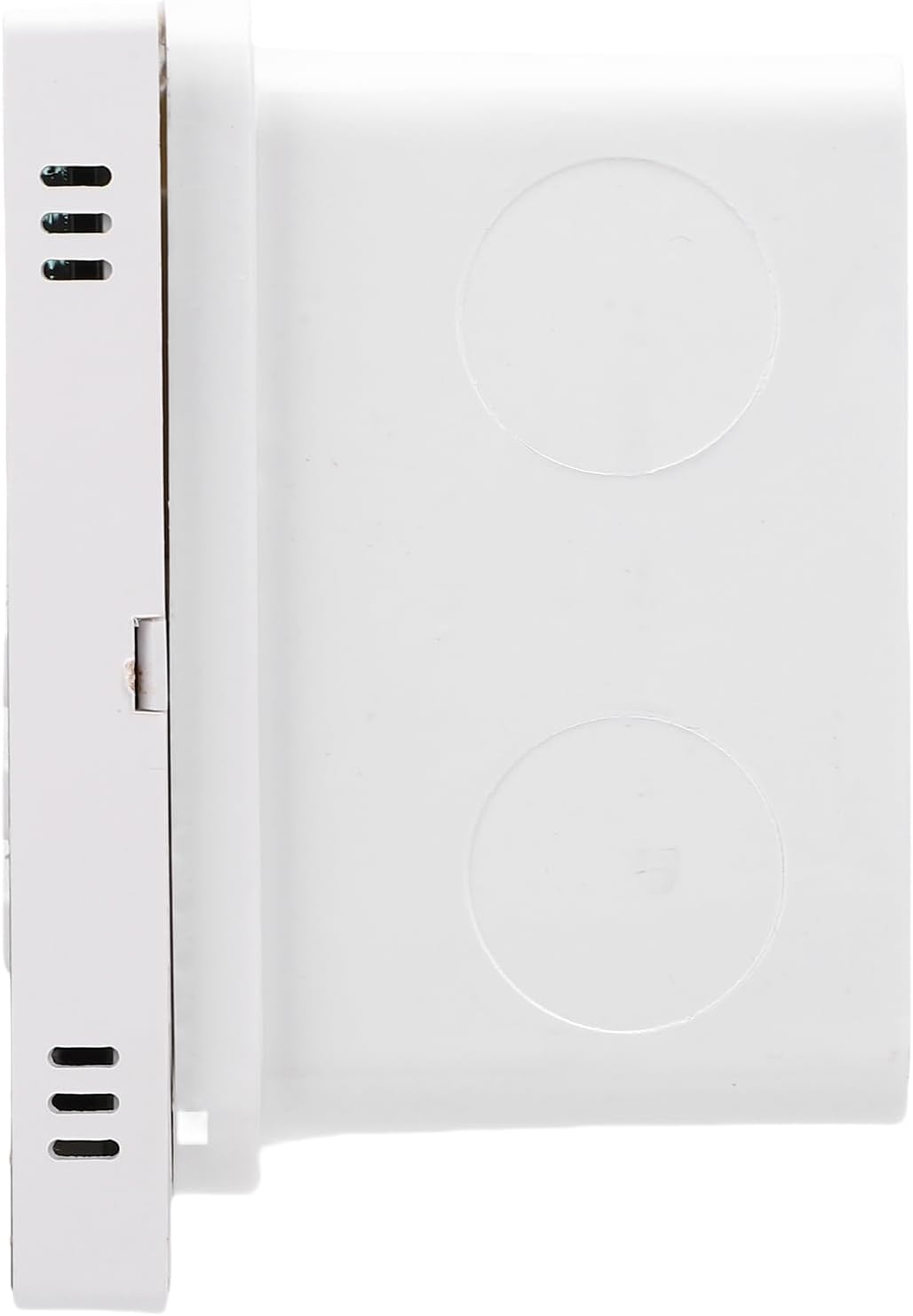
Image: Wall mounted back box.
- وائرنگ ڳنڍڻ: Connect speaker wires and power cables to the amplifier unit. Refer to the wiring diagram (if provided separately or on the unit itself) for correct polarity and connections.

تصوير: Amplifier unit showing connection ports.
- جبل Ampلائفائر يونٽ: Carefully insert the amplifier unit into the installed back box, ensuring all connections are secure and the unit sits flush with the wall.
- پاور آن: Once installed, connect the amplifier to a power source. The LCD screen should illuminate.
آپريٽنگ هدايتون
بنيادي آپريشن
- پاور آن / آف: Press the power button on the unit or remote control to turn the ampوierيڪ زنده يا بند.
- حجم ڪنٽرول: Use the '+' and '-' buttons on the unit or remote to adjust the volume.
- موڊ جي چونڊ: Press the 'M' button on the unit or remote to cycle through available input modes (e.g., Bluetooth, USB, Memory Card, FM Radio).
بلوٽوٿ ڪنيڪشن
- کي يقيني بڻايو ampلائفائر کي چالو ڪيو ويو آهي.
- Select Bluetooth mode using the 'M' button. The LCD screen will display "Bluetooth" or a similar indicator.
- On your external Bluetooth device (e.g., smartphone, tablet), enable Bluetooth and search for available devices.
- Select "GOWENIC Amplifier" (or similar name) from the list of found devices to pair.
- هڪ pيرو جوڙو theاهي ، amplifier will indicate a successful connection, and you can play audio from your device.
- The Bluetooth wireless range is approximately 10 meters.
Media Playback (USB/Memory Card)
- Insert a USB drive or a memory card (up to 16GB, not included) containing supported audio files (MP3, WMA, WAV, FLAC) into the respective port on the ampوierيڪ زنده
- Select the appropriate input mode (USB or Memory Card) using the 'M' button.
- جي amplifier will automatically detect and begin playing audio files.
- Use the play/pause, next track, and previous track buttons on the unit or remote control to manage playback.
ايف ايم ريڊيو آپريشن
- Select FM Radio mode using the 'M' button.
- Use the tuning buttons (often represented by arrow icons) on the unit or remote to scan for radio stations.
- The LCD screen will display the current frequency.
ريموٽ ڪنٽرول استعمال
The included remote control provides full functionality for the amplifier. Point the remote control directly at the amplifier's sensor. The remote control distance is approximately 8 meters.
Image: Remote control for the ampوierيڪ زنده
Functions typically include:
- پاور آن / آف
- Mode Selection (M)
- حجم مٿي/گهٽ (+/-)
- راند/روڪ
- ا Previousيون/ا Nextيون ٽريڪ
- EQ Settings (if available)
- Numeric Keypad for direct track/station selection
سار سنڀال
- صفائي: جي مٿاڇري کي صاف ڪرڻ لاءِ نرم، سڪل ڪپڙو استعمال ڪريو ampلائيفائر. مائع صاف ڪندڙ يا رگڙيندڙ مواد استعمال نه ڪريو.
- مٽي هٽائڻ: Periodically wipe away dust from the unit to prevent accumulation, especially around vents.
- بيٽري جي متبادل (ريموٽ ڪنٽرول): If the remote control's range decreases or it stops responding, replace the CR2025 battery. Ensure correct polarity.
- اسٽوريج: جيڪڏهن ڊوائيس کي گهڻي عرصي تائين ذخيرو ڪري رهيا آهيو، ته ان کي بجلي کان ڌار ڪريو ۽ ان کي ٿڌي، سڪل جاءِ تي ذخيرو ڪريو.
مشڪلاتون
| مسئلو | ممڪن سبب | حل |
|---|---|---|
| طاقت نه آهي | پاور ڪيبل ڳنڍيل نه آهي؛ پاور آئوٽليٽ خراب آهي. | پاور ڪيبل ڪنيڪشن چيڪ ڪريو؛ هڪ مختلف پاور آئوٽليٽ آزمايو. |
| آواز ڪونهي | Volume too low; incorrect input mode; speaker wires disconnected. | Increase volume; select correct input mode; check speaker wire connections. |
| بلوٽوٿ جوڙو ناهي | Amplifier not in Bluetooth mode; device too far; interference. | يقين ڏياريو amplifier is in Bluetooth mode; move device closer; restart both devices. |
| ريموٽ ڪنٽرول ڪم نه ڪري رهيو آهي | Battery depleted; obstruction between remote and ampوierيڪ زنده | Replace remote control battery; ensure clear line of sight to amplifier sensor. |
| USB/Memory card not recognized | Incorrect format; card/drive faulty; capacity too large. | يقين ڏياريو files are supported (MP3, WMA, WAV, FLAC); try another card/drive; ensure capacity is 16GB or less. |
وضاحتون
| ماڊل نمبر | GOWENICtum8w0pzsr |
| ٻاھر نڪرڻ جي طاقت | 2x20W (supports 4 speakers) |
| اسپيڪر جي رڪاوٽ | 8 ohms |
| بلوٽوت ورزن | 5.3 |
| بلوٽوٽ مفاصلو | 10 ميٽر تائين |
| ريموٽ ڪنٽرول فاصلو | 8 ميٽر تائين |
| ميموري ڪارڊ سپورٽ | Maximum 16GB (not included) |
| ڊسپلي اسڪرين | 2.4 انچ LCD اسڪرين |
| قرارداد | 128x64 |
| مجموعي هارمونڪ ڊسڪشن | ≤0.03% (1kHz, 1W, 8Ω) |
| تعدد جواب | 20Hz-20kHz |
| سگنل کان شور جي نسبت | >81db |
| موسيقي فارميٽ | MP3, WMA, WAV, FLAC, etc. |
| ريموٽ ڪنٽرول بيٽري | CR2025 (140mAh, included) |
| شيءِ جو وزن | 10.8 اونس |
| پيڪيج جي ماپ | 5.91 x 4.72 x 3.54 انچ |
وارنٽي ۽ سپورٽ
GOWENIC products are manufactured to high-quality standards. For specific warranty details, please refer to the warranty card included with your product or contact GOWENIC customer support.
For technical support, troubleshooting assistance, or inquiries regarding your GOWENIC Wall Mount Music Amplifier, please contact the manufacturer:
ٺاهيندڙ: گوينڪ
Please visit the official GOWENIC website or refer to your purchase documentation for the most up-to-date contact information.